Opcodes - retro CPU reference
Decades of nerd knowledge
Designed for iPhone, iPad
Free · In-app purchases
- Age rating4+
- CategoryEducation
- DeveloperJohn Kennedy
- LanguagesEnglish
- Size58.5 MB
Links to the official App Store page
Download.org hosts no file of Opcodes - retro CPU reference. The button opens its official App Store page, published by John Kennedy. Listing last checked on Nov 20, 2026.
Screenshots

About
Opcodes – The Retro CPU Reference
The definitive opcode reference for the legendary processors that launched the personal computer revolution.
Whether you're a retrocomputing enthusiast, a student of computer history, writing code for classic hardware, or just a big old nerd - the Opcodes app gives you everything you need.
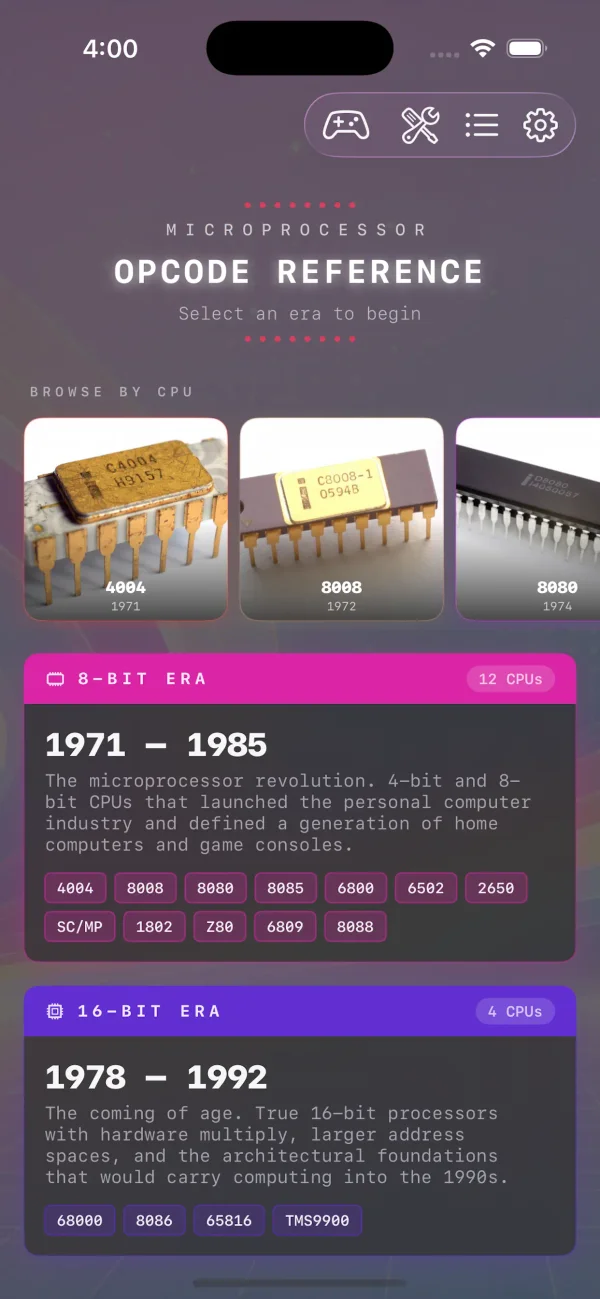
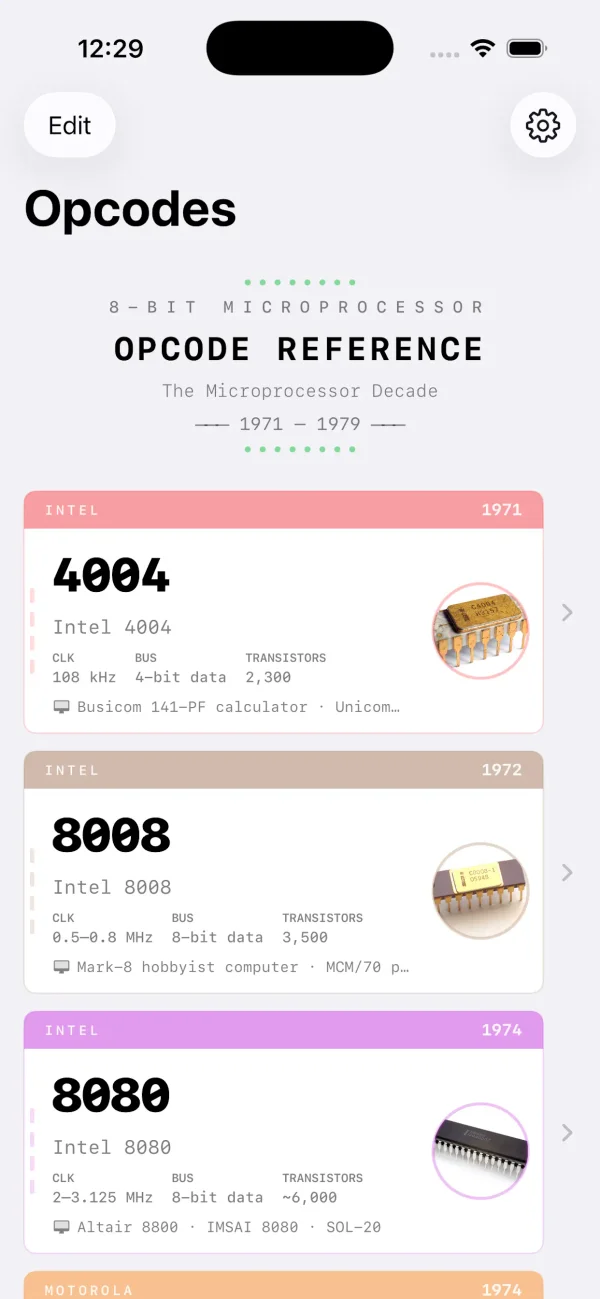
Eighteen iconic processors covered: Intel 4004 · Intel 8008 · Intel 8080 · Intel 8085 · Intel 8088 · Zilog Z80 · Motorola 6800 · Intel 8085 · Motorola 6809 · MOS 6502 · Signetics 2650 · RCA 1802 - SC/MP · Motorola 68000 · Intel 8086 · WDC 65816 · Texas Instruments TMS9900 · INMOS Transputer · ARM2
For every opcode:
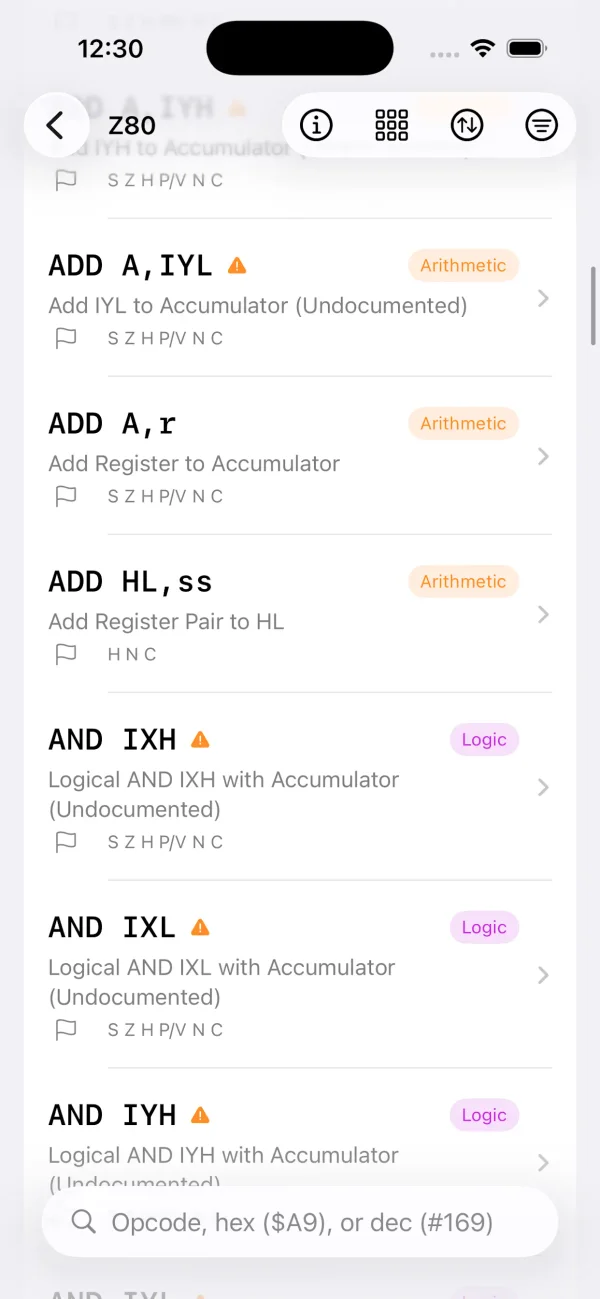
• Full description of what the instruction does.
• Hex, octal, and decimal values.
• Flags affected.
• Addressing modes and cycle counts.
• Assembly code examples - including loops, conditionals, and common patterns.
More than just opcodes:
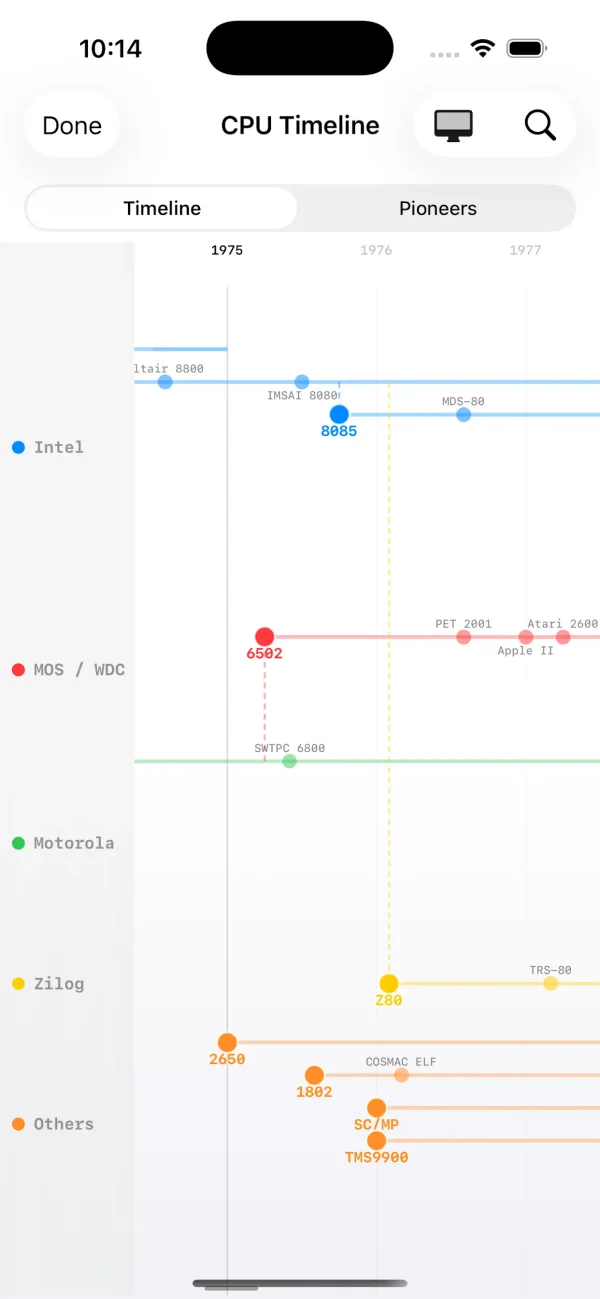
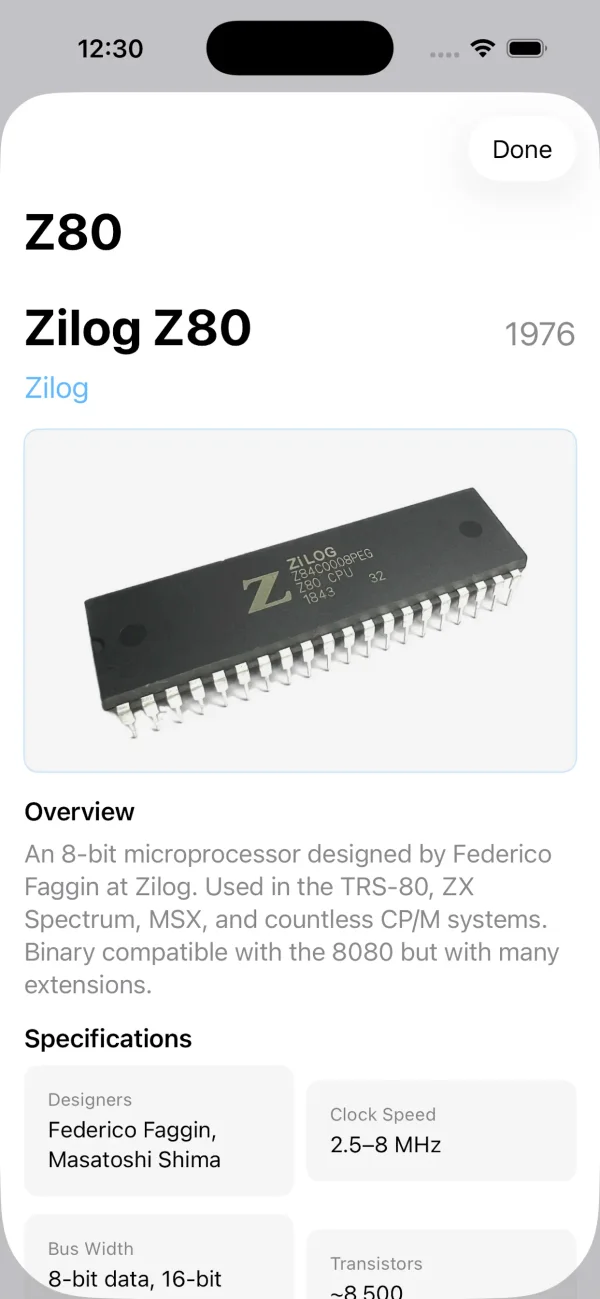
• CPU history and historical context.
• IC pinout diagrams.
• Notable systems that used each CPU, with memory maps and other background information.
• Chip variants and successors.
• A silly card game(!)
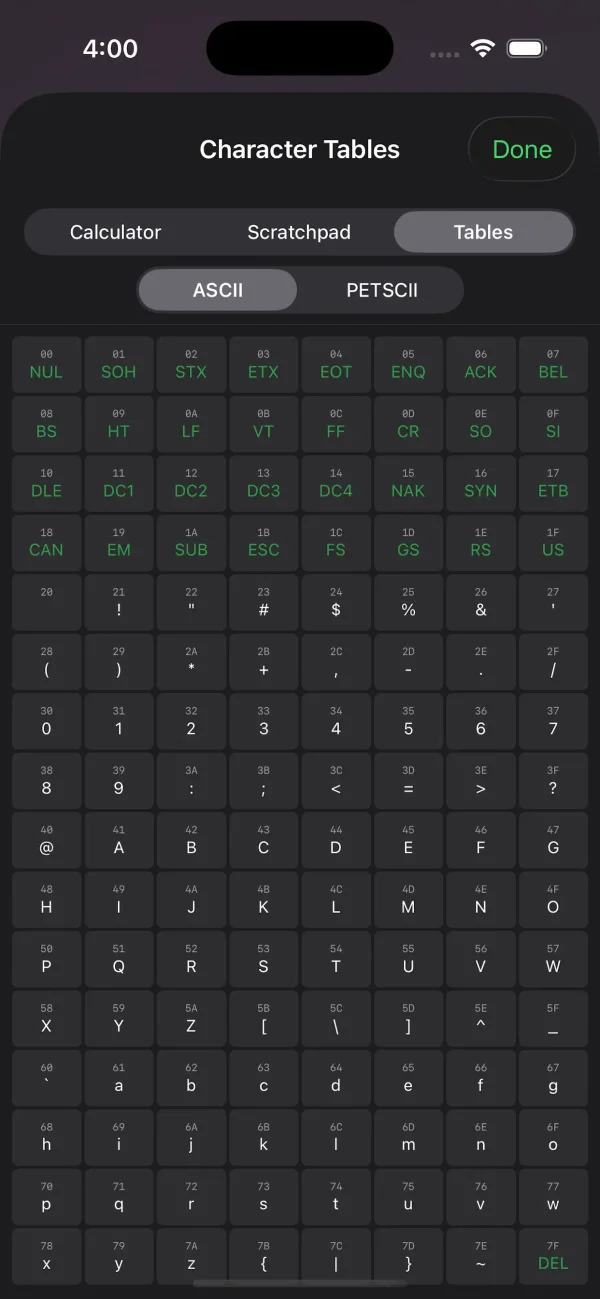
• Simple assembler / disassembler for many CPUs.
Built for exploration:
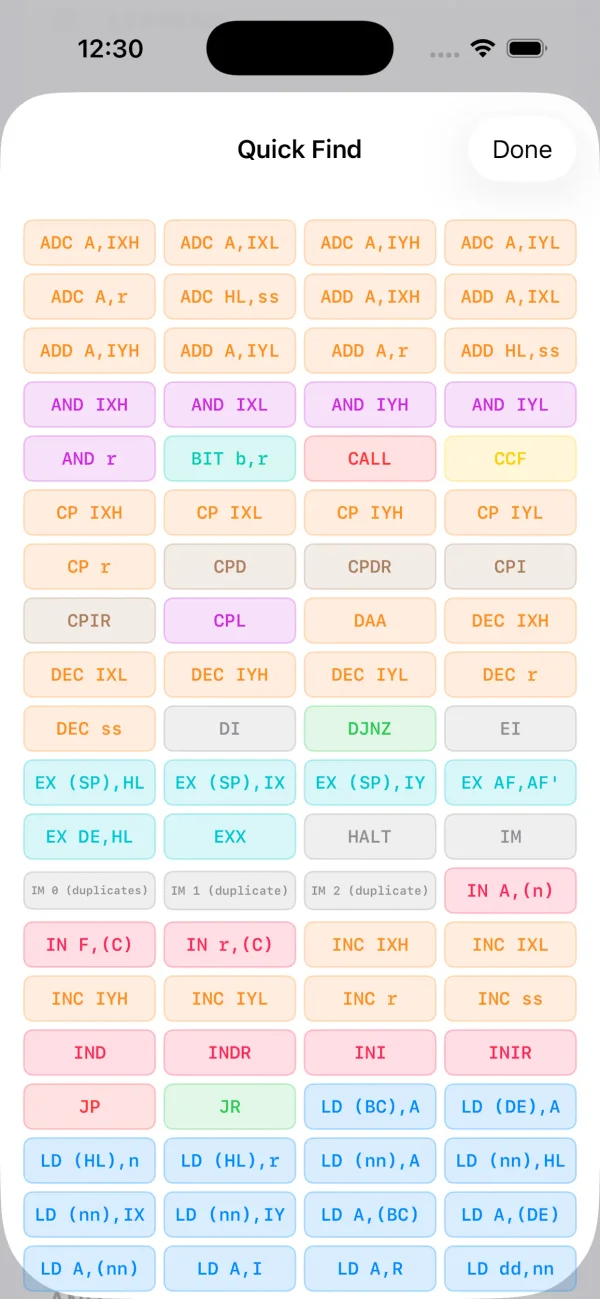
• Search for opcodes by name or category.
• Sort by mnemonic, opcode byte, or category.
• Filter by category, Quick Find with a colorful map.
• Undocumented instructions clearly marked and optionally displayed.
More than microprocessors:
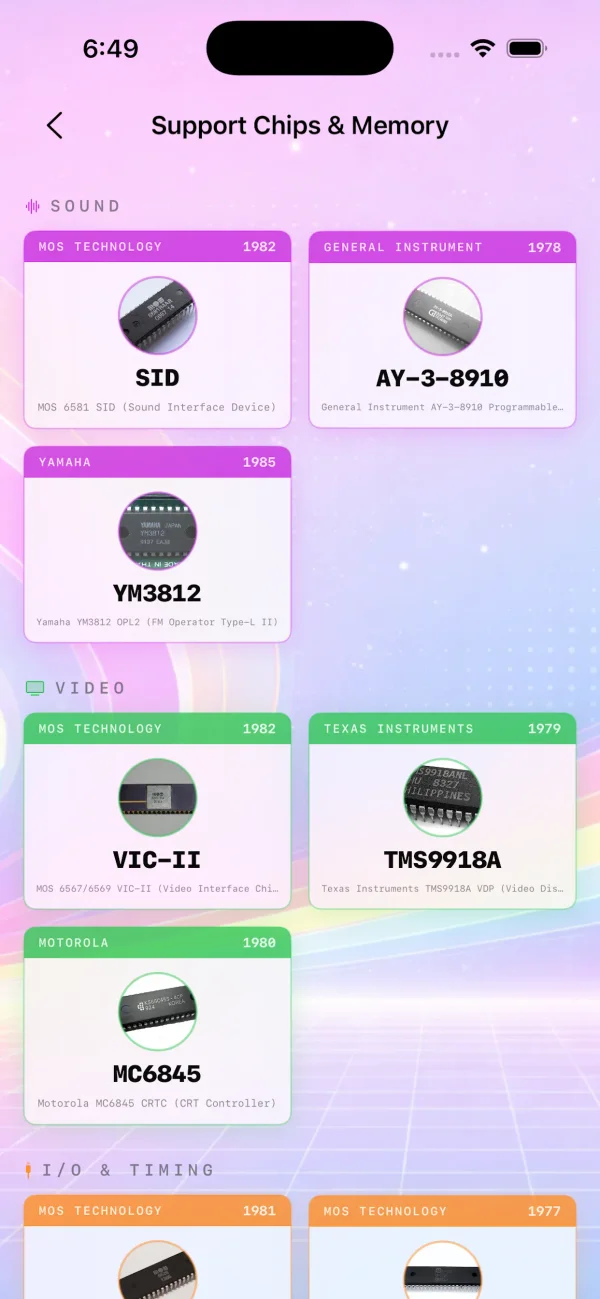
• Information on key support chips: video, sound, memory and more.
Cool design:
• Clean, readable layout optimised for quick reference.
• Multiple colour themes.
• Full "dark mode" support.
Everything is included with absolutely no in-app purchase required.
Recent additions:
• Quiz game - test your CPU knowledge!
• Share CPU cards - beautiful shareable images showing specs and history for any processor
• External references - curated links to community resources for all 18 CPUs
• "Opcodes display first" setting - choose whether selecting a CPU shows opcodes or info first
• Chip-maker colour themes - Zilog, MOS Tech, and Motorola replace the old themes
• Enhanced 6502 docs - JMP page boundary bug, BRK behaviour, and Read-Modify-Write quirks
• Fixed Scratchpad hang when switching tabs
What’s new
Version 1.13 · Nov 12, 2026
Updated to support the iPhone Duo.
App privacy
What John Kennedy declares on the App Store about how this app handles data.
-
Data not collected
The developer does not collect any data from this app.
Privacy practices may vary, for example with the features you use or your age.
Information
- Seller
- John Kennedy
- Category
- Education
- Version
- 1.13
- Updated
- Nov 12, 2026
- Released
- Mar 17, 2026
- Size
- 58.5 MB
- Requires
- iOS 18.0 or later
- Age rating
- 4+
- Price
- Free
- In-app purchases
- Yes
- Languages
- English
- Copyright
- © John Kennedy 2026
You might also like
-
 Kenbak-1Education
-
 Kim6502A retro 6502 CPU simulator
-
 BlumotoA Heathkit ET-3400 Simulator
-
 iAltairVintage computing made easy
-
 Little Man ComputerEducation
-
 The AssemblerLearn coding with pixel art
-
 Digital Electronics GuideDigital circuits made simple
-
 Small WebThe Human Side of the Internet
-
 Hacktivate: Capture the FlagCybersecurity challenges
-
 EE ToolKitElectronics Engineering