
- Age rating4+
- CategoryUtilities
- DeveloperRaylytics
- LanguagesEnglish
- Size86.3 MB
Links to the official App Store page
Download.org hosts no file of Open Frame. The button opens its official App Store page, published by Raylytics. Listing last checked on Nov 23, 2026.
Screenshots
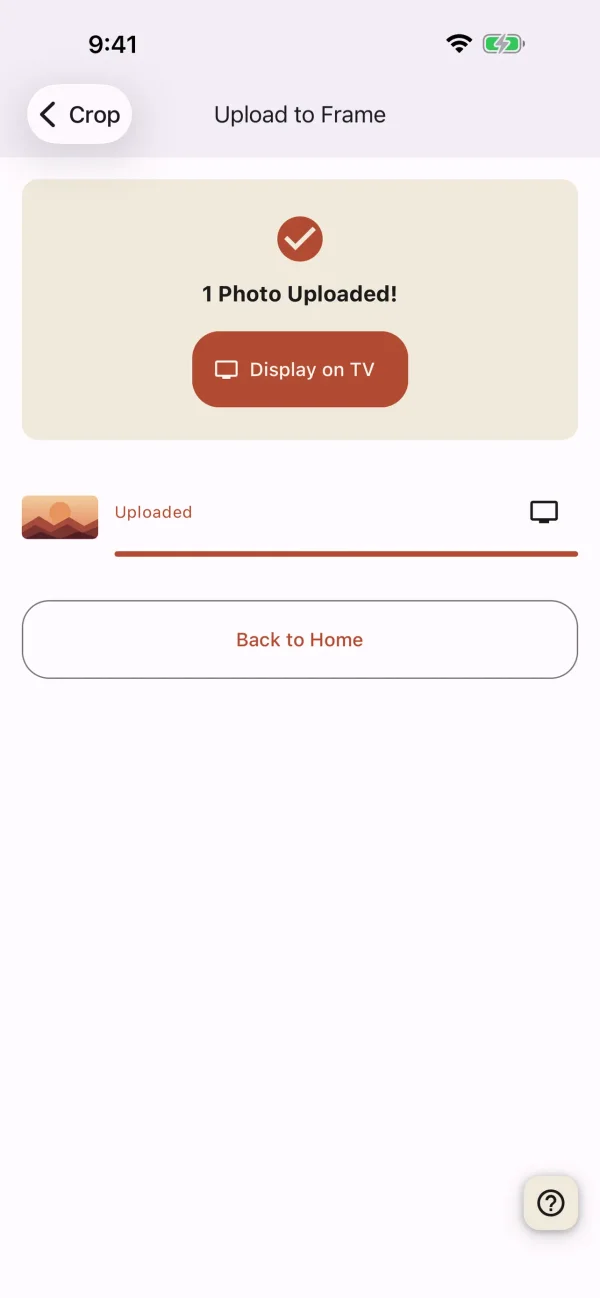
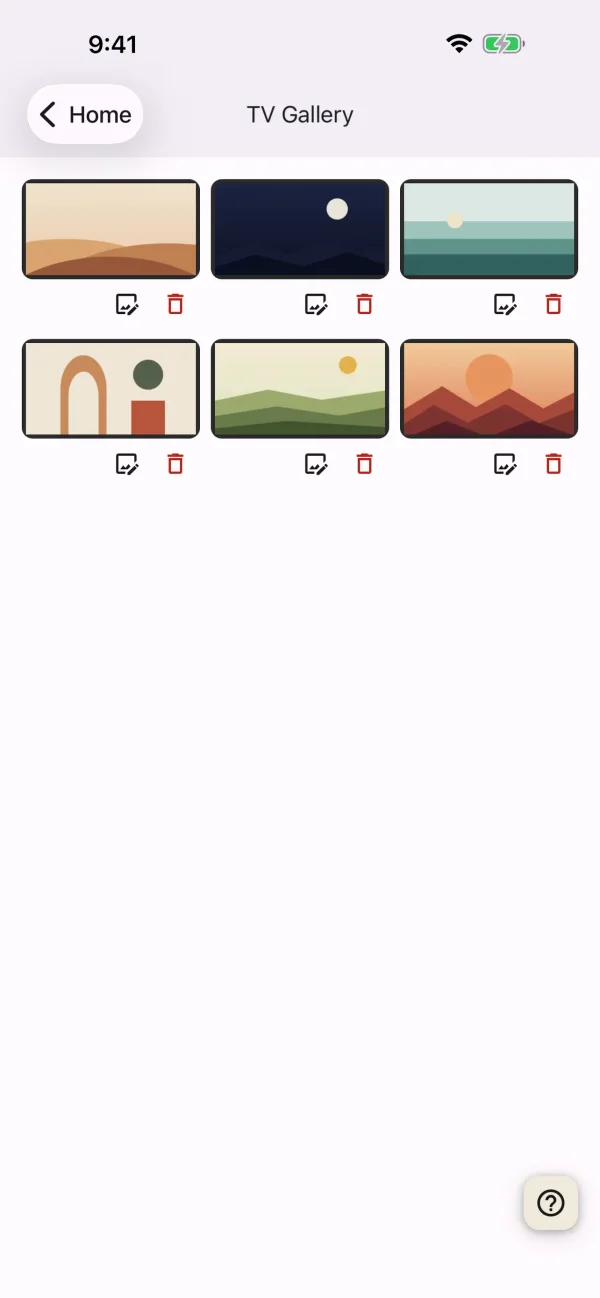
About
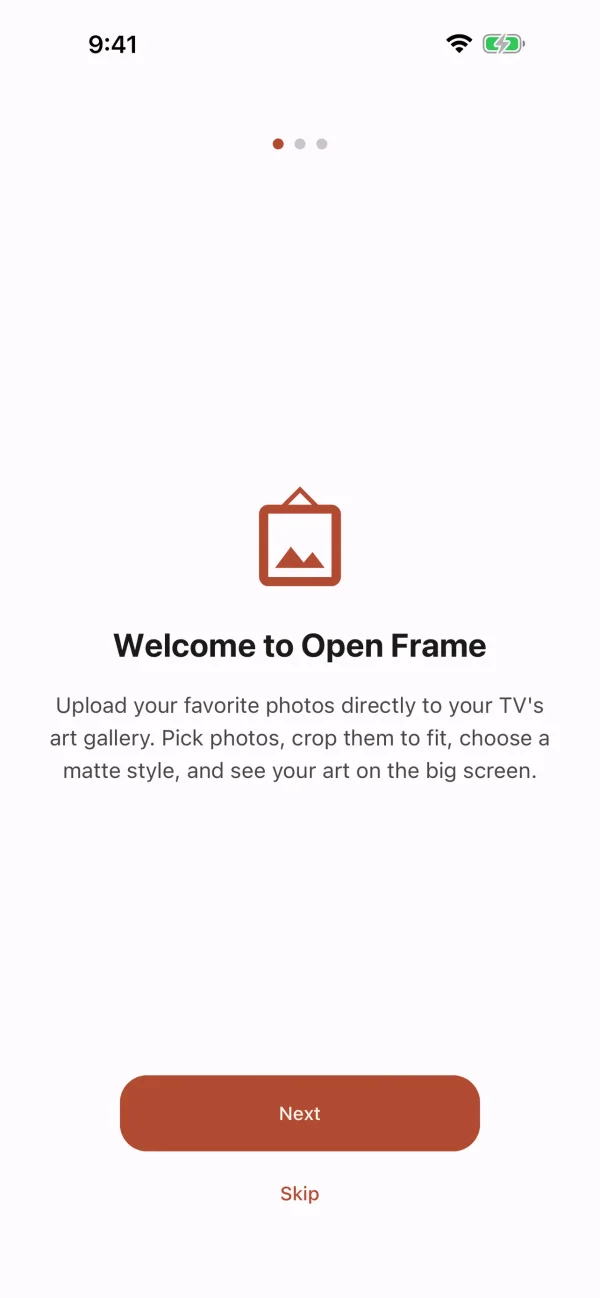
Turn your TV into a personal art gallery.
Open Frame is an independent app that sends your own photos to your TV's art gallery over your home Wi-Fi — no cloud account, and nothing ever leaving your local network.
If you have an art-mode TV on your wall and you've been looking for a simple, private way to get your personal photos onto it, this is for you.
WHAT YOU CAN DO
• Send photos from your iPhone straight to a compatible TV on your Wi-Fi
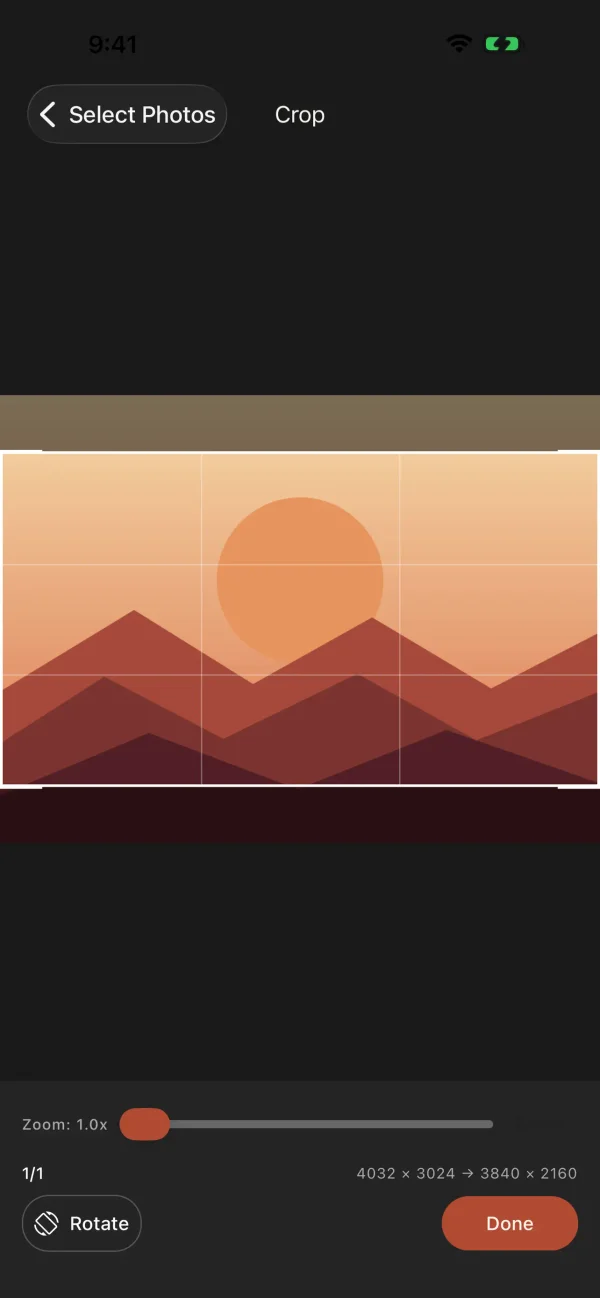
• Crop and resize automatically to match the TV's 4K display
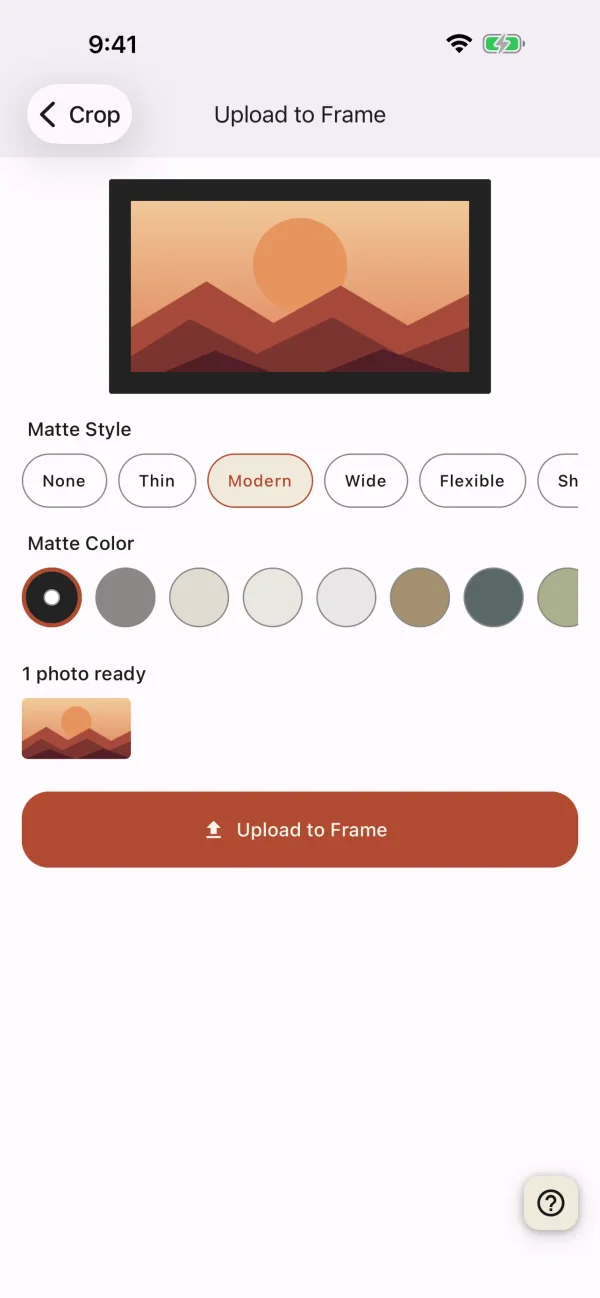
• Choose from your TV's built-in matte styles and colors (modern, shadowbox, flexible, panoramic, triptych, and more)
• Preview how your photo will look with each matte before you send it
• Rotate and adjust portrait or landscape photos for the best fit
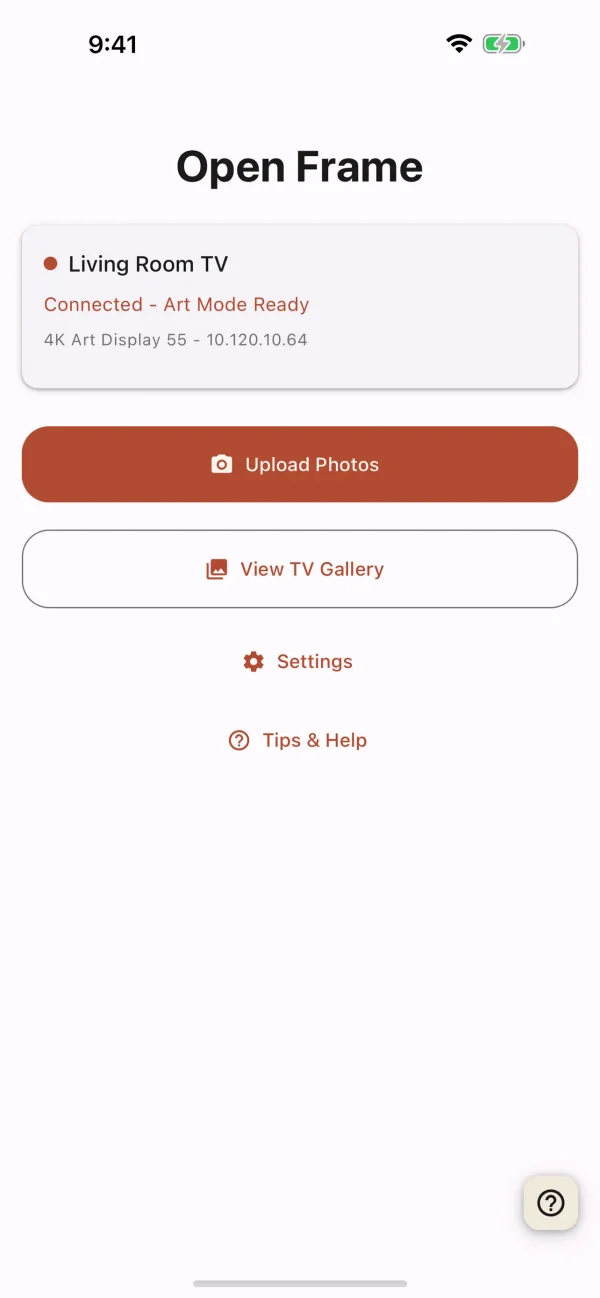
• Browse and manage what you've already sent — select or remove images
• HEIC, JPEG, and PNG photos all supported (HEIC is converted automatically)
WHY PEOPLE USE OPEN FRAME
• Private — your photos travel only between your iPhone and your own TV on your local Wi-Fi; they are never sent to any server
• No account required — just open the app and connect
• No tracking, no analytics — your photo library is your business
• Works with the art-mode TV you already own
HOW IT WORKS
Open Frame scans your home Wi-Fi to find a compatible TV on first launch. From there, pick a photo, pick a matte, and send it to the TV's art gallery. It's that simple.
SUPPORTING THE APP
Open Frame is free to install and free to use — uploads are never gated or interrupted. A small banner ad appears on a few screens, and a one-time $1.99 purchase removes it forever. Either way, your photos go directly from your iPhone to your own TV; ads are served separately and never see your photos.
WORKS WITH
• Samsung The Frame TV, 2019 models and newer, with Art Mode switched on
• Same Wi-Fi network as your iPhone, and Local Network permission so the app can find the TV
Not every art-mode television is supported. If Open Frame cannot reach yours, your television manufacturer's own companion app remains the supported way to transfer images.
HAVE FEEDBACK?
Open Frame is actively developed. Use the built-in "Report a Bug" option to send suggestions or issues directly to the developer.
---
Open Frame is an independent app developed and published by Raylytics. Samsung, The Frame and Art Mode are trademarks of Samsung Electronics Co., Ltd. Open Frame is not affiliated with, endorsed by, sponsored by or certified by Samsung, and uses these names only to describe compatibility.
What’s new
Version 1.5.5 · Nov 13, 2026
On 2022 and newer Frame TVs, the TV Gallery now shows a preview of each picture instead of a blank tile.
App privacy
What Raylytics declares on the App Store about how this app handles data.
-
Data used to track you
May be used to track you across apps and websites owned by other companies.
- Identifiers
-
Data linked to you
May be collected and linked to your identity.
- Location
- Identifiers
- Usage data
- Other data
-
Data not linked to you
May be collected but is not linked to your identity.
- Diagnostics
Privacy practices may vary, for example with the features you use or your age.
Information
- Seller
- RAYLYTICS LLC
- Category
- Utilities
- Version
- 1.5.5
- Updated
- Nov 13, 2026
- Released
- Sep 8, 2026
- Size
- 86.3 MB
- Requires
- iOS 15.1 or later
- Age rating
- 4+
- Languages
- English
- Copyright
- © 2026 Raylytics
You might also like
-
 Master SkullKing CounterUtilities
-
 GEO-PULSEUtilities
-
 Skull King Scorekeeper & ScoreCard Game Scoreboard & Tally
-
 Score Skull KingScore Skull King card game
-
 Car Widgets & Dashboard: CarUpCarPlay Widgets & Car Sounds
-
 Course TrackrSimple and easy to use
-
 WiThrottle LiteUtilities
-
 SkoreKing - Skull King ScoreScorekeeper for Skull King
-
 Frame Art ToolEasy Resizing for Art Mode
-
 Danalock ToolboxUtilities