- Age rating4+
- CategoryProductivity
- DeveloperPencil Research
- LanguagesEnglish
- Size1.3 MB
Links to the official App Store page
Download.org hosts no file of Open Scanner: PDF Scanning. The button opens its official App Store page, published by Pencil Research. Listing last checked on Nov 24, 2026.
Screenshots


About
Open Scanner is a fast and simple-to-use paper-scanning app with AI features to speed up your scanning workflow:
- Automatic text recognition to build page transcript
- Automatic document naming
- Scans are tagged by your current location
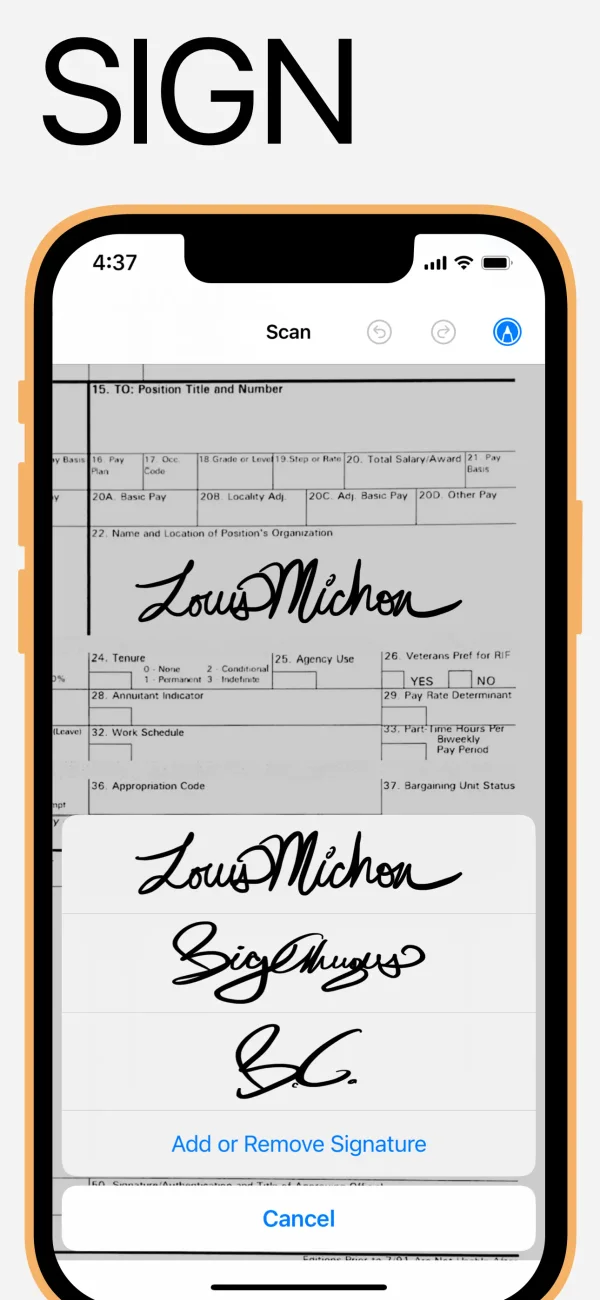
- Add signatures saved on your other devices
- Native Vision Pro support
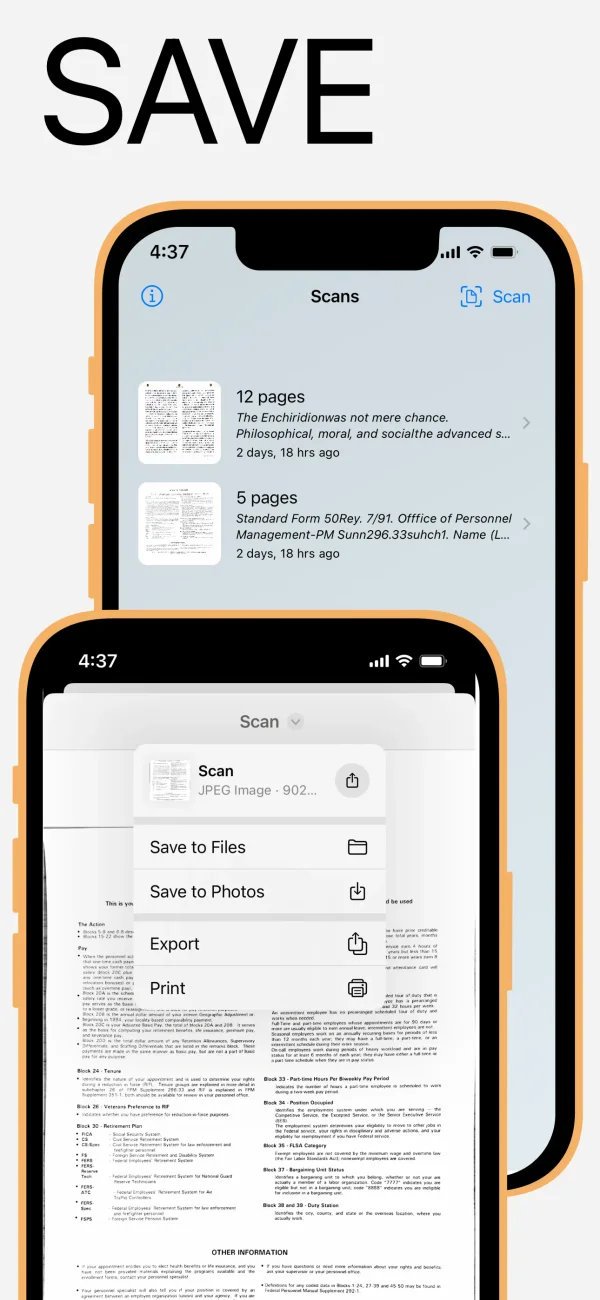
- Keep your scanned documents in the Open Scanner library
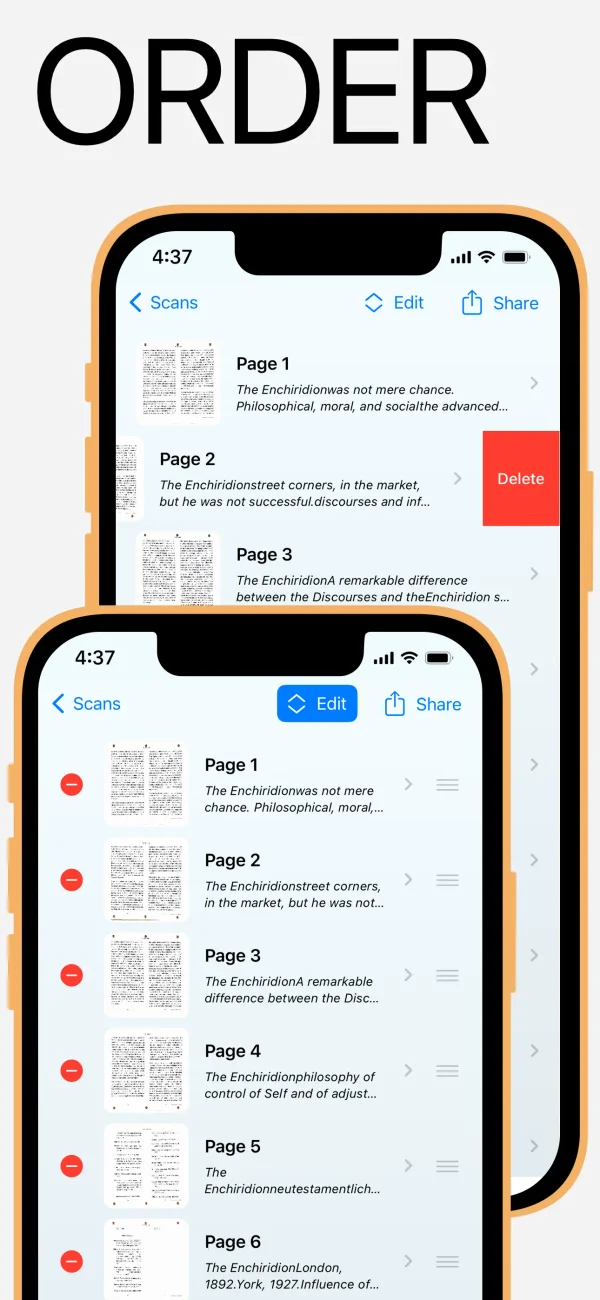
- Organize and re-order scanned document pages
- iCloud syncs your library to all your devices
- Annotate and edit your scans
- Use Apple Pencil to mark up scans on iPad
- Easy sharing and export of scanned documents as PDF
- 100% native iOS app, with no third-party accounts necessary
What’s new
Version 1.0.2 · Sep 17, 2024
This minor update increases the default scanning resolution and fixes the support button.
App privacy
What Pencil Research declares on the App Store about how this app handles data.
-
Data not collected
The developer does not collect any data from this app.
Privacy practices may vary, for example with the features you use or your age.
Information
- Seller
- User Camp Inc.
- Category
- Productivity
- Version
- 1.0.2
- Updated
- Sep 17, 2024
- Released
- Sep 5, 2024
- Size
- 1.3 MB
- Requires
- iOS 16.0 or later
- Age rating
- 4+
- Price
- Free
- Languages
- English
- Copyright
- © Pencil Research
You might also like
-
 BestTV - Live Stream PlayerM3U + Stalker + Xtream
-
 Open Scan: PDF ScannerQuick & Easy PDF Scanner
-
 Karakeep AppSave, tag & search everything
-
 UltraNotes - Note Taking & PDFType, Write & Annotate PDF
-
 Pal Chat - AI Chat ClientPowerful AI chat playground
-
 Notedrafts: Note TakingNotebook for study and work
-
 RSSHub RadarProductivity
-
 Bamboo DragonflyVPN with no setup
-
 Notesnook: Private notepadEncrypted notes & secure vault
-
 SynctrainSynchronize files securely