
OpenHour Social
Shared schedule coordination
Designed for iPhone, iPad, iPod touch
Free · In-app purchases
- Age rating4+
- CategoryProductivity
- DeveloperMason Boutwell
- LanguagesEnglish
- Size45.0 MB
Links to the official App Store page
Download.org hosts no file of OpenHour Social. The button opens its official App Store page, published by Mason Boutwell. Listing last checked on Nov 13, 2026.
Screenshots


About
OpenHour helps you turn “we should hang out” into an actual plan.
Instead of asking everyone when they are free, OpenHour works with the calendar you already use to show when friends overlap. Compare availability, choose a time, invite your people, and keep the plan moving—all in one place.
YOUR CALENDAR, MADE SOCIAL
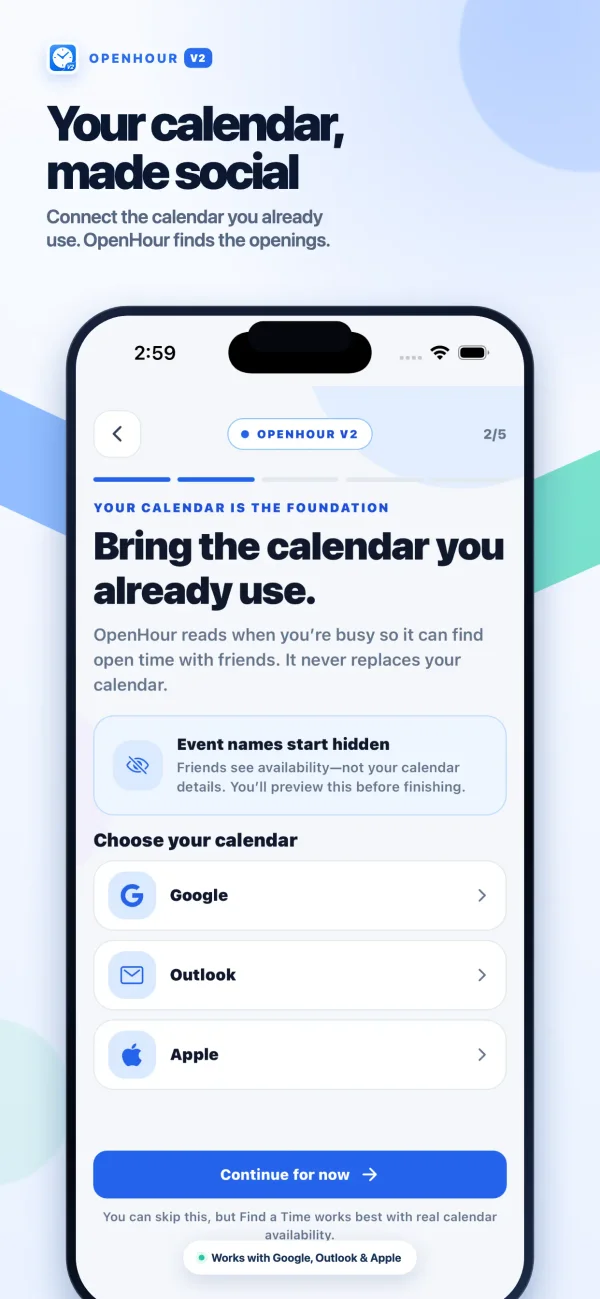
Connect your existing calendar and choose which events count as busy. OpenHour uses availability—not private event details—to help friends find time with you. If your class schedule is not already on your calendar, import it from one or more photos or add missing time manually.
FIND A TIME THAT ACTUALLY WORKS
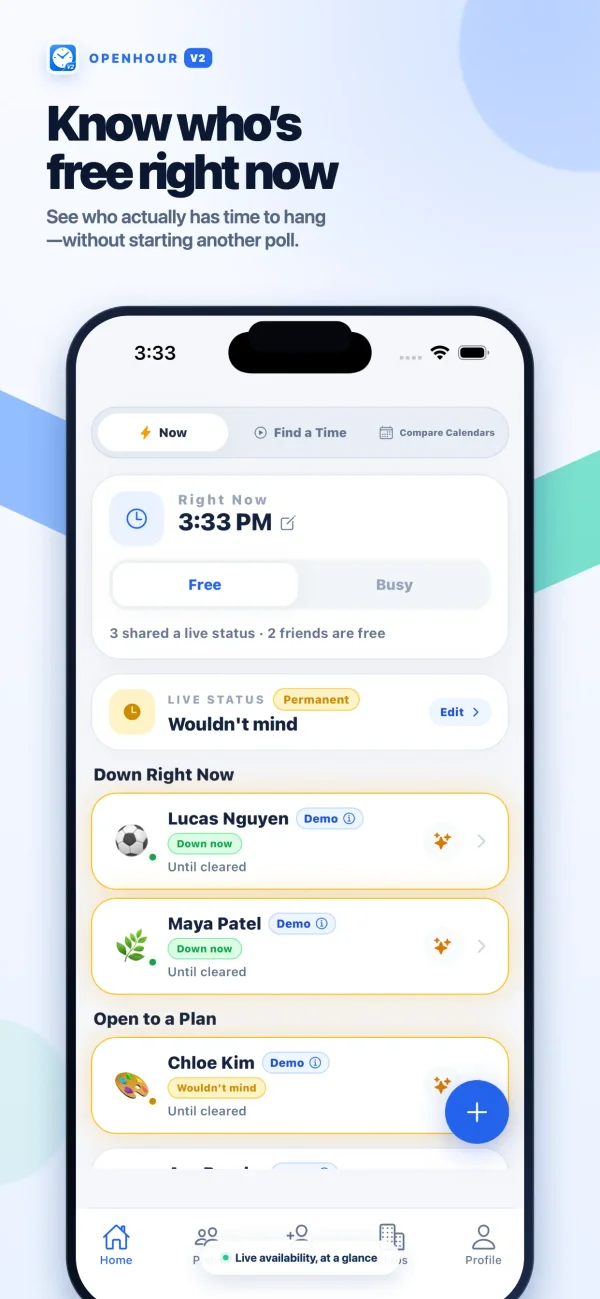
• See who is available now
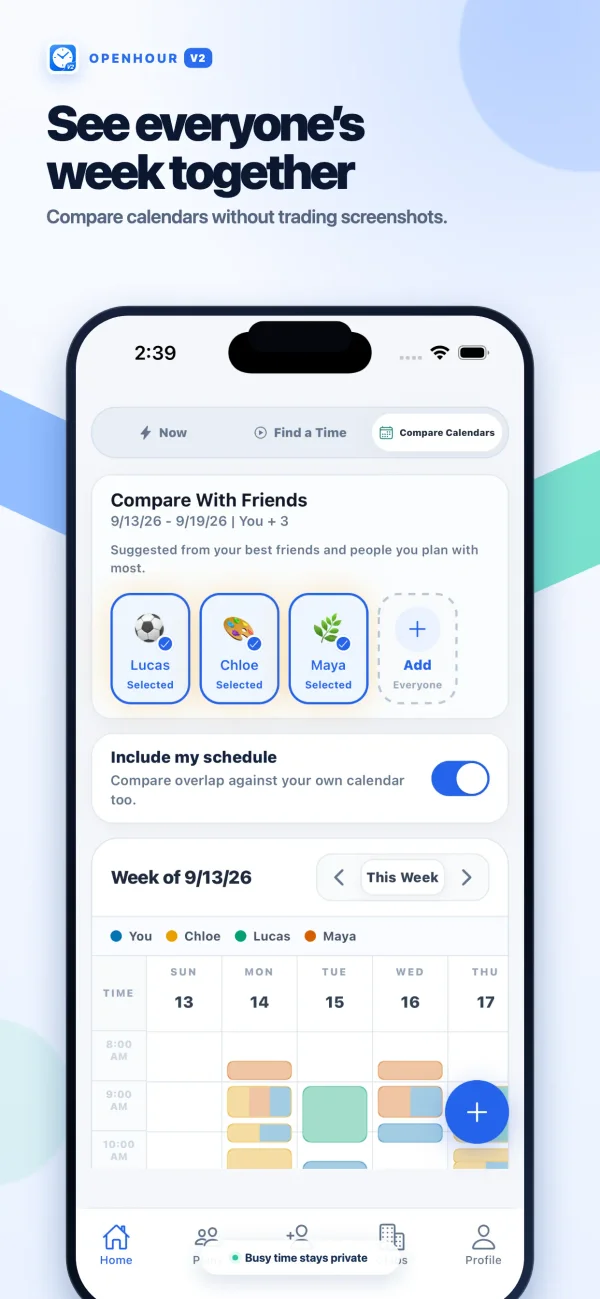
• Compare calendars with the friends you choose
• Find the best confirmed times for a group
• Clearly see when someone has not set up a schedule instead of assuming they are free
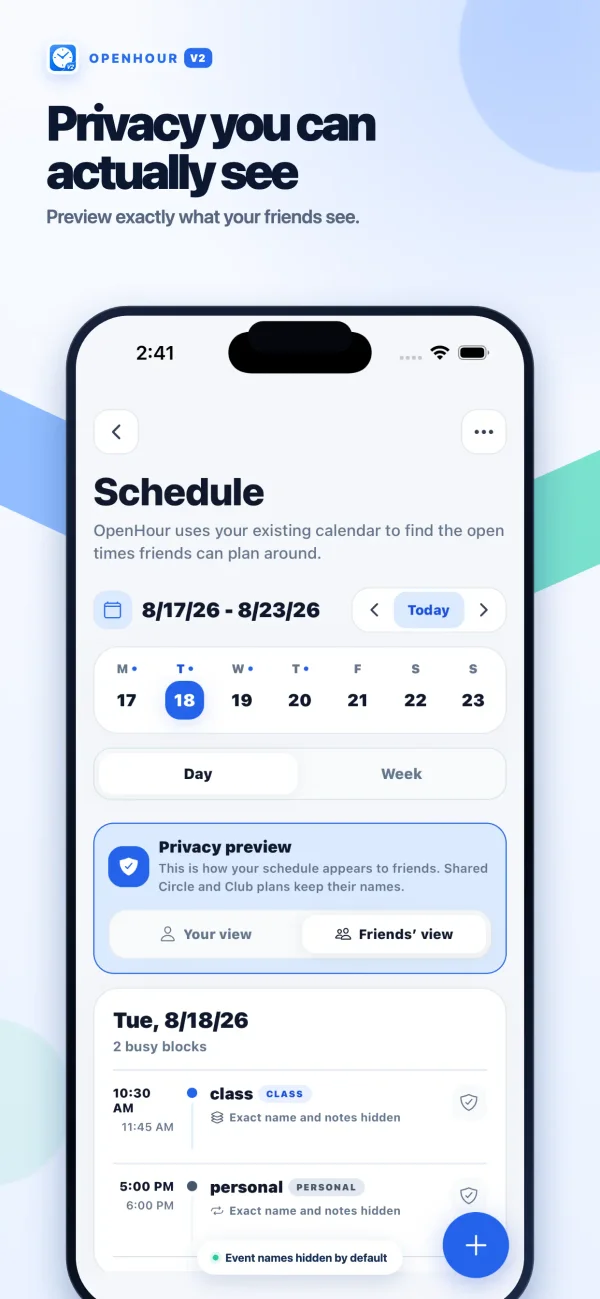
• Preview how your calendar appears to friends when privacy mode is enabled
MAKE PLANS, NOT MORE GROUP CHATS
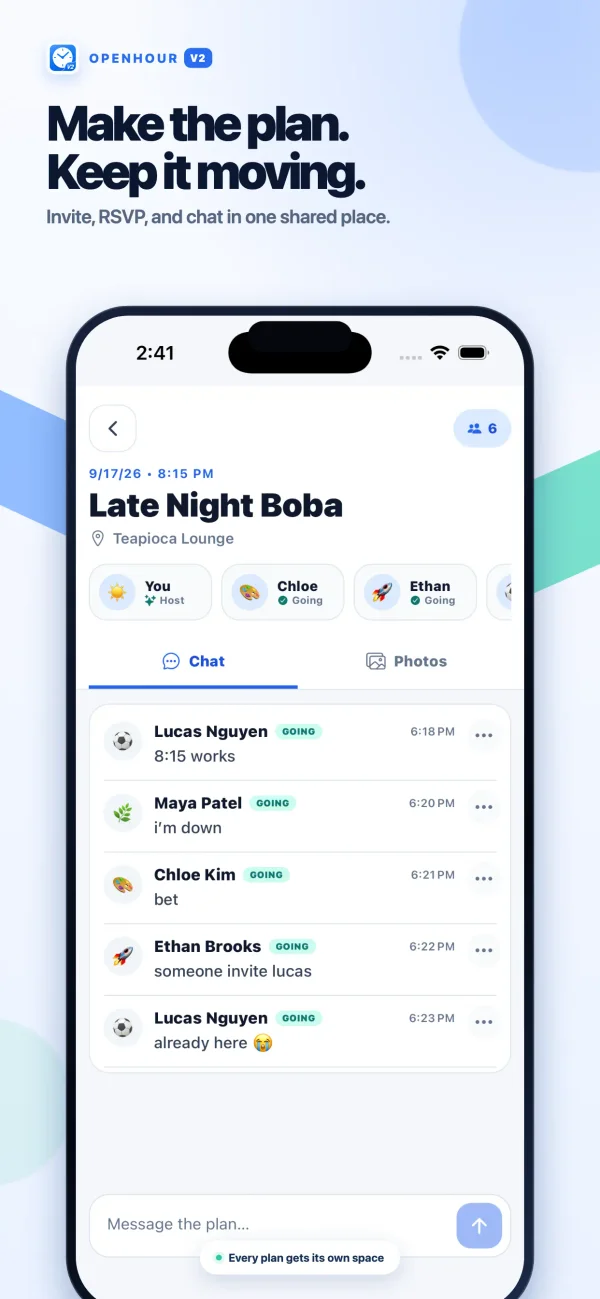
Create a plan once you find a time. Every plan can include:
• Invitations and RSVP statuses
• A dedicated group chat
• Shared photos from the event
• A history of past plans, conversations, and memories
BUILT FOR FRIEND GROUPS AND COLLEGE LIFE
OpenHour is designed for schedules that change constantly. Coordinate lunch between classes, study sessions, workouts, weekend plans, club meetings, or spontaneous nights out without sorting through screenshots and scattered messages.
CIRCLES AND CLUBS
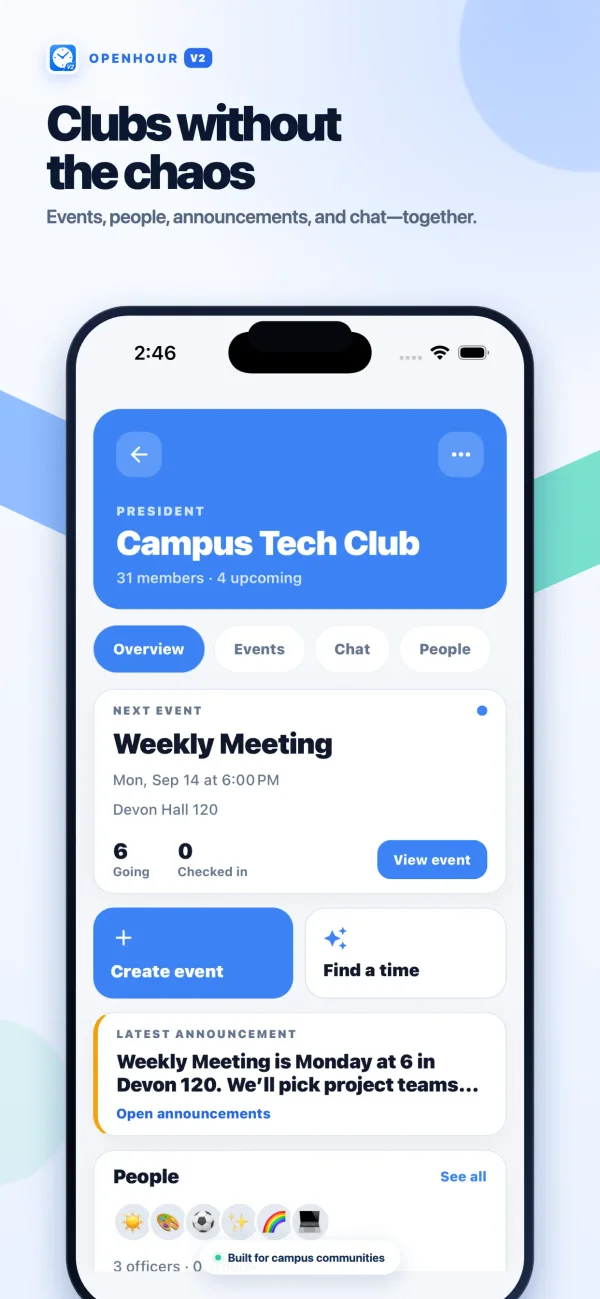
Use circles for the people you plan with most. Clubs provide a shared place for members, events, availability, announcements, and optional general chat. Owners and admins can manage the organization while members stay connected.
PRIVACY YOU CAN SEE
You control which calendars OpenHour uses and whether friends see event names or simply see that you are busy. Switch between your view and the friend-facing privacy preview so you always understand what others can see.
OpenHour is not another calendar you have to manage. It is the social planning layer for the calendar and friendships you already have.
Find the overlap. Make the plan. Be there.
Terms of Use (EULA): https://www.apple.com/legal/internet-services/itunes/dev/stdeula/
What’s new
Version 2.01 · Sep 21, 2026
### What’s New in 2.0.1
- Invite and referral links now open more reliably and take you to the right place—even after installing OpenHour.
- Improved Google, Apple, and Outlook calendar syncing, including better all-day event and timezone support.
- Import multi-page class schedules using multiple photos.
- Improved onboarding, calendar controls, and notification navigation.
- Fixed Circle access and notification issues after leaving a Circle.
- Additional stability, privacy, and performance improvements.
App privacy
What Mason Boutwell declares on the App Store about how this app handles data.
-
Data linked to you
May be collected and linked to your identity.
- Contact info
- User content
- Other data
Privacy practices may vary, for example with the features you use or your age.
Information
- Seller
- Mason Boutwell
- Category
- Productivity
- Version
- 2.01
- Updated
- Sep 21, 2026
- Released
- Apr 2, 2026
- Size
- 45.0 MB
- Requires
- iOS 15.1 or later
- Age rating
- 4+
- Price
- Free
- In-app purchases
- Yes
- Languages
- English
- Copyright
- © 2026 OpenHour
You might also like
-
 ShiftBeeDaily shift planner & PDF tool
-
 Clone+: Zettelkasten AI NotesSecond brain for your ideas
-
 Align - Social CalendarSee friends' free time & plan
-
 Freeish – When I'm FreeShare when you're free
-
 GameTimeHubProductivity
-
 Graded: Accountability TrackerDaily Habits & Accountability
-
 Husband Helper AppTools for Intentional Husbands
-
 Chronicle: AI Voice MemoryVoice notes with AI memory
-
 Availability SyncEffortless Scheduling!
-
 Phoneless: Screen Time ControlLock, Limit & Block Apps