
OpenIntent - App Steps First
Make launches intentional
Designed for iPhone, iPad
Free
- Age rating4+
- CategoryUtilities
- DeveloperZhaochen Ren
- LanguagesEnglish+ 2 more
- Size6.4 MB
Links to the official App Store page
Download.org hosts no file of OpenIntent - App Steps First. The button opens its official App Store page, published by Zhaochen Ren. Listing last checked on Nov 19, 2026.
Screenshots
About
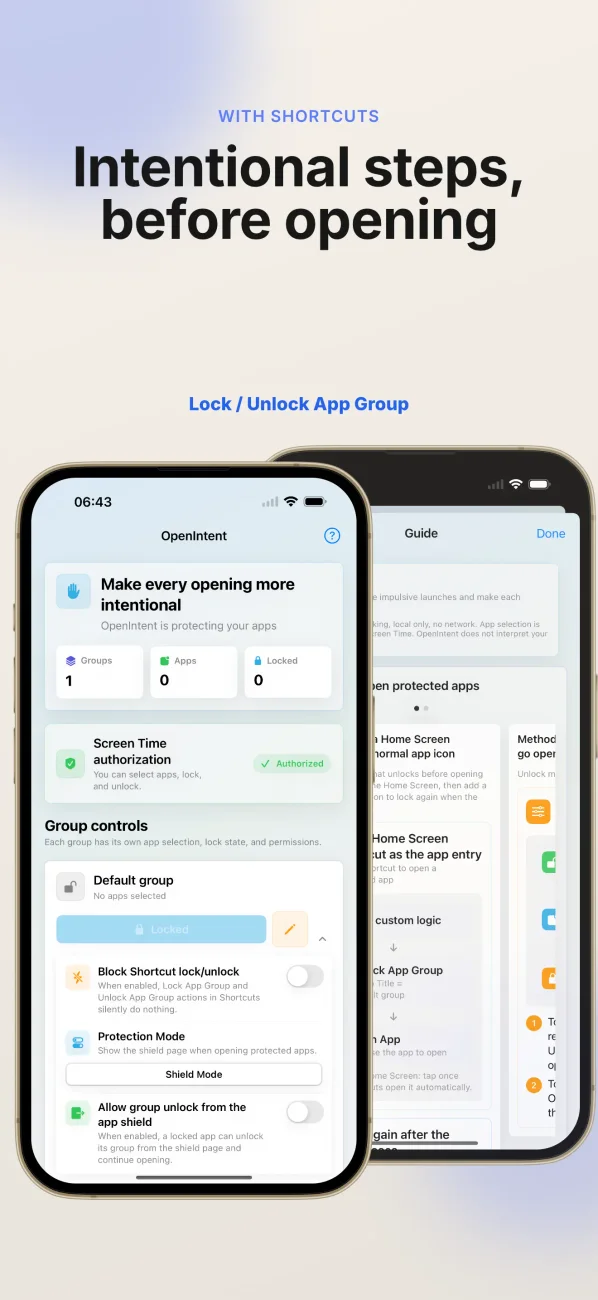
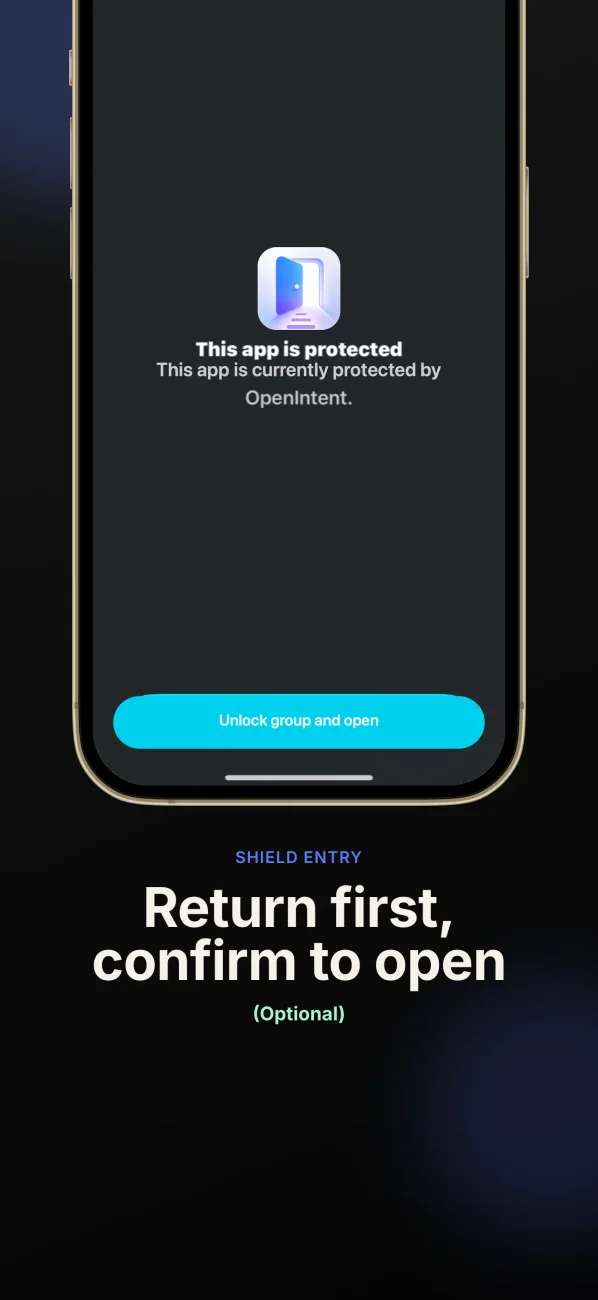
OpenIntent turns the usual tap-to-open action into an automatic opening flow you personally arrange first. The app still opens normally, but the opening experience now starts with the steps you designed.
How it works
- Choose the apps you want to protect and put them into groups
- Add "custom pre-unlock logic" and "Unlock and Open App" to a Shortcut
- Add the Shortcut to your Home Screen
- Open the app by tapping the Home Screen Shortcut; your custom logic runs first
- In Shortcuts automation, set this rule: when the app closes, "Lock"
Privacy and product truth
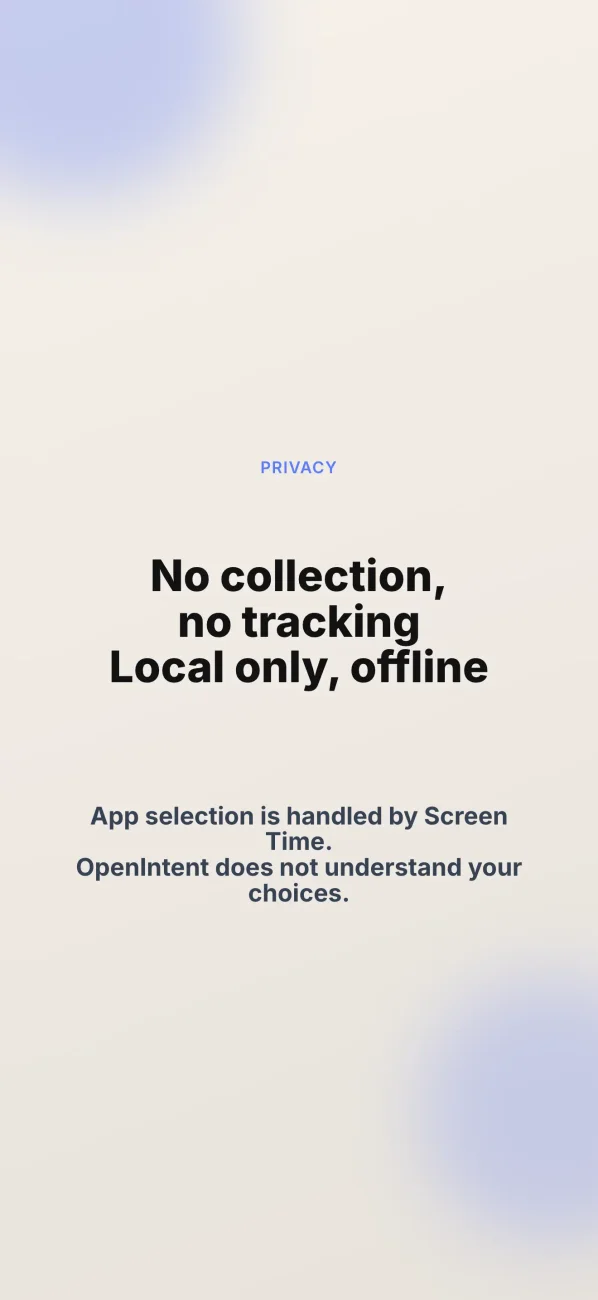
- No collection, no tracking, fully local, no network access
- App selection is handled by Apple Screen Time; OpenIntent does not know or understand your specific choices
- No account required to get started
What’s new
Version 1.0 · Jun 24, 2026
Improved performance.
App privacy
What Zhaochen Ren declares on the App Store about how this app handles data.
-
Data not collected
The developer does not collect any data from this app.
Privacy practices may vary, for example with the features you use or your age.
Information
- Seller
- Zhaochen Ren
- Category
- Utilities
- Version
- 1.0
- Updated
- Jun 24, 2026
- Released
- Jun 13, 2026
- Size
- 6.4 MB
- Requires
- iOS 16.0 or later
- Age rating
- 4+
- Price
- Free
- Languages
- English, Simplified Chinese, Traditional Chinese
- Copyright
- © 2026 Zhaochen Ren
You might also like
-
 Color AlertsAlerts triggered by color
-
 Domian - Domain ManagementGet Your Domains Under Control
-
 Permaclipsupload videos while recording.
-
 简计数器 - 简单计数和计步Utilities
-
 Reset ToolUtilities
-
 Ai Shortcuts - Smart ActionsLLM powered shortcut actions.
-
 SilentProof: Noise ComplaintEvidence Log for Renters
-
 Zip File - Extractor & ViewerUnzip RAR, 7Z & More Formats
-
 Device SpecsInformation about your Device
-
 KA SolarUtilities