Operations Diary
Your digital operations diary
Designed for iPhone, iPad, iPod touch
- Age rating17+
- CategoryUtilities
- DeveloperLars Schaefer-Dryden
- LanguagesEnglish
- Size33.6 MB
Links to the official App Store page
Download.org hosts no file of Operations Diary. The button opens its official App Store page, published by Lars Schaefer-Dryden. Listing last checked on Nov 10, 2026.
Screenshots


About
The digital operations diary for missions and drills in civil protection. Create and manage operations diaries right on your smartphone — fully offline and without registration.
MISSION WIZARD
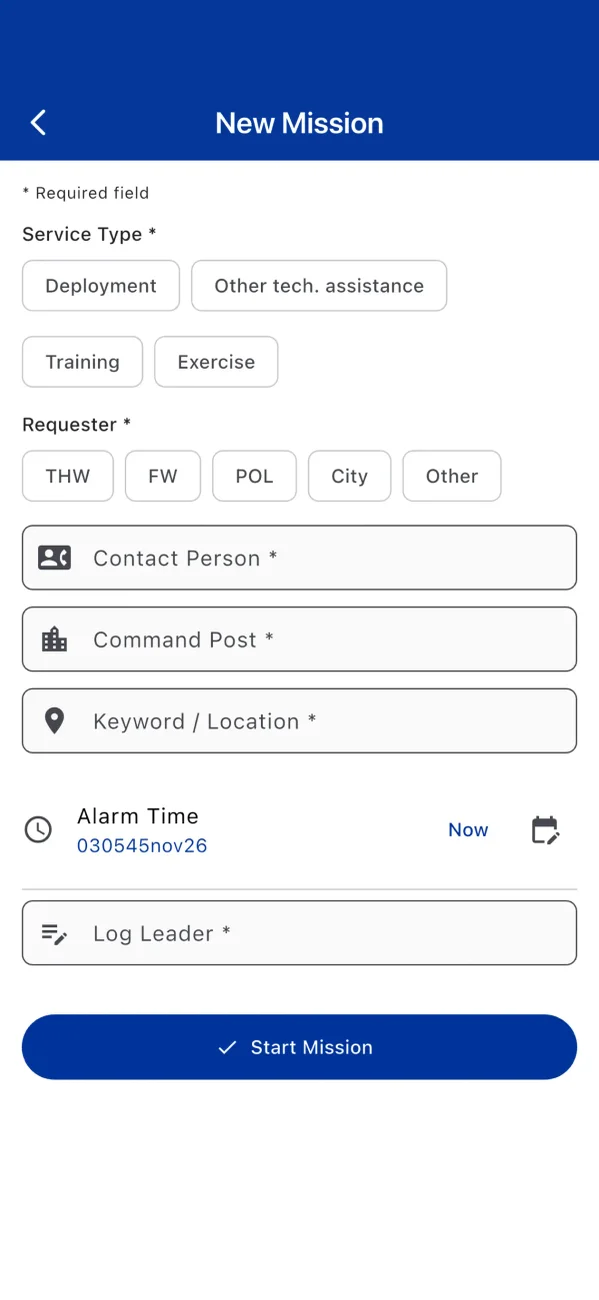
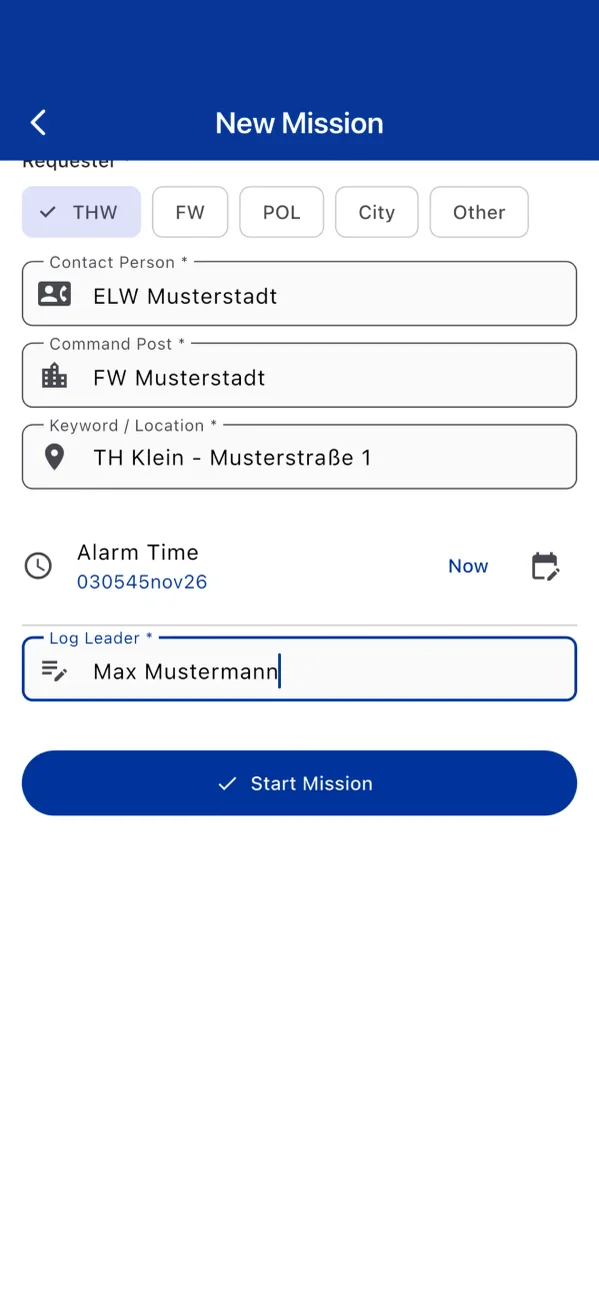
Create new missions in seconds. The guided wizard captures all relevant data — from mission type and requester to command post and alarm time — and automatically generates the first log entries. Duplicate existing missions with a single tap.
COMPLETE DOCUMENTATION
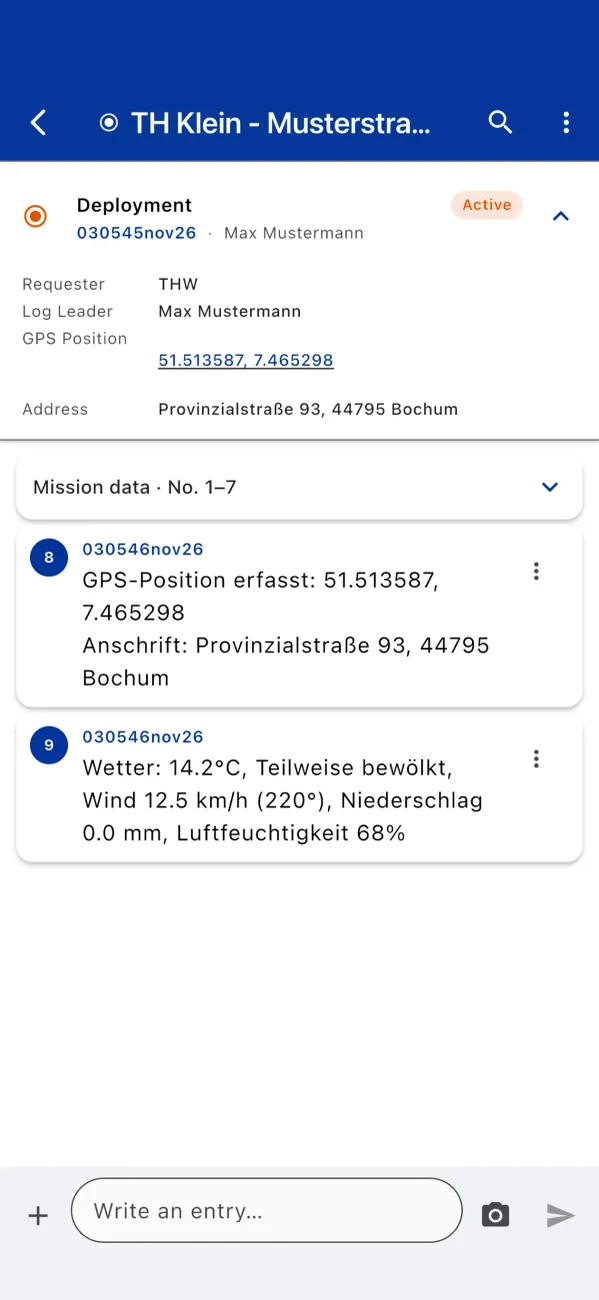
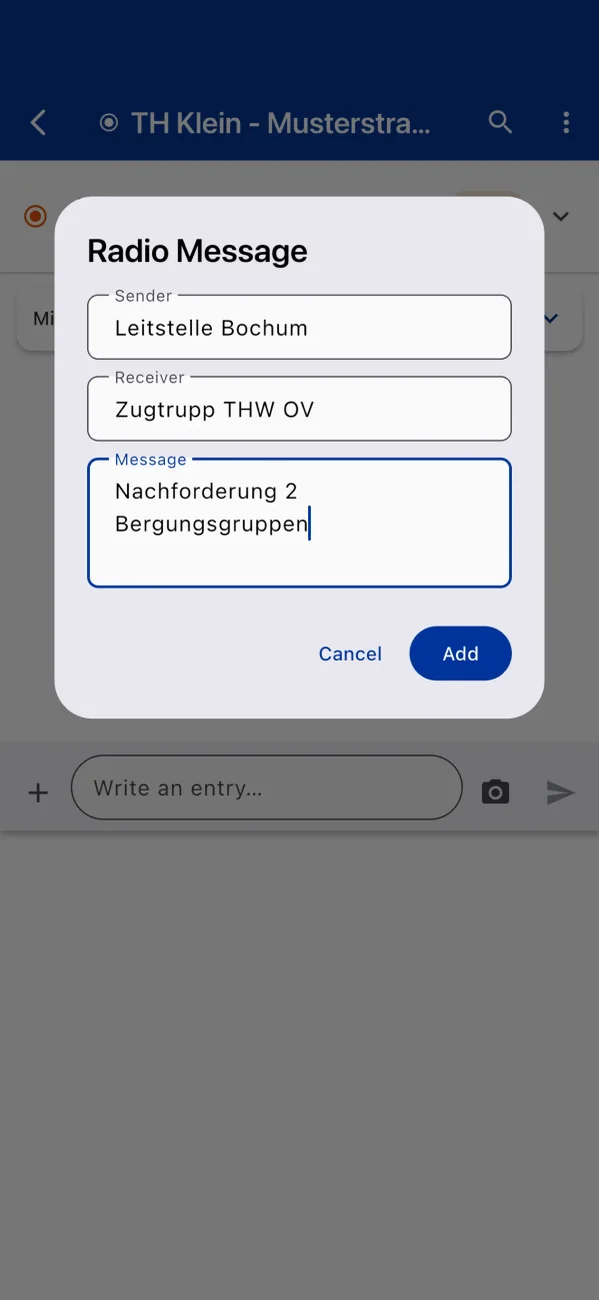
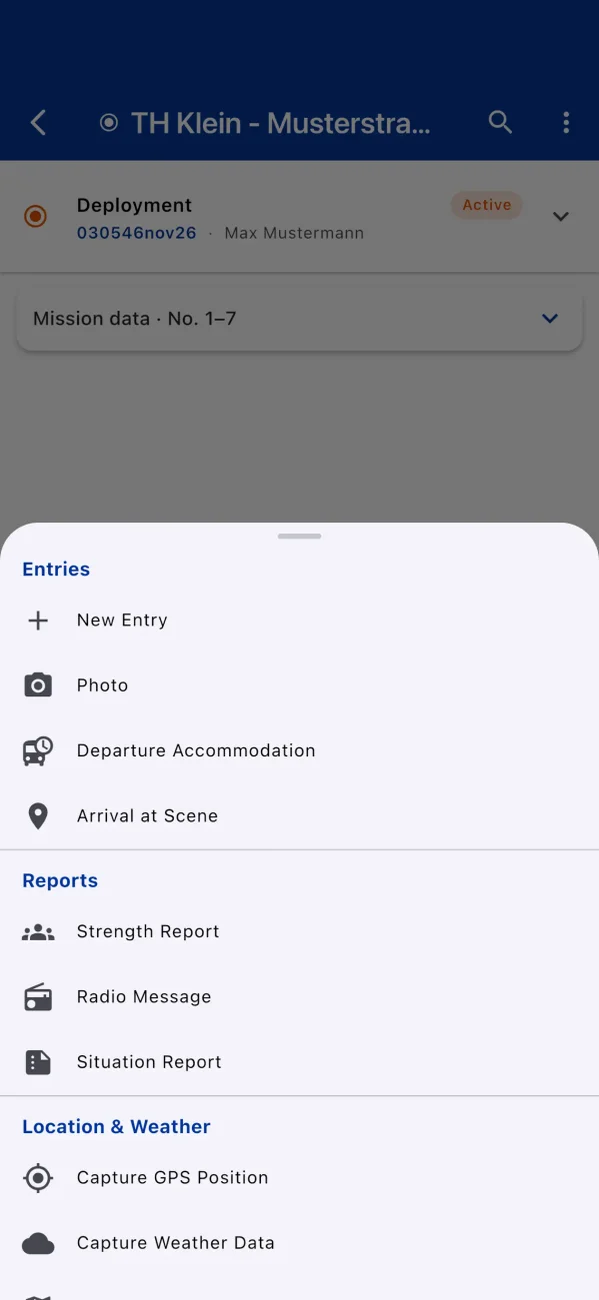
Record events chronologically with automatic date-time group (DTG). Use categorized quick actions for common entries — from strength and radio reports to GPS/weather data and handovers. Create custom quick actions and share them via QR code.
DIGITAL SIGNATURES & HANDOVERS
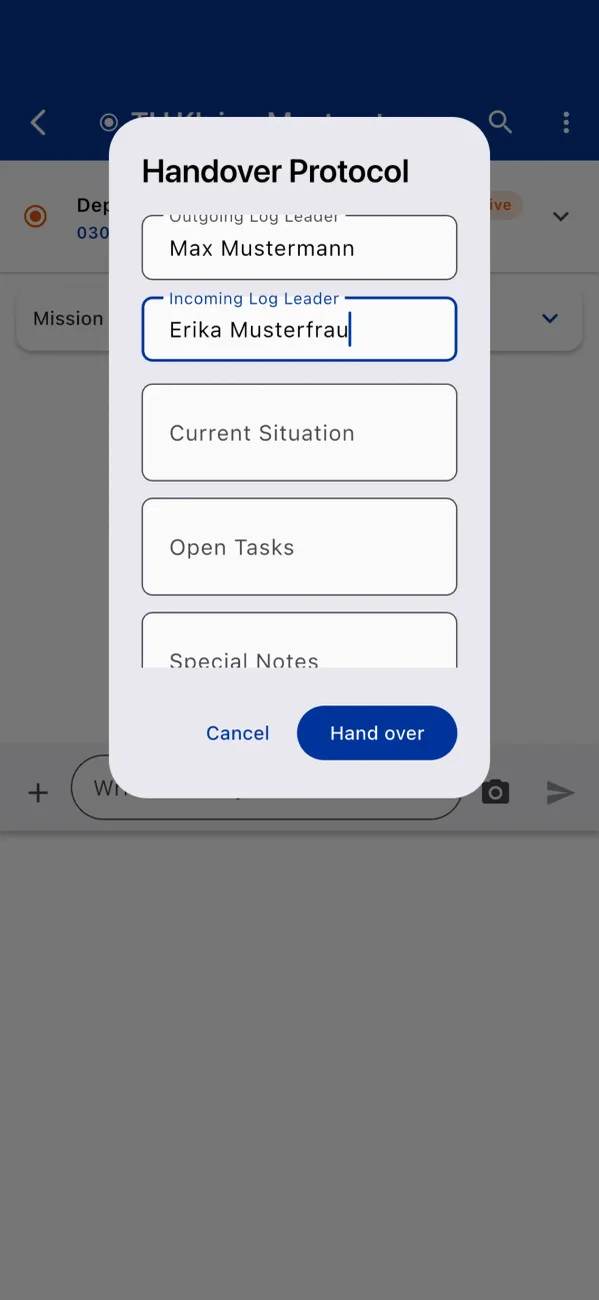
Sign mission closures and diary handovers digitally. Both leaders sign during handover — signatures appear correctly assigned in the PDF export. Optionally transfer the mission directly to the new leader's device.
SITUATION REPORTS & MISSION REPORTS
Create structured situation reports with auto-fill from mission data and export them as PDF in official form style. Mission reports summarize operations with a milestone timeline and statistics.
UNIT REGISTRATION
Register deployed units with personnel, vehicles, and strength. Registration forms are automatically saved as PDF attachments to log entries. Templates for recurring units speed up registration — shareable via QR code.
STRENGTH REPORTS
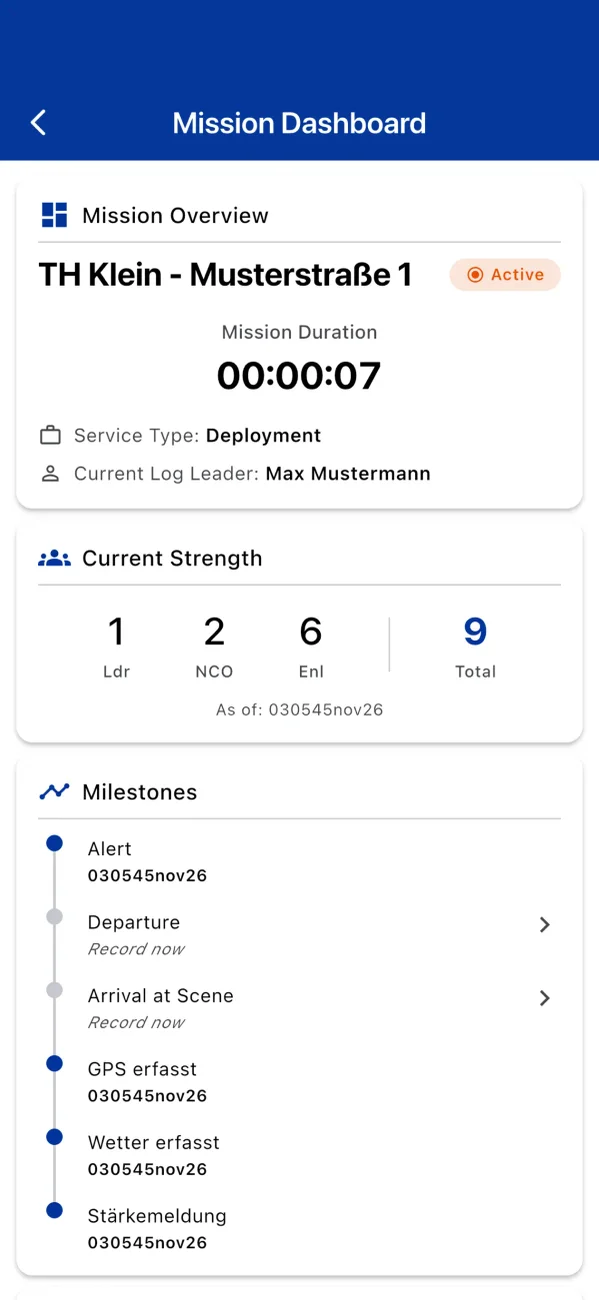
Report personnel strength with leaders, sub-leaders, and crew. The dashboard shows total strength from reports or active units.
PHOTO DOCUMENTATION
Attach photos directly from the camera or gallery to log entries. Compression is adjustable, images appear as attachments in the PDF export.
DASHBOARD & SEARCH
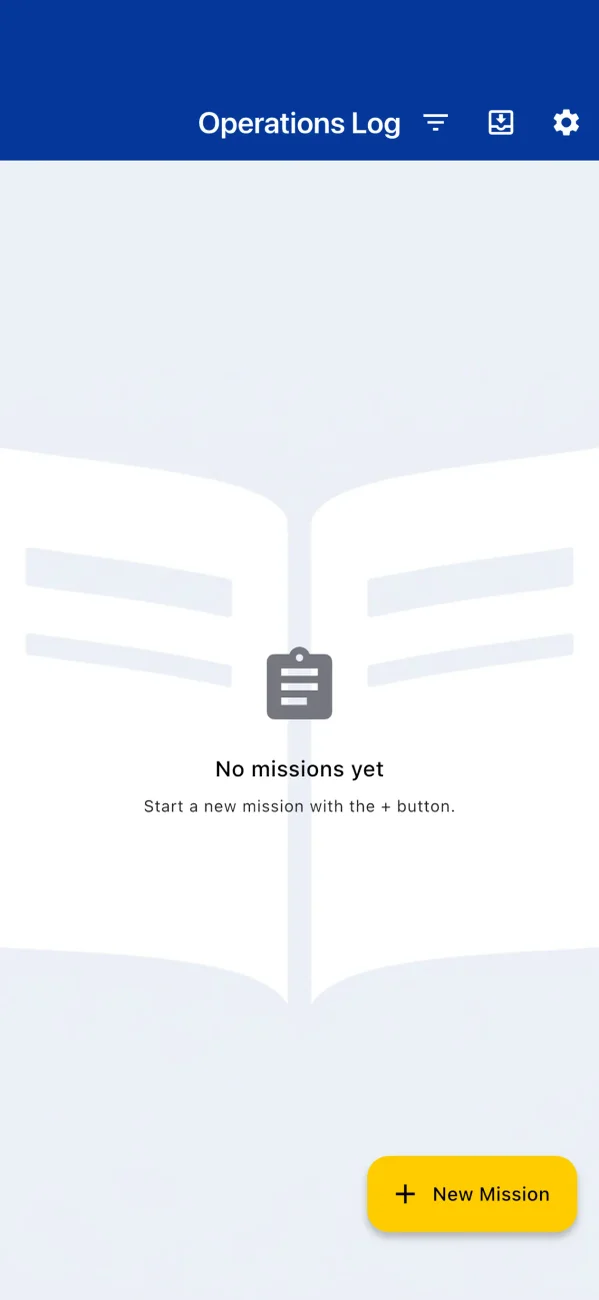
The interactive dashboard shows mission strength, location, and a dynamic milestone timeline. Search and filter chips on the home screen help find missions quickly.
PDF EXPORT
Export the complete operations diary as a print-ready A4 PDF — with digital signatures, handover protocols, and photo attachments. The correct signature appears automatically based on handover timing.
MORE FEATURES
• Guided onboarding with permissions and profile setup
• Night mode (red light) for night operations
• Export, import, and transfer missions between devices
• Backup & restore all data as .etb file
• Fully offline — all data stays on your device
• German and English
What’s new
Version 2.5.0 · Nov 3, 2026
New: quick entry in the timeline
Type at the bottom, tap Send – the entry is saved. Photo and “+” for all other entry types sit right next to it. Unsent text is not lost when going back. The return key deliberately does not send, so no entry ends up in the immutable logbook by accident.
New: transfer a mission to another device
After an ETB handover the app asks whether to continue on this device or transfer to another one. The transfer runs via QR code directly on the same Wi-Fi or hotspot – no internet, encrypted, also between iPhone and Android. The mission is only locked on the old device once the new one has confirmed receipt.
Other changes
- A mission can now only be closed with a signature – like handover and hazard assessment.
- After “Start mission” the timeline opens directly.
- More compact timeline: more entries at a glance; the mission data from the wizard is collapsed into “Mission data · No. 1–7”.
- “Photo” as its own action in the + menu; record departure and arrival directly from the dashboard.
- Tidier mission list: time-range filter in the “Sort & filter” menu.
- Fixed: cancelling the share sheet during a transfer still locked the mission.
App privacy
What Lars Schaefer-Dryden declares on the App Store about how this app handles data.
-
Data not collected
The developer does not collect any data from this app.
Privacy practices may vary, for example with the features you use or your age.
Information
- Seller
- Lars Schaefer-Dryden
- Category
- Utilities
- Version
- 2.5.0
- Updated
- Nov 3, 2026
- Released
- Mar 20, 2026
- Size
- 33.6 MB
- Requires
- iOS 15.5 or later
- Age rating
- 17+
- Languages
- English
- Copyright
- © 2026 Lars Schäfer-Dryden