- Age rating4+
- CategoryUtilities
- DeveloperJames Kretchmar
- LanguagesEnglish+ 4 more
- Size2.0 MB
Links to the official App Store page
Download.org hosts no file of Ops Clock. The button opens its official App Store page, published by James Kretchmar. Listing last checked on Nov 22, 2026.
Screenshots



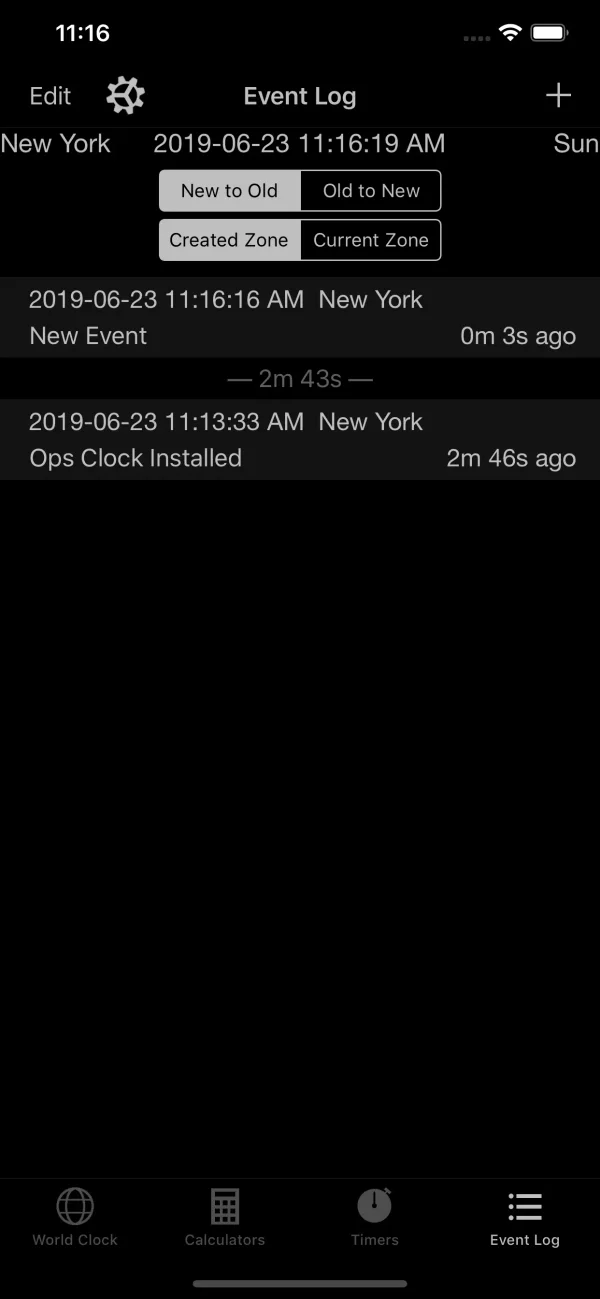

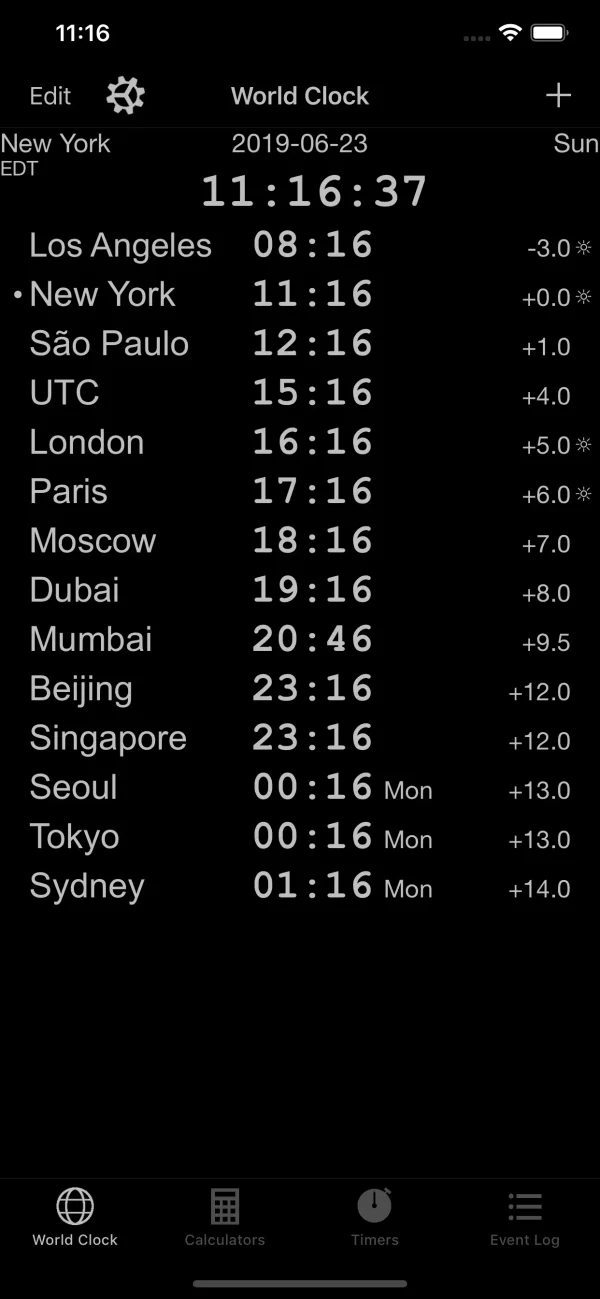
About
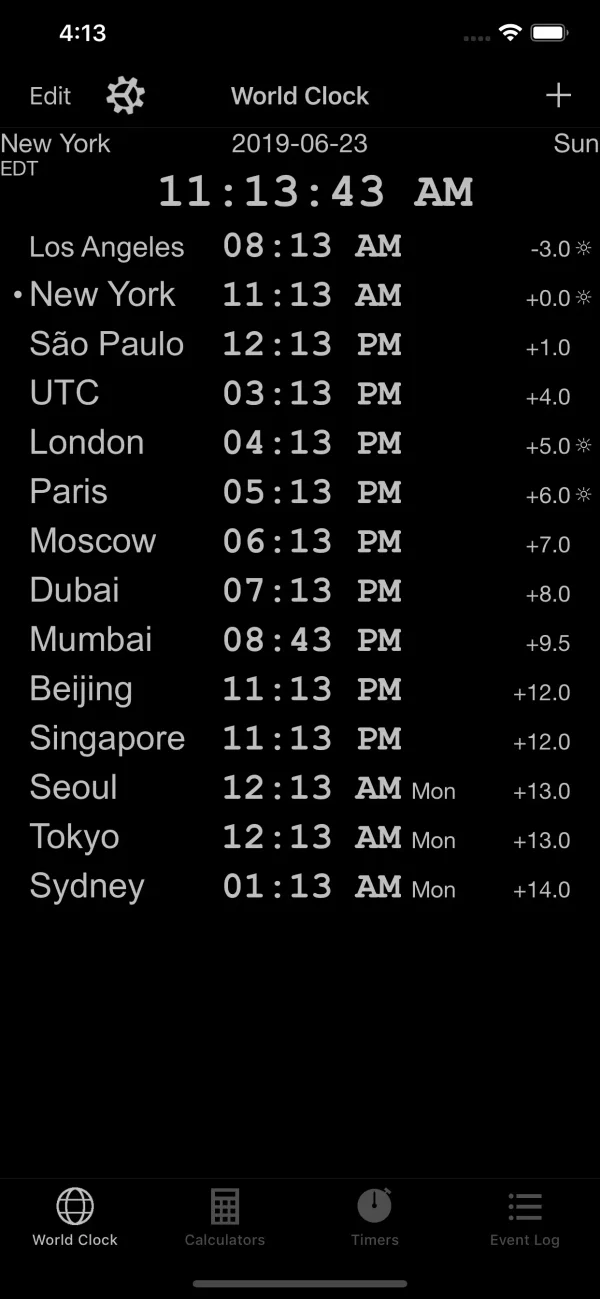
Professional grade clock and timer tool with four functions in one app:
• World clock
• Digital seconds display
• Compact format
• Over 400 cities
• Set custom labels
• Clocks sorted automatically
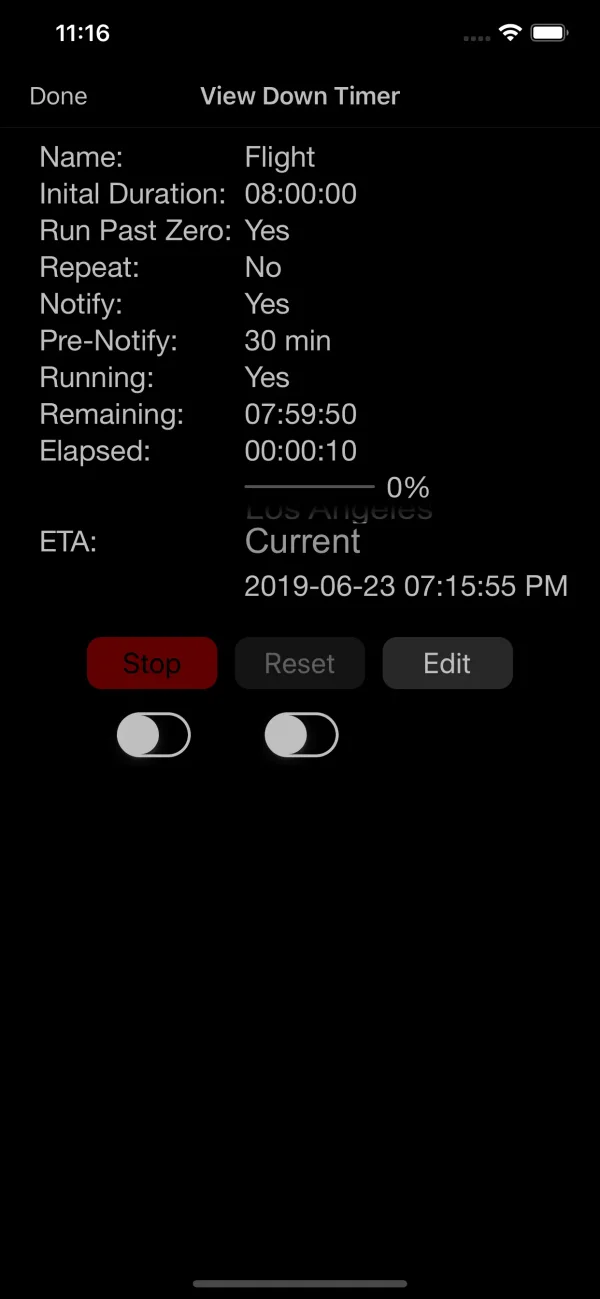
• Unlimited number of timers
• Count-up timers
• Countdown timers
• Wall clock timers
• End-time notifications
• Pre-notifications
• Elapsed time and ETA in any zone
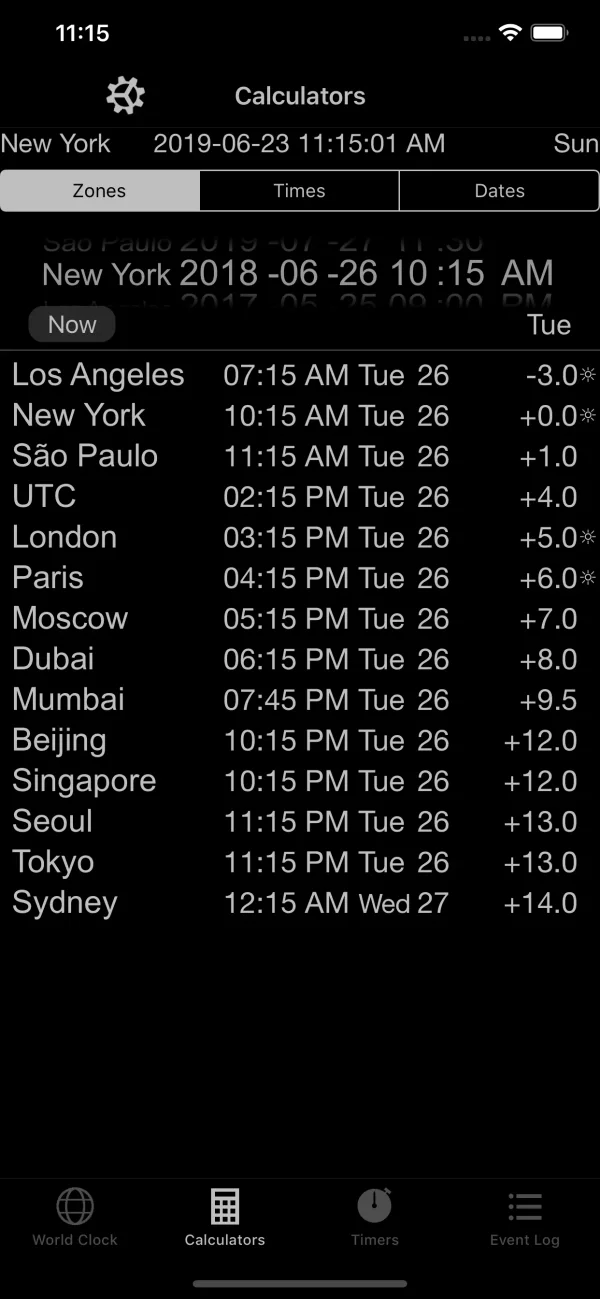
• Three calculators
• Time zone calculator helps plan multi-city conf calls
• Time calculator for time arithmetic, including across different time zones
• Date calculator for date arithmetic
• Event Log
• Stores a record of real-time events
• Shows elapsed time between events
This app is free, shows no advertisements, makes no use of the network and collects no personal information.
Available in English, Spanish, French, Italian and Portuguese.
What’s new
Version 1.17 · Nov 18, 2026
Fixes for iOS 27
App privacy
What James Kretchmar declares on the App Store about how this app handles data.
-
Data not collected
The developer does not collect any data from this app.
Privacy practices may vary, for example with the features you use or your age.
Information
- Seller
- James Kretchmar
- Category
- Utilities
- Version
- 1.17
- Updated
- Nov 18, 2026
- Released
- Sep 1, 2018
- Size
- 2.0 MB
- Requires
- iOS 15.0 or later
- Age rating
- 4+
- Price
- Free
- Languages
- English, French, Italian, Portuguese, Spanish
- Copyright
- © 2026 James Kretchmar
You might also like
-
 World Clock, Weather & TravelTime Zone Converter & Planner
-
 World AlarmsUtilities
-
 Minimum ClockSimple Digital Clock
-
 SFClockSimple Flip Clock and Calendar
-
 World Time Shifter ClockGlobal Timezone Visualizer
-
 Clock SecondsLargest Clock with seconds
-
 Huge Digital Clock - Bed SideDesk Clock & Night Stand Clock
-
 World Clock Pro: Convert TimeTimezone Converter & Scheduler
-
 Big Red ClockTime Made for Humans
-
 Digital Clock - NeoUtilities