
- Age rating4+
- CategoryProductivity
- DeveloperOPSCALE SAL
- LanguagesEnglish
- Size112.9 MB
Links to the official App Store page
Download.org hosts no file of Opscale: Operations management. The button opens its official App Store page, published by OPSCALE SAL. Listing last checked on Nov 12, 2026.
Screenshots


About
Opscale is an all-in-one operations management platform for multi-location, shift-based businesses. It helps operators standardize daily execution, control workforce operations, and gain real-time visibility across branches, without spreadsheets, paper checklists, or scattered communication.
Whether you run restaurants, retail, hospitality, healthcare, warehousing, or field service teams, Opscale turns daily work into a repeatable system: tasks get assigned, shifts get staffed, attendance gets verified, requests get approved, and performance becomes measurable.
1. Standardize daily operations with digital checklists
Create structured checklists and SOP-driven tasks teams follow every day.
Checklist templates per brand, branch, department, or role
Recurring tasks (opening/closing, hygiene, safety, inventory, cash, maintenance)
Required fields, validations, and completion rules (reduce missed steps)
Proof of work: notes, photos, attachments, signatures (where applicable)
Escalations for overdue or failed tasks to prevent operational leakage
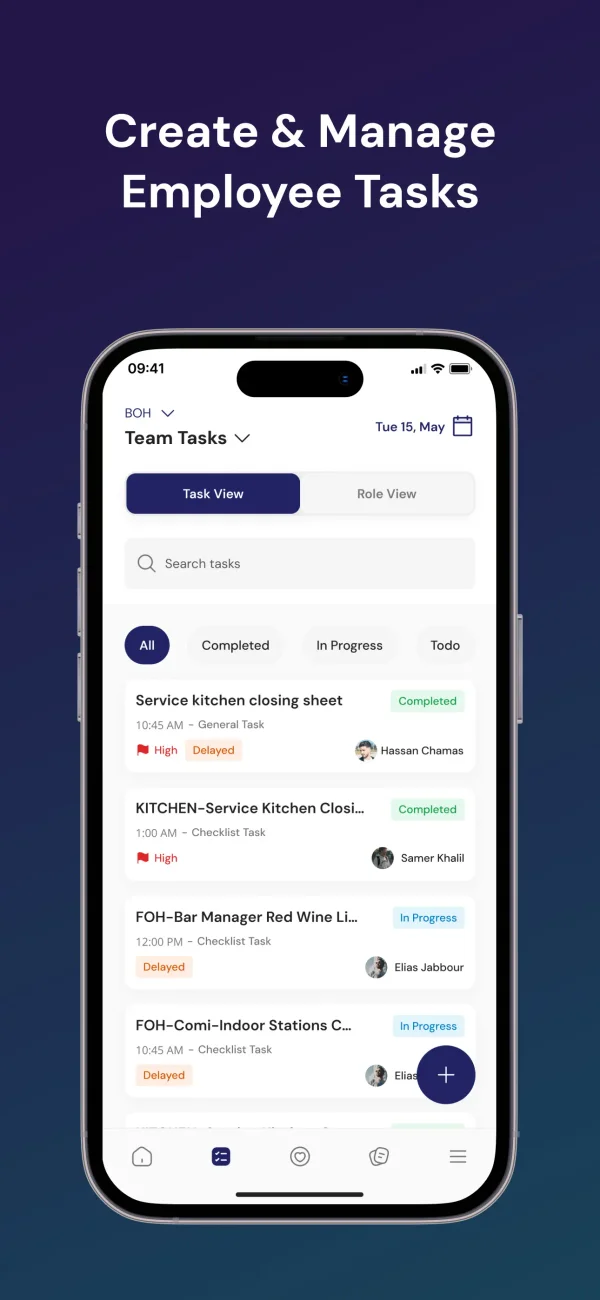
2. Task management built for real operations (not generic to-do lists)
Opscale is designed around shifts, responsibilities, and sites.
Assign by location, team, role, or individual
Clear ownership and accountability per shift
Priorities, due times, and dependencies for execution flow
3. Workforce scheduling and shift management
Plan staffing with control and consistency across all locations.
Weekly scheduling and shift planning
Reduce scheduling conflicts and gaps
Keep teams aligned on who is on-duty and when
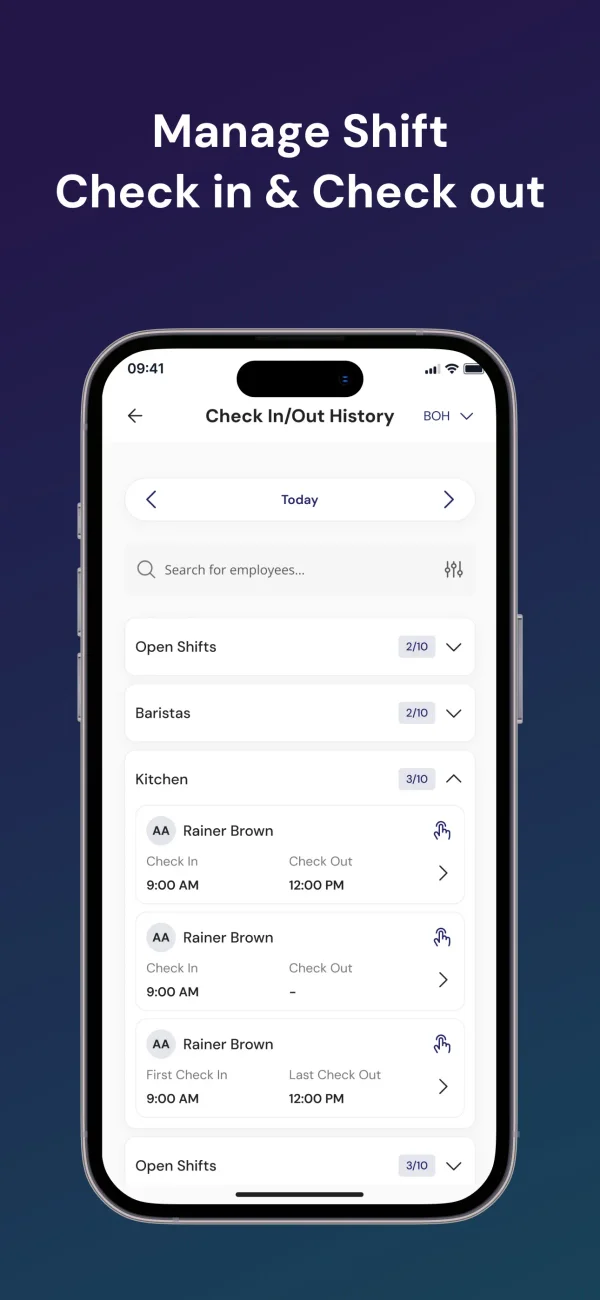
4. Attendance, time tracking, and geo check-in/out
Ensure staff attendance is accurate and auditable.
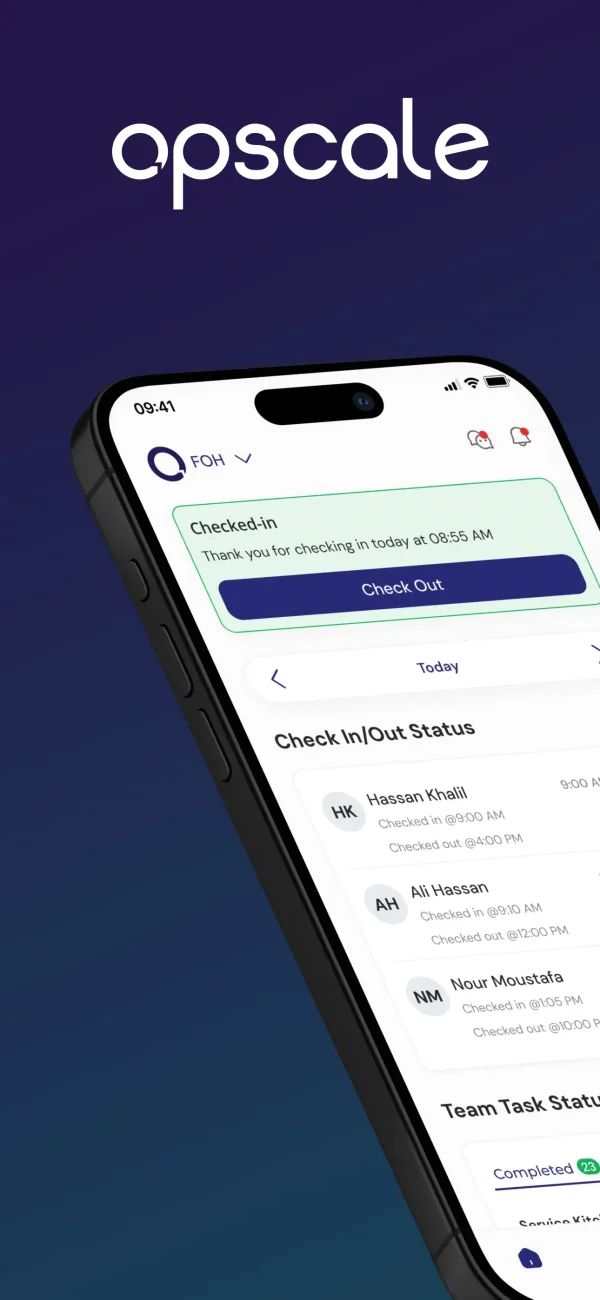
Check-in and check-out from mobile
Geo-based rules (where enabled) to reduce misuse
Live status for who is on shift
5. Requests, approvals, and internal workflows
Bring operational and HR-style requests into one governed system.
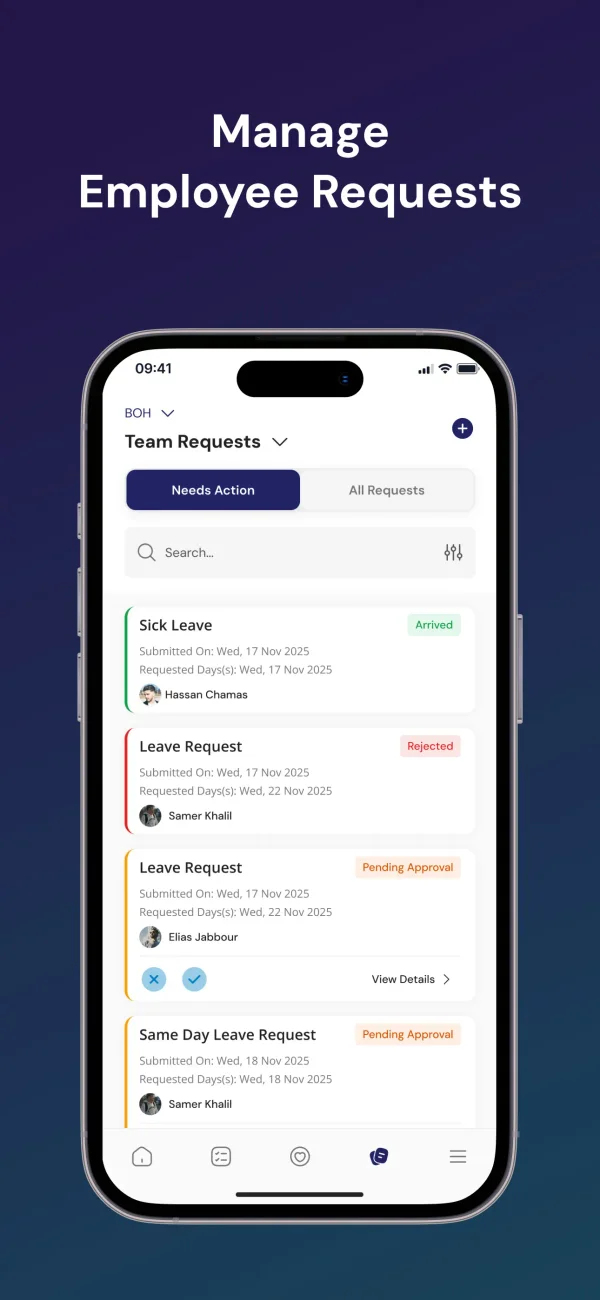
Leave requests and time-off workflows
Operational requests (supplies, maintenance, access, replacements)
Configurable approval flows based on location/role/department
Tracking from submission to decision with full traceability
6. Communication connected to execution
Opscale includes communication tools designed for operational clarity.
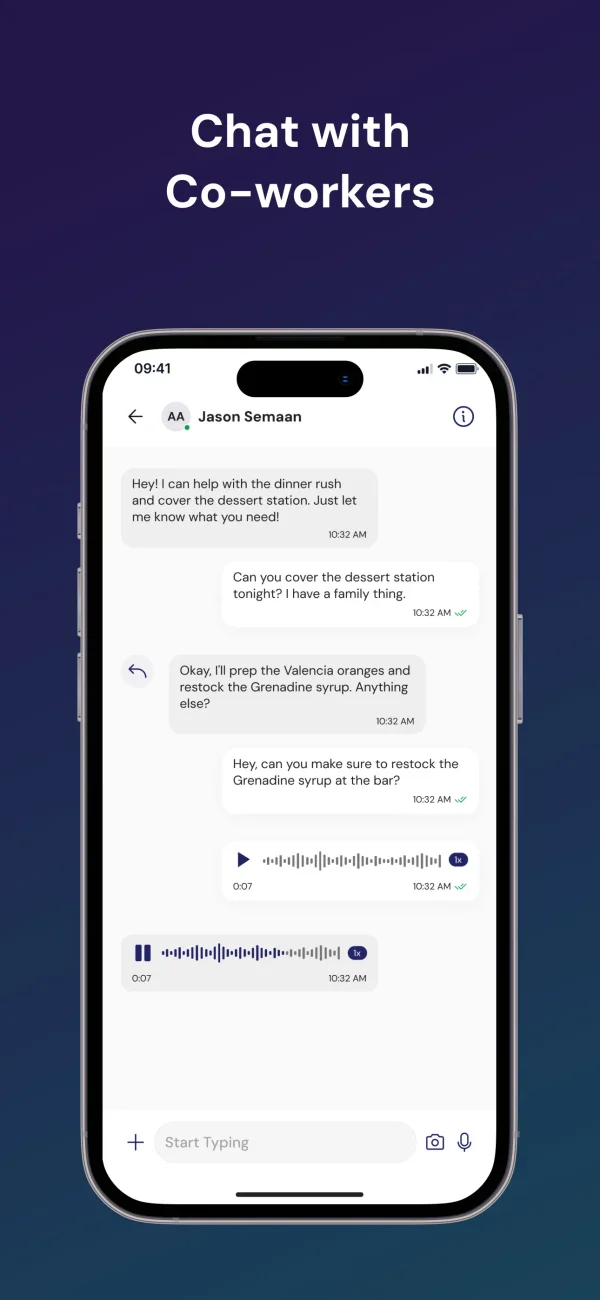
One-to-one and group chats for teams
Announcements for policies, updates, and shift notes
7. People directory across branches and departments
Find the right person quickly across locations.
Team directory with role and site context
8. Multi-location visibility and operational performance tracking
Give leadership and regional managers the oversight they need.
View execution status across branches in real time
Identify gaps early (missed tasks, late check-ins, incomplete workflows)
Improve consistency across locations with standardized processes
9. Inspection & operational audit control
Empower managers to actively supervise execution in real time.
Search within checklist submissions using keywords
Filter by branch, role, shift, or checklist type
Instantly review completed tasks and evidence
Directly nudge or message team members from the checklist
Evaluate performance and provide structured feedback
Identify recurring gaps and operational weaknesses
Built for shift-based industries
● Restaurants & food service
● Retail chains
● Hospitality groups
● Healthcare facilities
● Warehousing & logistics
● Field service organizations
● Any multi-branch team that needs daily operational control
Why Opscale
● Replace paper checklists and manual follow-ups
● Standardize execution across locations
● Improve accountability per shift and role
● Reduce operational leakage and missed steps
● Enable managers with real-time visibility
● Scale operations without chaos
● Opscale helps you run daily work like a system, clear, consistent, and measurable.
What’s new
Version 1.0.11 · Oct 6, 2026
- Managers can send purchase order requests from Requests
- Admins can see when employees logged out (Logout Logs)
- The app opens without internet on your last saved info, then reconnects by itself
- More reliable check-in and check-out on a weak connection
- Early morning shifts show on the right day in My Schedule
- Chat: voice notes, video uploads and unread badges fixed
- Camera, keyboard and stability fixes
App privacy
What OPSCALE SAL declares on the App Store about how this app handles data.
-
Data linked to you
May be collected and linked to your identity.
- Contact info
- Identifiers
-
Data not linked to you
May be collected but is not linked to your identity.
- Location
- User content
- Usage data
- Diagnostics
Privacy practices may vary, for example with the features you use or your age.
Information
- Seller
- OPSCALE SAL
- Category
- Productivity
- Version
- 1.0.11
- Updated
- Oct 6, 2026
- Released
- Jun 3, 2026
- Size
- 112.9 MB
- Requires
- iOS 16.4 or later
- Age rating
- 4+
- Languages
- English
- Copyright
- © Opscale SAL
You might also like
-
 The G.O.A.T.Inventory Made Simple
-
 InCheck-360Productivity
-
 Worxly: Work Hours TrackerTrack time, projects & pay
-
 Value Charts : Flow DiagramDiagrams & Flowchart Maker
-
 Kahraba On OffReal-Time EDL Alerts
-
 Studi: AI Homework AssistantAI-Powered Study Buddy
-
 AlarisPro Field OpsMobile App for AlarisPro, Inc.
-
 OfflinePrivate AI: No InternetAirplane Mode. First Aid.
-
 MIK ExportMIK Export
-
 Optimus AISmart GPT Powered by OpenAI