Opsino: Colour Identifier
Help for colour blindness
Designed for iPhone
In-app purchases
- Age rating4+
- CategoryUtilities
- DeveloperTobias Kollmar
- LanguagesFrench+ 17 more
- Size11.9 MB
Links to the official App Store page
Download.org hosts no file of Opsino: Colour Identifier. The button opens its official App Store page, published by Tobias Kollmar. Listing last checked on Nov 23, 2026.
Screenshots



About
What colour is that? Opsino helps you put a name to everyday colours using your iPhone camera or a photo. A practical aid for colour blindness, including difficulty telling red and green apart.
Live colour identification with the camera and Photo Mode are free. Resistor Mode is available as a one-time in-app purchase that also removes ads from the app.
IDENTIFY COLOURS WITH YOUR CAMERA
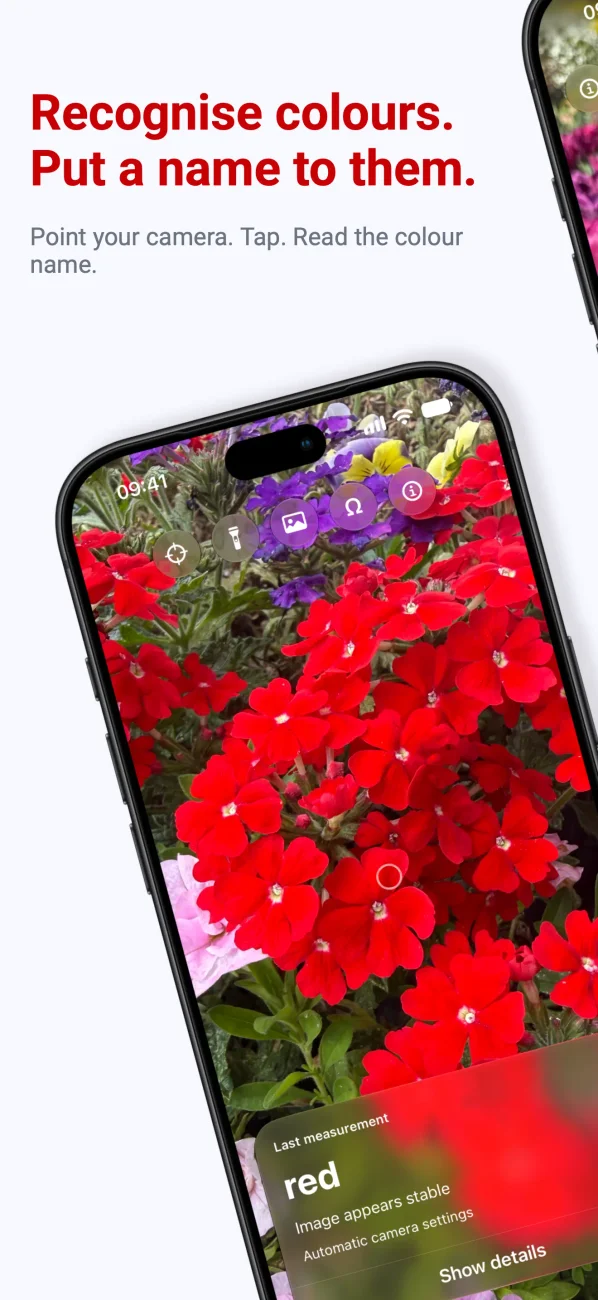
Aim the measurement circle at a fairly even surface and tap to measure. Opsino displays a colour name and guidance about the result. You can adjust the size of the circle. No calibration is needed for everyday measurements.
EXPLORE COLOURS IN PHOTOS
Choose a photo and tap the area you want to identify. Zoom and pan to take a closer look at small details. Your original photo stays unchanged.
RESISTOR MODE
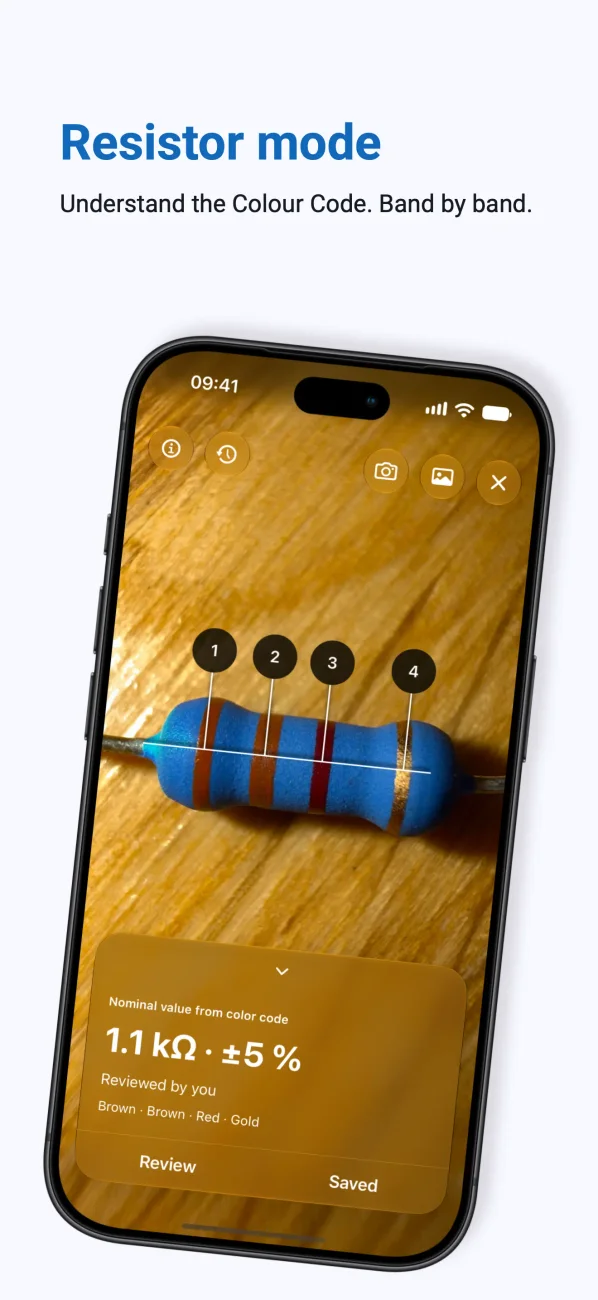
Identify colour bands in photos of resistors with four, five or six bands to determine their nominal value and tolerance. Review and correct the results when needed. Save the photo and result directly on your device. The colour code indicates the nominal value; it does not measure the actual electrical resistance.
UNDERSTAND YOUR RESULTS
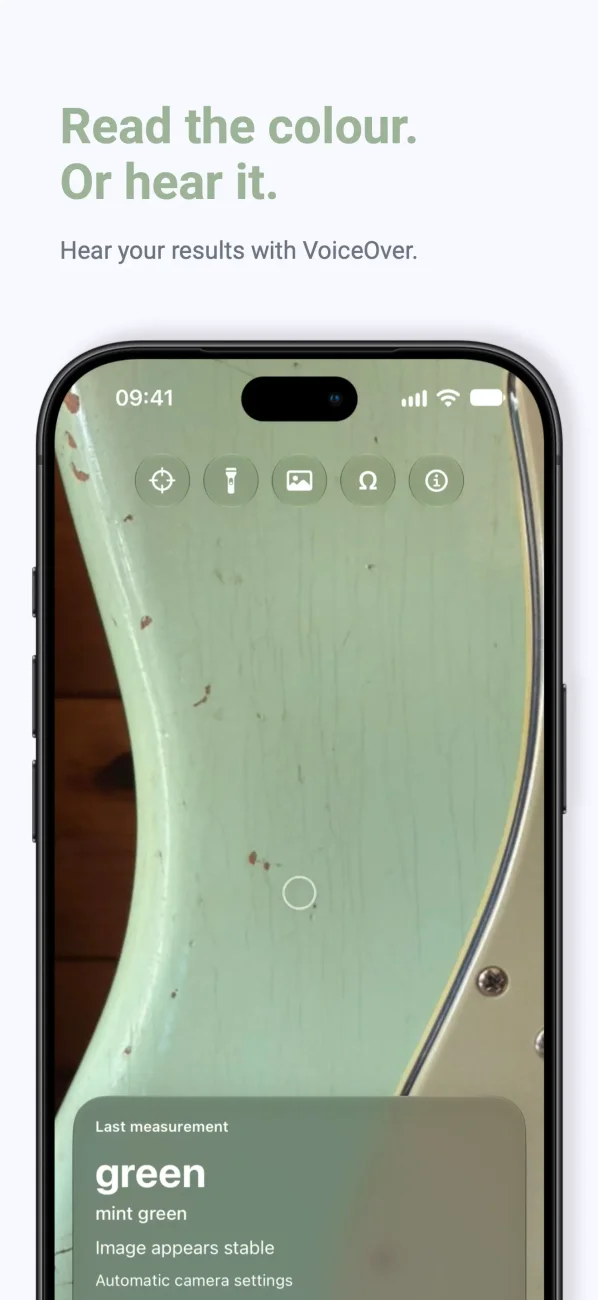
In camera and photo modes, Opsino first shows the main colour, with a finer shade below when identifiable – such as green with mint green or red with magenta. Guidance explains possible uncertainty.
READ RESULTS OR HEAR THEM WITH VOICEOVER
VoiceOver can read results and guidance aloud. Text, symbols and haptic feedback help you use the app without having to distinguish warning colours. The iOS settings Increase Contrast and Reduce Transparency help make the display easier to read.
ANALYSIS ON YOUR IPHONE
Colour analysis takes place directly on your device, with no account or image upload for analysis. Camera images and photos stored on your device can be analysed offline. In photo mode, Opsino only receives access to the photo you choose. A picture stored only in iCloud may need to be downloaded first.
A colour name is an estimate. Lighting, reflections and camera settings can affect the result. Photo mode identifies the colour stored in the image; filters and lighting may have changed it from the original object's colour. Opsino does not replace a calibrated colour measurement instrument.
Terms of Service: https://www.apple.com/legal/internet-services/itunes/dev/stdeula/
What’s new
Version 1.2.5 · Nov 17, 2026
Bug fixes and stability improvements.
App privacy
What Tobias Kollmar declares on the App Store about how this app handles data.
-
Data linked to you
May be collected and linked to your identity.
- Location
- Identifiers
- Usage data
-
Data not linked to you
May be collected but is not linked to your identity.
- Diagnostics
Privacy practices may vary, for example with the features you use or your age.
Information
- Seller
- Tobias Kollmar
- Category
- Utilities
- Version
- 1.2.5
- Updated
- Nov 17, 2026
- Released
- Oct 2, 2026
- Size
- 11.9 MB
- Requires
- iOS 17.6 or later
- Age rating
- 4+
- In-app purchases
- Yes
- Languages
- French, German, English, Simplified Chinese, Traditional Chinese, Korean, Danish, Spanish, Finnish, Italian, Japanese, Norwegian Bokmål + 6 more
- Copyright
- © 2026 AppsByMow
You might also like
-
 Argyo: Color IdentifierColor blindness & HEX Picker
-
 Your ColorbookSwatches ready to copy
-
 Resistor Code Calculator ProResistor Scanner Color & SMD
-
 Color Identifier & PickerFind Hue Name, HEX, RGB, CMYK
-
 PeekScan - Quick PDF ScannerSeamless scanning & management
-
 Color ExtractionUtilities
-
 AWARE Client V2Utilities
-
 Color Picker: Camera & ImageColor Name Identifier & Finder
-
 WINSSUtilities
-
 Color Scanner: RAL & HEXPaint Color Code Finder