Optimal HRV: Biofeedback
Stress Relief & HRV Training
Designed for iPhone, iPod touch
Free · In-app purchases
- Age rating4+
- CategoryHealth & Fitness
- DeveloperOptimal, LLC
- LanguagesEnglish
- Size56.3 MB
Links to the official App Store page
Download.org hosts no file of Optimal HRV: Biofeedback. The button opens its official App Store page, published by Optimal, LLC. Listing last checked on Nov 15, 2026.
Screenshots

About
Are you feeling stressed, burned out, or just not yourself? Optimal HRV is the guided biofeedback app that teaches your body to calm down — for real. Backed by a Harvard Medical School mindfulness expert and trusted by athletes worldwide.
Optimal HRV pairs real HRV data with live biofeedback, so every session trains your nervous system to handle stress better — not just tells you that you're stressed.
Why HRV and Biofeedback Training Work
Your Heart Rate Variability (HRV) is a window into how well your body handles stress, anxiety, and recovery — and biofeedback is how you train it to improve. Together, they show you what's happening inside your body, then guide you to change it in real time.
With Optimal HRV, you can:
• See how stressed — or relaxed — your body really is, using real HRV data.
• Learn what actually helps you recover, from sleep to workouts to busy workdays.
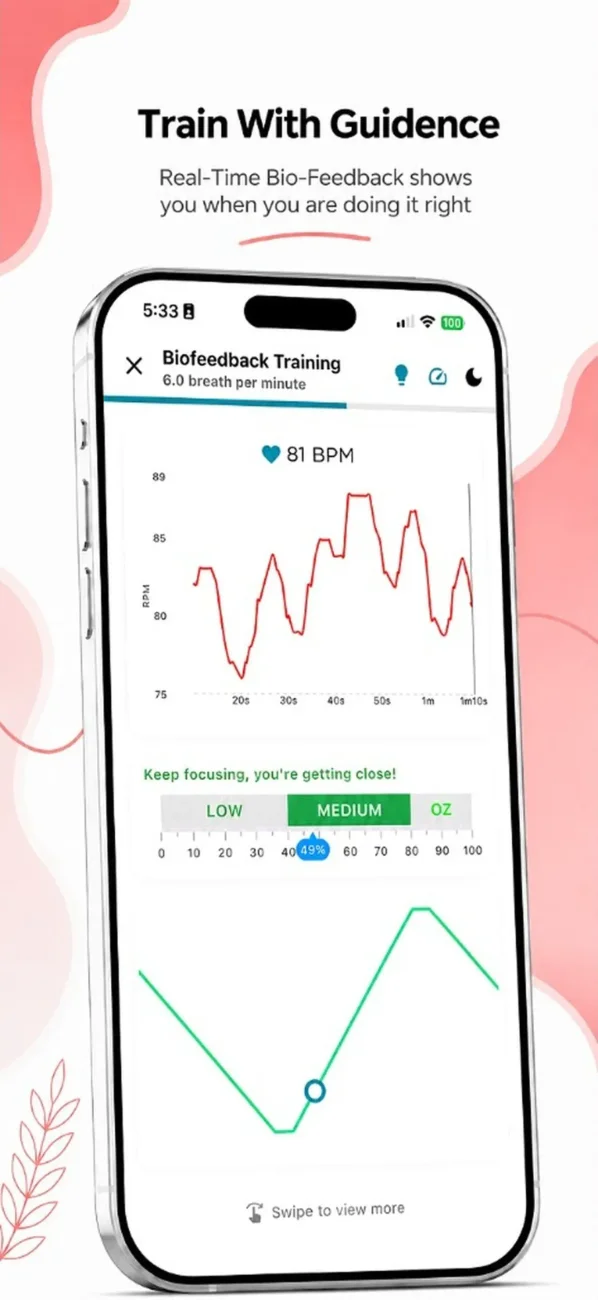
• Use live biofeedback to train your body to relax faster, right as it's happening.
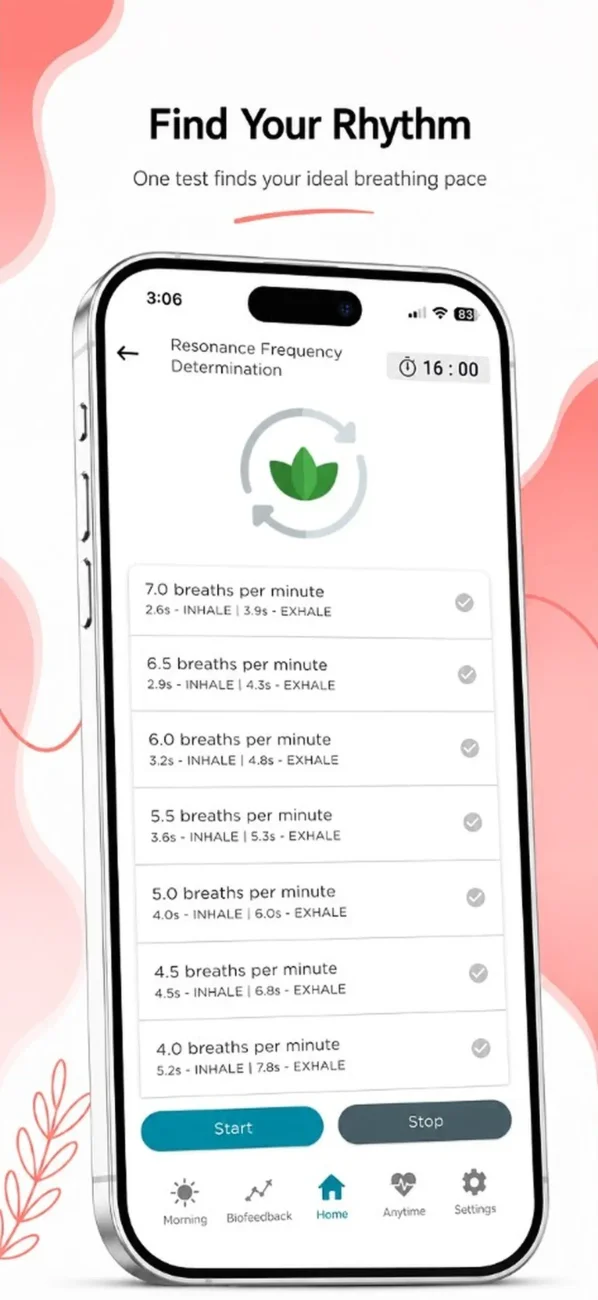
• Discover your own personal "perfect breathing rhythm" through guided sessions.
Features You'll Actually Use
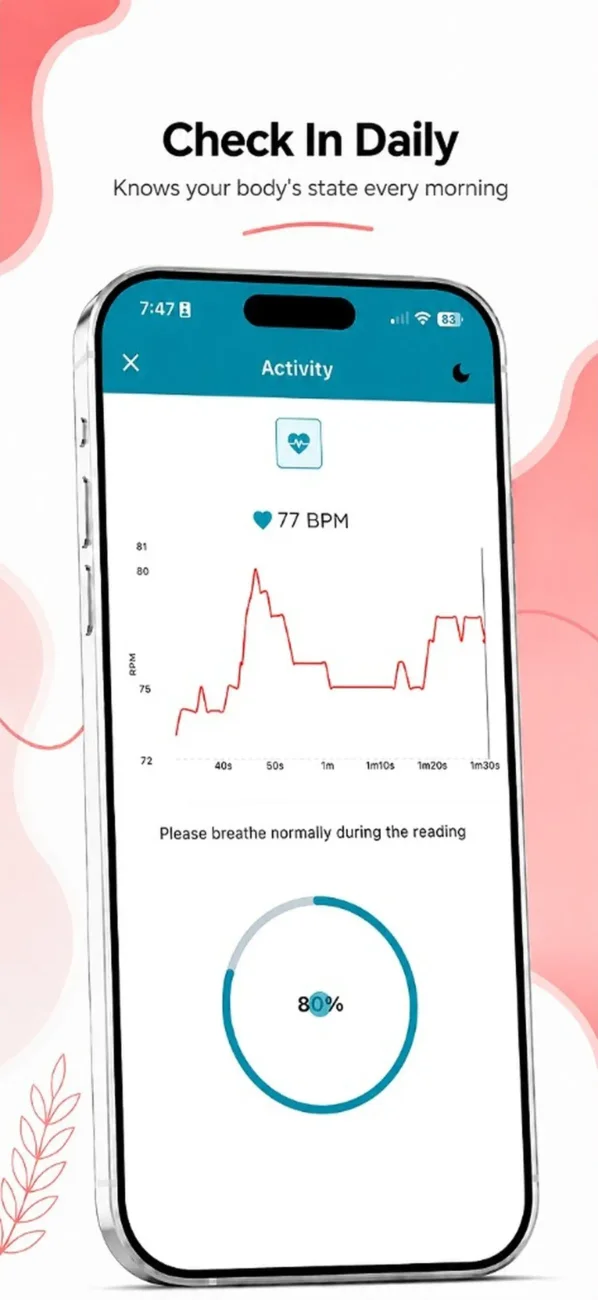
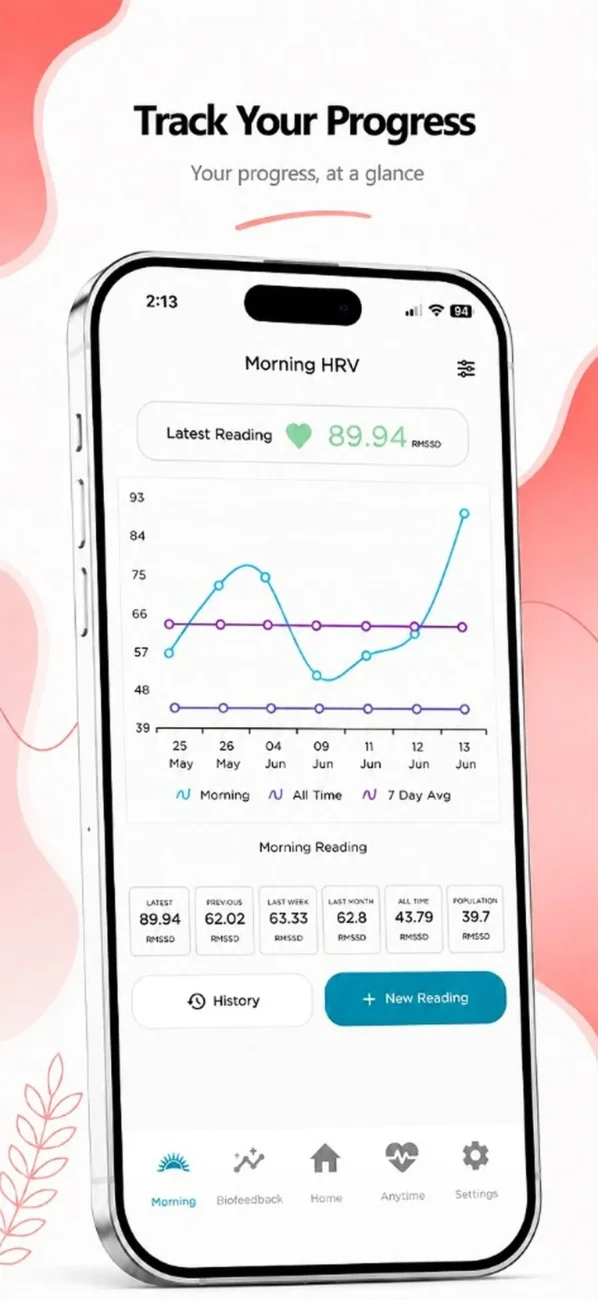
• Daily Check-Ins — take a quick reading each morning, or anytime you want to see how you're doing.
• Your Perfect Breathing Rhythm — a simple test finds the exact breathing pace that works best for you.
• Live Feedback While You Train — a simple on-screen guide shows you when you're doing it just right.
• Calming Mindfulness Sessions — guided practices created with a Harvard Medical School mindfulness expert, covering stress, anxiety, pain management, athletic performance, and more, with calming narrations in your choice of voice.
• Easy-to-Read Progress — see your trends over days, weeks, and months, no data expertise needed.
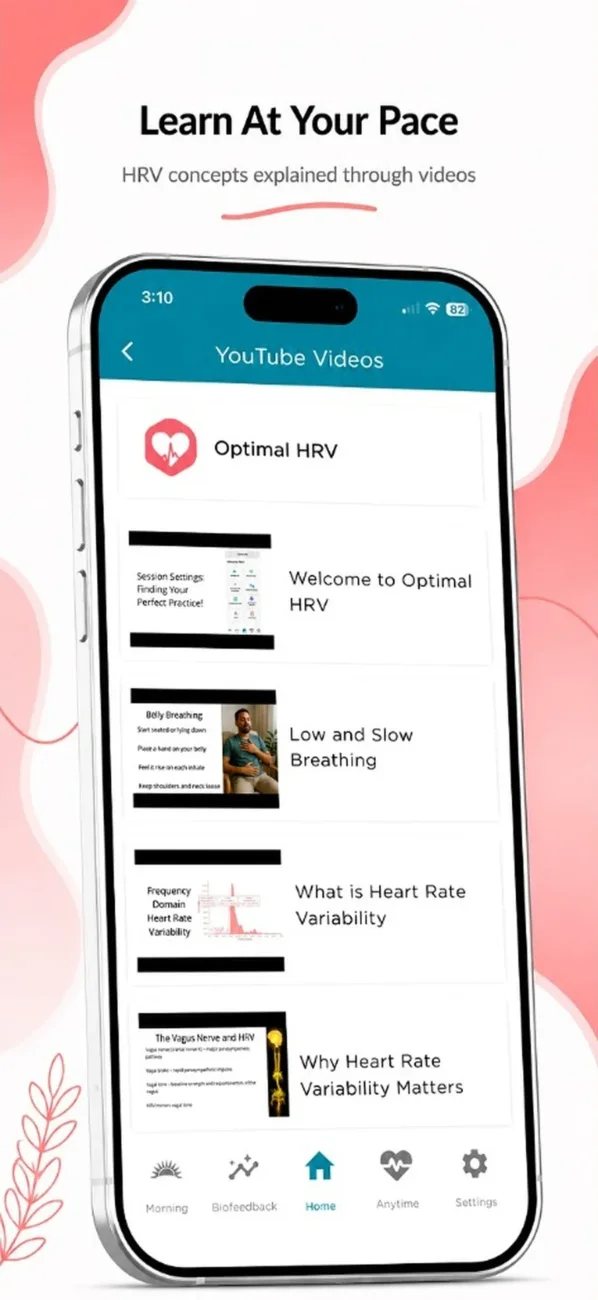
• Video Tutorials — learn HRV concepts and techniques at your own pace.
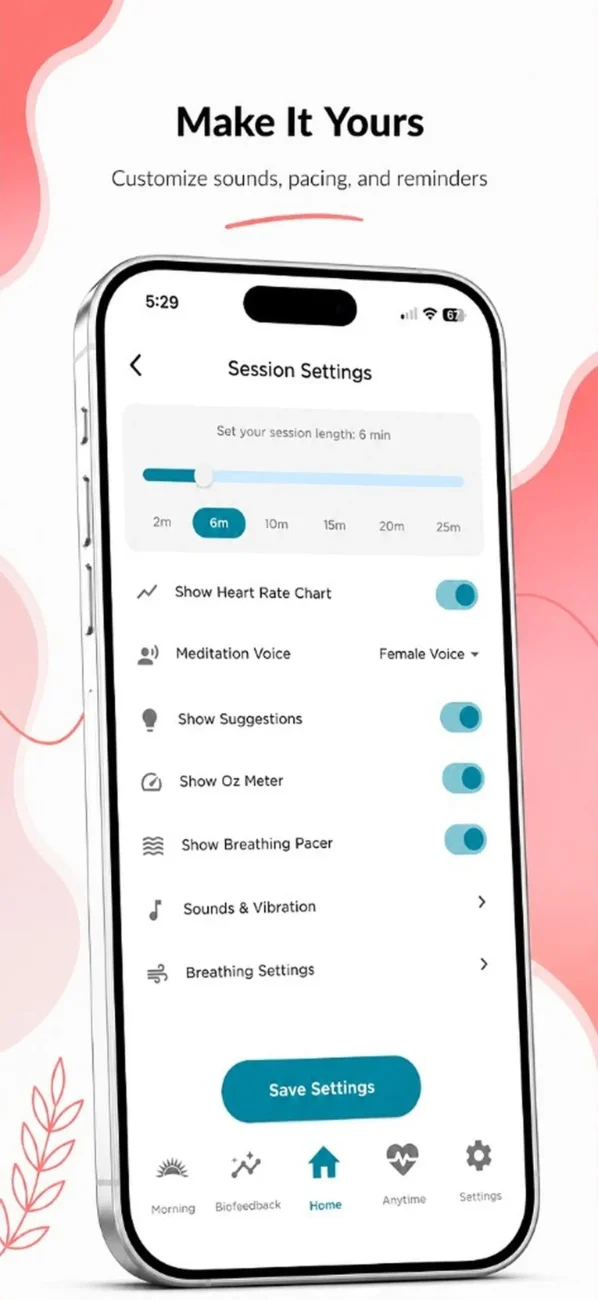
• Make It Yours — adjust sounds, pacing, and reminders so training fits your life.
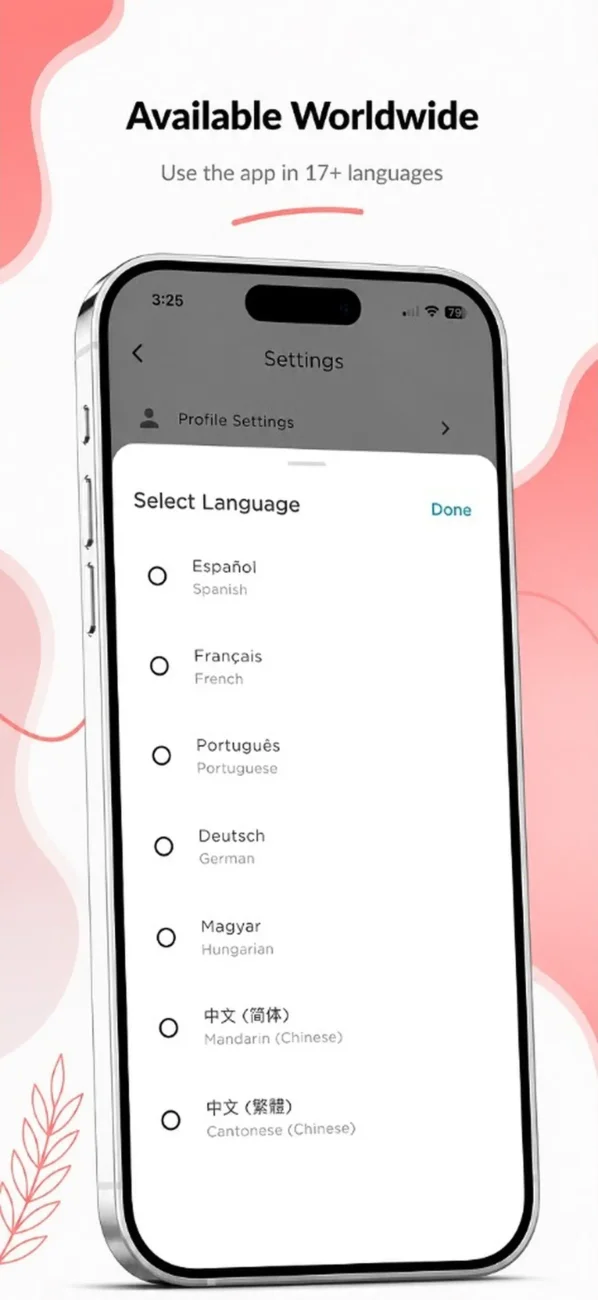
• Available in 14 Languages — use Optimal HRV in your native language.
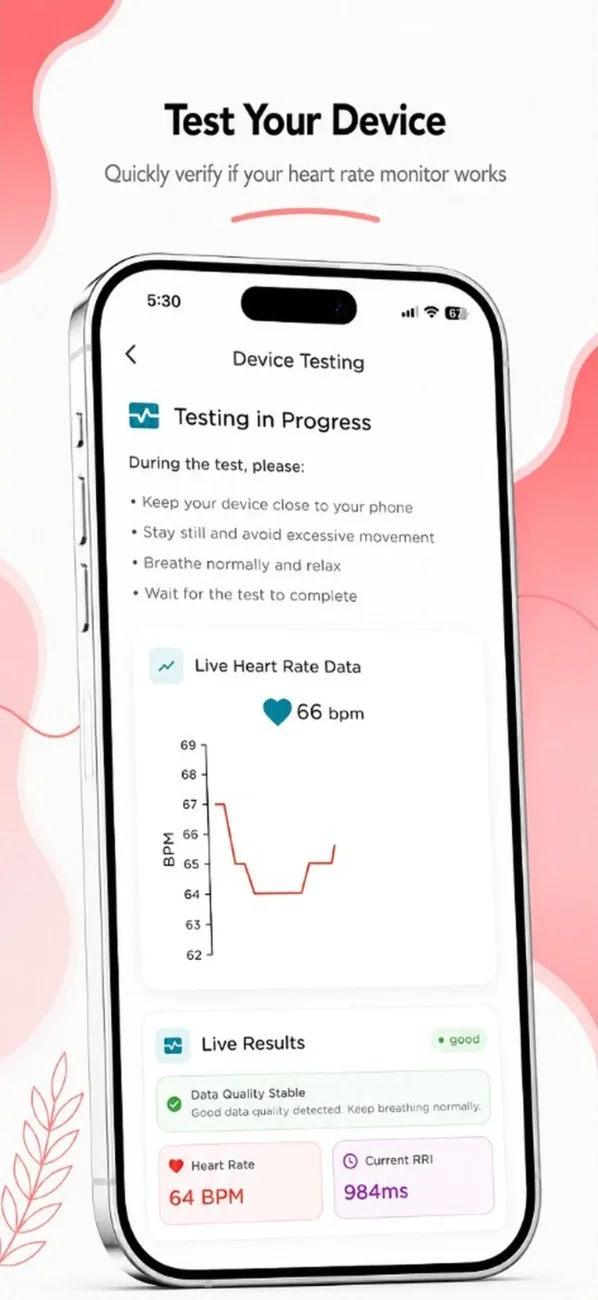
• Device Testing — quickly verify if your heart rate monitor works with the app.
• Great for Teams Too — employers and coaches can track group wellness together (Dashboard access needed).
Why Optimal HRV Works with External Sensors (Not Apple Watch)
We choose precision over convenience.
Apple Watch is great for daily wellness, but Optimal HRV is built for serious HRV training. That's why we connect directly to an HRV monitor via Bluetooth — they deliver millisecond-accurate R‑R intervals that wrist sensors can't match.
What that means for you:
• More accurate data – better insights, better decisions.
• Real-time streaming – no gaps, no guesswork.
• Reliable results – trusted by athletes and coaches worldwide.
Love Optimal HRV? Leave a review and help others find their calm. Your feedback helps us improve and reaches more people who need stress relief.
Try it free for 30 days and feel the difference for yourself.
Download now and start training your nervous system today.
Terms of Use: https://www.apple.com/legal/internet-services/itunes/dev/stdeula/
What’s new
Version 7.73.73 · Nov 8, 2026
• Connecting to your heart rate monitor is faster and more reliable
• New setting: auto-connect to your last used monitor. Turn it off in the device list or in Settings › Readings Settings
• The device list shows which monitors are available right now and when you last used each one
• Clearer messages when a monitor can't be reached
• Fixed a problem that could stop the app from opening on iPad
App privacy
What Optimal, LLC declares on the App Store about how this app handles data.
-
Data not collected
The developer does not collect any data from this app.
Privacy practices may vary, for example with the features you use or your age.
Information
- Seller
- Optimal, LLC
- Category
- Health & Fitness
- Version
- 7.73.73
- Updated
- Nov 8, 2026
- Released
- Mar 5, 2020
- Size
- 56.3 MB
- Requires
- iOS 15.0 or later
- Age rating
- 4+
- Price
- Free
- In-app purchases
- Yes
- Languages
- English
- Copyright
- © Optimal HRV 2022.
You might also like
-
 Absolute RestHealth & Fitness
-
 Yudemon HRVHRV Biofeedback & Breathwork
-
 Kubios HRV - Daily ReadinessHeart rate variability
-
 HRV4TrainingHeart rate variability science
-
 BreathTuner HRVFind your best breathing rate
-
 Lief AppThe wearable for stress relief
-
 Morpheus TrainingHealth & Fitness
-
 Shift AdaptHealth & Fitness
-
 Allos: Breath PacerSync Your Breath to Music
-
 AYO Circadian HealthBetter Sleep, More Energy