
- Age rating17+
- CategoryMedical
- DeveloperImpulse Dynamics (USA), Inc.
- LanguagesEnglish
- Size20.2 MB
Links to the official App Store page
Download.org hosts no file of OPTIMIZER Patient App. The button opens its official App Store page, published by Impulse Dynamics (USA), Inc. Listing last checked on Nov 18, 2026.
Screenshots

About
OPTIMIZER Patient App
Patients with Impulse Dynamics’ OPTIMIZER CCM® devices supported by the OPTIhome Remote Patient Monitoring System can download this app for free to receive information about their device, notifications from the OPTIhome system, and to respond to health surveys issued by their physicians. The OPTIMIZER Patient App may also be installed on an authorized caregiver’s mobile device to provide redundant notifications.
The OPTIMIZER Patient App serves the following functions:
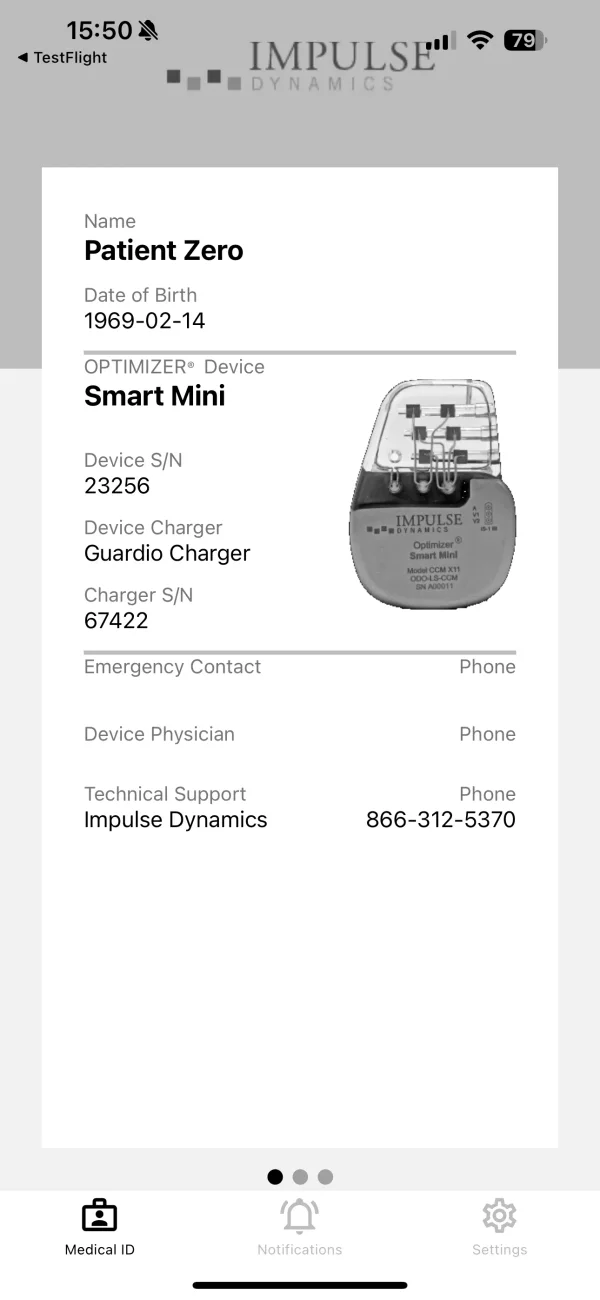
Provides information about your implanted OPTIMIZER device. As such, it can serve as an “Electronic Medical Device Identification Card.”
Note: The information about your implanted device displayed in the OPTIMIZER Patient App does not replace the printed Implanted Medical Device Identification Card given to you when you were implanted with an OPTIMIZER device.
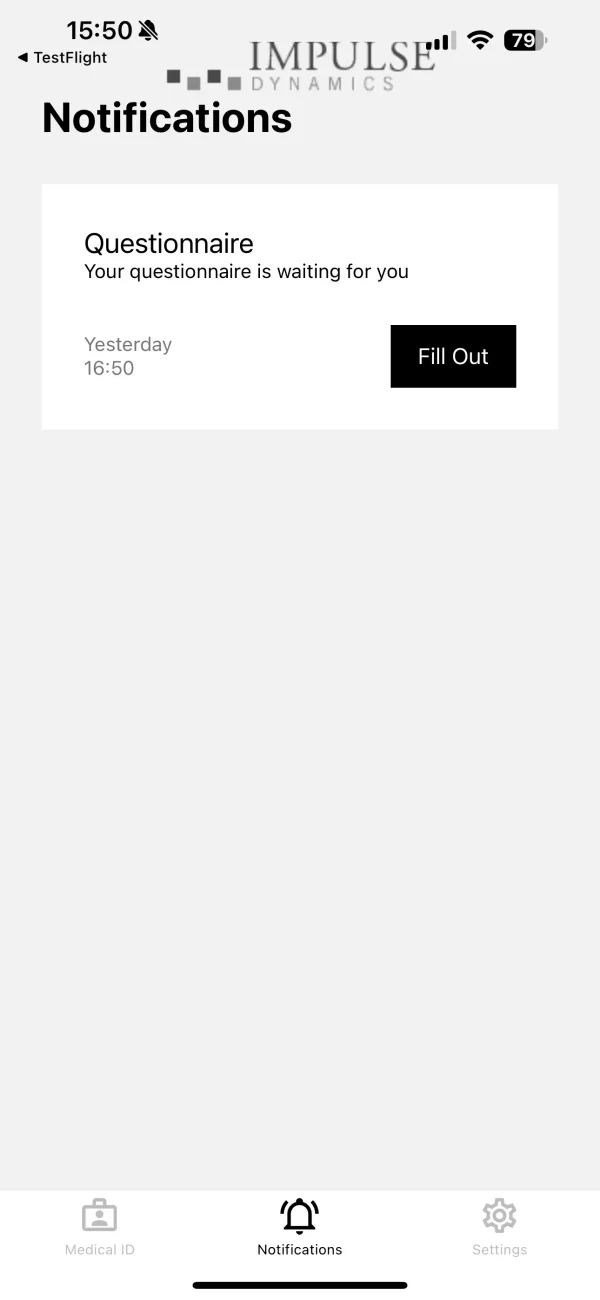
Provides a means of sending notifications to you, including the functionality to require you and/or your caregiver to acknowledge a notification, which would log the corresponding update of acknowledgement on the Healthcare Provider’s Portal. The notifications displayed through the OPTIMIZER Patient App may also be sent by the OPTIhome Remote Patient Monitoring Service to you via text, phone call, and/or email.
WARNING: All alert notifications sent out by the OPTIhome Remote Patient Monitoring Service to you or your Caregiver via the OPTIMIZER Patient App are secondary to the alert notifications provided by your GUARDIO Charger and should not be used as the primary source of alert notifications.
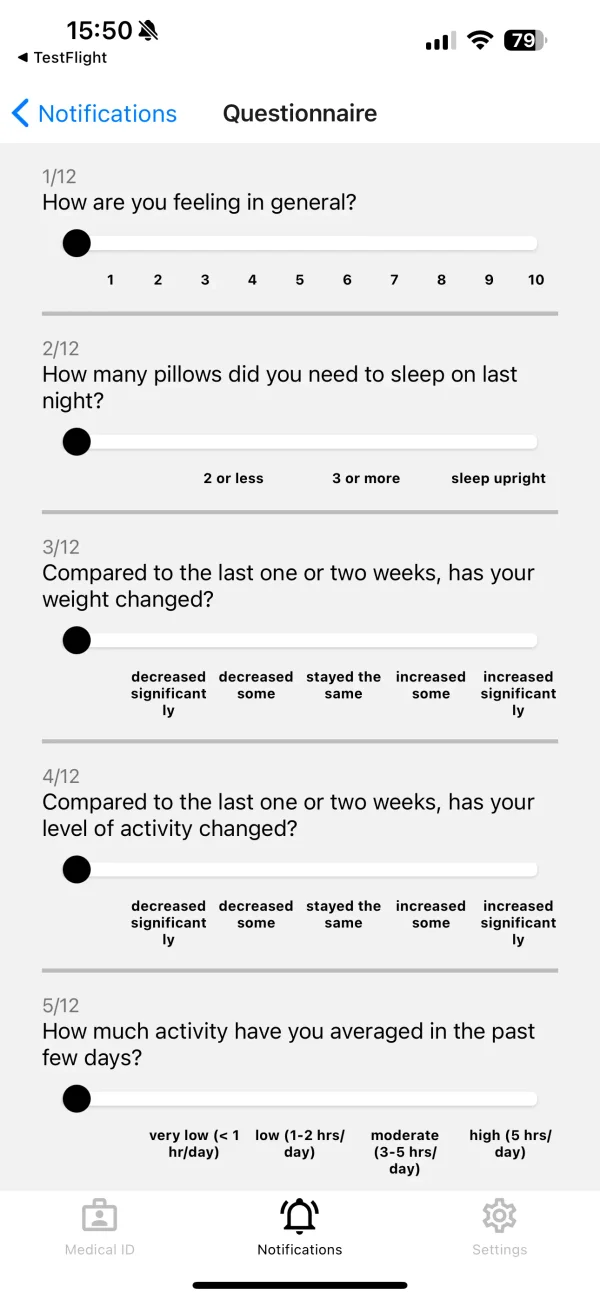
Provides a means for you to respond to the Health Survey Questionnaire.
The OPTIMIZER Patient App cannot transfer data or program your implantable device in any way.
Note: The requirements for your phone and OS version may change over time. You may need to update, or replace, your phone and OS to use the App.
DISCLAIMER: This application is intended to support individuals with an implanted OPTIMIZER device who are enrolled in the OPTIhome Remote Patient Monitoring System ONLY. Individuals should speak to a doctor prior to installing the application to see if they qualify. For installation and operating instructions, please consult the Remote Patient Monitoring System Patient’s Manual provided by your doctor or Impulse Dynamics representative when you were enrolled in the OPTIhome Remote Patient Monitoring System.
App privacy
What Impulse Dynamics (USA), Inc. declares on the App Store about how this app handles data.
-
Data not collected
The developer does not collect any data from this app.
Privacy practices may vary, for example with the features you use or your age.
Information
- Seller
- Impulse Dynamics (USA), Inc.
- Category
- Medical
- Version
- 1.0.1
- Updated
- Mar 20, 2024
- Released
- Mar 20, 2024
- Size
- 20.2 MB
- Requires
- iOS 12.4 or later
- Age rating
- 17+
- Price
- Free
- Languages
- English
- Copyright
- © 2024 Impulse Dynamics
You might also like
-
 MODELFIT BodyHealth & Fitness
-
 Extra WorkHealth & Fitness
-
 Amwell Private PracticeMedical
-
 ClearMatchHealth & Fitness
-
 LUMA CareYour insurance, made simple
-
 EHRA 2026Your onsite companion
-
 CasedocMedical
-
 Shred415 Fitness AppWorkout with Shred415
-
 MyLATITUDEMedical
-
 Fitness Factory Health ClubHealth & Fitness