- Age rating4+
- CategoryNavigation
- DeveloperOptiroute Group LTDA
- LanguagesEnglish+ 17 more
- Size177.8 MB
Links to the official App Store page
Download.org hosts no file of Optiroute Route Planner. The button opens its official App Store page, published by Optiroute Group LTDA. Listing last checked on Nov 16, 2026.
Screenshots
About
Delivery app, delivery route planner and route optimizer with multiple stops for drivers, couriers.
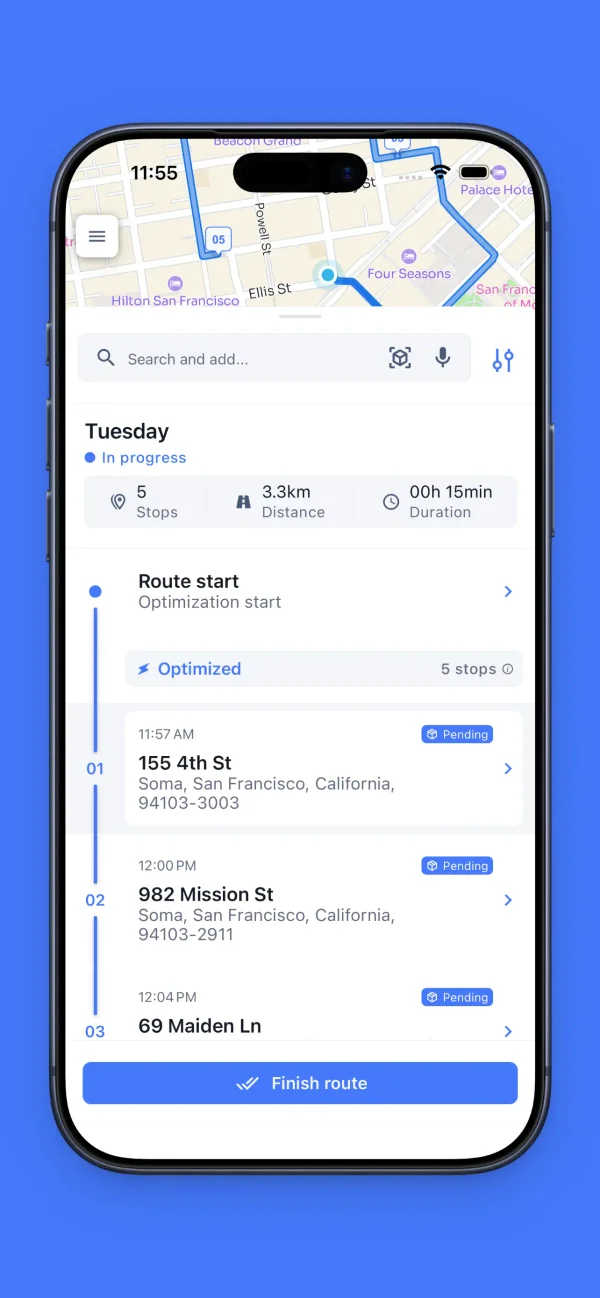
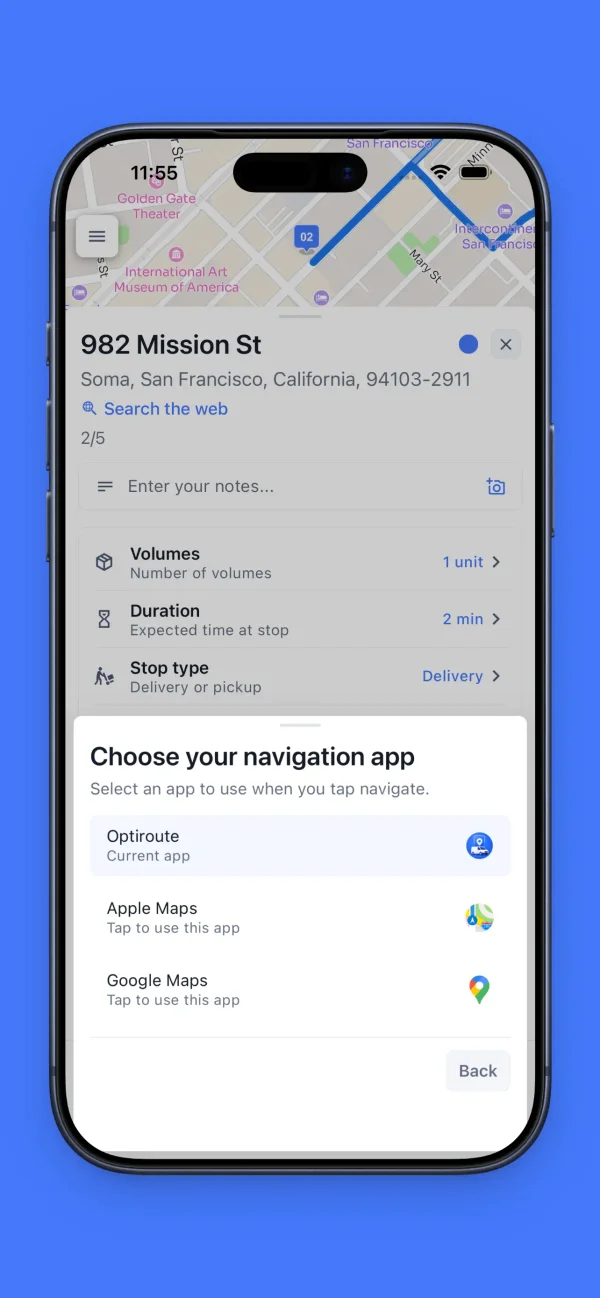
With Optiroute Route Planner, you can add stops, import Excel, CSV or ODS spreadsheets, optimize your route automatically and use your favorite GPS navigation app, including Apple Maps, Waze, Google Maps, HERE WeGo and more than 25 navigators.
Plan package delivery, food delivery, grocery delivery, pickups and service visits. Save time, money and fuel, avoid traffic, get driving directions faster.
WITH OPTIROUTE, YOU CAN:
• Create unlimited routes every day
• Add up to 500 stops per route with Premium
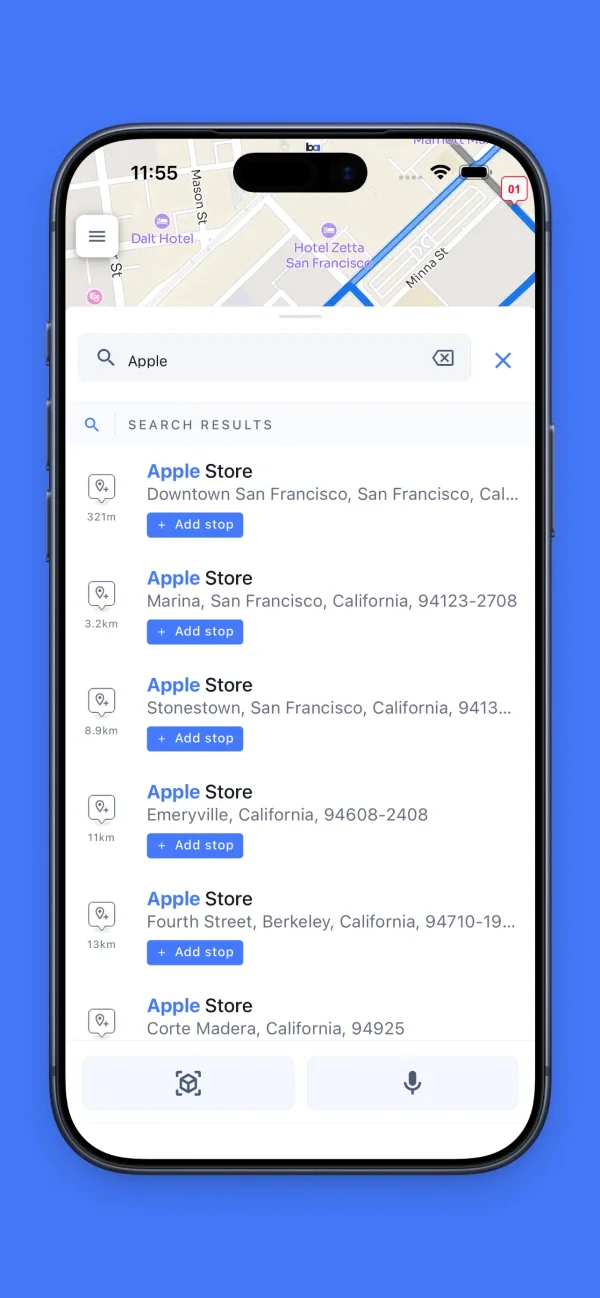
• Add stops using the keyboard, voice or address search
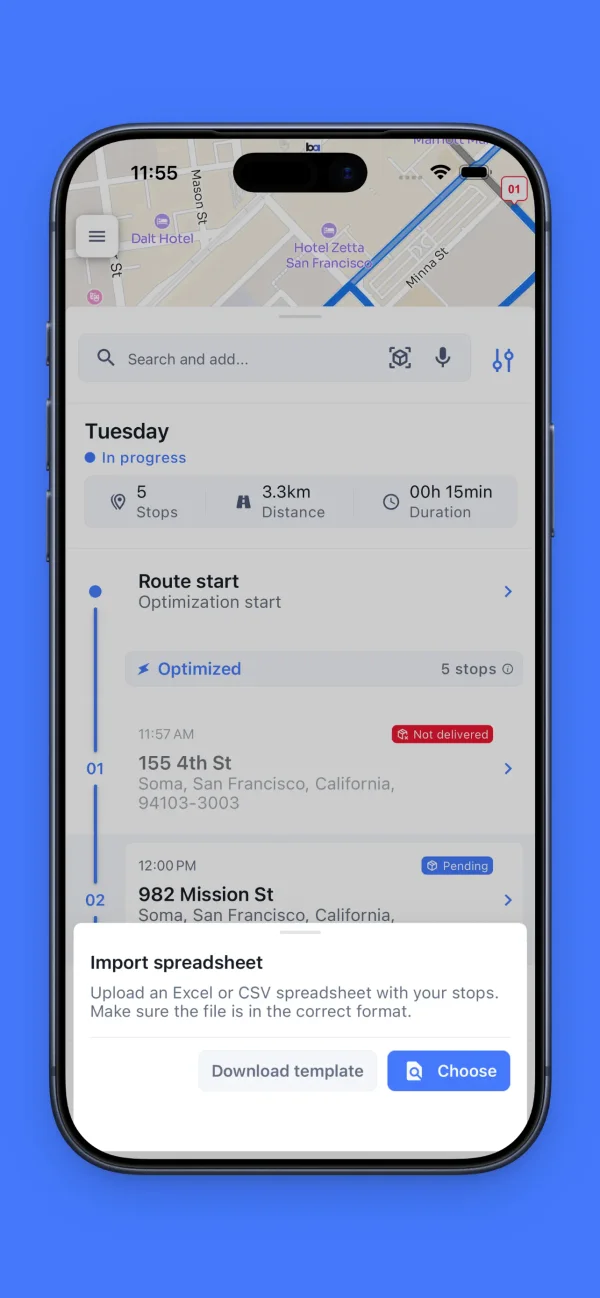
• Import Excel, CSV and ODS files with delivery addresses and locations
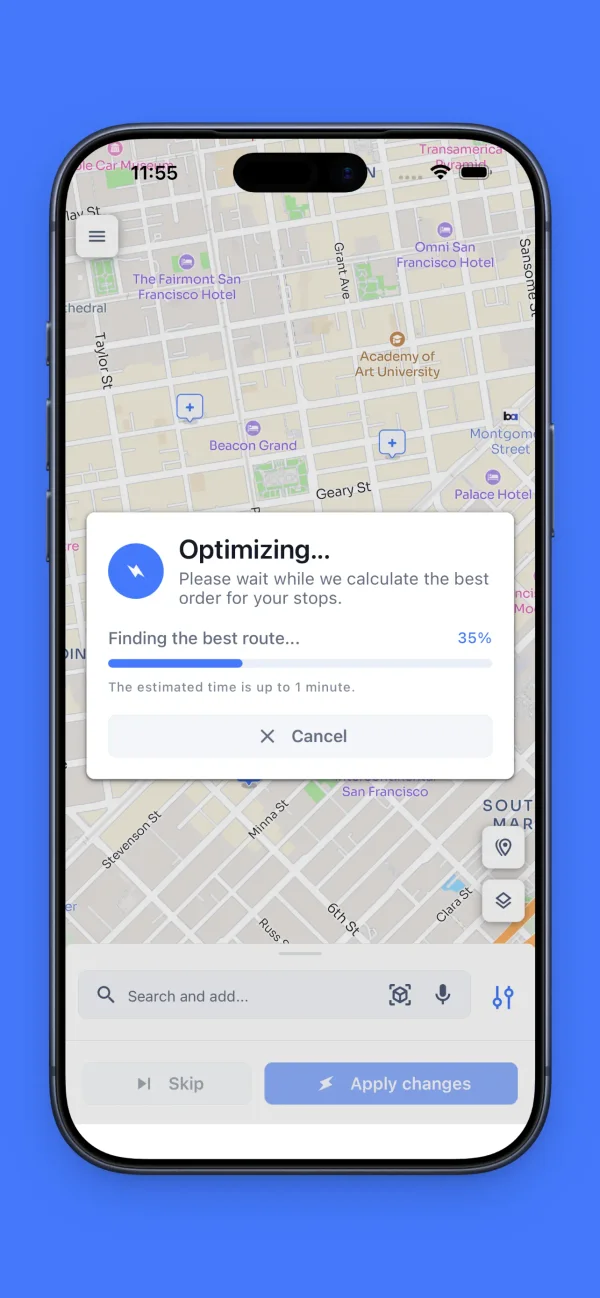
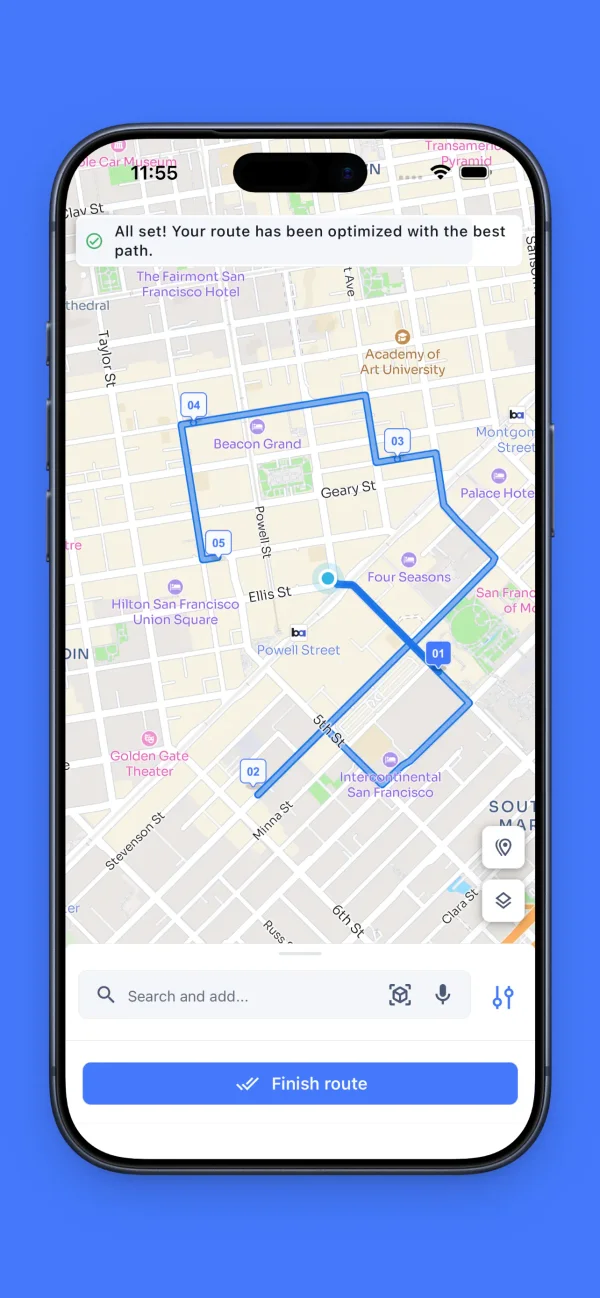
• Optimize stop order automatically for a more efficient path
• Plan deliveries, pickups and visits with multiple stops
• Use GPS navigation with Apple Maps, Waze, Google Maps, HERE WeGo and 25+ navigation apps
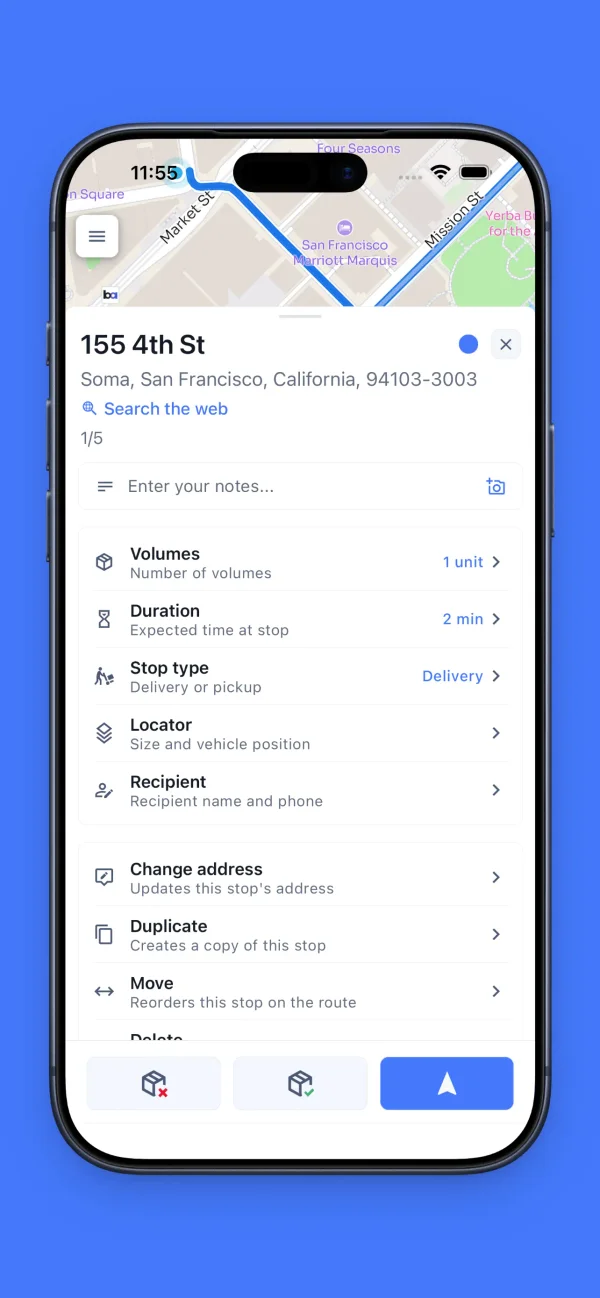
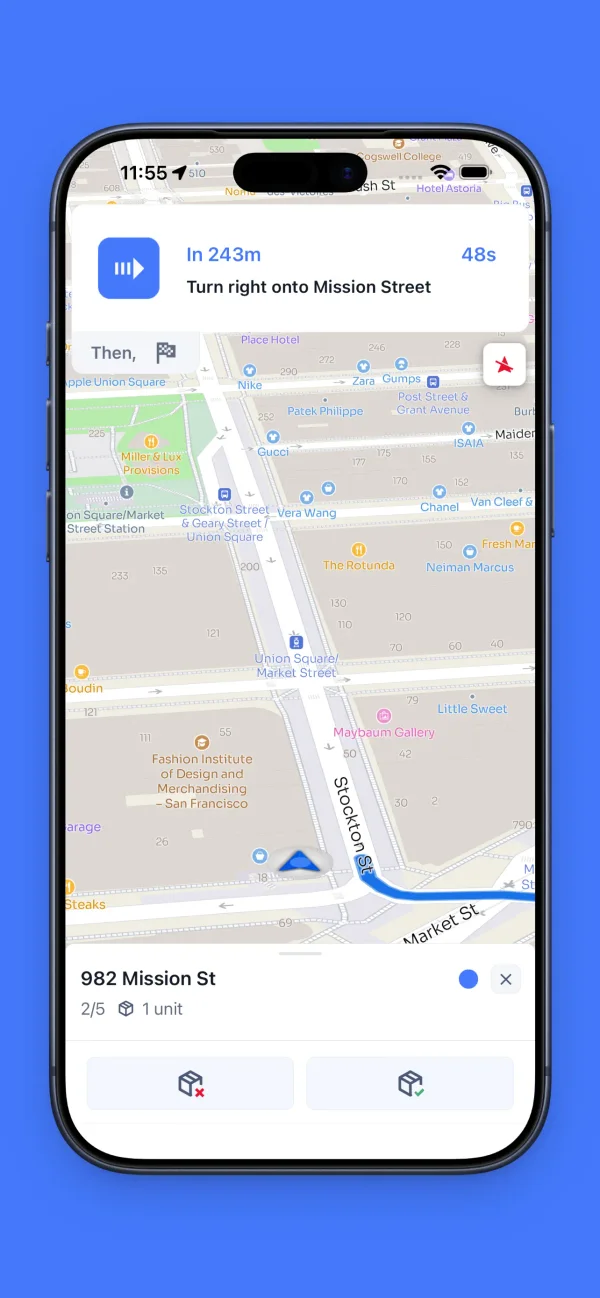
• Open navigation for each stop
• Avoid traffic, delays and unnecessary driving
• Use the package scanner to scan labels and load packages easily
• Find packages with the built-in package locator
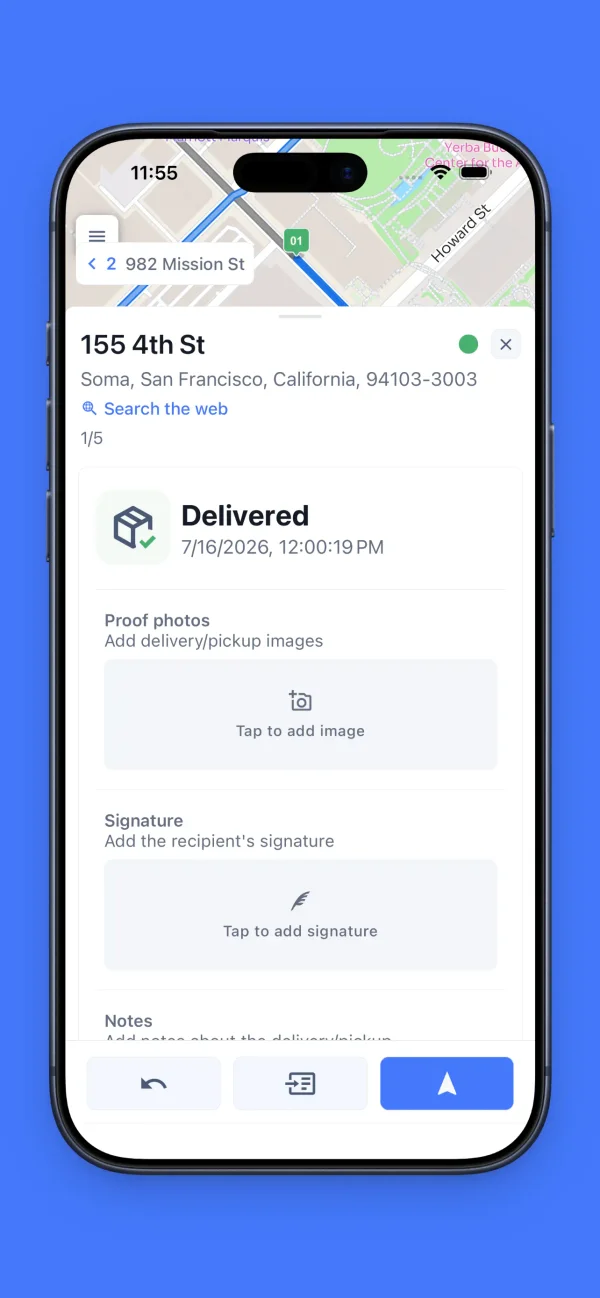
• View recipient details, address, notes and phone number
• Keep contacts and address book details organized
• Organize deliveries and pickups in tabs
• Make last-minute changes and go to the next stop faster
• Track estimated arrival time for each stop
• Personalize colors, themes and map options
ROUTE PLANNER FOR DELIVERY DRIVERS
Optiroute is ideal for any delivery driver who visits many addresses in one day. Instead of choosing the route manually, add your stops and let the planner app help you build a more efficient delivery route.
Use Optiroute as a delivery app, route planner, route optimizer, GPS navigation tool, map, package locator, spreadsheet importer and shipment organizer for daily work on the go.
EXCEL AND SPREADSHEET IMPORT
Have many addresses to visit? Import a spreadsheet with addresses, customer names, phone numbers, package information, notes, location data and delivery details.
Optiroute supports Excel, CSV and ODS files, making route planning easier for couriers, drivers, sales reps, field technicians, service professionals and small business teams.
GPS, APPLE MAPS, WAZE, GOOGLE MAPS AND MORE
Use the GPS app you prefer. Optiroute is compatible with Apple Maps, Waze, Google Maps, HERE WeGo and more than 25 navigation apps. You can also use the built-in navigator to view the map, check stops and move to the next address faster.
PACKAGES, STOPS AND RECIPIENT INFO
Optiroute is more than a route planner. It helps you organize deliveries, scan labels, find packages, check recipient details and keep your day under control.
IDEAL FOR:
• Delivery drivers
• Couriers and independent drivers
• Drivers with multiple stops per day
• Package delivery teams
• Food delivery and grocery delivery routes
• Logistics teams
• Field technicians
• Service professionals
• Small business pickup and delivery teams
FREE AND PREMIUM
With the free version of Optiroute, you can create unlimited routes and add up to 20 stops per route. With Premium, you can add up to 500 stops, import spreadsheets and use advanced tools for deliveries and pickups.
How many routes can I create? Unlimited routes are available in the free and premium versions.
How many stops can I add? Up to 20 stops per route in the free version and up to 500 stops with Premium.
Is there a free trial? Yes, a free trial may be available through the App Store.
How do I cancel my subscription? The subscription is monthly and charged through your App Store account. To cancel, disable auto-renewal at least 24 hours before the next billing date.
Download Optiroute Route Planner and organize your deliveries with a faster, easier workflow.
Terms of Service: https://optiroute.app/terms
Privacy Policy: https://optiroute.app/privacy
What’s new
Version v3.0.0 · Oct 23, 2026
Meet Optiroute v3!
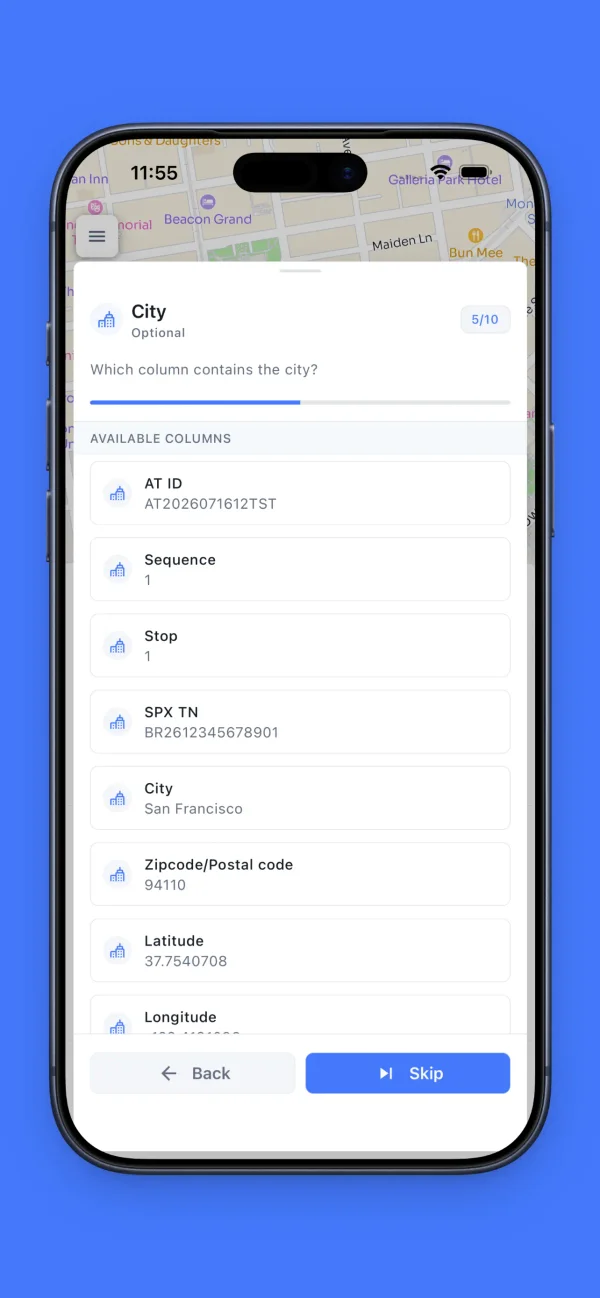
Scan multiple labels and check addresses and duplicates. Plan routes with schedules, breaks, and delay alerts. Optimize routes to finish earlier or reduce costs. Track progress, update stops, and launch navigation from notifications. Import spreadsheets with guided column selection and a ready-to-use template!
App privacy
What Optiroute Group LTDA declares on the App Store about how this app handles data.
-
Data not linked to you
May be collected but is not linked to your identity.
- Location
- Contact info
- Diagnostics
Privacy practices may vary, for example with the features you use or your age.
Information
- Seller
- Optiroute Group LTDA
- Category
- Navigation
- Version
- v3.0.0
- Updated
- Oct 23, 2026
- Released
- Jul 14, 2026
- Size
- 177.8 MB
- Requires
- iOS 16.0 or later
- Age rating
- 4+
- Price
- Free
- In-app purchases
- Yes
- Languages
- English, Arabic, Dutch, French, German, Hindi, Indonesian, Italian, Japanese, Korean, Polish, Portuguese + 6 more
- Copyright
- © 2026 Optiroute Group
You might also like
-
 Bodha Multi Stop Route PlannerDelivery Optimizer for Drivers
-
 Optiroute DriverNavigation
-
 Geo2 Delivery Route PlannerMulti-Stop Route Optimizer
-
 Routin Smart Route PlannerMulti-Stop Delivery Optimizer
-
 Zeo Route PlannerShortest and Fastest Routes
-
 Loop Route PlannerOptimize Delivery Routes
-
 MyWay, Route Planner, DeliveryDriver, Work, Trip,Routing,App
-
 Multi-Stop Route XK PlannerPlan multi-stop routes easily
-
 Spoke DispatchLast mile management
-
 Route4Me Route PlannerRoute Planner & GPS Tracking