
- Age rating4+
- CategoryEducation
- DeveloperMaksim Doroshenko
- LanguagesEnglish
- Size436.9 MB
Links to the official App Store page
Download.org hosts no file of OptiUniverse. The button opens its official App Store page, published by Maksim Doroshenko. Listing last checked on Nov 17, 2026.
Screenshots
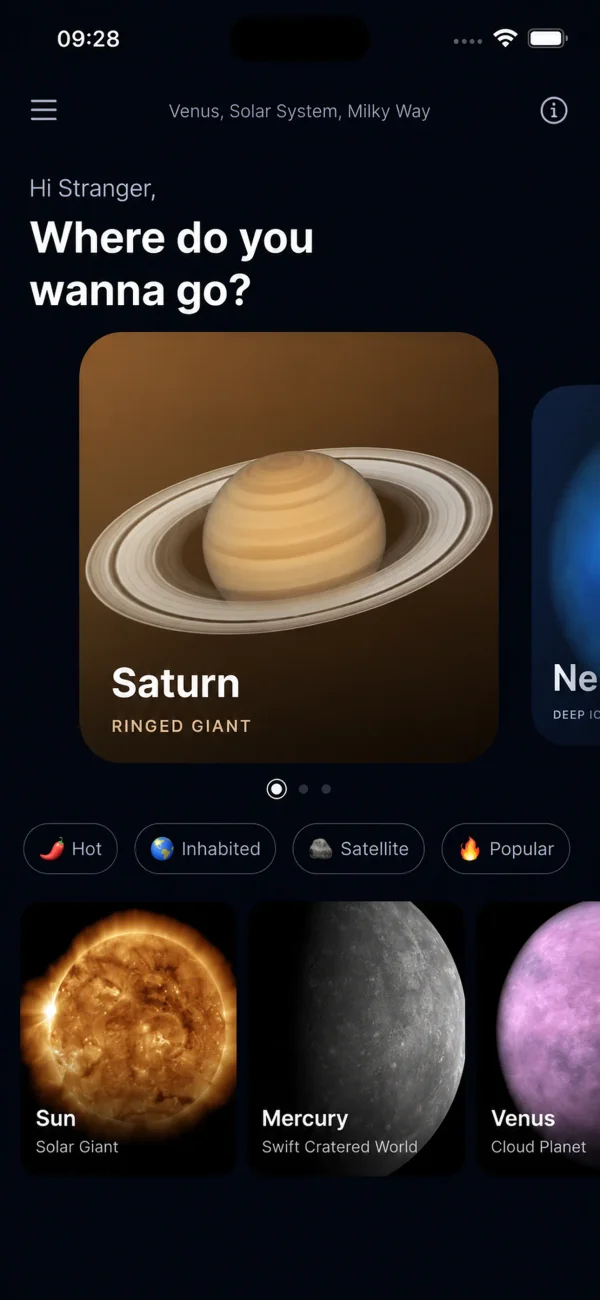
About
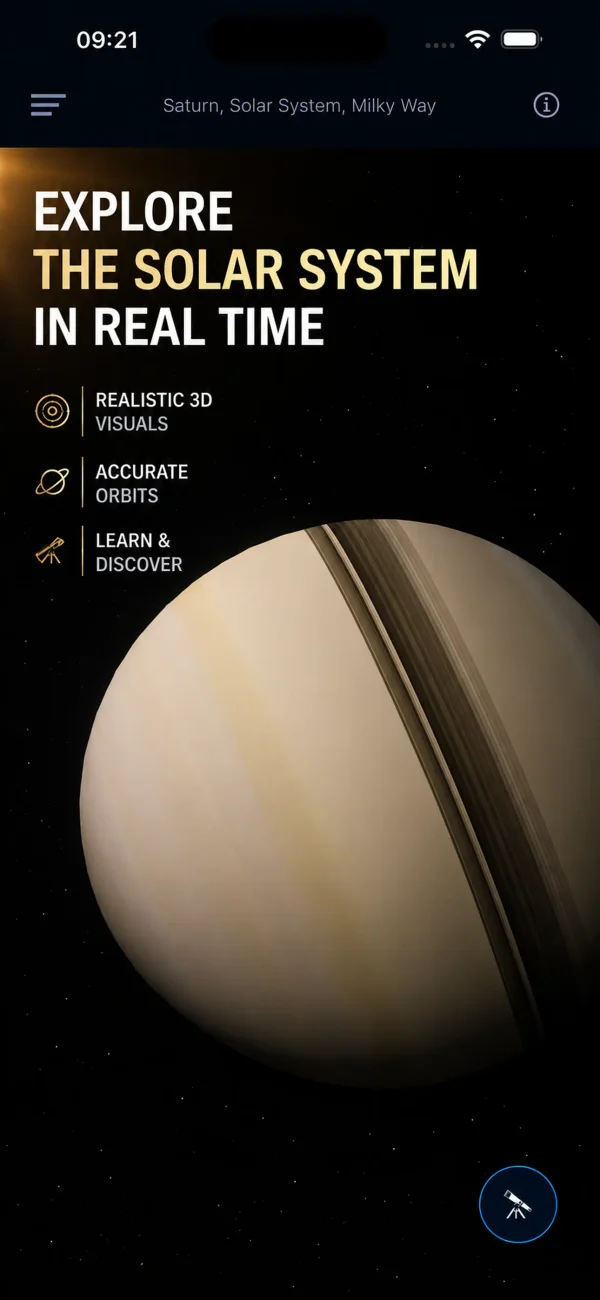
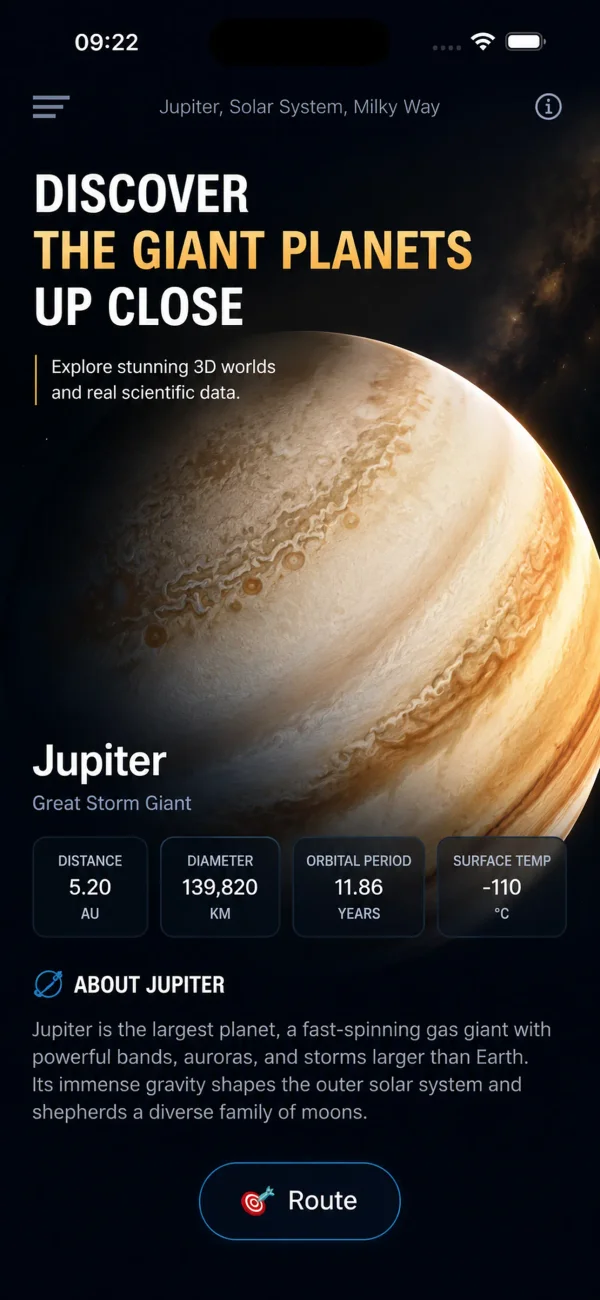
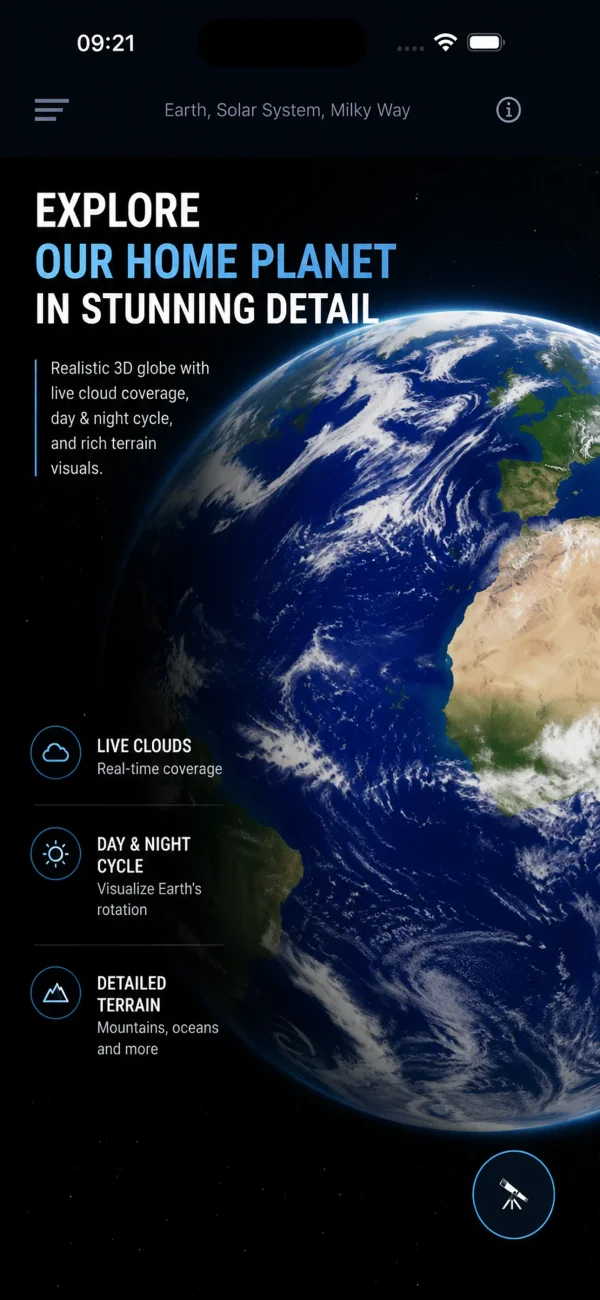
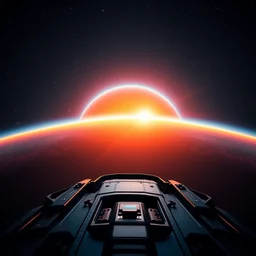
Explore the Solar System in 3D on iPhone and iPad. Get close to Saturn's rings, discover Jupiter's cloud bands, inspect Earth, and choose a space mission to replay.
OptiUniverse brings planets, moons, and spacecraft journeys together in an interactive universe built for curiosity. Browse celestial destinations, move around each world, and learn through detailed visuals and concise science facts.
EXPLORE PLANETS AND ORBITS
- Discover worlds with detailed 3D materials, atmospheres, and rings.
- Pan, pinch, and rotate to find your perspective, or follow a celestial object.
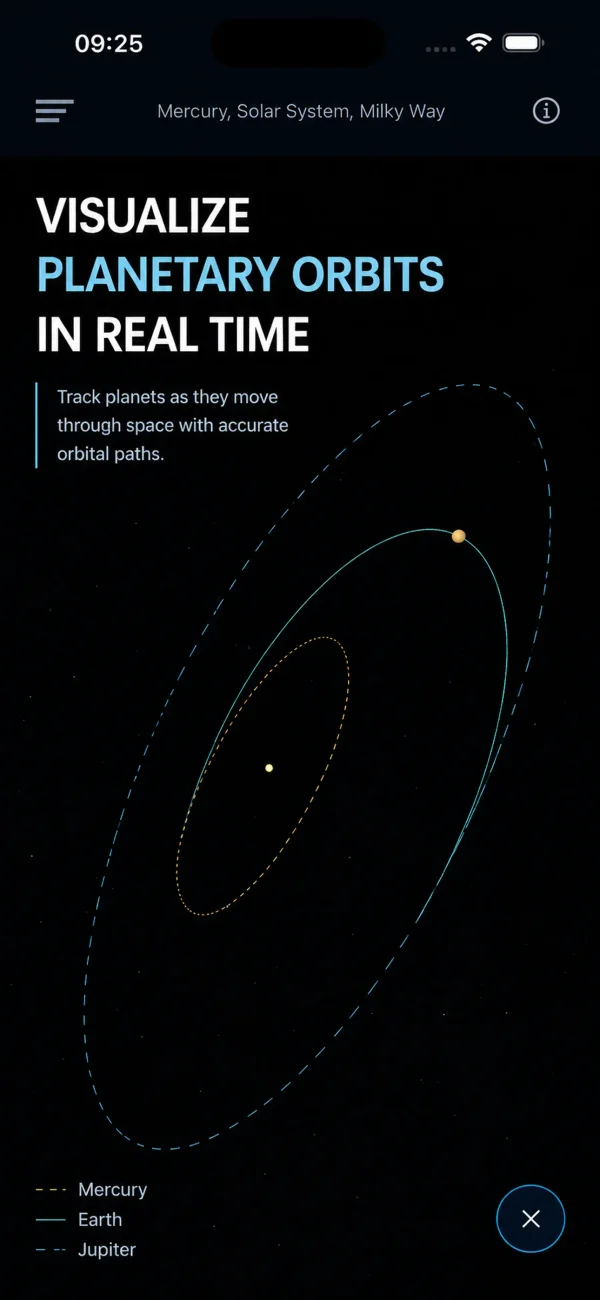
- Show or hide planetary and satellite orbit lines; your preference is saved.
- Read object facts and orbital information in panels that adapt to your window.
- Preview supported transfer routes and follow navigation progress.
- Explore date-synchronized planetary positions and physical rotation using offline ephemerides.
REPLAY SPACE MISSIONS
- Follow Starship Flight 15 through launch, 14 Earth orbits, satellite deployment, and the approach to a Mechazilla catch.
- Relive Vostok 1 from launch through Yuri Gagarin's first human spaceflight to separate pilot and capsule landings.
- Follow Voyager 1 past Jupiter and Saturn and beyond the heliosphere.
- Watch Crew 13 travel to docking with the International Space Station.
- Explore Artemis II's lunar flyby and Starship Flight 14's launch, deployment, and ocean return.
- Read mission phase, remaining playback time, and historical UTC as the journey unfolds.
MADE FOR YOUR SCREEN
- Explore on iPhone, both iPhone Duo displays, and iPad.
- Browse a mission carousel in compact layouts or multiple cards and a destination grid in wider windows.
- Keep your selection and reading position as you rotate, unfold, or resize your window.
- Enjoy an illustrated loading sequence with support for Reduce Motion.
Mission replays are compressed, illustrative visualizations. Spacecraft sizes, trajectories, and timing are adapted for clarity; they are not live spacecraft tracking or telemetry reconstructions.
What’s new
Version 1.11 · Nov 16, 2026
New in OptiUniverse 1.11:
- Replay Starship Flight 15, from launch through 14 Earth orbits and satellite deployment to a Mechazilla catch.
- Relive Vostok 1 and the first human spaceflight, including separate pilot and capsule landings.
- Explore on iPad with layouts that adapt to portrait, landscape, and resizable windows.
- Show or hide planetary and satellite orbit lines with a saved preference.
- See improved date-synchronized planetary rotation and refined object information panels.
- Enjoy a new illustrated launch sequence with Reduce Motion support.
Mission replays are compressed, illustrative visualizations, not live spacecraft tracking.
App privacy
What Maksim Doroshenko declares on the App Store about how this app handles data.
-
Data not collected
The developer does not collect any data from this app.
Privacy practices may vary, for example with the features you use or your age.
Information
- Seller
- Maksim Doroshenko
- Category
- Education
- Version
- 1.11
- Updated
- Nov 16, 2026
- Released
- May 19, 2026
- Size
- 436.9 MB
- Requires
- iOS 26.0 or later
- Age rating
- 4+
- Price
- Free
- Languages
- English
- Copyright
- © 2026 Maksim Doroshenko
You might also like
-
 Cosmic Specksthe solar system, unsimplified
-
 Solar System for Kids: SKPlanets & space facts
-
 ORBITARIUM: Solar System NowExplore the Solar System Now
-
 PlanetiaSolar System for Kids
-
 Orrery: Solar System & Space3D Planets, Moons & Missions
-
 Planet - Solar SystemCosmic Atlas & Planet Data
-
 AR Solar System & World MapEducation
-
 EarthView: Live Solar SystemReal Earth & planets, narrated
-
 AstroShortPlanets, places & beyond
-
 RealTime SpaceFly the solar system in 3D