
Optiway Multi Stop Planner
Route for Delivery Driver, Map
Designed for iPhone, iPad, iPod touch
Free · In-app purchases
- Age rating4+
- CategoryNavigation
- DeveloperOPTIWAY ROUTES SP Z O O
- LanguagesEnglish+ 7 more
- Size89.0 MB
Links to the official App Store page
Download.org hosts no file of Optiway Multi Stop Planner. The button opens its official App Store page, published by OPTIWAY ROUTES SP Z O O. Listing last checked on Nov 23, 2026.
Screenshots

About
Optiway Route Planner for Multi-Stop Deliveries
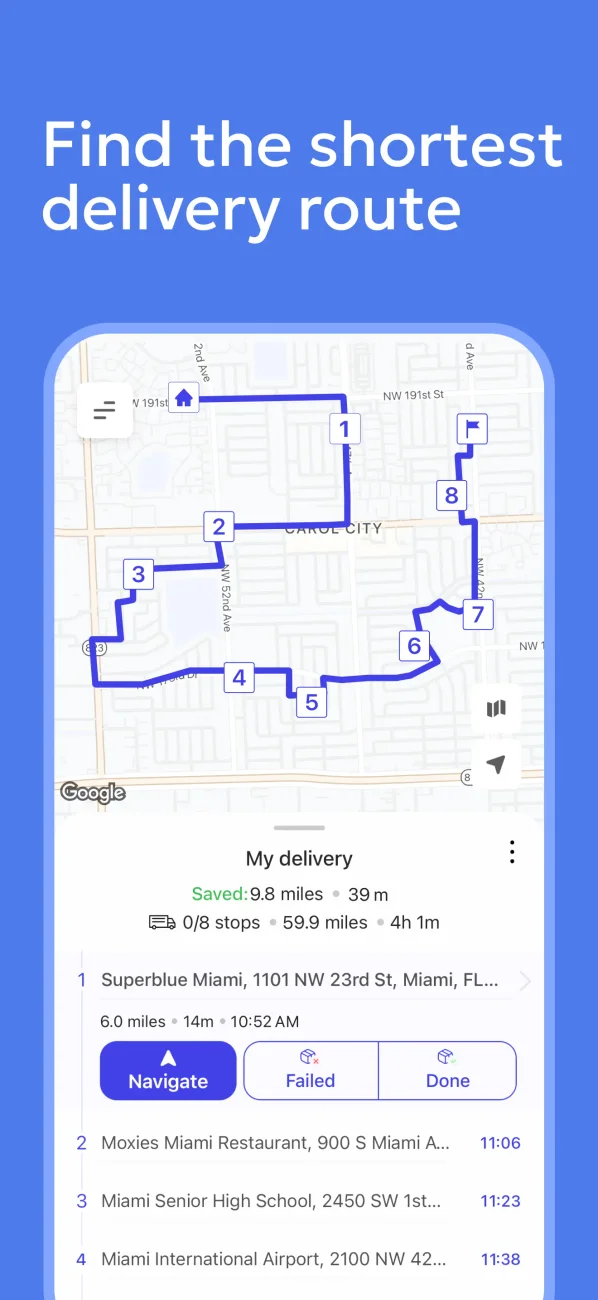
Optiway is the smart multistop Route Planner designed to optimize your delivery routes and build the most efficient routes. Whether you're a delivery driver, courier, field service agent, or a business owner, Optiway Route Planner ensures the fastest, most efficient routes for your deliveries.
Why Choose Optiway Route Planner?
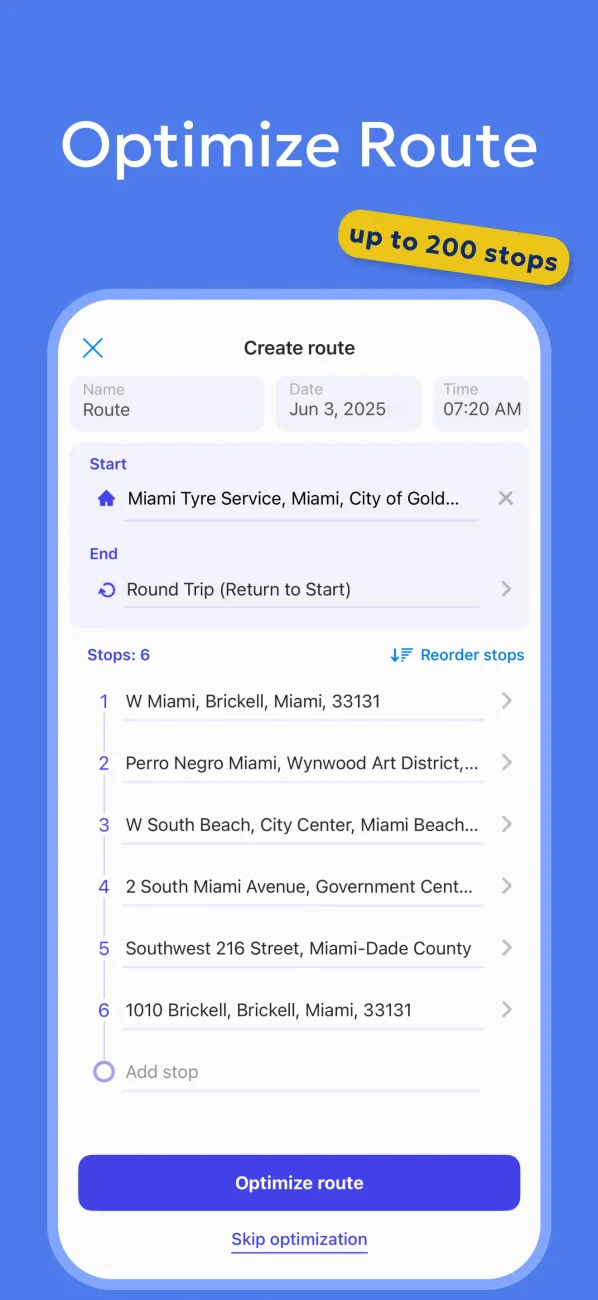
1. Fast & Easy multi-stop Route Planner – Add stops in seconds and get the best optimized multistop delivery route.
2. ETA for Stops – Get real-time estimated arrival times for stops in your multistop Optiway Route Planner.
3. Import Routes from XLSX/TXT files – Easily upload delivery routes from your files directly into your multistop Optiway Route Planner.
4. Export Routes – Share optimized delivery routes with your team or clients.
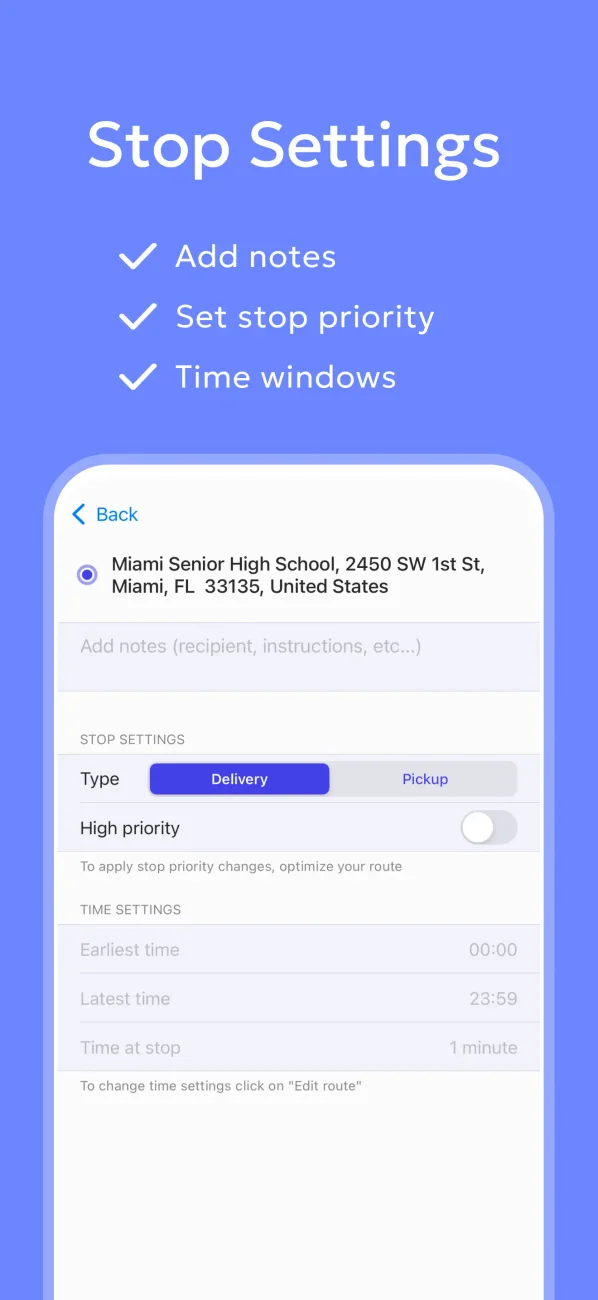
5. Time Windows & Priority Stops – Set delivery time windows and priority levels for specific stops with your Optiway Route Planner.
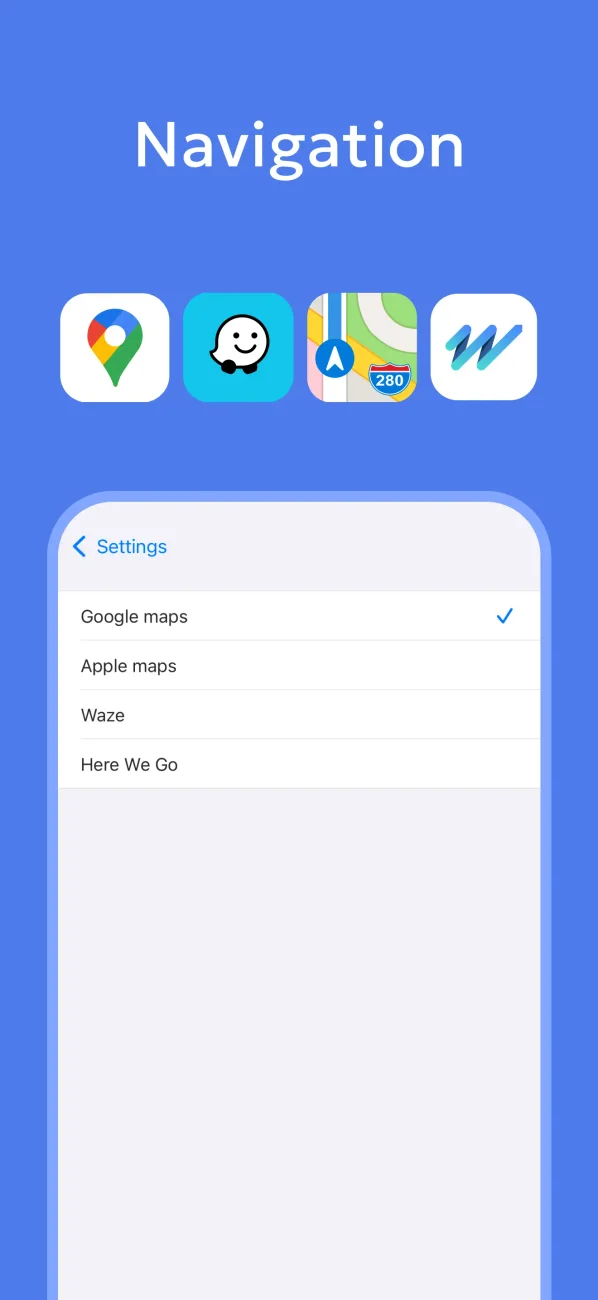
6. Works with navigation Apps – Use Google Maps, Apple Maps, Waze, or HERE WeGo with your Optiway Route Planner.
How Optiway Route Planner Helps Delivery Drivers Save up to 30% in Time & Money?
- Avoid Traffic & Delays – Optiway multi-stop delivery route planner maps the fastest paths, so you spend less time on the road.
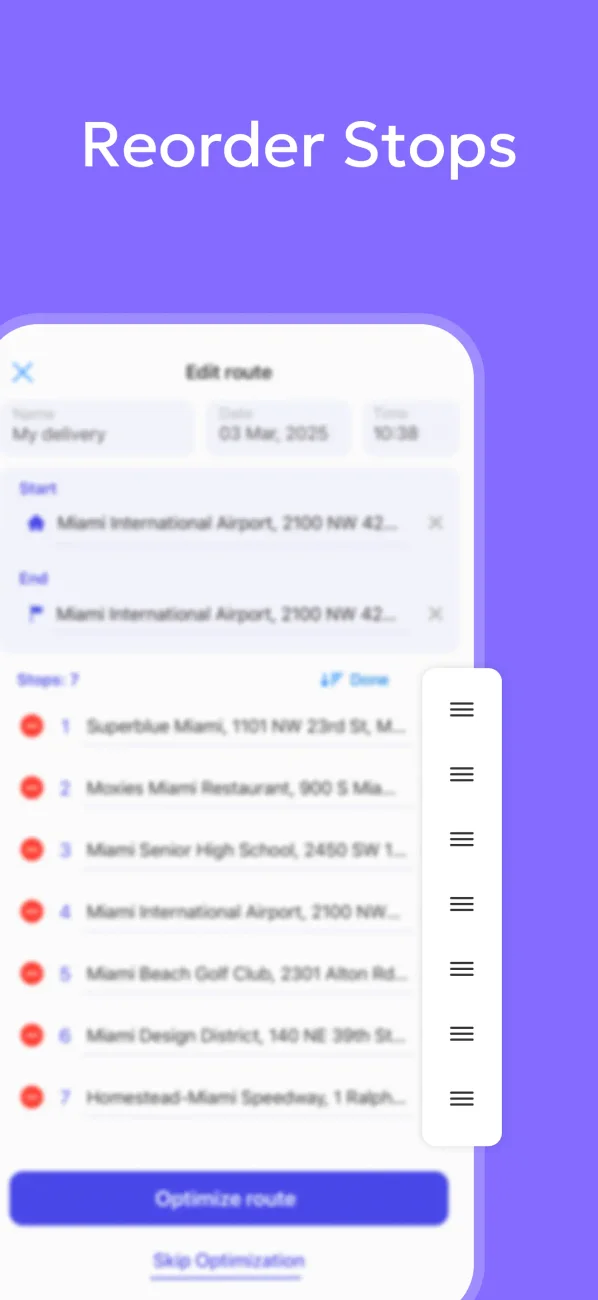
- Make Last-Minute Changes – Easily adjust your delivery route while on the go.
- Set Priority Stops – Prioritize specific stops in your delivery route to improve efficiency.
- Customize Stop Durations – Set stop times manually in your multi-stop route planner for maximum delivery efficiency.
- Real-Time ETAs & Navigation – Get accurate arrival times for every stop with Optiway route planner.
Who Uses Optiway Route Planner?
1. Delivery Drivers & Couriers – Optimize your delivery route planner to complete more stops in less time.
2. Field Service Agents, – Plan efficient service routes with Optiway route planner.
3. Business Owners – Organize multistop deliveries and client visits with Optiway route planner.
4. Sales, Insurance agents, Cleaning services, Landscapers, Food delivery, Realtors and more others…
"I've tried multiple route planners, but Optiway saves me the most time on deliveries. It's easy to use, fast, and helps me complete my delivery routes more efficiently." – John, USA
Start optimizing your delivery routes today with Optiway Route Planner!
Free vs. Paying Optiway subscription plan
• Optiway Route Planner Free Plan: Plan delivery routes with up to 5 stops per route, unlimited number of routes.
• Optiway Route Planner Subscription Plan: Plan delivery routes with up to 200 stops per route, unlimited number of routes.
The following plans are available for the user:
Monthly
The pass is valid for 1 month from the date of purchase.
Annual
The pass is valid for the 1 year from the date of purchase.
The pass auto-renews at the end of the subscription period for the same duration until cancelled.
The pass should be canceled 24 hours before the renewal for the renewal not to take effect.
Your subscription will be charged to your iTunes account at confirmation of purchase and will automatically renew (at the duration selected) unless auto-renew is turned off at least 24 hours before the end of the current period.
Pricing varies by country, and the exact cost will be displayed before checkout.
Current subscription may not be cancelled during the active subscription period. However, you can manage your subscription and/or turn off auto-renewal by visiting your iTunes Account Settings after purchase.
FAQ:
Can I create multiple routes with Optiway Route Planner?
Absolutely! Optiway Route Planner lets you generate unlimited delivery routes, regardless of whether you’re using the free version or a subscription plan.
Still have questions? Contact our support team directly through Optiway Route Planner: support@optiway-app.com
Privacy policy: https://optiway-app.com/Privacy_Policy/
Terms of use: https://optiway-app.com/terms/
What’s new
Version 1.92 · Nov 22, 2026
Bugfixes en prestatieverbeteringen.
App privacy
What OPTIWAY ROUTES SP Z O O declares on the App Store about how this app handles data.
-
Data used to track you
May be used to track you across apps and websites owned by other companies.
- Contact info
- Identifiers
- Usage data
-
Data linked to you
May be collected and linked to your identity.
- Contact info
- Identifiers
-
Data not linked to you
May be collected but is not linked to your identity.
- Location
- Identifiers
- Usage data
- Diagnostics
Privacy practices may vary, for example with the features you use or your age.
Information
- Seller
- OPTIWAY ROUTES SP Z O O
- Category
- Navigation
- Version
- 1.92
- Updated
- Nov 22, 2026
- Released
- Jan 4, 2023
- Size
- 89.0 MB
- Requires
- iOS 15.0 or later
- Age rating
- 4+
- Price
- Free
- In-app purchases
- Yes
- Languages
- English, Dutch, French, German, Portuguese, Russian, Spanish, Ukrainian
- Copyright
- © 2026 Optiway Routes sp. z o.o.
You might also like
-
 RoadWarrior Route PlannerRoute Planning for Pro Drivers
-
 Route4Me Route PlannerRoute Planner & GPS Tracking
-
 MyWay, Route Planner, DeliveryDriver, Work, Trip,Routing,App
-
 Multi-Stop Route XK PlannerPlan multi-stop routes easily
-
 inRoute - Intelligent RoutingRoute Planner & Road Trip GPS
-
 Droppath Route PlannerDelivery Map & Optimization
-
 Delivery Route Planner - UpperCourier, Gig & Driver GPS
-
 enRoute Delivery Route PlannerRoute Optimizer For Drivers
-
 PlaceMaker Route PlannerMulti Stop Route Optimizer
-
 Straightaway Powered by MapboxRoute Planner & Optimization