
- Age rating4+
- CategoryProductivity
- DeveloperBrickwork
- LanguagesEnglish
- Size45.2 MB
Links to the official App Store page
Download.org hosts no file of OptiWorker. The button opens its official App Store page, published by Brickwork. Listing last checked on Nov 22, 2026.
Screenshots


About
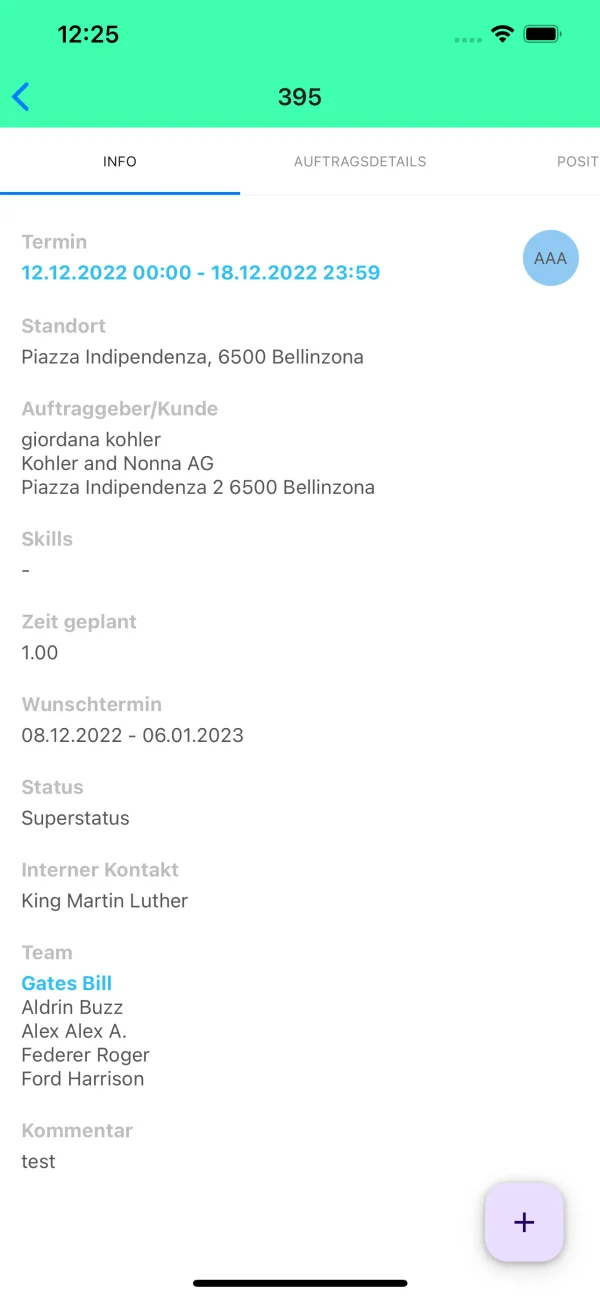
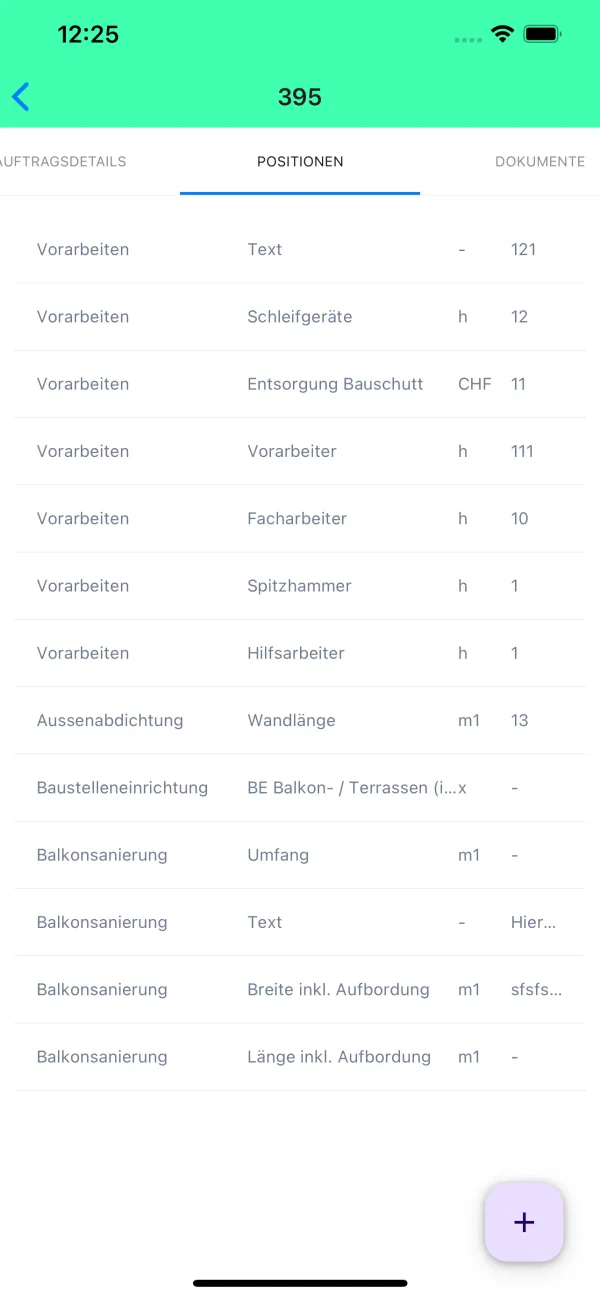
The OptiWorker App - the ultimate app for workers! With OptiWorker, you can easily manage your schedule and stay organized on the job site. Our user-friendly app allows you to view your schedule, assign tasks to team members, and track project progress. Never miss a deadline or important task again with OptiWorker!
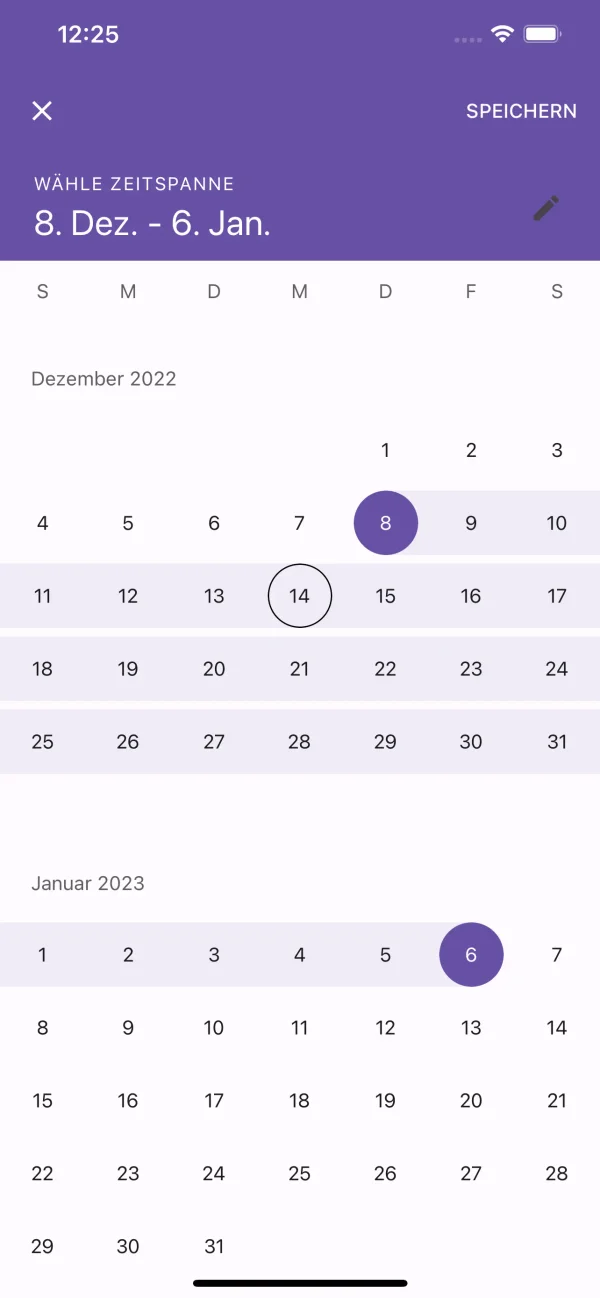
-View your daily, weekly, or monthly schedule
-Assign tasks to team members and track progress
-Collaborate with your team in real-time
-Stay organized and on track with your projects
OptiWorker is the perfect tool for workers who want to stay organized and on top of their tasks. Download it now and take control of your schedule!
What’s new
Version 4.4.0 · Nov 20, 2026
An outdated version of the video component (which caused crashes sometimes) has been upgraded.
App privacy
What Brickwork declares on the App Store about how this app handles data.
-
Data not collected
The developer does not collect any data from this app.
Privacy practices may vary, for example with the features you use or your age.
Information
- Seller
- Brickwork Ventures GmbH
- Category
- Productivity
- Version
- 4.4.0
- Updated
- Nov 20, 2026
- Released
- Dec 14, 2022
- Size
- 45.2 MB
- Requires
- iOS 15.0 or later
- Age rating
- 4+
- Languages
- English
- Copyright
- © Brickwork Ventures GmbH
You might also like
-
 Movanorm Montage AppProductivity
-
 EagleGPTAn AI assistant application.
-
 pocketTIMEProductivity
-
 FARO Flatness CheckShow Floor Flatness in minutes
-
 Optiqo INSTAProductivity
-
 Starfish MyanmarProductivity
-
 Gallagher DevicesA Complete view of your fence
-
 INVOLVE Mitarbeitenden AppProductivity
-
 Craftboxx 2Die Handwerker App
-
 Schedule: Planner, To Do ListA Professional Organizer App