
- Age rating4+
- CategoryProductivity
- DeveloperOptMsg, LLC
- LanguagesEnglish
- Size58.0 MB
Links to the official App Store page
Download.org hosts no file of OptMsg. The button opens its official App Store page, published by OptMsg, LLC. Listing last checked on Nov 15, 2026.
Screenshots


About
OptMsg: Private, Secure, Simple Email
Everyone else decides what lands in your inbox. A retailer you bought from once. A list you never joined. A message pretending to be your bank. OptMsg puts that decision back with you.
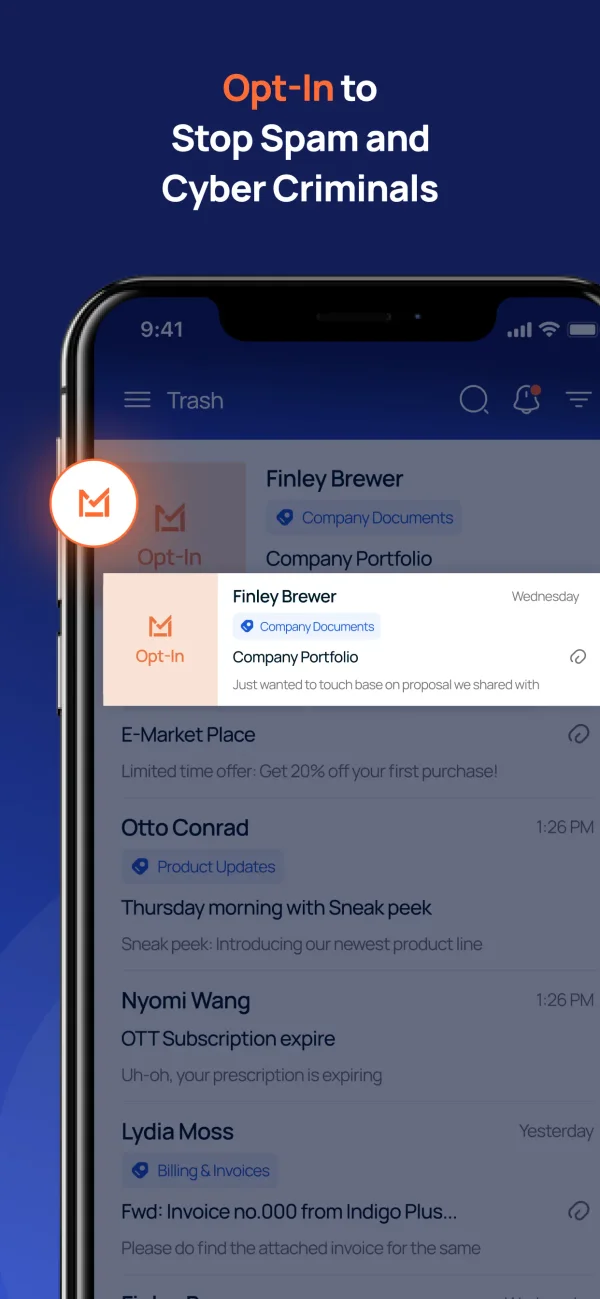
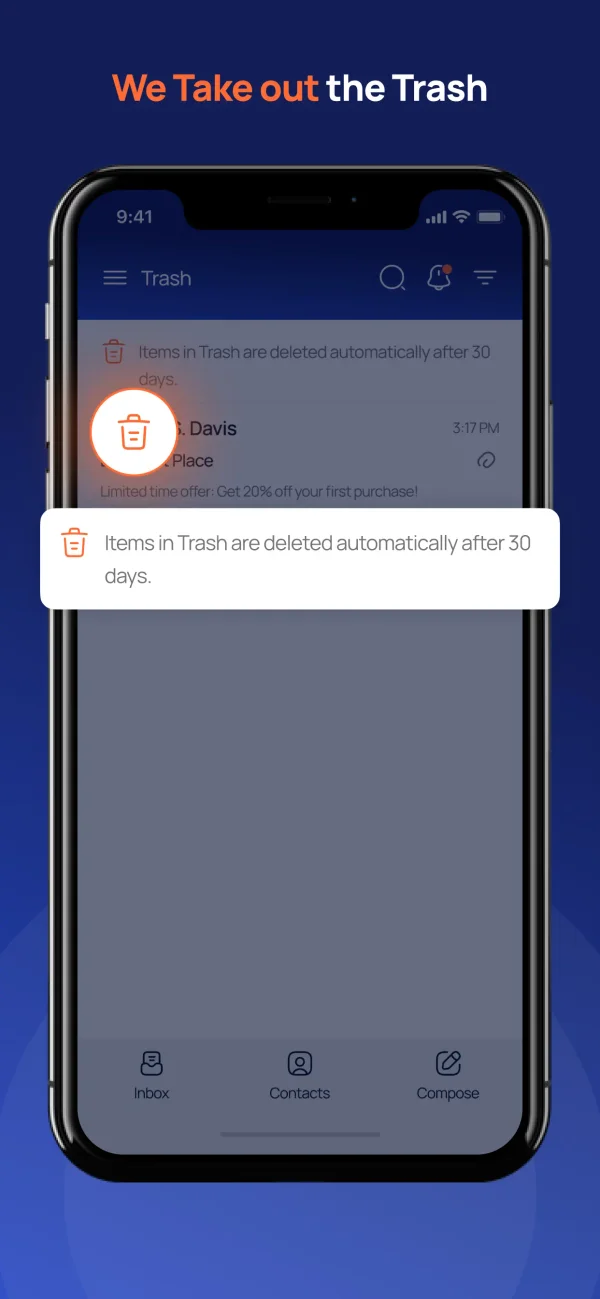
OptMsg is patent-pending opt-in email: mail from a sender you have not approved goes straight to Trash, and Trash empties itself after 30 days. You decide who gets in, and you can change your mind at any time.
You Decide Who Gets In
• Mail from senders you haven't approved goes to Trash, not your Inbox.
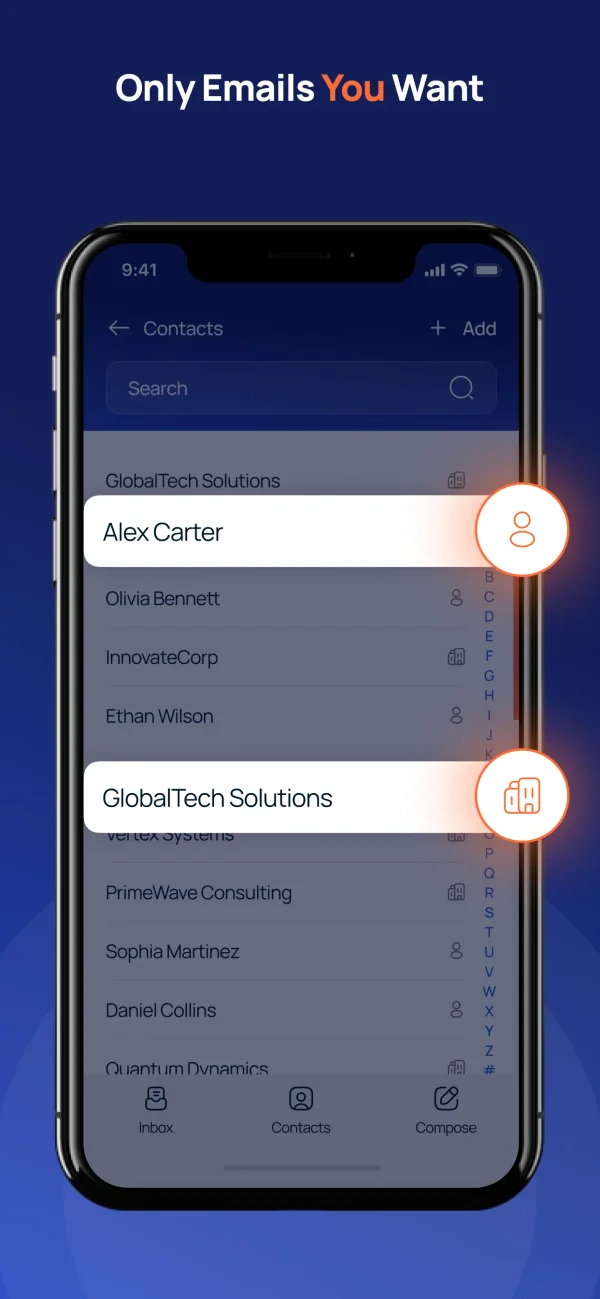
• Easily grant or revoke access to your inbox.
• Auto-delete trash after 30 days—no clutter, no wasted space.
Private Always
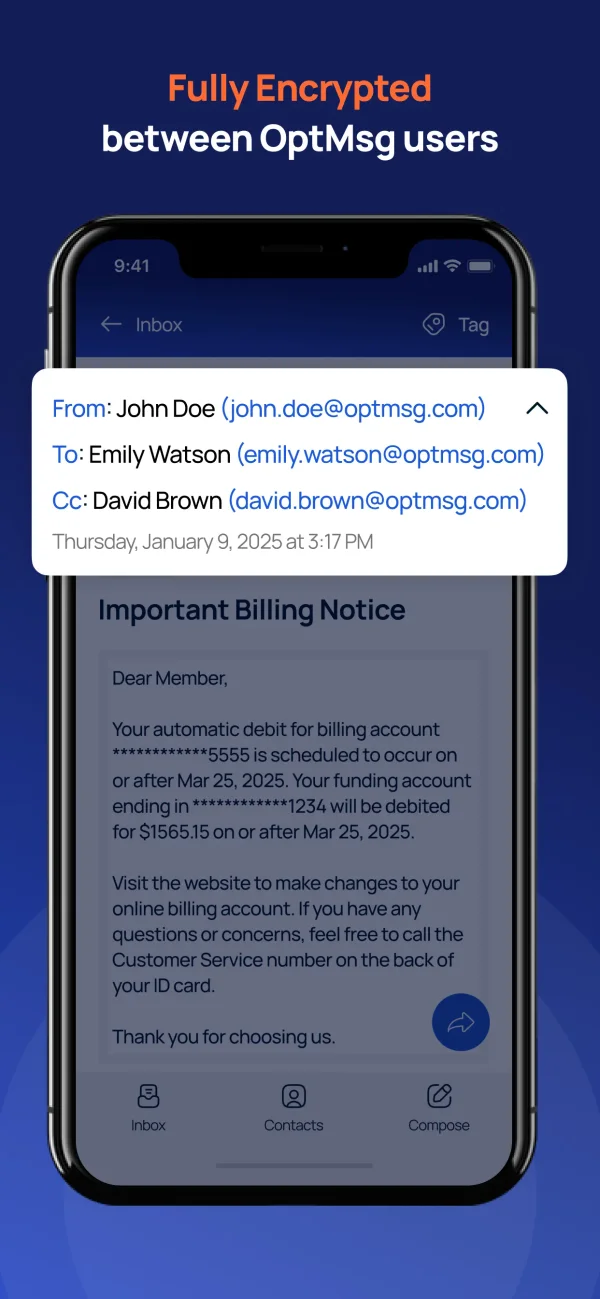
• Fully encrypted for secure messaging between OptMsg users.
• Mail you send to an address outside OptMsg may still be read or monetized by that provider.
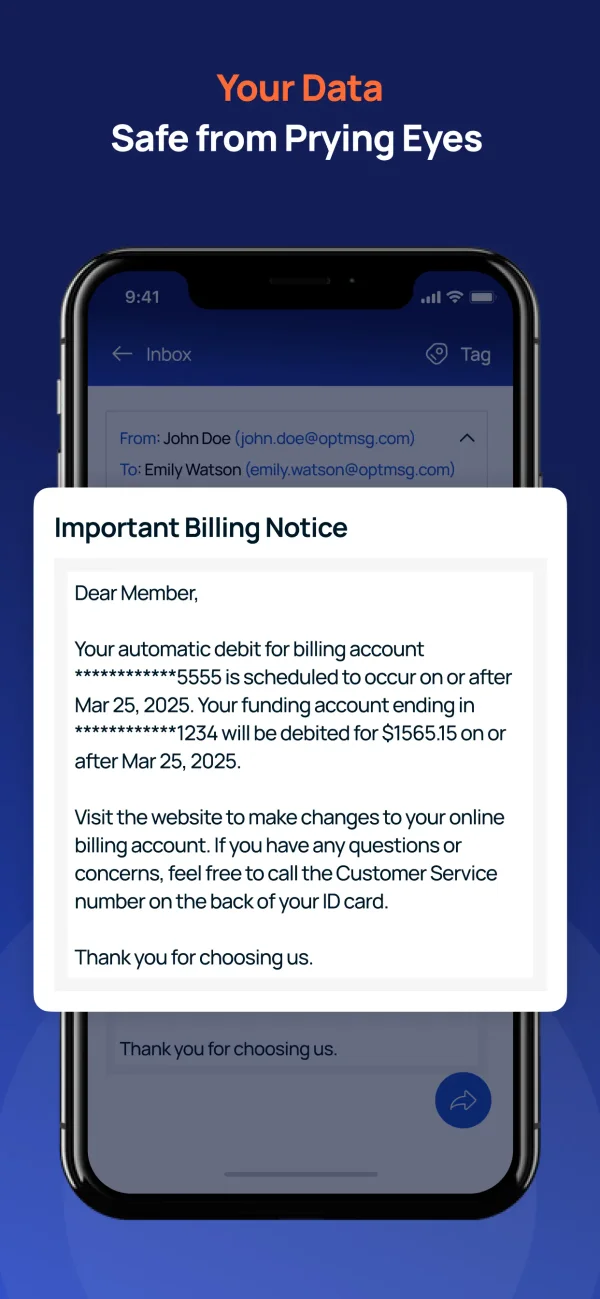
• OptMsg does not scan your emails to sell ads.
• No ads. We don't collect your personal data to sell to advertisers.
Security First
• No Passwords – protect your inbox and your other online accounts
• Uses Passkeys for seamless, password-free authentication
• Your OptMsg account has no password, so a password stolen from another site can't open your inbox.
Simple by Design
• Clean, intuitive design for effortless email management.
• No complicated settings—just straightforward, secure communication.
• Reliable performance to keep your inbox running smoothly.
Other Key Features
• A new clean, @optmsg.com email address others can trust
• Send and receive emails and attachments with ease
• Keep your inbox tidy and clean with tags and simple swipe-gestures
• Receive important notifications
• Manage your contacts
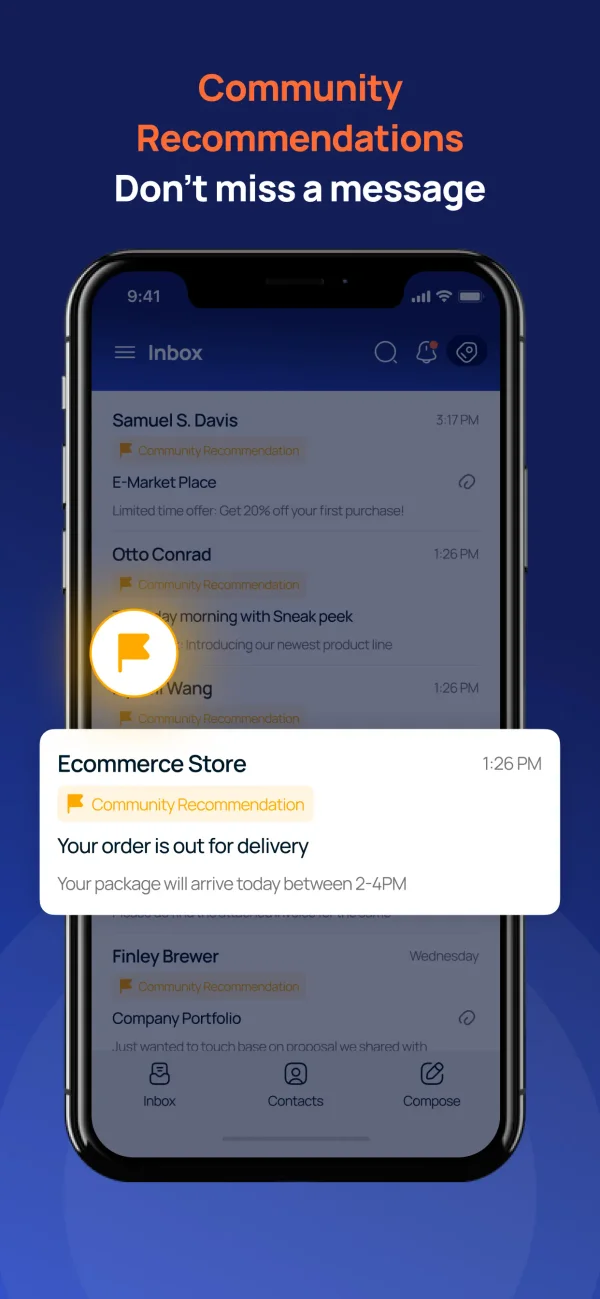
• Use Community Recommendations to identify new senders of interest
• Make OptMsg your default email app
We're constantly improving OptMsg — new features, and steady work on email security.
Create Your Account. Your Inbox. Your Rules.
What’s new
Version 1.1.6 · Nov 14, 2026
OptMsg v1.1.6 brings a fresh look to every screen you use, faster ways to tidy up, whole conversations at a glance and notifications that work your way.
TIDY UP FASTER
• Empty Trash in one tap from the Trash banner, with Undo if you change your mind.
• Mark all as read: select all, then mark the whole folder or tag as read.
• A clear "N selected" count whenever you select messages.
• A full swipe archives a message in your Inbox, and Archive sits in the top bar while you read.
• Unread messages show their sender and subject in bold.
A FRESH LOOK
• Tag colors: choose from a full palette of tints and shades, or tap Add custom color to pick your own. Tag chips show in the tag's color.
• One consistent icon set across the app.
• Choose your List density in Settings > Appearance: Compact, Default or Comfortable. Comfortable adds a monogram avatar and two preview lines for each message.
• Clearer text, spacing and contrast throughout, and a message toolbar with related actions grouped together.
• Settings are grouped into Account, Notifications, Privacy & Security and Appearance, with an info icon that explains each setting.
• Logout is the last row in Settings, and its prompt offers Log out everywhere.
MADE FOR EVERY SCREEN
• OptMsg adapts to iPhone and iPad in either orientation, and to how you use it: touch, mouse or keyboard.
CONVERSATIONS AND READING
• Tap Open conversation to see every message in a conversation as its own card, oldest first, with the exact From, To and Cc for each. Archive any card from the stack, with Undo.
• A message forwarded from one of your other addresses shows a "via" chip on its To line.
• Newsletters display at the full width their sender intended.
• Pinch to zoom into a message, then scroll smoothly from its top to its bottom.
• Selecting text scrolls the message along with you.
WRITING AND REPLYING
• When you leave the quoted part untouched, replies and forwards keep the original's formatting, with its tables, images and buttons.
• The message you're replying to or forwarding appears below your draft in its real layout, and quoted text stays easy to read on dark designs.
• Highlight text with the new highlight color, and a text color you pick before typing applies to what you type next.
• Numbered lists number themselves, and Backspace takes a number away when you'd rather write plain text.
NOTIFICATIONS
• Your Notifications list has a full detail view, and tapping an alert opens the notification itself.
• Allow Push Notifications now controls phone alerts only. Every notification still appears in your Notifications list.
• New: Show message previews. Turn it off and alerts simply say "New message".
SIGNING IN AND PRIVACY
• Face ID/Touch ID on Open keeps the keyboard tucked away behind the lock screen.
• Sign in on the web with your iPhone's passkey, and OptMsg offers to add a passkey on that computer too. Find Add a passkey on this device in Settings > Privacy & Security.
• Contacts you add on your iPhone, including email-only ones, appear in your OptMsg contacts.
• OptMsg keeps its copy of your contacts on your iPhone, outside your iCloud backups.
SCORECARD
• All three scorecard tabs load together and switch instantly.
• A more accurate Emails Trashed count, including mail you trash or restore days after it arrives.
ACCESSIBILITY
• Clearer VoiceOver labels and roles across the app, including Settings switches and the Send button.
• Tap targets of at least 44 points, and higher-contrast tag chips in Dark Mode.
If we ever schedule maintenance, OptMsg shows a friendly status screen with the time we expect to be back, and you stay signed in.
App privacy
What OptMsg, LLC declares on the App Store about how this app handles data.
-
Data not linked to you
May be collected but is not linked to your identity.
- Contacts
- User content
Privacy practices may vary, for example with the features you use or your age.
Information
- Seller
- OptMsg LLC
- Category
- Productivity
- Version
- 1.1.6
- Updated
- Nov 14, 2026
- Released
- May 8, 2025
- Size
- 58.0 MB
- Requires
- iOS 15.0 or later
- Age rating
- 4+
- Price
- Free
- Languages
- English
- Copyright
- © 2026 OptMsg LLC. All Rights Reserved.
You might also like
-
 Check Plus AppProductivity
-
 Vmail - AI Email AssistantSort, summarize, reply faster
-
 Jade EmailPower over email
-
 StaffGRITWorkforce Management Solution
-
 MailFiltrExperience clean, safe email
-
 Allodia Mail & CalendarSovereign email & calendar
-
 Lisly: AI Real Estate ListingPhotos, Video & Description
-
 Avocado - AI AssistantPrivate & Secure AI Assistant
-
 xworks.365Productivity
-
 Scan & Translate ProScan & Translate Text