- Age rating4+
- CategoryLifestyle
- DeveloperOptoma Corporation
- LanguagesEnglish+ 10 more
- Size83.3 MB
Links to the official App Store page
Download.org hosts no file of Optoma Connect. The button opens its official App Store page, published by Optoma Corporation. Listing last checked on Nov 13, 2026.
Screenshots



About
The Optoma Connect App has been developed exclusively for Optoma P1 and UHL55 projectors. After downloading and installing this app, sync to your account to start using remote control and Smart+ functions.
What can the Optoma Connect App do?
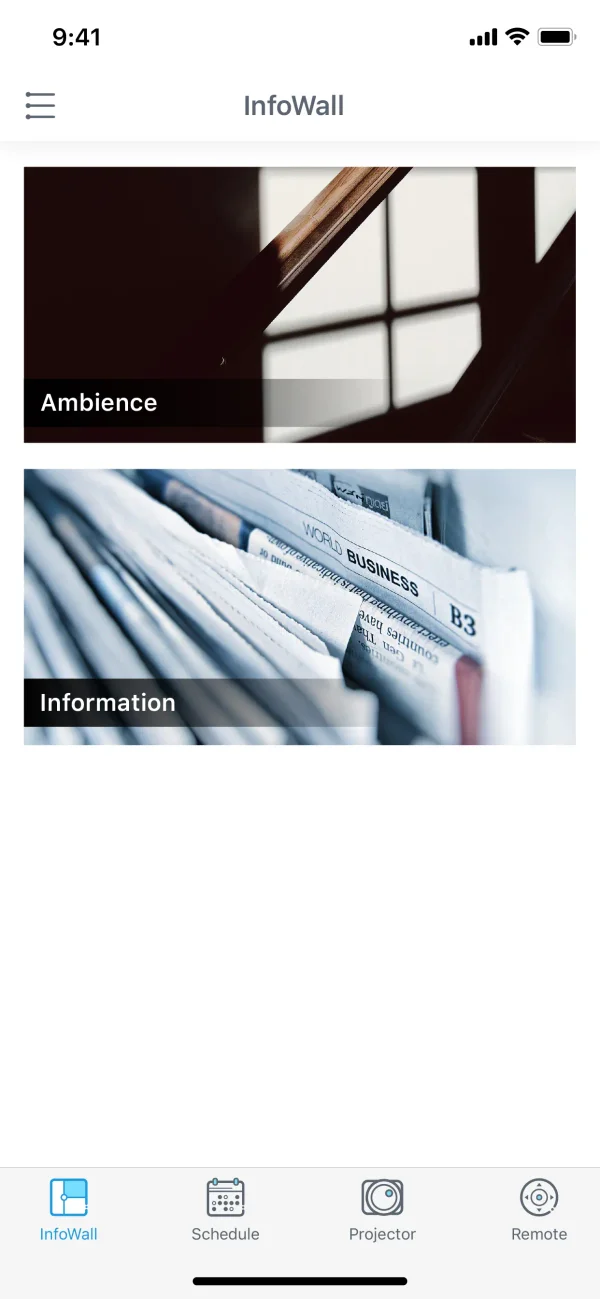
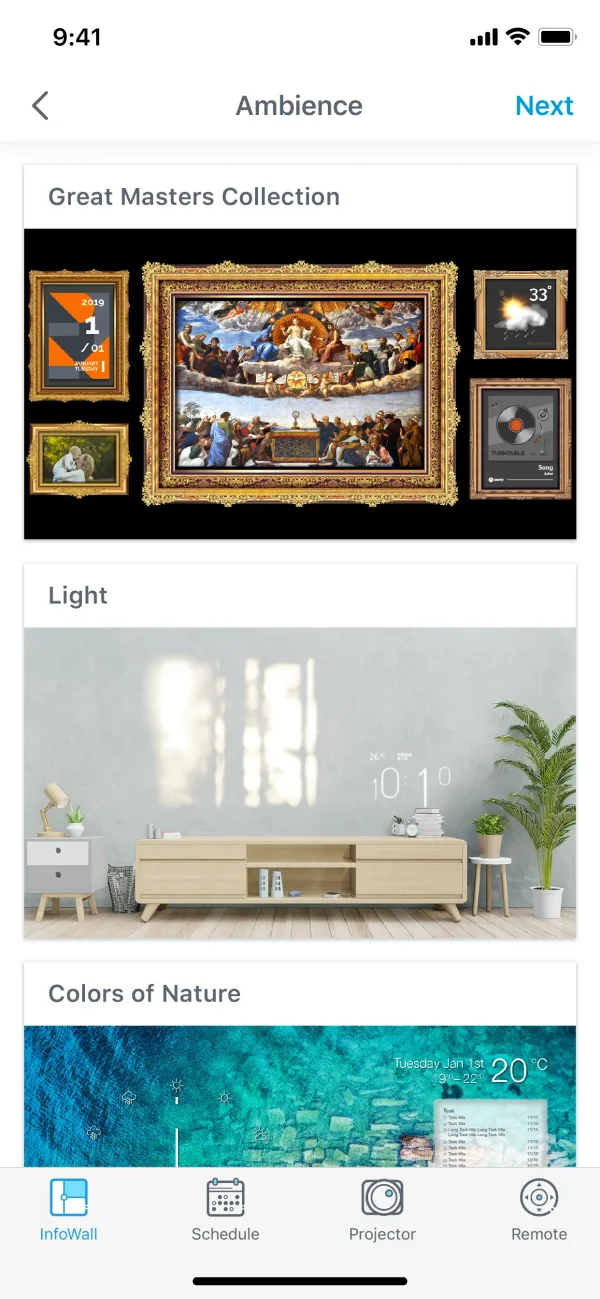
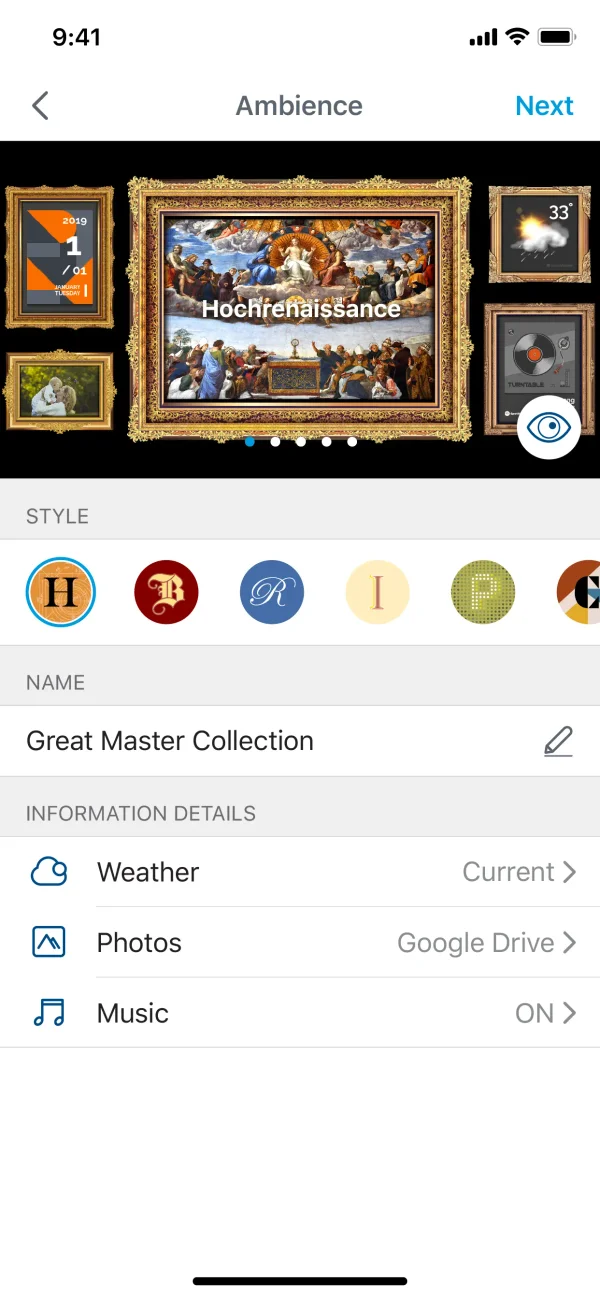
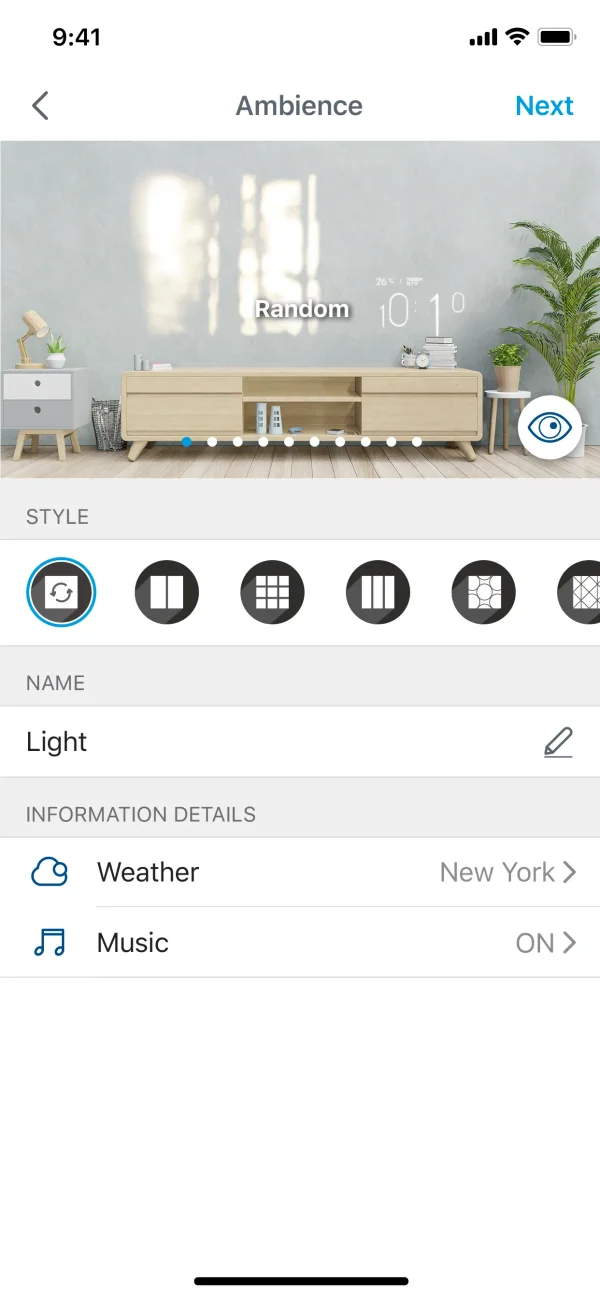
* InfoWall: Internal images of artworks can be accessed at any time to enhance and diversify the atmosphere of your home. With your Optoma projector create your own style.
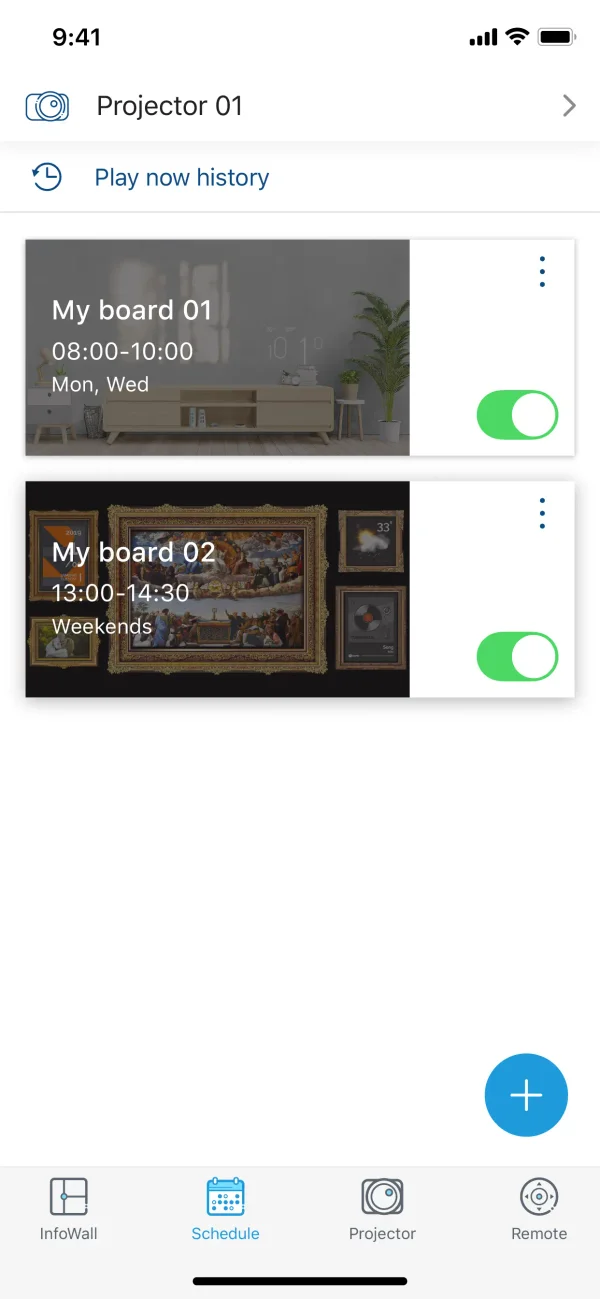
* Schedule: After completing InfoWall settings, choose the broadcast time and period. Access Ambience or Information when you need it, enhancing the quality of your life.
* Projector: After syncing to your account, use the same account to log into IFTTT to immediately connect to your projector. Freely change the IFTTT settings to customize functions.
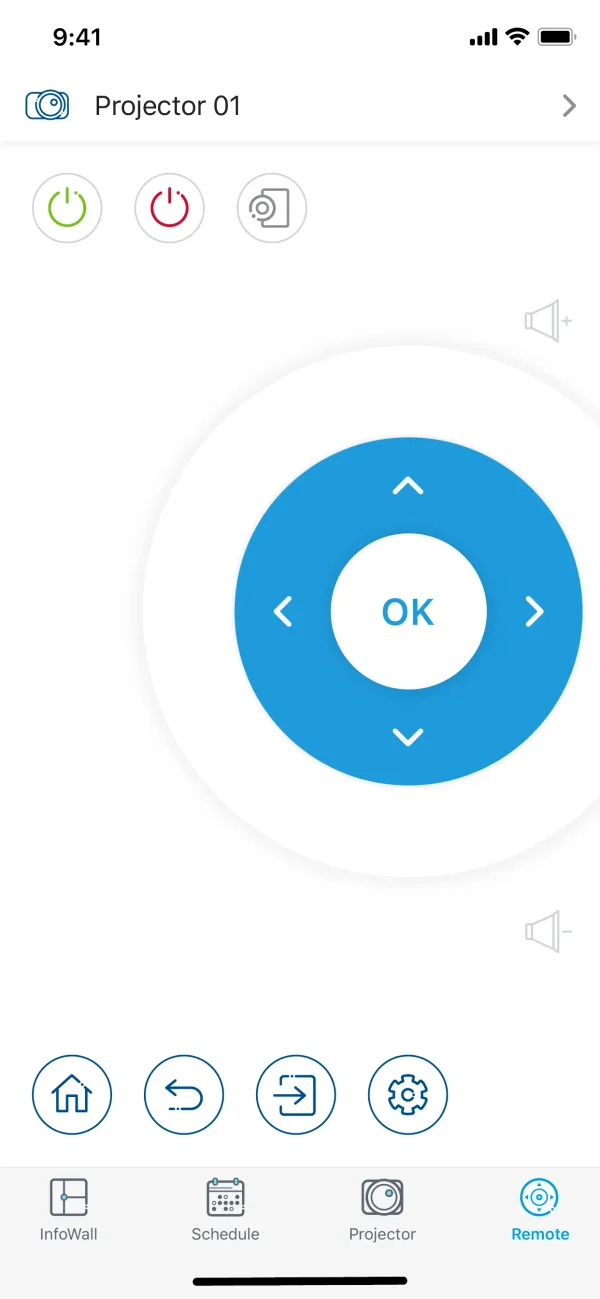
* Remote: There is no need to put down your smartphone as it can replace your projector’s remote control.
What are the InfoWall options?
"InfoWall features internal Ambience and Information options.
The Ambience option includes images of artworks and natural light installations. Through Optoma’s projection technology, complemented by high-resolution images, you will feel as if you are transported. With a combination of images, music, weather information and calendar, enjoy a relaxing break from your busy day.
The Information option provides weather information, work calendar and news. As soon as you wake up, use this option to organize your thoughts and prepare for the day."
What’s new
Version 1.5.7 · Oct 21, 2025
Performance improvement and bug fixing.
App privacy
What Optoma Corporation declares on the App Store about how this app handles data.
-
Data linked to you
May be collected and linked to your identity.
- Contact info
-
Data not linked to you
May be collected but is not linked to your identity.
- Location
- Usage data
- Diagnostics
Privacy practices may vary, for example with the features you use or your age.
Information
- Seller
- Optoma Corporation
- Category
- Lifestyle
- Version
- 1.5.7
- Updated
- Oct 21, 2025
- Released
- Dec 28, 2018
- Size
- 83.3 MB
- Requires
- iOS 12.0 or later
- Age rating
- 4+
- Price
- Free
- Languages
- English, French, German, Italian, Japanese, Korean, Portuguese, Romanian, Simplified Chinese, Spanish, Traditional Chinese
- Copyright
- Copyright © 2018 Optoma Corporation
You might also like
-
 Insteon DirectorInsteon Director for Hub 2
-
 HubitatElevate your Environment
-
 Embrace 2Lifestyle
-
 Lutron RadioRA 2 + HWQS AppLifestyle
-
 Droplet by HydrificLifestyle
-
 Somfy myLinkLifestyle
-
 IntelliFireLifestyle
-
 Crestron GoLifestyle
-
 Hubitat ElevationLifestyle
-
 iLightShow for Philips HueMusic for Hue, LIFX, Nanoleaf