- Age rating4+
- CategoryUtilities
- DeveloperJohn & John Industry Solutions GmbH
- LanguagesGerman+ 3 more
- Size97.6 MB
Links to the official App Store page
Download.org hosts no file of Orbit Cockpit. The button opens its official App Store page, published by John & John Industry Solutions GmbH. Listing last checked on Nov 24, 2026.
Screenshots


About
To use Orbit Cockpit as a driver app, your organisation must have an account with Orbit.
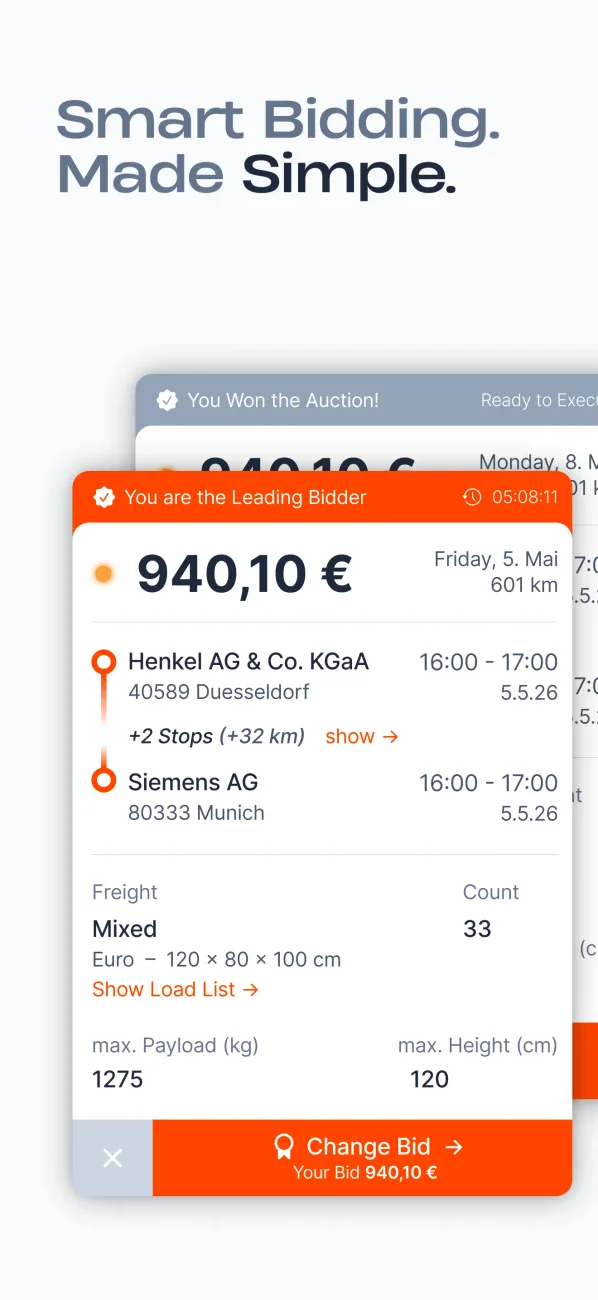
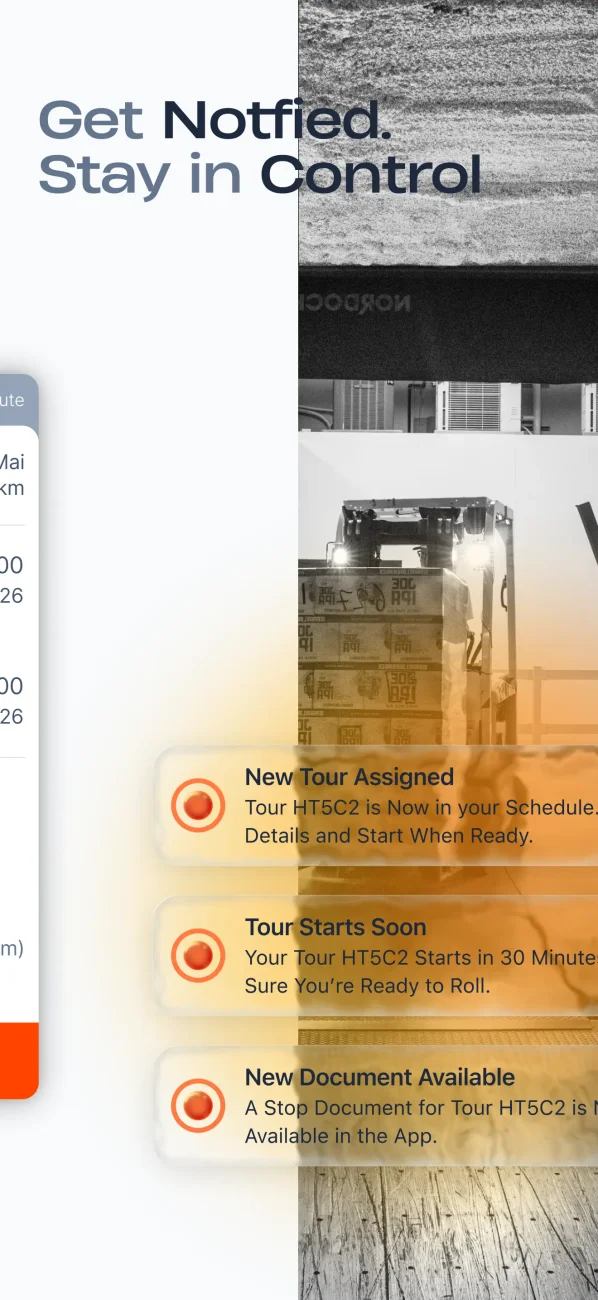
Orbit Cockpit offers accurate navigation via your preferred navigation app, such as Google Maps, Apple Maps or Waze. Keep track of your schedule with tour information accurate to the second. Effortlessly capture proof of delivery (e.g. photos, signatures, documents).
Orbit – It's time to deliver.
What’s new
Version 2.0.0 · Nov 23, 2026
- Phone Number Login with SMS Code: Drivers sign in with their phone number, no email address needed, using a password or a one-time code by SMS that the keyboard offers to fill in. Drivers without email reset a forgotten password by SMS.
- Automatic Stop Detection: Cockpit sets a driver's arrival on entering a stop's geofence, and the driver has one minute to undo it. When a driver leaves with proofs or loads still missing, a notification names them instead of recording the departure.
- Pause GPS Tracking: Drivers pause GPS tracking in Settings for 1, 4 or 8 hours, or over the weekend until Monday 06:00, and end it early with one tap. The first tour action during a pause asks whether to resume tracking.
- Task Inbox: Tasks that belong to no tour, such as a vehicle check, now appear in Cockpit. A new "Tasks" row under "More" lists open, overdue and recently completed tasks, with a badge for the open ones. Carrier administrators switch between "Mine" and "All".
- Tour Ends at the Depot: On tours from the Shipments Planner whose vehicle has an end address, the last stop is now an "End of Tour" stop at the depot. Drivers return there after their last delivery and confirm arrival to complete the tour.
- Removed Tours Leave the App: Tours that an operator or carrier deletes, or that no longer belong to the driver, now disappear from Cockpit. A driver who has such a tour open sees a short notice with the reason and a button back to the tour list.
- Confirm Before Overwriting Failed Loads: When some loads are marked as not successful, "Mark All as Successful" now asks first and says how many loads it would change. Cancel keeps the failed marks, so a single tap no longer turns refusals into deliveries.
- Background GPS on Android: Fixes a long-standing issue on some Android devices that stopped GPS uploads while Cockpit ran in the background. Operators now see current driver positions in MissionControl without the driver reopening the app.
- Interface Polish: Running tours show a pulsing live dot in the tour list, and status labels no longer shrink. Prompts for a skipped scan or a failed load name the load with its size and weight, and on Android the last option of every action sheet sits above the system navigation bar.
App privacy
What John & John Industry Solutions GmbH declares on the App Store about how this app handles data.
-
Data linked to you
May be collected and linked to your identity.
- Location
- Contact info
- User content
- Identifiers
- Usage data
-
Data not linked to you
May be collected but is not linked to your identity.
- Diagnostics
Privacy practices may vary, for example with the features you use or your age.
Information
- Seller
- John & John Industry Solutions GmbH
- Category
- Utilities
- Version
- 2.0.0
- Updated
- Nov 23, 2026
- Released
- Feb 16, 2021
- Size
- 97.6 MB
- Requires
- iOS 16.4 or later
- Age rating
- 4+
- Languages
- German, English, Polish, Romanian
- Copyright
- © 2026 Orbit