Orbit - Silent Study Room
Someone is right beside you.
Designed for iPhone, iPad
Free · In-app purchases
- Age rating4+
- CategoryProductivity
- DeveloperTaichi Miyazaki
- LanguagesEnglish+ 19 more
- Size33.1 MB
Links to the official App Store page
Download.org hosts no file of Orbit - Silent Study Room. The button opens its official App Store page, published by Taichi Miyazaki. Listing last checked on Nov 12, 2026.
Screenshots
About
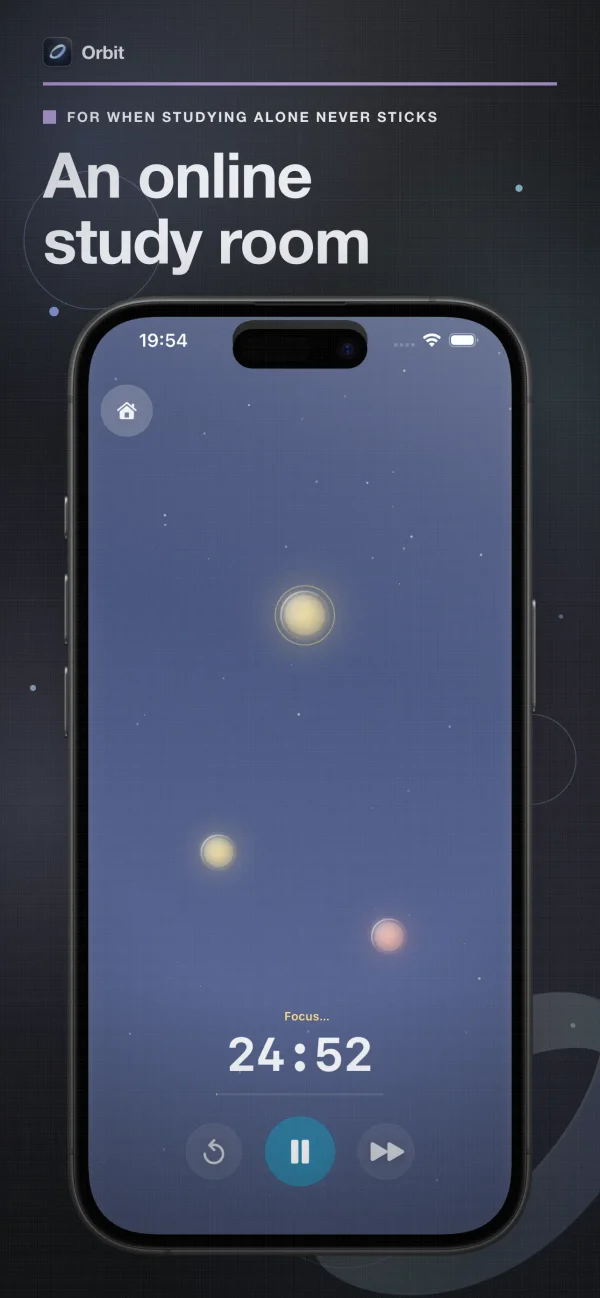
Focus in the same space as someone, somewhere in the world, who is studying right now.
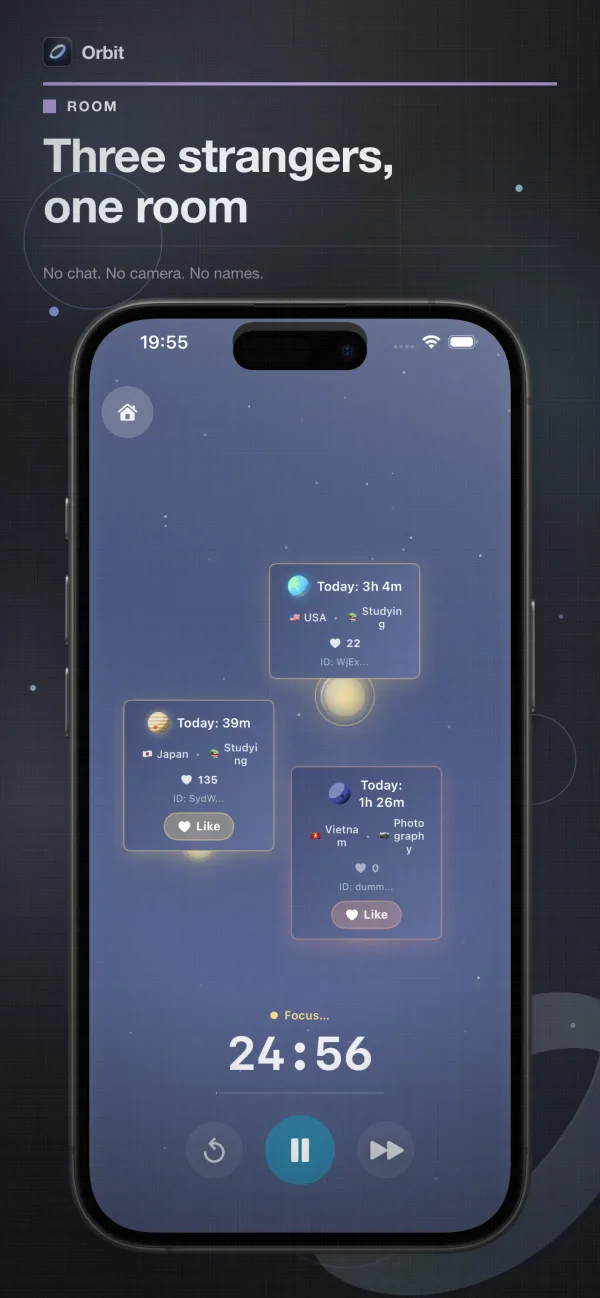
Orbit is an online study room where up to three people share one space. There's no chat and no following. You simply see on your screen that someone else is still focusing. It's made for people who find it hard to keep going alone, but don't want the connections of social media.
■ Focus quietly, together
• Choose "With others" and start. You'll be matched automatically with people around the world
• See in real time whether the people in your space are focusing or on a break
• No chat, no friends, no likes. Stay anonymous and simply share the time
• On days you'd rather work alone, you can choose "Solo" mode
■ What you're doing, in one line
• Pick a subject and your current activity switches along with it
• Write down what you plan to do, and your recent entries will show up as suggestions next time
• You decide what others can see, such as your country, celestial badge and current activity
■ Timers and presets
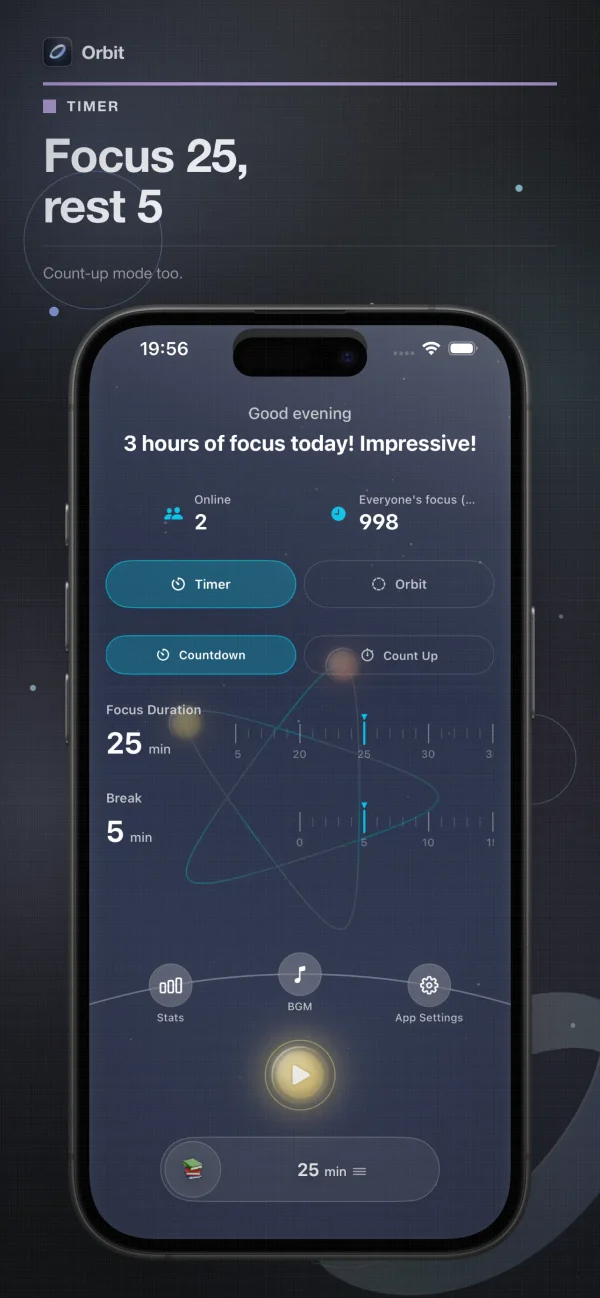
• Choose from Pomodoro, Countdown or Count Up
• Save a subject, duration, mode and color as a preset, then start from the same setup with one tap
• If you turn it on, the timer keeps running even after you close the app
■ Track and look back
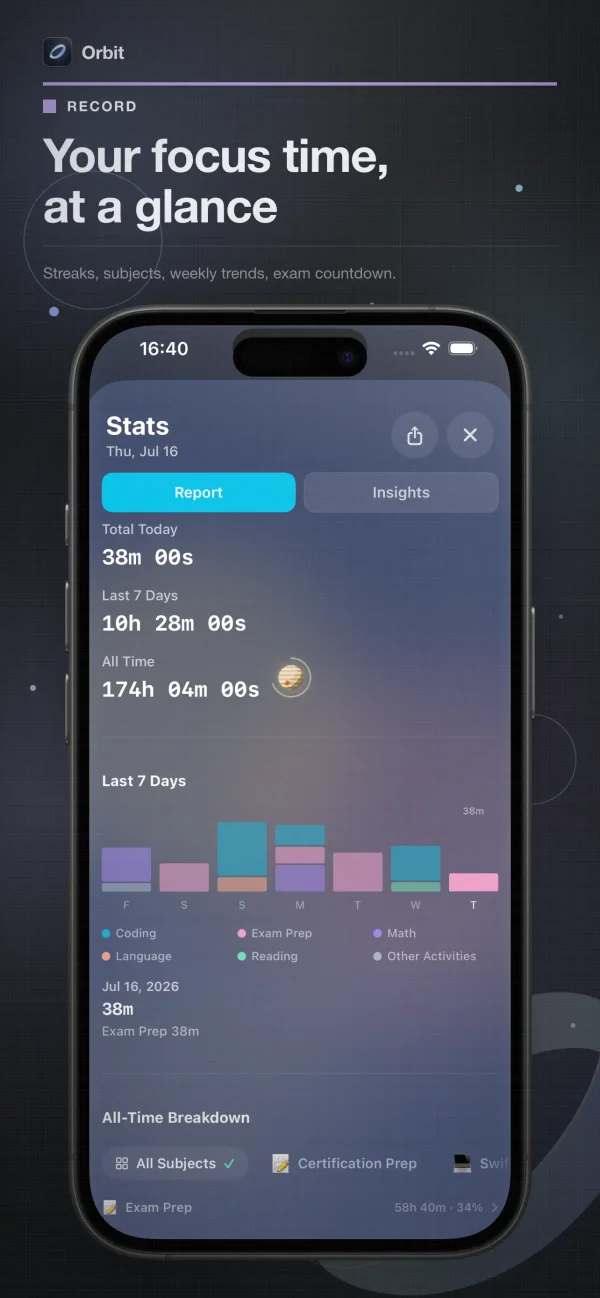
• See your weekly and monthly study time, stacked by subject
• Add a goal such as an exam date to see how many days are left and how many hours you'll reach at your current pace
• See which times of day you focus best and how long your sessions tend to be
■ Orbit is for you if
• You want to focus at home, whether for exams, certifications, self-study or remote work
• You focus better with people around you, like in a cafe or library
• You like working with a sense of someone nearby, like with study with me videos
• You're tired of social media notifications and comparing yourself to others
Somewhere, someone is sitting down at their desk today too. Join them on Orbit.
■ Orbit Plus
All the core features are free. Orbit Plus adds:
• No ads
• Focus rhythm insights (compare periods and subjects, and see trends by time of day and session length)
• Unlimited presets
• Up to 10 goals
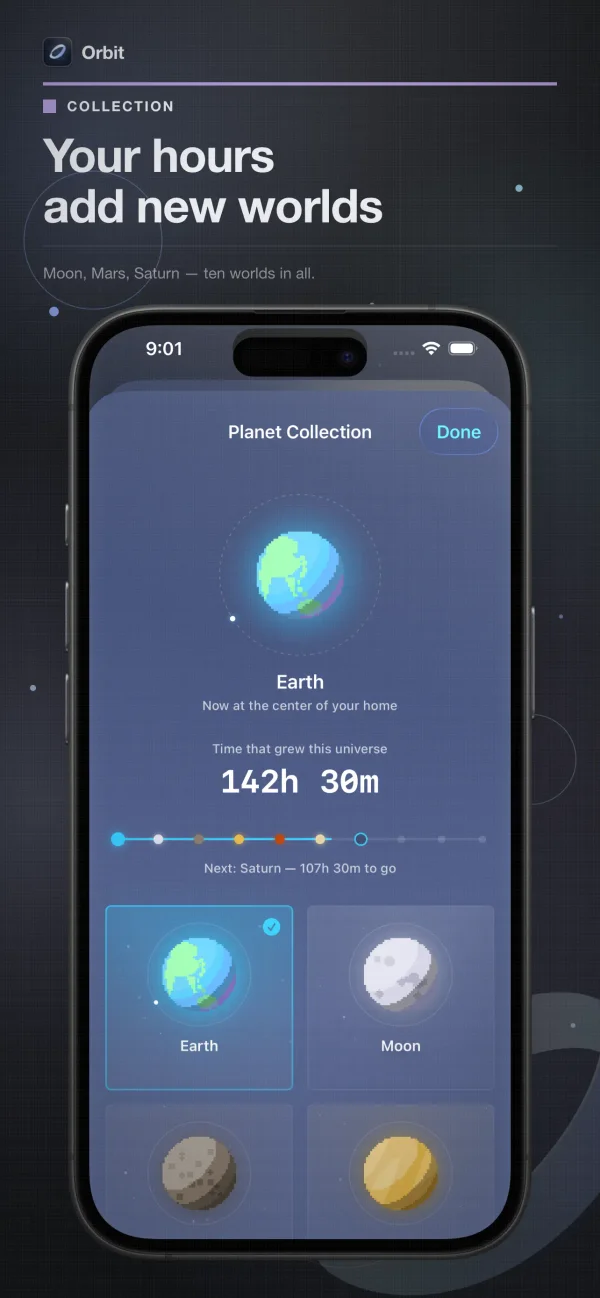
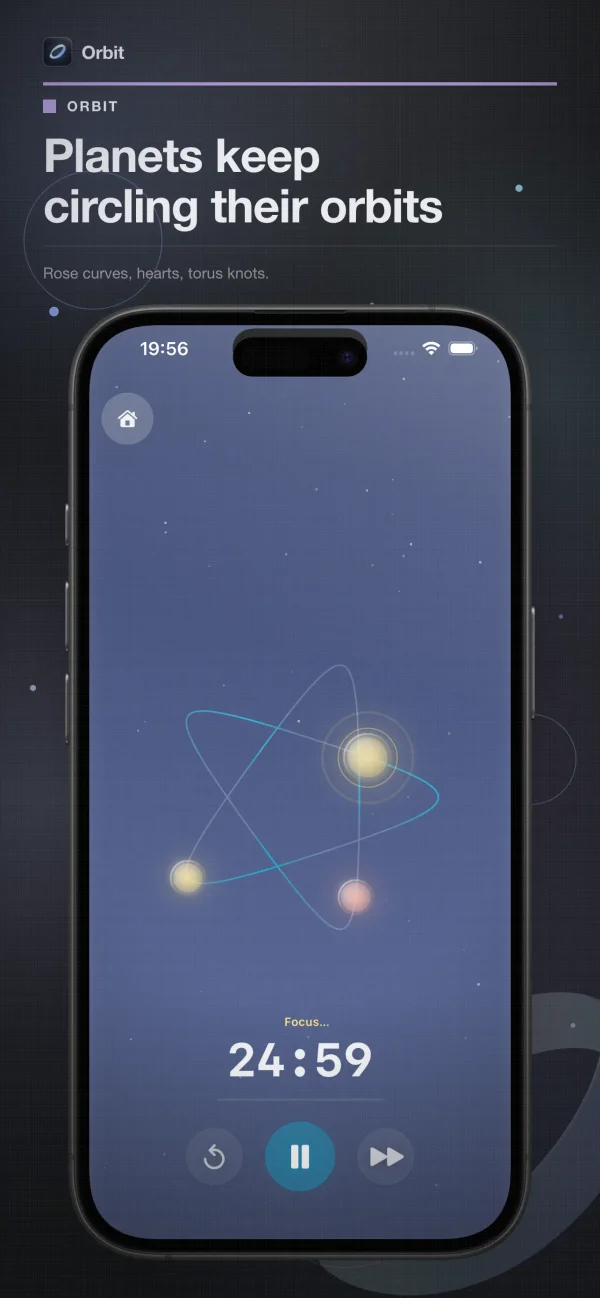
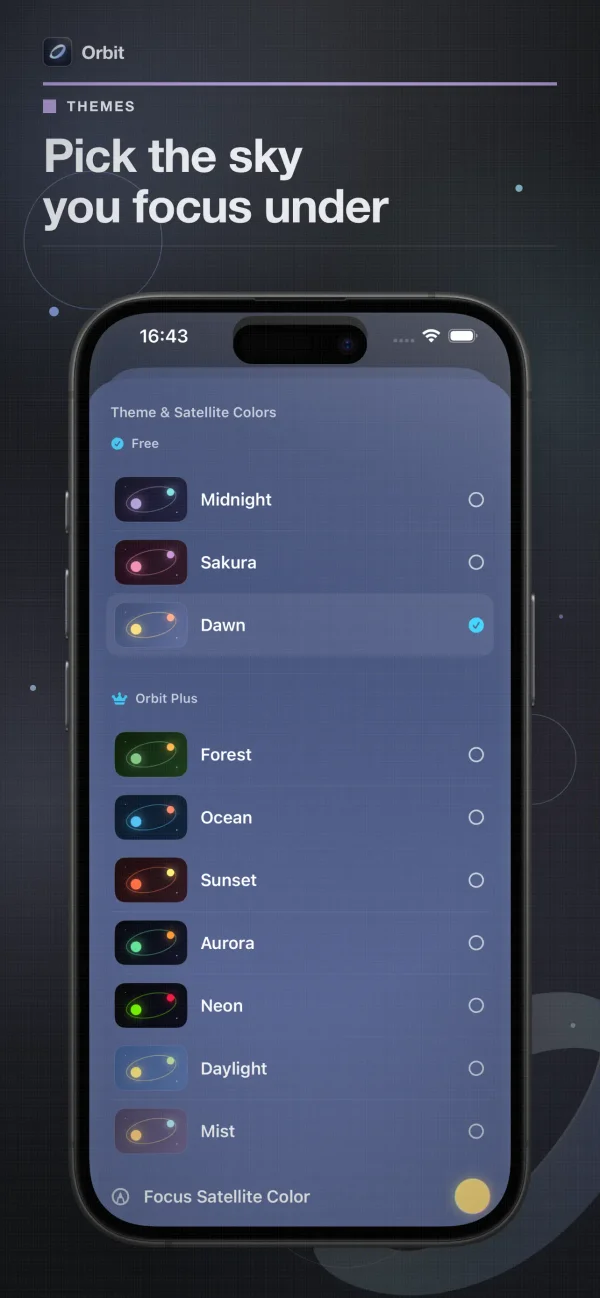
• All color themes and Orbit patterns
Subscription Information
Orbit Plus is an auto-renewable subscription that provides an ad-free experience and unlocks advanced features.
• Title: Orbit Plus
• Length of Subscription: 1 Month, 3 Months, or 1 Year
• Prices may vary by region. The current price is shown before purchase.
Payment will be charged to your Apple ID account at confirmation of purchase. The subscription automatically renews unless auto-renew is turned off at least 24 hours before the end of the current period. Your account will be charged for renewal within 24 hours prior to the end of the current period at the rate of your selected plan.
You can manage or cancel your subscription anytime in your App Store account settings after purchase.
Privacy Policy: https://miya-ux.github.io/orbit-privacy-policy/
Terms of Use (EULA): https://www.apple.com/legal/internet-services/itunes/dev/stdeula/
What’s new
Version 7.0.0 · Oct 20, 2026
A new layout for Orbit.
• Move between screens right away from the tab bar at the bottom
• Set your subject, current activity, to-dos and presets all in one place in the new "Session" tab
• Pick a subject and your current activity switches along with it. Recent to-dos now appear as suggestions
• The tab bar stays visible during a session, and End, Pause and Skip are at the bottom of the screen
• The first-time guide is easier to follow
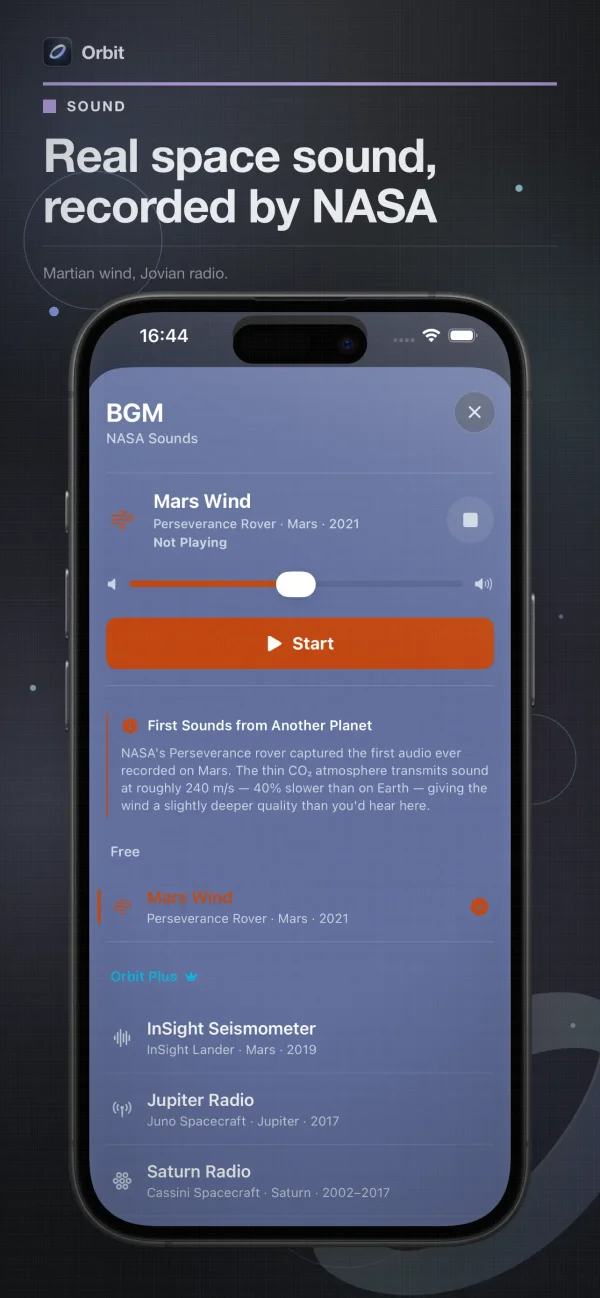
• The BGM feature has been discontinued
Plus smaller improvements and bug fixes.
App privacy
What Taichi Miyazaki declares on the App Store about how this app handles data.
-
Data used to track you
May be used to track you across apps and websites owned by other companies.
- Identifiers
- Usage data
- Diagnostics
-
Data linked to you
May be collected and linked to your identity.
- Identifiers
- Usage data
- Diagnostics
-
Data not linked to you
May be collected but is not linked to your identity.
- Diagnostics
Privacy practices may vary, for example with the features you use or your age.
Information
- Seller
- Taichi Miyazaki
- Category
- Productivity
- Version
- 7.0.0
- Updated
- Oct 20, 2026
- Released
- Jan 14, 2026
- Size
- 33.1 MB
- Requires
- iOS 18.6 or later
- Age rating
- 4+
- Price
- Free
- In-app purchases
- Yes
- Languages
- English, Arabic, Dutch, French, German, Hindi, Indonesian, Italian, Japanese, Korean, Polish, Portuguese + 8 more
- Copyright
- © 2026 Taichi Miyazaki
You might also like
-
 nonDo: Task & Habit ManagerSwipe to Sort Your To-Do List
-
 タスクラ!Productivity
-
 Nook: Cozy Virtual Study RoomAmbient sounds & body doubling
-
 MAMONAKU!Productivity
-
 Stash: Save Links for LaterWatch Later & Link Organizer
-
 easyDays: Calendar & WeatherStylish Widgets & Lock Screen
-
 easyDone: Lock Screen To-DoDon't forget · Dynamic Island
-
 MyndMapYour ADHD Productivity OS.
-
 AnyPlanner - ADHD Day PlannerVisual schedule & to-do list
-
 Simple Pomodoro Timer - DoroNo ads, Super simple timer