
- Age rating4+
- CategoryProductivity
- Developerorderbird GmbH
- LanguagesGerman+ 1 more
- Size71.1 MB
Links to the official App Store page
Download.org hosts no file of orderbird Kitchen Display. The button opens its official App Store page, published by orderbird GmbH. Listing last checked on Nov 12, 2026.
Screenshots



About
orderbird Kitchen Display only works with an active orderbird PRO POS system. It is not a standalone kitchen display app and cannot be set up or used without an existing orderbird PRO subscription. It is a paid add-on for orderbird PRO, billed monthly per active screen. Customers can use their own compatible device or choose hardware from the orderbird product range.
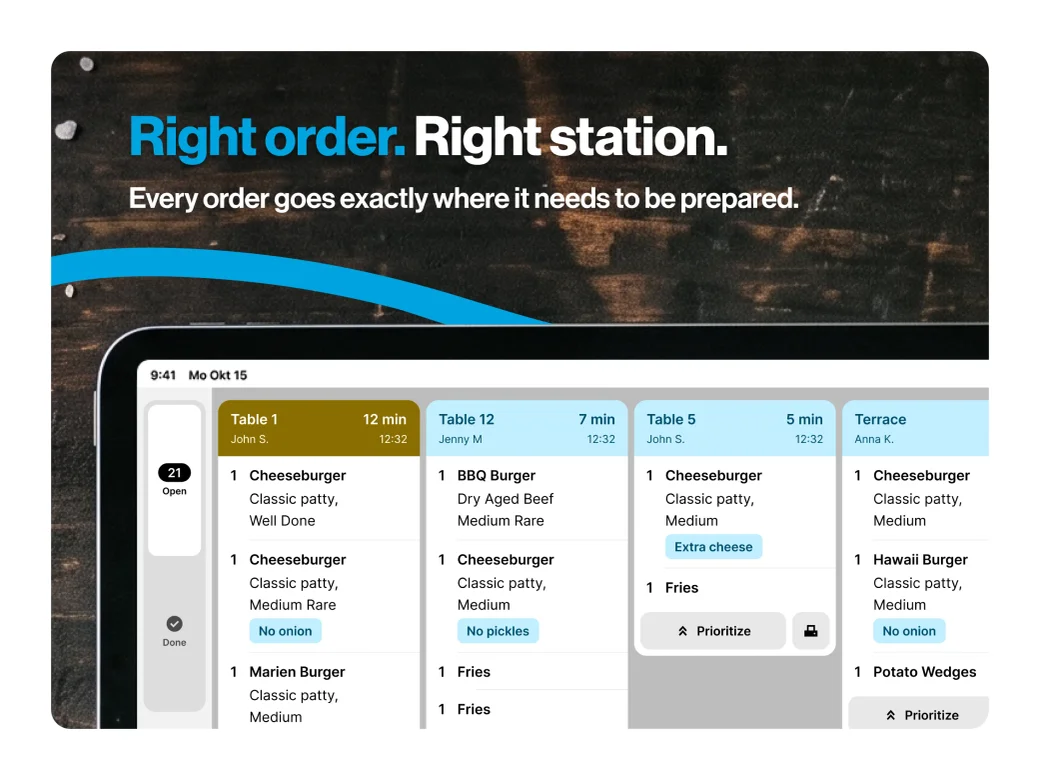
Keep your kitchen in sync: With orderbird Kitchen Display, orders from your orderbird PRO POS system appear directly on a screen in your kitchen: instantly, clearly and without paper tickets.
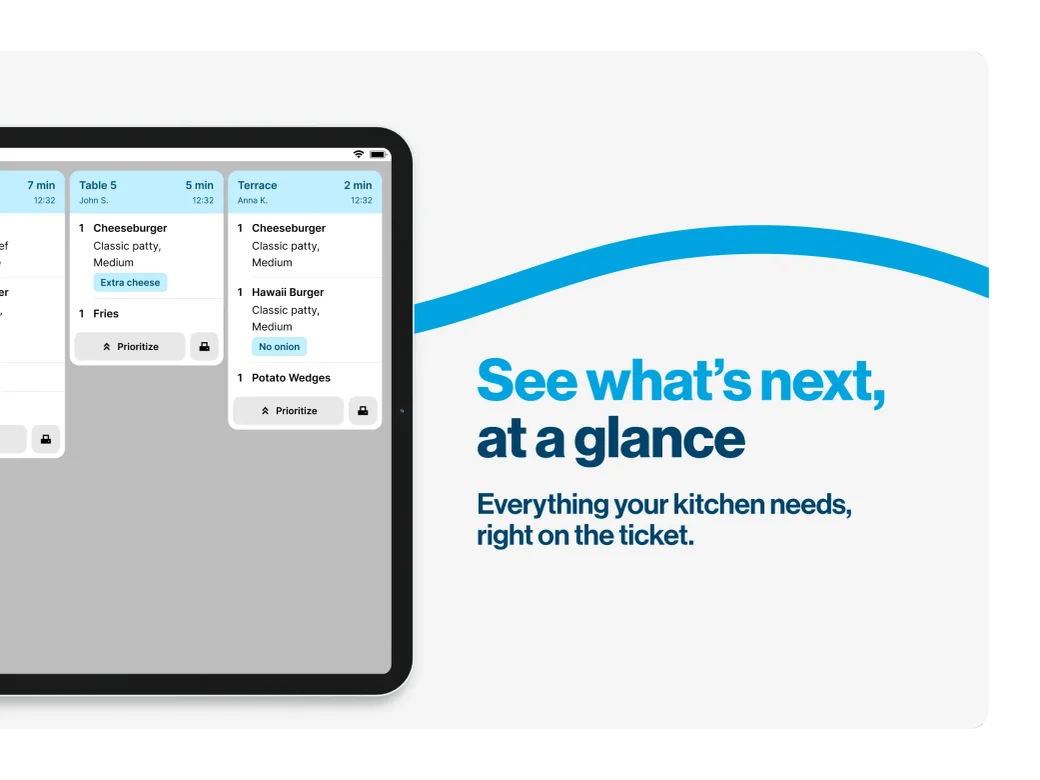
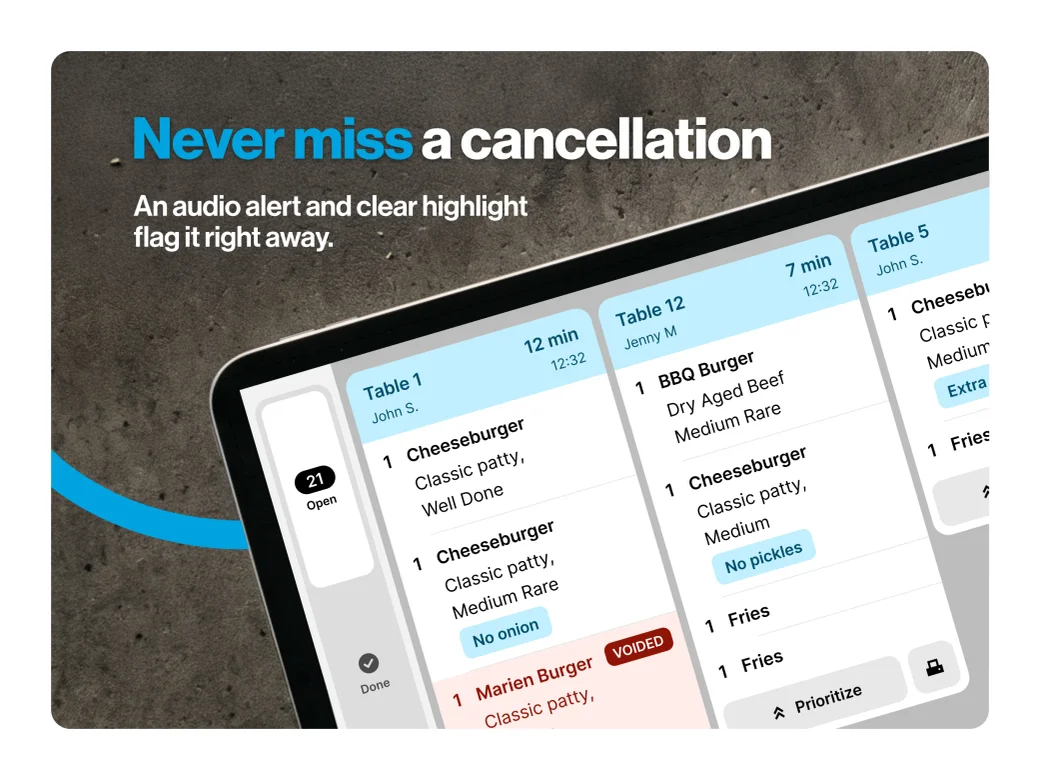
Your team sees everything they need to prepare each order at a glance: items, table numbers, special requests and timers. If an order is cancelled, an audio alert and a clear visual indicator make sure it’s never missed.
The result: less back-and-forth between front of house and kitchen, a clear overview even during the busiest shifts, and a team that always knows what to plate next.
WHY YOUR KITCHEN WILL LOVE IT
See incoming orders digitally and in real time, no more paper chaos
Cut back-and-forth and legwork between front of house and kitchen
Stay fully in control, even during the busiest rush
Help new team members find their way around faster
BUILT FOR BUSY KITCHENS
Connects directly to your orderbird PRO POS system
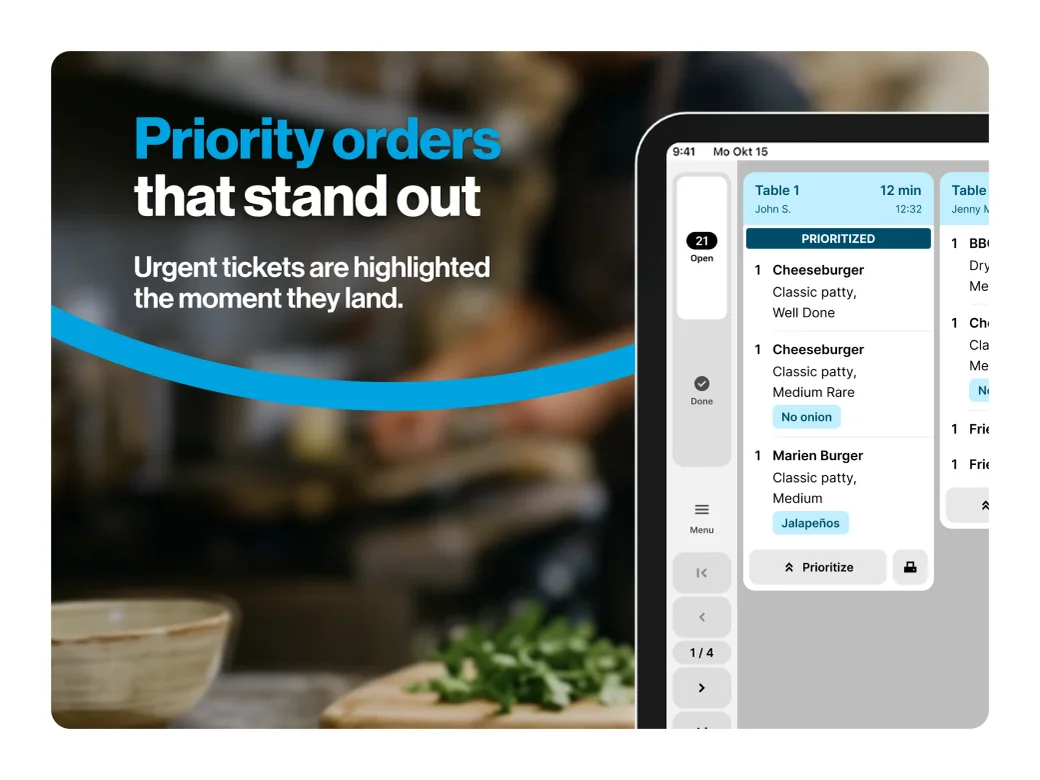
Shows timers, priorities and special requests on every digital ticket
Flags cancellations instantly with sound and a visual marker
Brings front-of-house and mobile orders together on one screen
Automatically falls back to receipt printing if the display goes offline
WHO IS THE KITCHEN DISPLAY SUITABLE FOR?
orderbird Kitchen Display is made for restaurants, cafés with kitchens, bars serving food and hospitality businesses with outdoor seating. It’s especially useful when lots of orders come in at once or several team members work together in the kitchen.
REQUIREMENTS
orderbird Kitchen Display is an add-on for your orderbird PRO POS system and is billed monthly per active screen. Use your own compatible device or choose suitable hardware from the orderbird product range.
For more information and current prices, visit orderbird.com/kitchen-display.
What’s new
Version 1.0 · Oct 29, 2026
New: All day view — see how many of each dish are still open across all table orders, mark dishes, and filter by dish, table or time window. Find it under All day in the left navigation.
App privacy
What orderbird GmbH declares on the App Store about how this app handles data.
-
Data linked to you
May be collected and linked to your identity.
- Contact info
- Identifiers
- Usage data
- Diagnostics
Privacy practices may vary, for example with the features you use or your age.
Information
- Seller
- orderbird GmbH
- Category
- Productivity
- Version
- 1.0
- Updated
- Oct 29, 2026
- Released
- Oct 19, 2026
- Size
- 71.1 MB
- Requires
- iOS 15.0 or later
- Age rating
- 4+
- Languages
- German, English
- Copyright
- © orderbird GmbH
You might also like
-
 SO'USE OperationsDie Order & Pay Plattform
-
 VYCProductivity
-
 RETAIL7 POS systemSimple and fast cashing!
-
 helloTESS!Kassensystem der Gastronomie
-
 ERDINGER FASSBIERfor perfect draft beer
-
 Servire POS for RestaurantsTSE-ready till for hospitality
-
 HARVEST ASSISTErntelogistik im Grünland
-
 StromnetzProductivity
-
 oneDEHOGAProductivity
-
 HACCPProductivity