
Ordinary Camera
One frame, nothing added
Designed for iPhone
Free · In-app purchases
- Age rating4+
- CategoryPhoto & Video
- Developertomas zahradka
- LanguagesEnglish+ 1 more
- Size8.7 MB
Links to the official App Store page
Download.org hosts no file of Ordinary Camera. The button opens its official App Store page, published by tomas zahradka. Listing last checked on Nov 23, 2026.
Screenshots

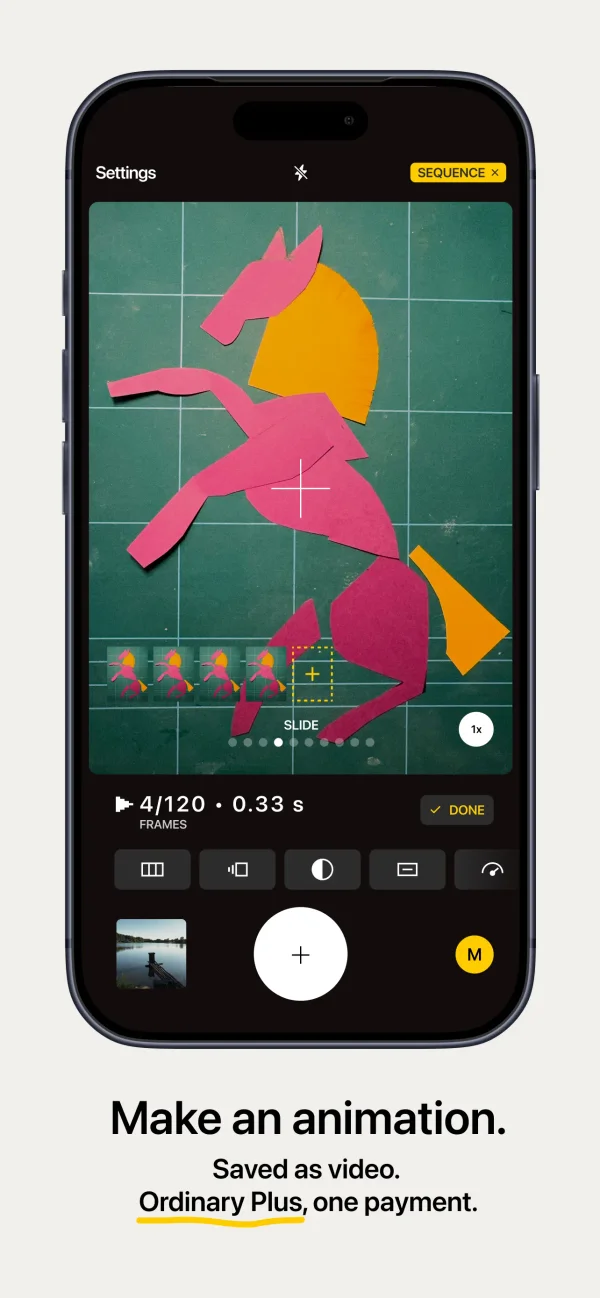

About
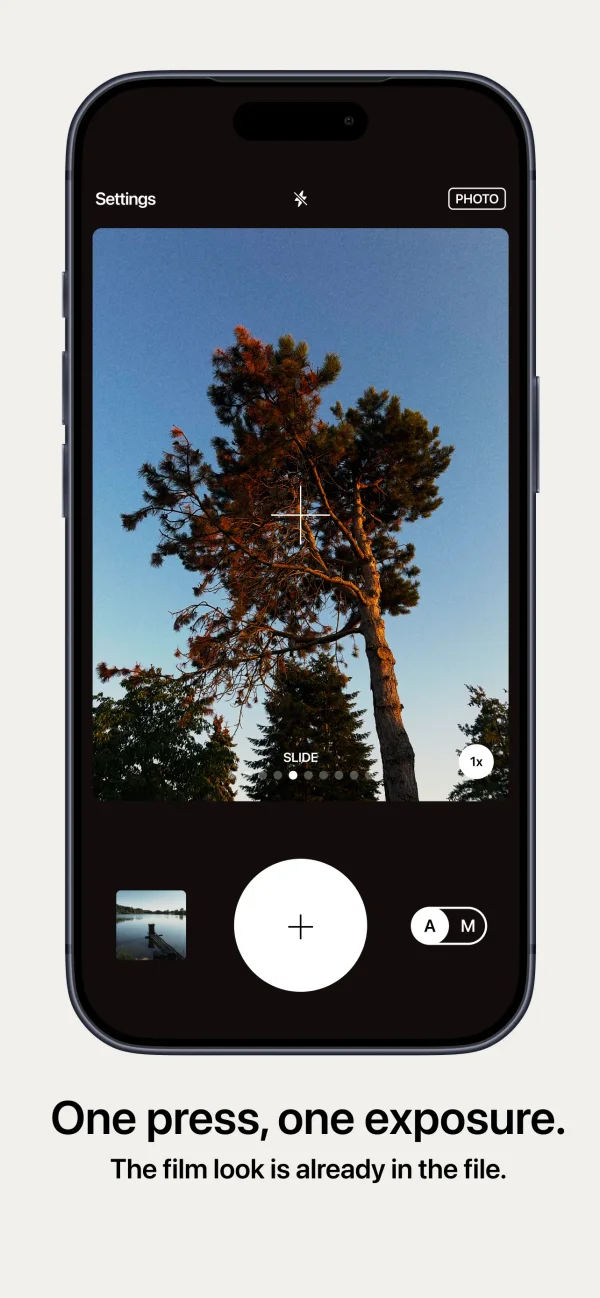
What you see on the screen is what the photograph keeps. You choose the film before the shot, and it is saved inside the picture as you take it. One press, one exposure.
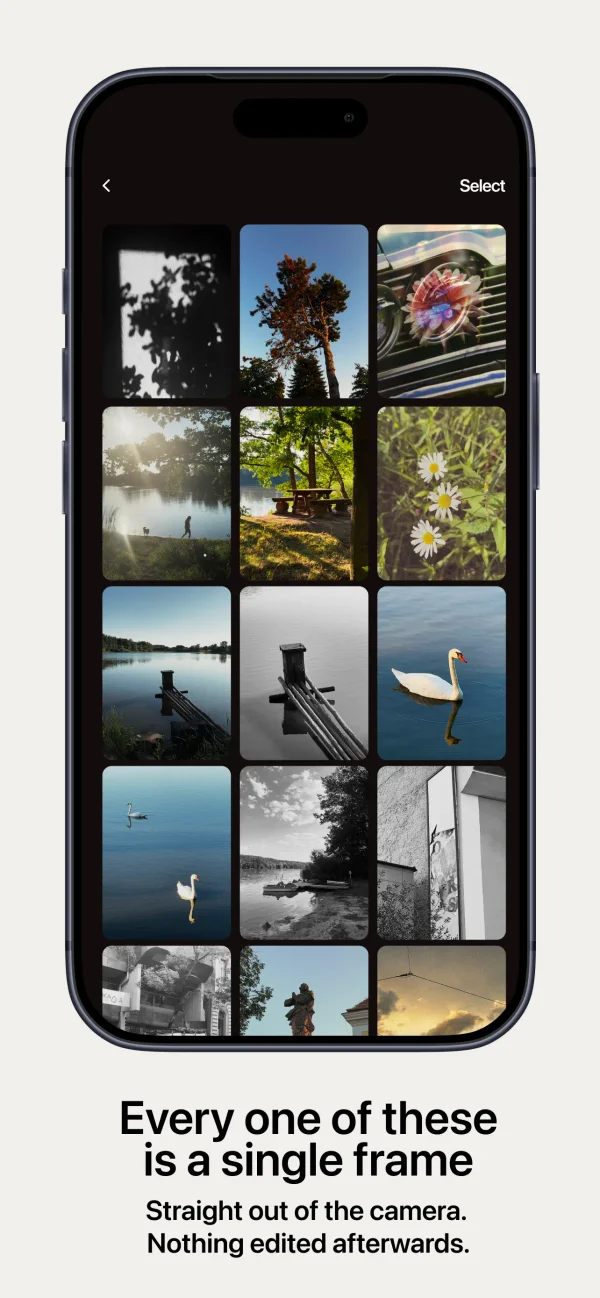
Nothing to edit afterwards.
CONTROLS
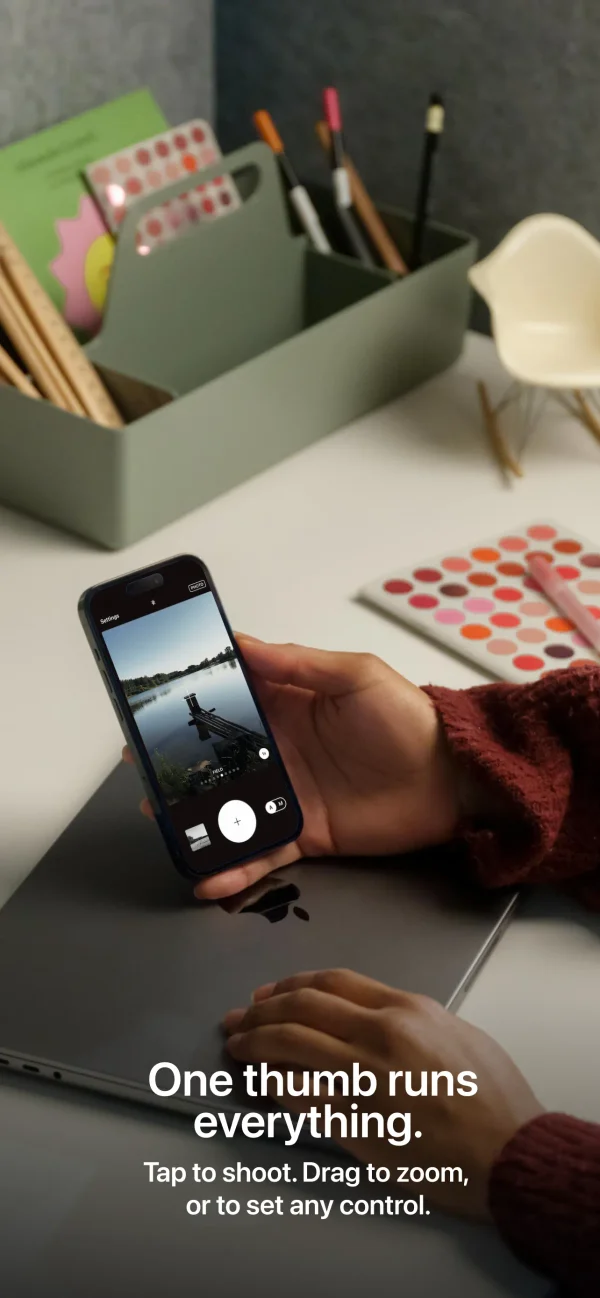
Everything runs from the shutter. Tap it to take a photo. Slide up and down to zoom. Slide left and right to set whatever control is open. One thumb, without looking away from the picture.
INCLUDED
Full manual: ISO, shutter speed, white balance, exposure compensation, lens.
Manual focus with peaking.
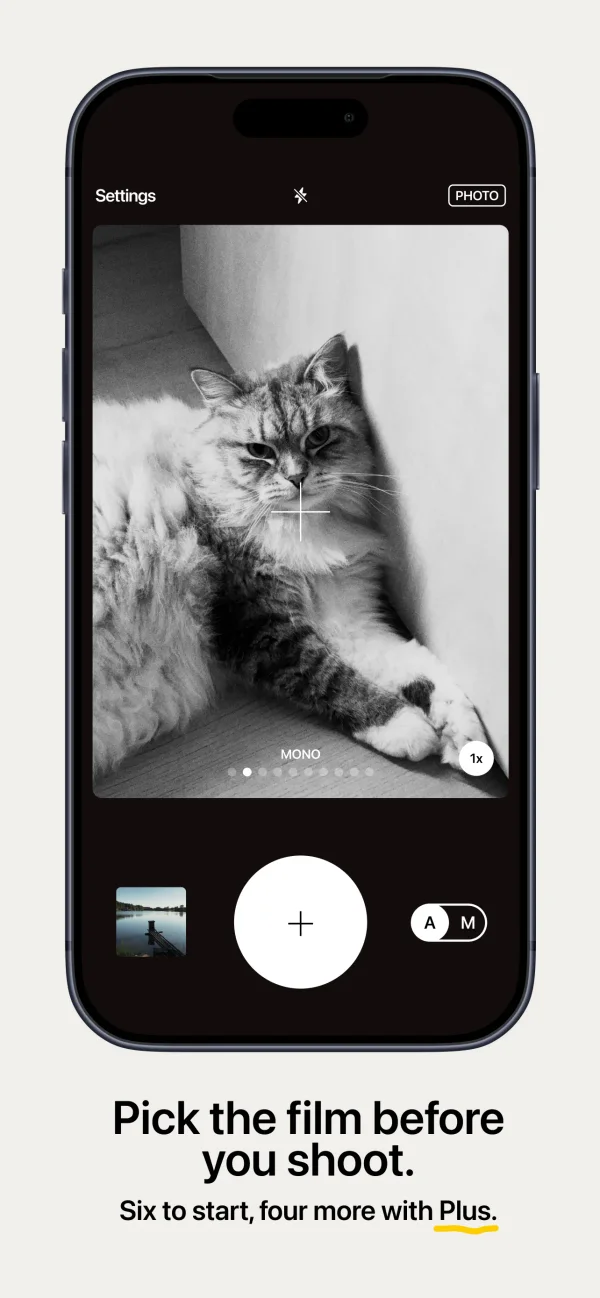
Six films, with grain and halation.
Self timer. Side buttons take the photo. The shutter sound can be turned off.
Photographs stay on your phone.
WHAT IT DOES NOT DO
No RAW. The look is in the file as the picture is taken, so there is nothing underneath to go back to.
No video mode. Sequence saves a video file, but you cannot film with it.
Back camera only.
No subscription. No account. No ads. No analytics.
ORDINARY PLUS
One payment, once.
Double exposure, up to nine layers.
Sequence, shot frame by frame and saved as video.
Four more films.
Recipes you can change and name yourself.
An Auto mode that opens on your own settings.
WHAT IT LOOKS LIKE
Dark rooms stay dark. Movement blurs. Grain shows. Those are the things I did not want corrected.
MADE BY
One person in Prague, who also builds lenses out of used single-use cameras. One piece of glass, nothing else in the way.
What’s new
Version 1.3. · Nov 19, 2026
• Recipes are now open to everyone. Set strength, grain and exposure for any film, straight from the viewfinder. Swipe up over the image to open them.
• Star the photos worth keeping. The gallery can then show you only those, or only the rest, so clearing out the archive takes three taps.
• The recipe panel has been rebuilt: clearer sections, more room to breathe, and a name that follows the film you pick until you give it one of your own. You can also reset a single recipe now, not just all of them.
• In the gallery you can select every photo at once, and the delete confirmation now says what goes, what stays, and how many of them never went to Photos.
• Ordinary Plus adds warmth, tint and halation, four more films, and recipes you can name and hide.
App privacy
What tomas zahradka declares on the App Store about how this app handles data.
-
Data not collected
The developer does not collect any data from this app.
Privacy practices may vary, for example with the features you use or your age.
Information
- Seller
- tomas zahradka
- Category
- Photo & Video
- Version
- 1.3.
- Updated
- Nov 19, 2026
- Released
- Oct 12, 2026
- Size
- 8.7 MB
- Requires
- iOS 17.0 or later
- Age rating
- 4+
- Price
- Free
- In-app purchases
- Yes
- Languages
- English, Czech
- Copyright
- © 2026 Tom Zahradka
You might also like
-
 Chrono Film: Vintage CameraRAW Photos & Retro Video
-
 Sojung Filter - Film EditorFilters for Photo & Video
-
 Morefilm - Digicam & Film Cam2000s digicam to disposable
-
 LumenMeterFilm Light Meter & Camera
-
 FORTY - 40mm common camerasame camera. same frame.
-
 FILMU - Film Camera CamcorderFilm days you'll miss someday.
-
 FilmBox: Film CameraShoot & Edit Vintage Photos
-
 Fotio: Film Exposure MeterLight meter for film cameras
-
 roll of filmwhat a camera should be
-
 ProCamera+: Manual RAW CameraNight, Log Video & Film Looks