Organizly: Task & Notes
Plan projects, capture notes
Designed for iPhone, iPad, Mac
Free · In-app purchases
- Age rating4+
- CategoryProductivity
- DeveloperYeajean Cho
- LanguagesEnglish+ 10 more
- Size21.9 MB
Links to the official App Store page
Download.org hosts no file of Organizly: Task & Notes. The button opens its official App Store page, published by Yeajean Cho. Listing last checked on Nov 15, 2026.
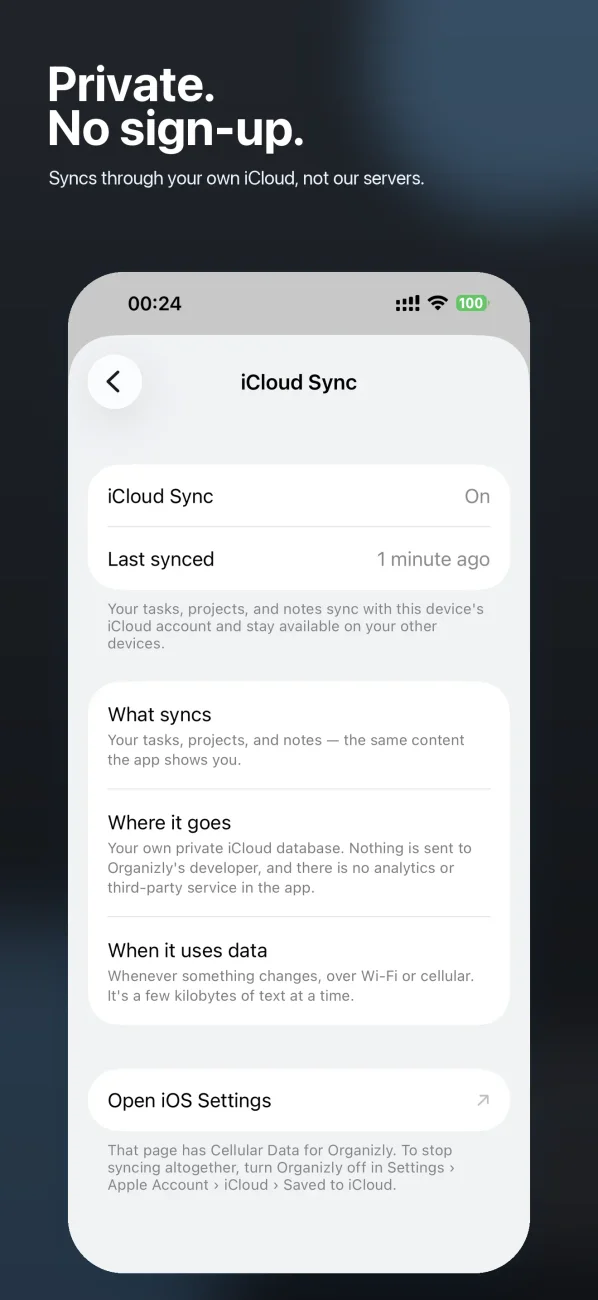
Screenshots


About
Everything has a place.
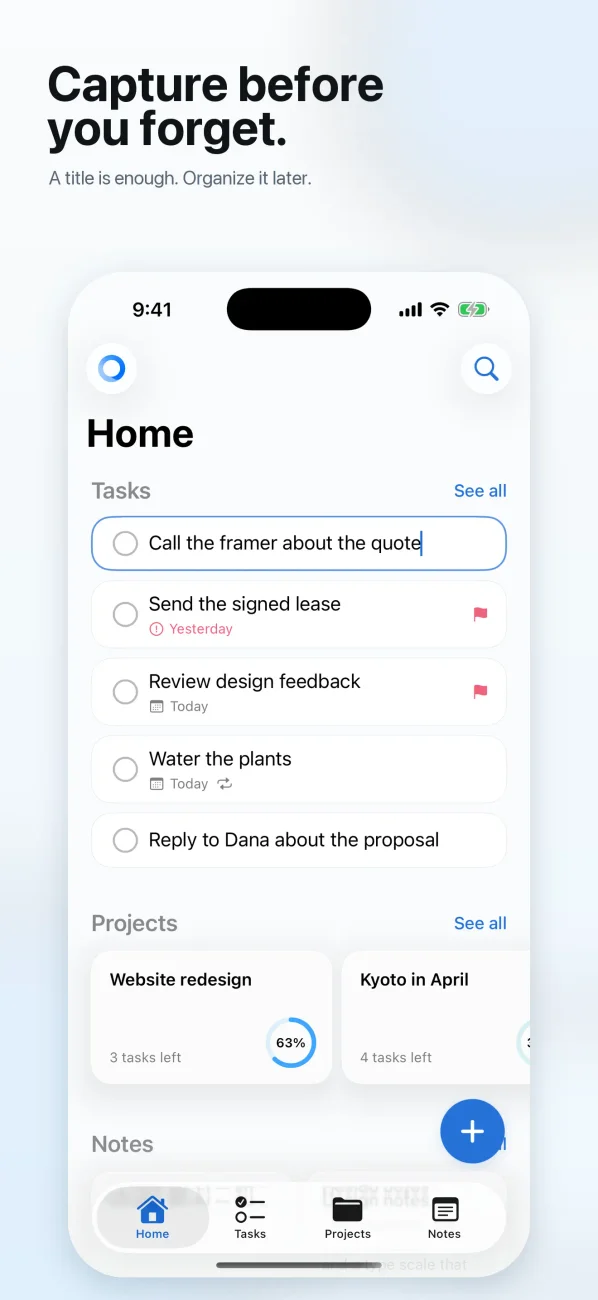
Organizly is a simple personal organizer for tasks, projects, and notes. Use it as a task manager, a to-do list, a home for notes, or all three.
Capture it. Put it somewhere. Move on.
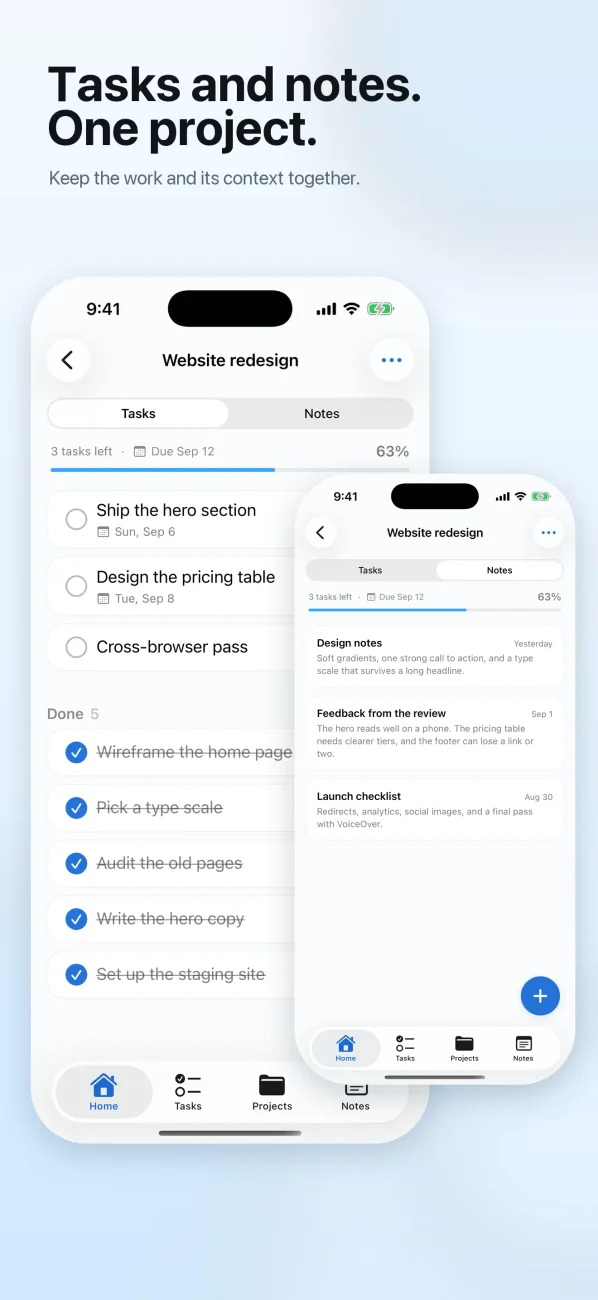
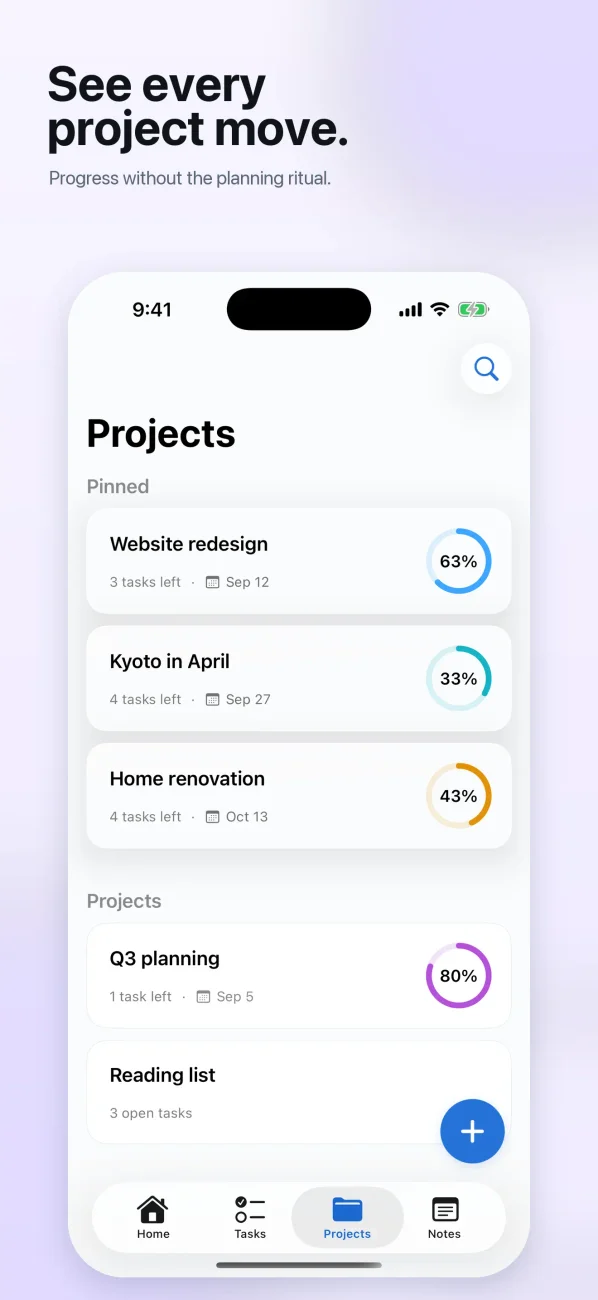
Add a task before you forget it. Keep related things together in projects. Save notes you want to find again. Add due dates and reminders when they are useful, or leave them out when they are not.
From a quick grocery list to an ongoing personal project, everything stays easy to add and easy to find.
○ Made for Everyday Life
Organizly gives work tasks, trips, ideas, wishlists, packing lists, personal projects, and everyday responsibilities a clear place to live. Put something in Organizly, then stop holding it in your head.
○ Simple by Design
• Create unlimited tasks, projects, and notes
• Start from ready-made lists for packing, groceries, or moving
• Add due dates and reminders
• Find what you need with search, in the app or from Spotlight
• Keep everything in sync with iCloud
• Use Quick Add from the Lock Screen, Control Center, or Action Button
• Save text, links, and text files from any app with the share sheet
• Bring your lists over from the Reminders app
• Undo accidental changes
○ On Apple Watch
See what's next, check off tasks, and add tasks and notes by dictation, right from your wrist. You can also start a new task or note from Control Center on your watch.
○ On iPad
A sidebar keeps every place one tap away, and tasks and notes open beside your list, so the next one is always in view.
○ Siri and Apple Intelligence
Ask Siri to add a task, check one off, or add something to a note, in your own words. Siri and Shortcuts are free for everyone. With Apple Intelligence, quick add reads dates as you type, a new project can start with suggested tasks, the to-dos in a note become tasks in one step, and Visual Intelligence finds related tasks and notes. The Apple Intelligence features run on your device.
○ More with Organizly+
Organizly+ adds more ways to automate and personalize your experience, with recurring tasks, Home Screen and Lock Screen widgets, Apple Watch complications, custom project colors, and project templates.
Choose a monthly or yearly subscription. The core Organizly experience remains free.
Payment is charged to your Apple Account at confirmation of purchase. A subscription renews automatically unless it is cancelled at least 24 hours before the end of the current period. Manage or cancel your subscription in your Apple Account settings.
Terms of Use: https://organizly.org/terms
Privacy Policy: https://organizly.org/privacy
Get it out of your head. Put it in its place.
What’s new
Version 2.3.1 · Nov 15, 2026
Getting around Organizly is a little quicker.
• Search is now in the tab bar.
• Select several tasks at once on iPhone.
• A cleaner Settings, with a guide to adding widgets.
• Bug fixes, including pinned items on Home.
App privacy
What Yeajean Cho declares on the App Store about how this app handles data.
-
Data not linked to you
May be collected but is not linked to your identity.
- Purchases
- Usage data
Privacy practices may vary, for example with the features you use or your age.
Information
- Seller
- Yeajean Cho
- Category
- Productivity
- Version
- 2.3.1
- Updated
- Nov 15, 2026
- Released
- Oct 13, 2023
- Size
- 21.9 MB
- Requires
- iOS 18.0 or later
- Age rating
- 4+
- Price
- Free
- In-app purchases
- Yes
- Languages
- English, Dutch, French, German, Italian, Japanese, Korean, Portuguese, Simplified Chinese, Spanish, Traditional Chinese
- Copyright
- © 2026 Organizly
You might also like
-
 artina - To-do & CalendarPlan, break down & accomplish
-
 Pocket Plans: To-Do ListDaily Task Planner & Streaks
-
 Sisyphus TasksAll in one Calendar
-
 Auer TasksA simple task manager.
-
 Super: The Flow State AppNow Connect With Friends
-
 HabitaraForm Habits. Track Progress.
-
 Mentor: Idea StudioCapture and Organize Ideas
-
 CleanPadThe home for your thoughts
-
 Save "Read Later" - KeepLinkYour FAV content is in here.
-
 Got Done: Tasks & HabitsPrivate tasks & real habits