
Origami - 3D Folding Guide
Animated folds, step by step
Designed for iPhone, iPad
Free · In-app purchases
- Age rating4+
- CategoryEducation
- DeveloperDaiki Yajima
- LanguagesEnglish+ 43 more
- Size15.3 MB
Links to the official App Store page
Download.org hosts no file of Origami - 3D Folding Guide. The button opens its official App Store page, published by Daiki Yajima. Listing last checked on Nov 27, 2026.
Screenshots
About
Ever looked at a diagram in an origami book and had no idea how to make the next fold?
Origami guides you through every fold with 3D animations, one step at a time.
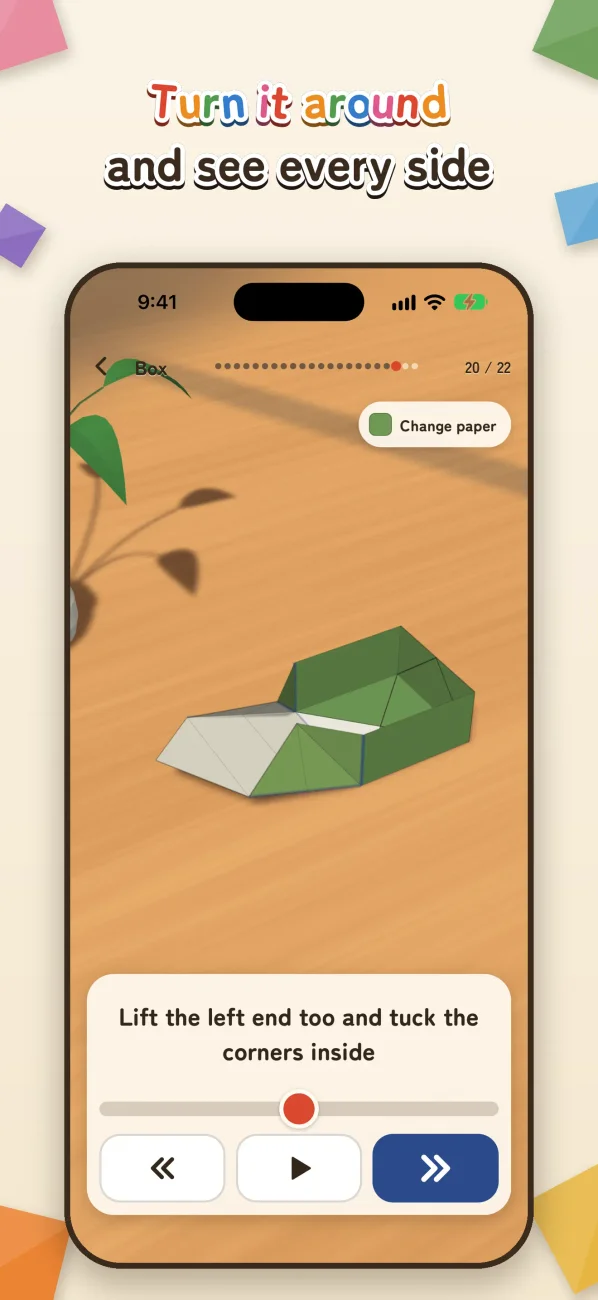
Rotate the paper to see each fold from the side or from behind.
No account, no ads, and you can start folding as soon as you download it.
FEATURES
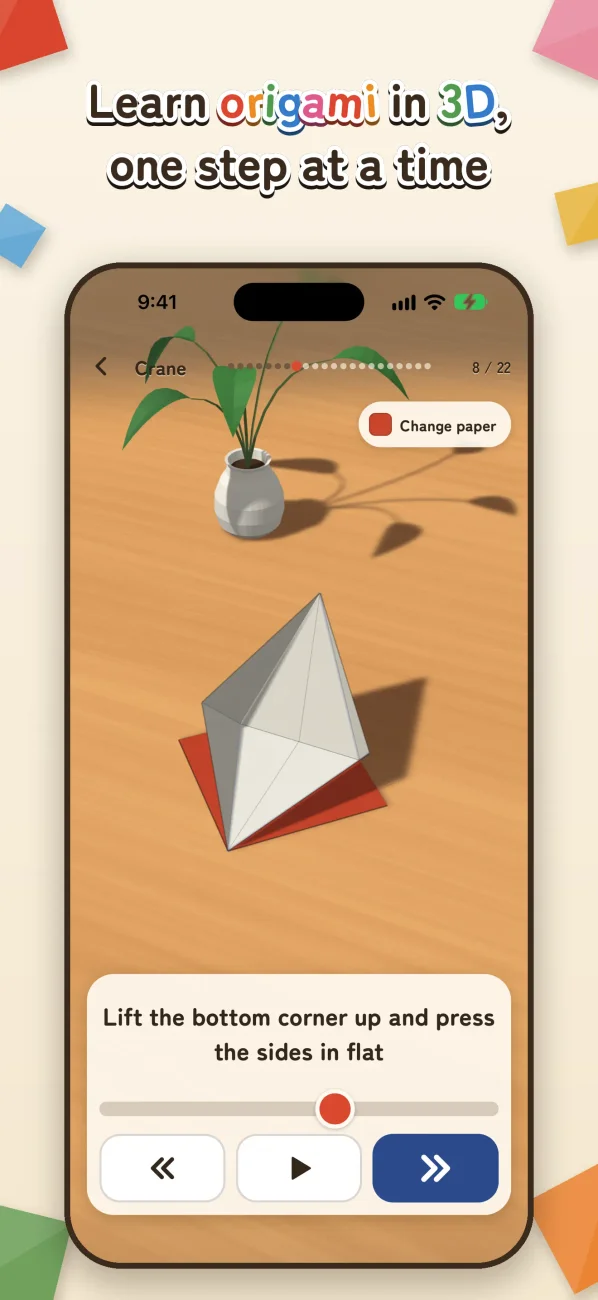
• 3D animations: see how the paper folds at every step
• Rotate and zoom: view each fold from the angle you need
• Go at your own pace: move on, go back or pause whenever you like
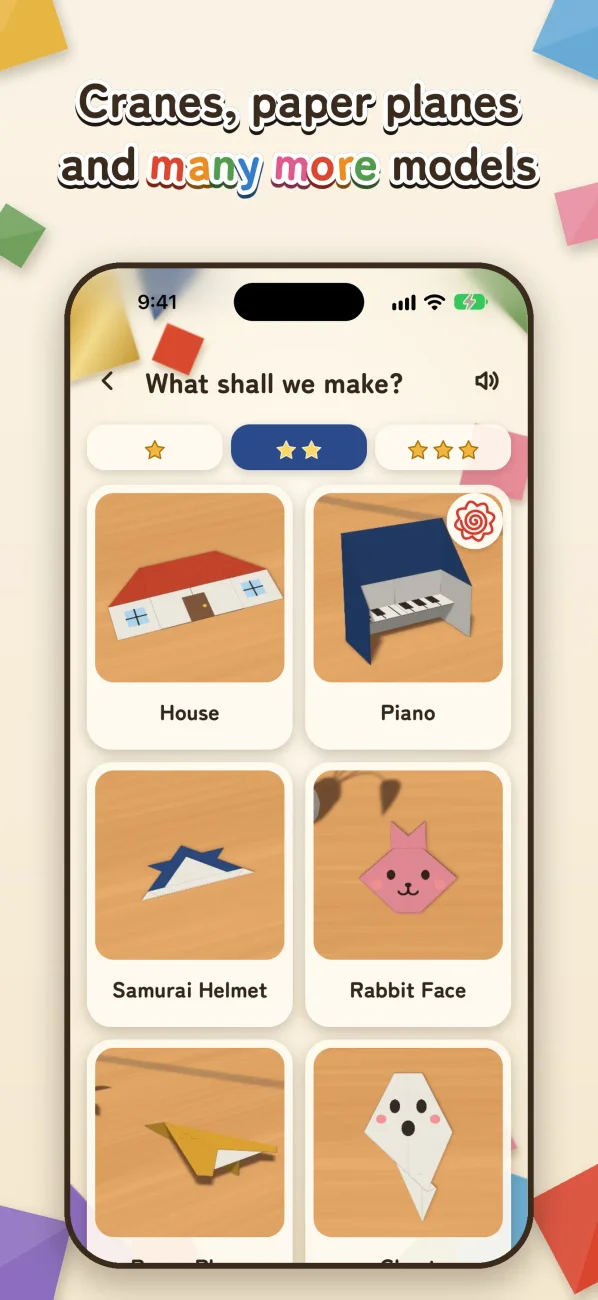
• Plenty of models: crane, samurai helmet, paper plane, box, frog and more
• Three levels: start with the easy models and work your way up
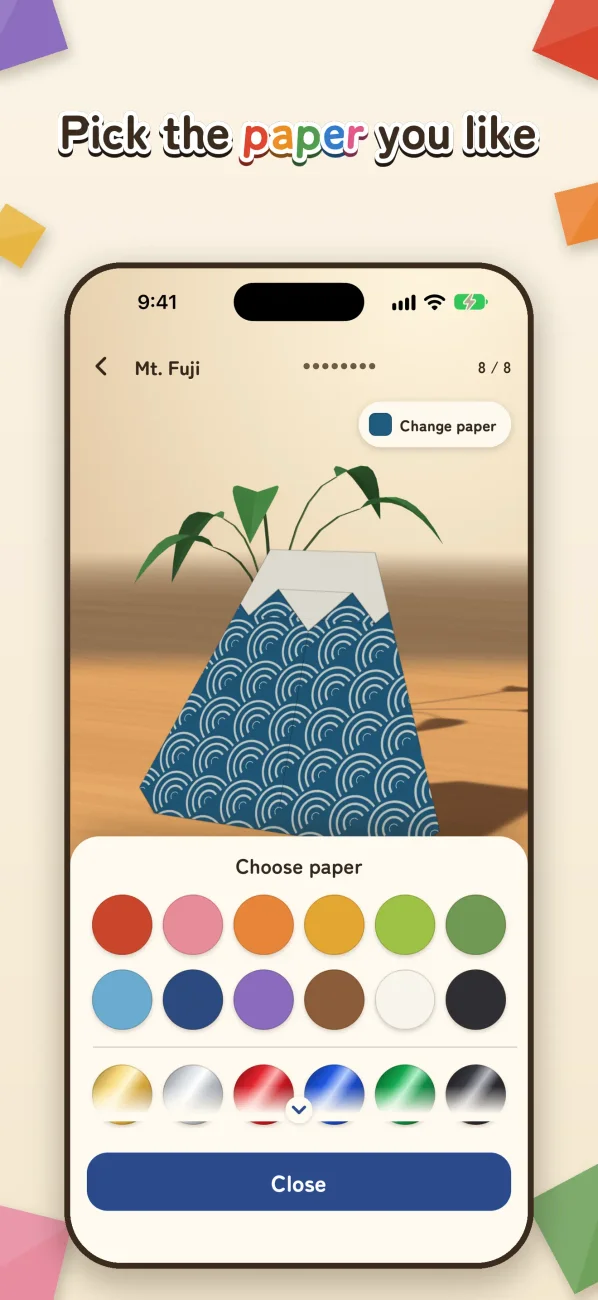
• Choose your paper color: fold in the color you like
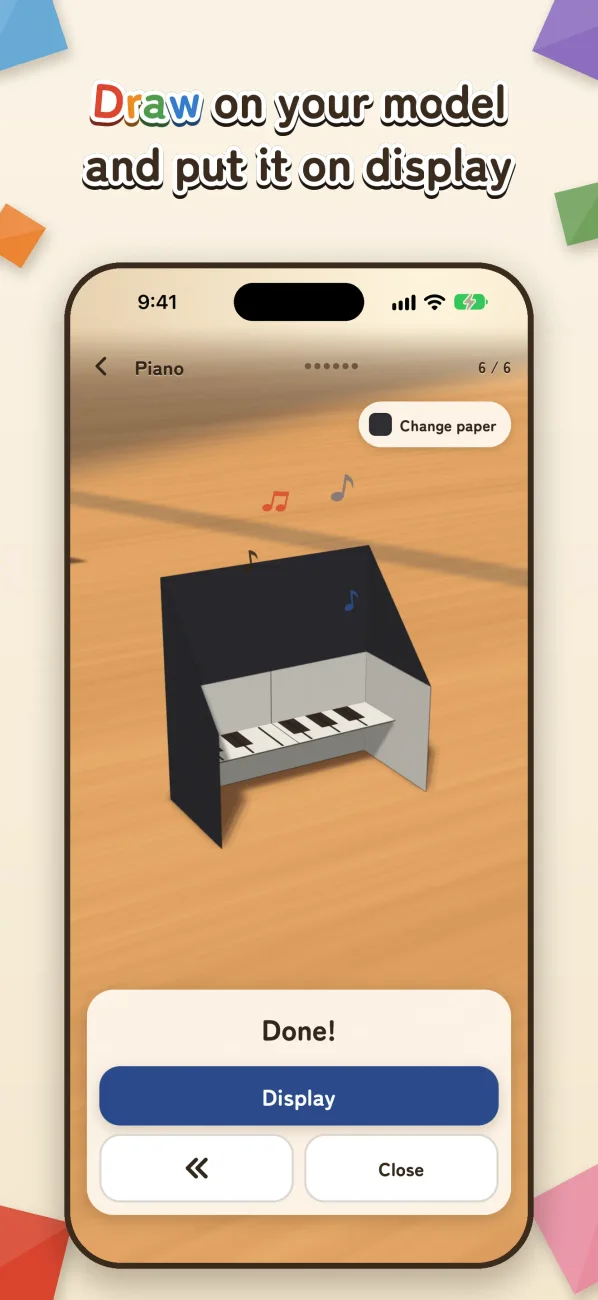
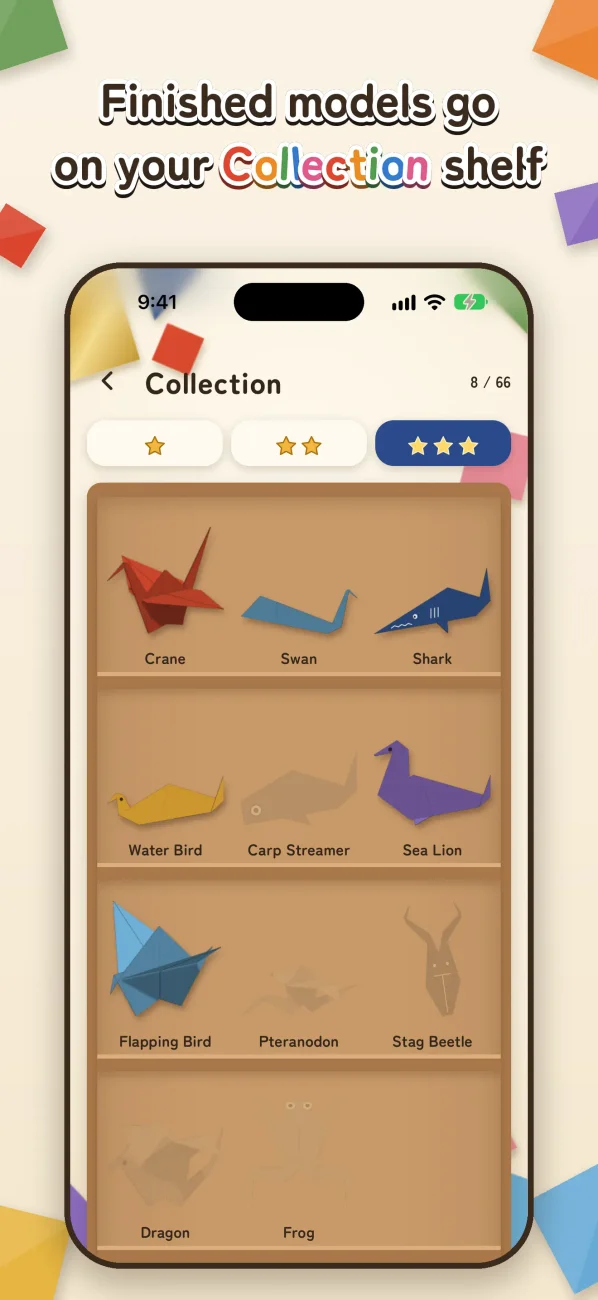
• A shelf for finished models: your Collection grows as you fold
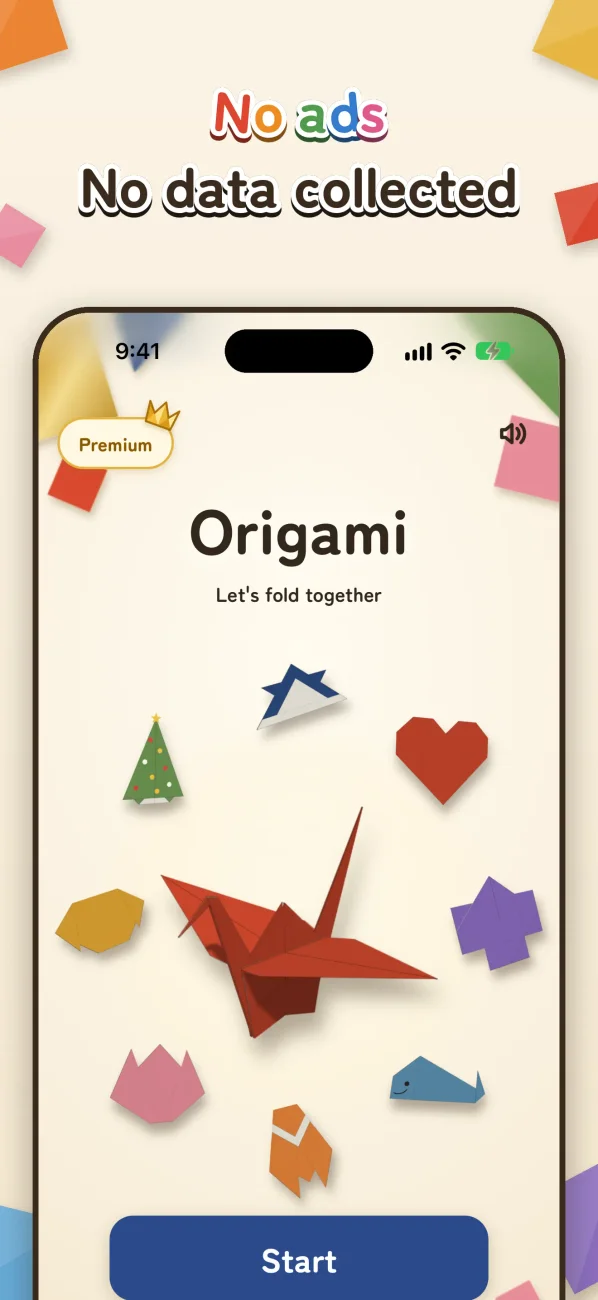
• No account, no ads, no data collected: works offline except when buying Premium
MADE FOR YOU IF
• Diagrams in origami books are hard to follow
• Videos go too fast, and pausing and rewinding is a chore
• You’d like to relearn how to fold a crane or a paper plane
• You want to enjoy origami together as a family
• You want to use it for seasonal crafts or art lessons at a preschool, daycare, kindergarten or school
• You want to use it for activities or rehab sessions at a care facility or nursing home
• You want an app with no ads
IN DETAIL
■ One step at a time, in 3D animation
Watch each fold in 3D. Use the buttons to move on or go back to the previous step. Drag the slider to move forward or backward through a fold and stop at any point. Each fold replays automatically, so you can watch it as often as you need.
■ Rotate, zoom and check
Drag to rotate the paper and pinch to zoom in or out. View each fold from the side, from behind or from any other angle.
■ The models
Choose from easy, medium and hard models. Fold a crane, samurai helmet, pinwheel or boat, or try a dog, cat, penguin, whale, dragon or pteranodon. There are paper planes, too. The box, balloon and fortune teller form three-dimensional shapes. Some models require Premium.
■ After you’ve folded
Finished models appear on your Collection shelf. The app adds faces to animal models. Turn music and sound effects on or off whenever you like.
■ Easy-to-follow instructions
Each step has one short sentence in plain English, with no origami jargon.
■ Pricing
Most models and the standard paper colors are free. Premium is a one-time in-app purchase that unlocks the remaining models and special papers such as gold, silver, shiny colors and Japanese patterns. Premium also lets you switch the app icon to a golden crane. There is no subscription. Premium supports Family Sharing, so one purchase covers the whole family. You only need an internet connection to buy Premium.
FAQ
Q. Can I use it if I’ve never tried origami before?
A. Yes. Start with one of the easy models. Move through each step at your own pace, go back whenever you need to and rotate the paper to check a fold.
Q. How is it different from a book or a video?
A. Each fold is animated in 3D. You control when to move on and can rotate the paper to see it from any angle.
Q. What can I use for free?
A. Most models and the standard paper colors are free. The remaining models and the special papers require Premium, a one-time in-app purchase with no subscription.
Q. Does it work without an internet connection?
A. Yes. You only need an internet connection to buy Premium.
Q. Can I use it at a preschool, a daycare, a school or a nursing home?
A. Yes. There’s no account and no ads, so you can start right away. On an iPad’s larger screen, a group can follow along together.
Q. Where do the models in this app come from?
A. Most models are traditional origami, and some are original designs made for this app. All folding instructions and 3D animations were created for this app.
Grab a sheet of paper and follow along, one fold at a time.
Privacy Policy
https://asukaapps.github.io/origami_3d/privacy/
Terms of Use
https://www.apple.com/legal/internet-services/itunes/dev/stdeula/
What’s new
Version 1.5.0 · Nov 26, 2026
• Added 6 Christmas origami models, including Santa, a Star and a Christmas Stocking.
• The Ninja Star and Flip Card steps now show one sheet of paper at a time.
• Rearranged the buttons on the “Done!” screen.
• Other minor bug fixes.
App privacy
What Daiki Yajima declares on the App Store about how this app handles data.
-
Data not collected
The developer does not collect any data from this app.
Privacy practices may vary, for example with the features you use or your age.
Information
- Seller
- Daiki Yajima
- Category
- Education
- Version
- 1.5.0
- Updated
- Nov 26, 2026
- Released
- Nov 14, 2026
- Size
- 15.3 MB
- Requires
- iOS 18.0 or later
- Age rating
- 4+
- Price
- Free
- In-app purchases
- Yes
- Languages
- English, Arabic, Bengali, Catalan, Croatian, Czech, Danish, Dutch, Finnish, French, German, Greek + 32 more
- Copyright
- © 2026 Asuka Apps
You might also like
-
 さわれる理科Education
-
 あんきずかん|ひらがな・九九・とけい・かん字Education
-
 3D Origami GuideFold together in 3D
-
 How Math WorksSee, touch, and feel the math
-
 FoldBee: Learn Origami in 3DEasy Paper Folding Tutorials
-
 Origami: Learn Paper FoldingStep by Step Paper Airplanes
-
 こともんEducation
-
 あんきずかん|中学受験 理科・社会・国語・算数・時事Education
-
 Paper Airplane Folding – Aero3D Guide: Glider, Jet & Dart
-
 Origami Guide: Learn & FoldStep-by-step paper folding