
- Age rating4+
- CategoryBusiness
- DeveloperInfotel
- LanguagesEnglish+ 1 more
- Size26.3 MB
Links to the official App Store page
Download.org hosts no file of Orlando Explorer Mobile. The button opens its official App Store page, published by Infotel. Listing last checked on Nov 28, 2026.
Screenshots
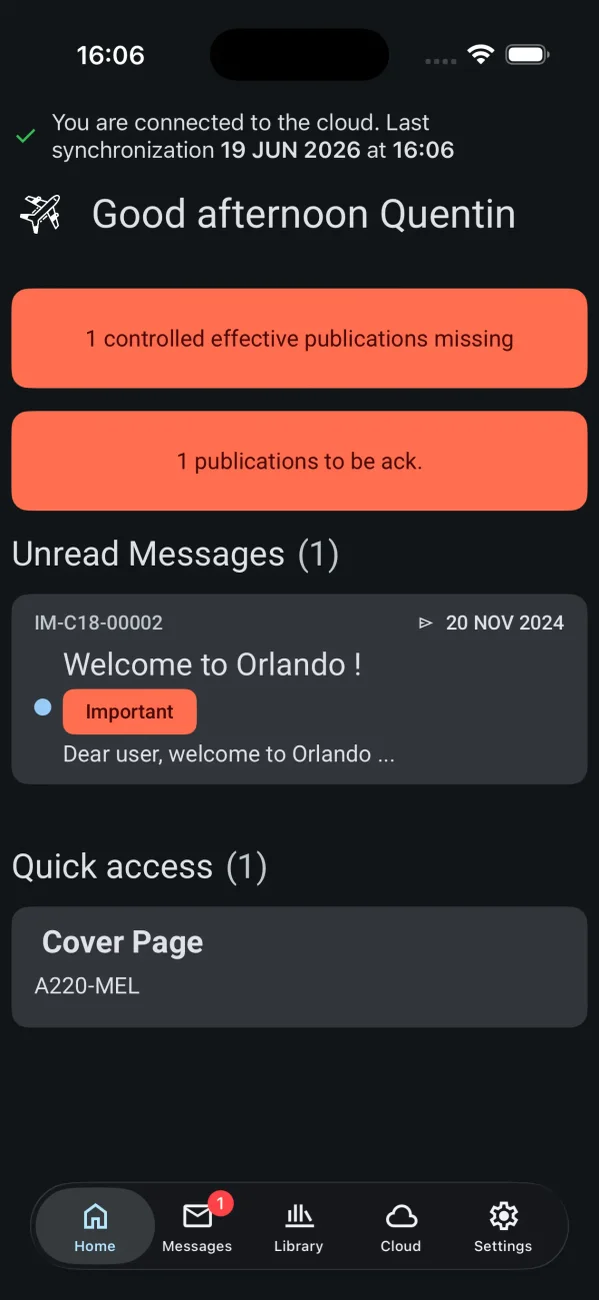
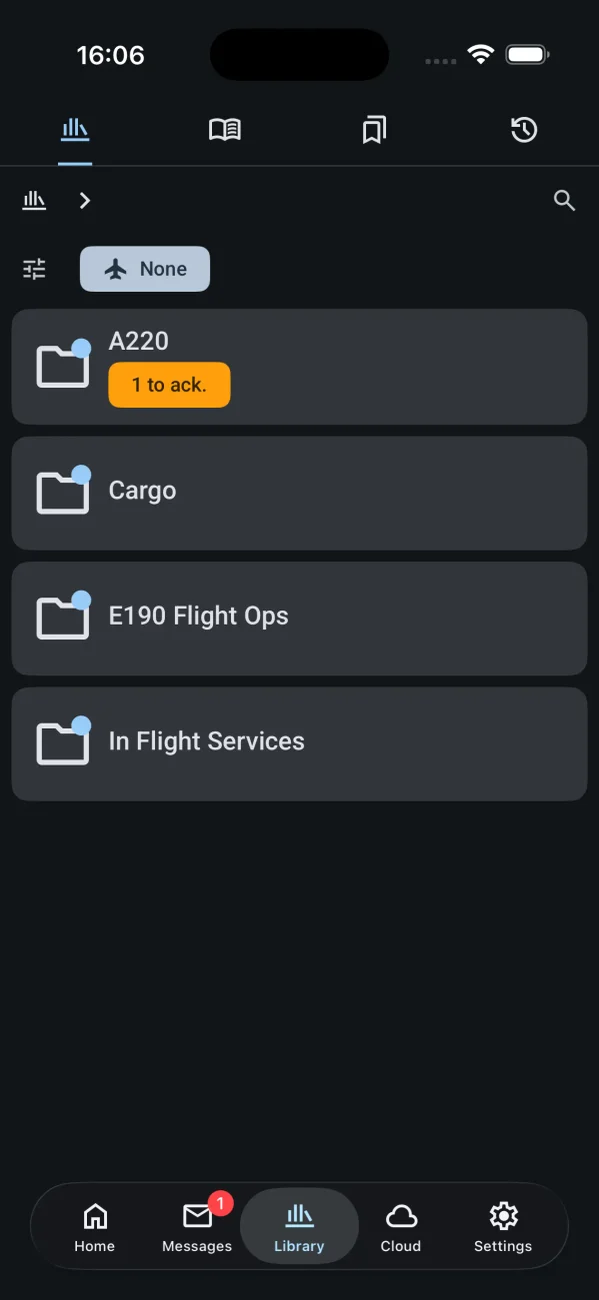
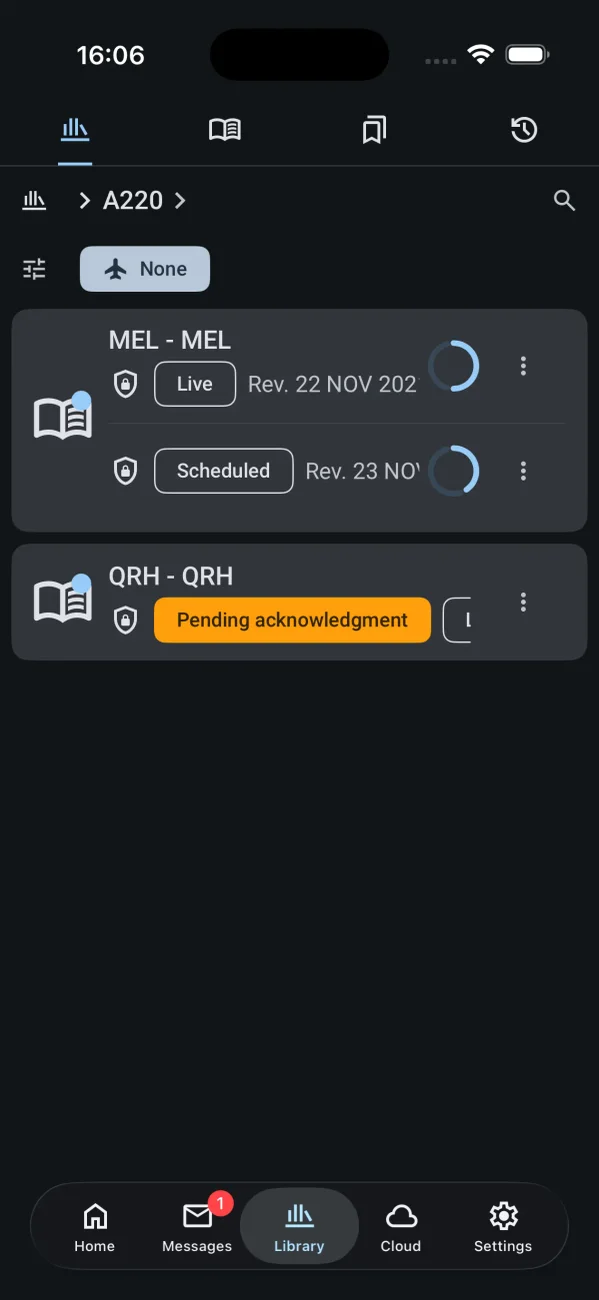
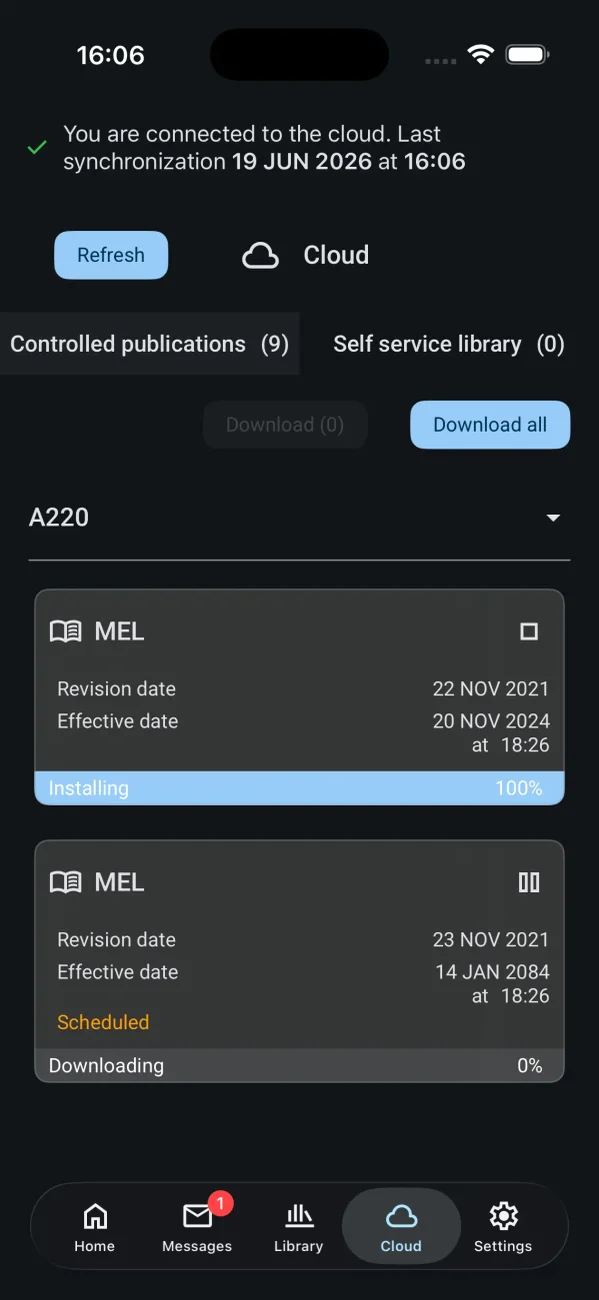
About
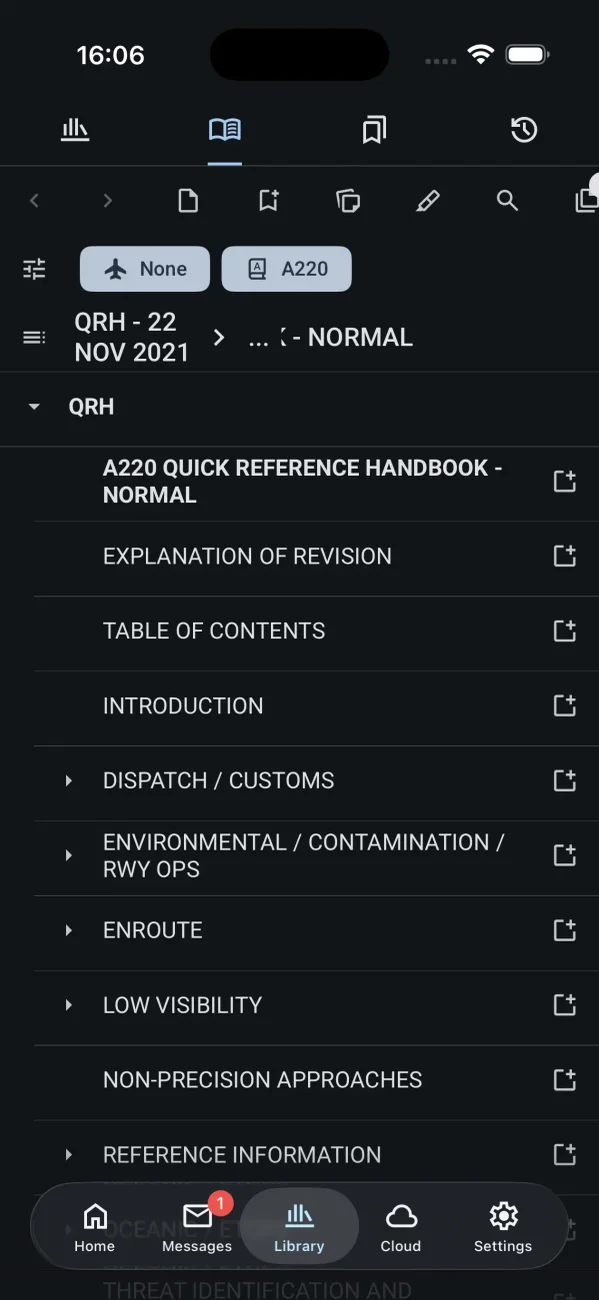
Orlando Explorer Mobile is the mobile document viewer of the Orlando Suite for Tech Pubs Document Management System.
The app is designed for airlines, MROs and aircraft manufacturers.
It can be used on ground (e.g. Maintenance / Tech Ops manuals, training, briefing, …) and on board (EFB document library, Cabin Crew document viewer, …) either online or offline.
Orlando Explorer Mobile supports XML like:
- Airbus, ATR and Boeing Flight Ops manuals (FCOM, AFM, QRH, MEL/DDG, FCTM, CCOM, …)
- Airbus and Boeing Maintenance manuals (AMM, IPC, TSM, Wiring Manuals, …)
- Airline manuals (OM-A, OM-B, OM-C, GOM, IFM, …)
as well as any PDF document.
The mobile library content is managed from the Orlando Suite for Tech Pubs Mobile Content Management service.
Orlando Explorer Mobile main features:
- Enroll the app to the Orlando Suite for Tech Pubs,
- View the manuals made available by the administrator online or download them for offline access,
- Open manuals in multiple tabs,
- Filter the manuals per metadata tags and per applicability,
- View effective and scheduled publications side by side in a split view,
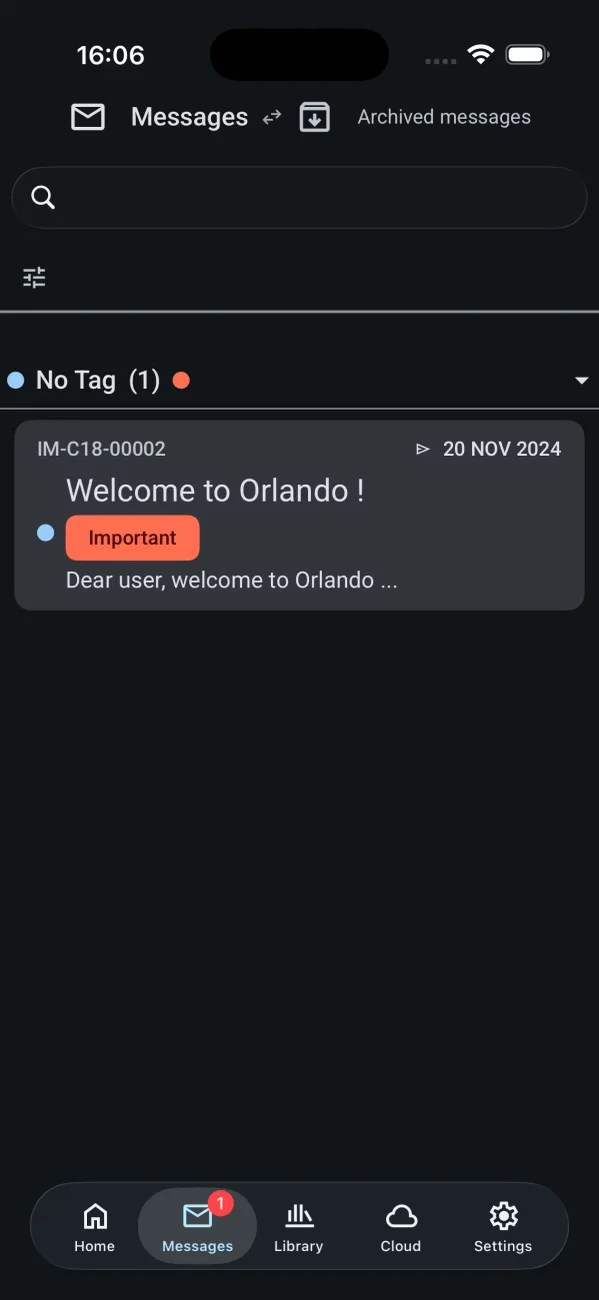
- Acknowledge the read of new publications
- …
What’s new
Version 10.2.0 · Nov 27, 2026
Improvements
• Home screen
• Disabled the “Library up to date” and “No publication to ack.” buttons when there are no pending publications to download or acknowledge, avoiding unnecessary navigation to empty library views.
• Tapping publication status shortcuts from the Home screen now opens the Library at the root folder with pre-existing filters cleared, ensuring all matching publications are immediately visible regardless of previous browsing state.
• Bookmarks
• On iPhone screens, the breadcrumb is now slidable and properly displayed.
• Viewer
• Tapping on a highlight now scrolls down to its exact position.
• On iPhone screens, the font size of the manual title (cover page) is reduced to increase readability.
Bug fixes
• Bookmarks
• Fixed an issue where the “Quick Access” label could be changed to French label “Accès rapide” if another user with a device set in French logged in before.
• Fixed an issue where public bookmarks would not display if the device was set in French.
• Highlights
• Fixed some highlights being wrongly computed and leading the app to crash when opening a module.
• Fixed a crash due to the inability of PDFKit to properly place highlights on some PDF formatting (e.g. tables, etc.).
• Viewer
• Fixed external links not opening their targets.
• Fixed an app crash when long-pressing and selecting "Save Image" from XML/DITA manuals.
• Fixed the part number no longer being displayed when doing business search (Maintenance manuals).
• Settings
• Fixed SPS configuration not available anymore in certain cases
App privacy
What Infotel declares on the App Store about how this app handles data.
-
Data linked to you
May be collected and linked to your identity.
- User content
- Identifiers
- Usage data
- Diagnostics
Privacy practices may vary, for example with the features you use or your age.
Information
- Seller
- INFOTEL
- Category
- Business
- Version
- 10.2.0
- Updated
- Nov 27, 2026
- Released
- Sep 27, 2021
- Size
- 26.3 MB
- Requires
- iOS 17.0 or later
- Age rating
- 4+
- Price
- Free
- Languages
- English, French
- Copyright
- ©2026 Infotel