- Age rating4+
- CategoryPhoto & Video
- Developer意 林
- LanguagesEnglish+ 2 more
- Size41.7 MB
Links to the official App Store page
Download.org hosts no file of OrthoCam. The button opens its official App Store page, published by 意 林. Listing last checked on Nov 23, 2026.
Screenshots




About
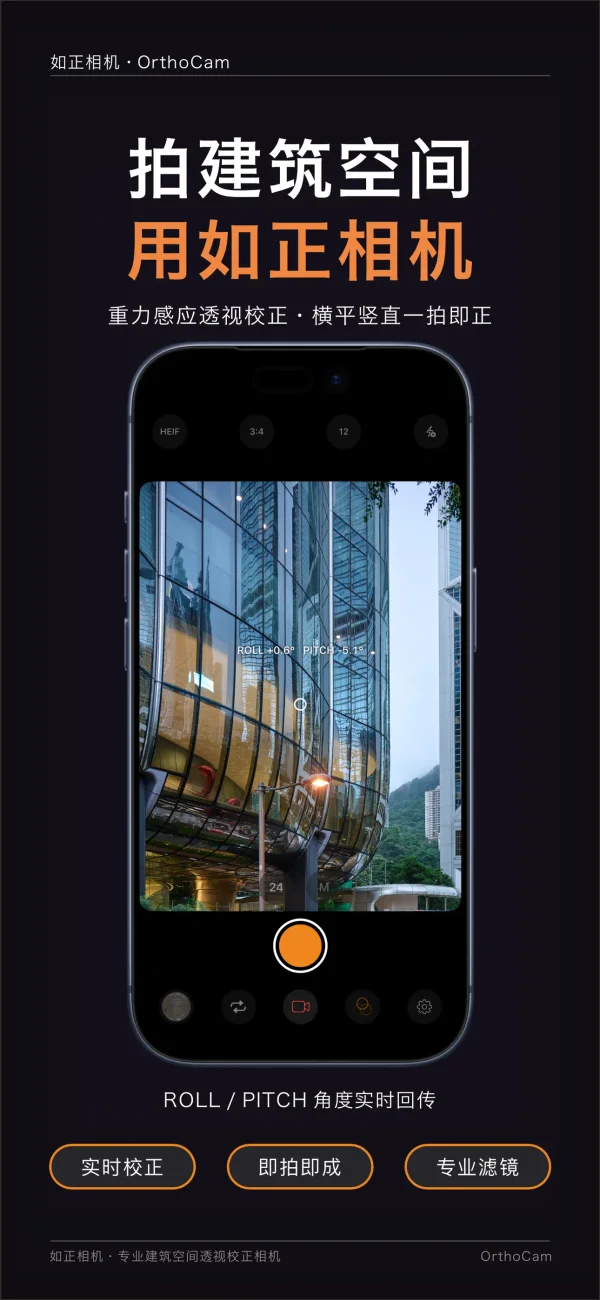
OrthoCam is a perspective-correction camera built for architecture and spatial photography.
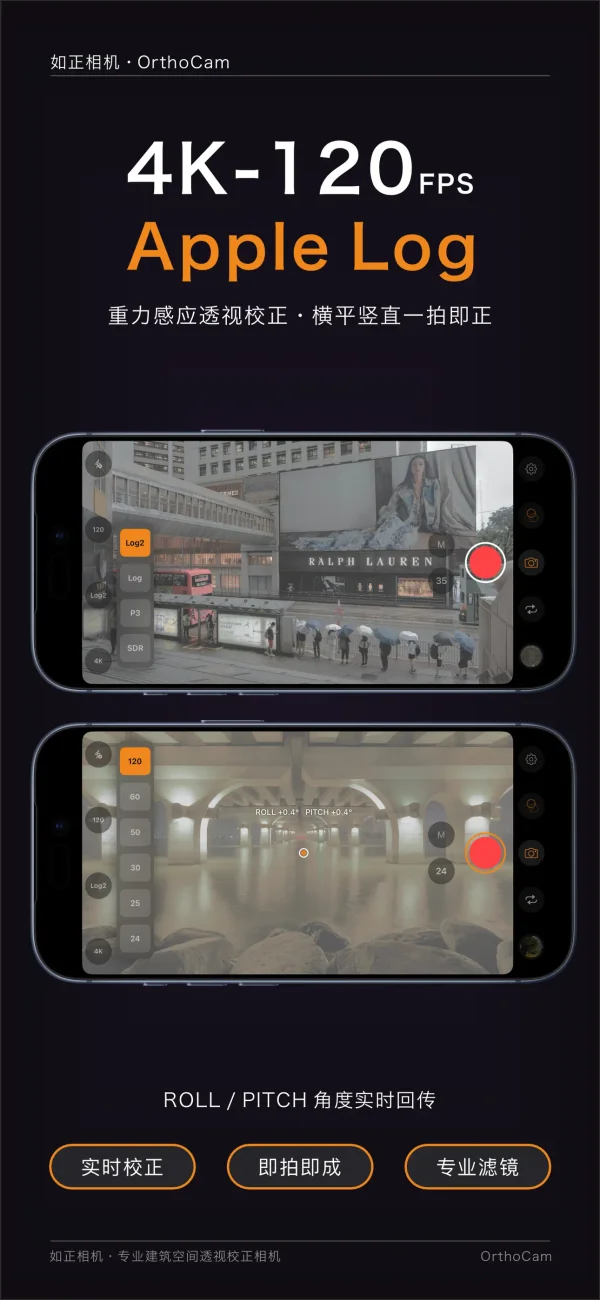
Shooting skyscrapers, interiors, bridges, and skylines, the last thing you want is slanted lines and perspective distortion. OrthoCam uses your device's motion sensors to align horizons and verticals in real time and automatically corrects wide-angle distortion — no post-processing needed. Level and straight, every shot.
【Key Features】
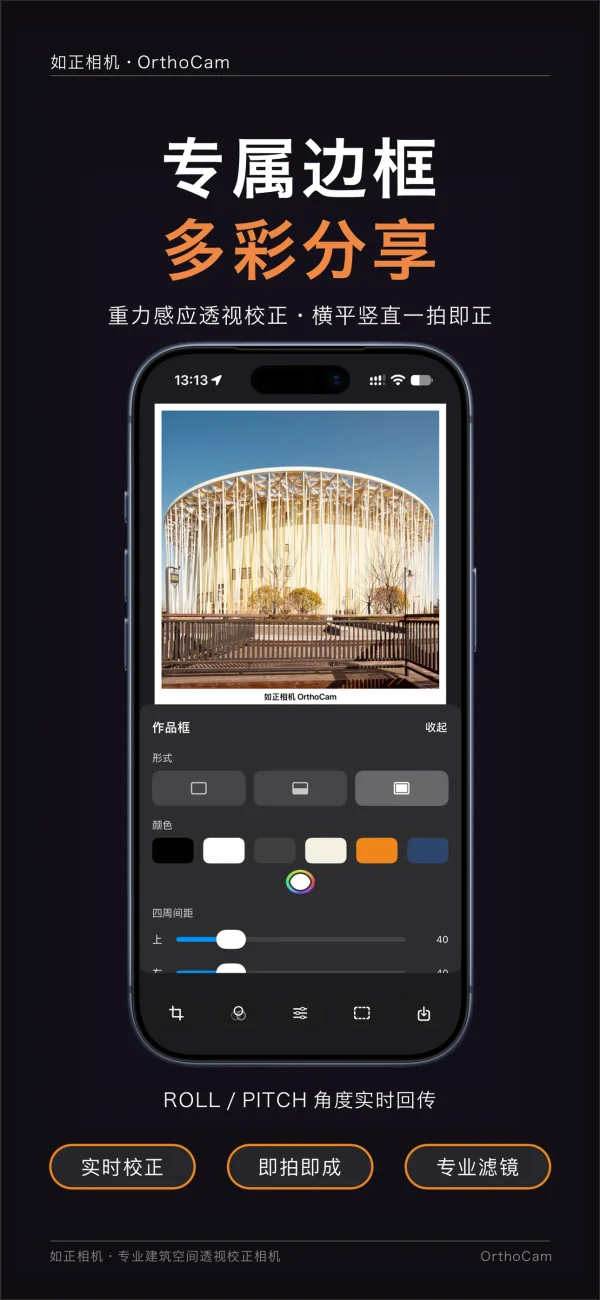
• Perspective Correction: Motion-sensing auto-aligns horizontal and vertical lines and fixes wide-angle distortion, so your shots come out level and straight.
• Apple Log Workflow: Shoot in Apple Log to preserve maximum dynamic range and enjoy freer color grading in post.
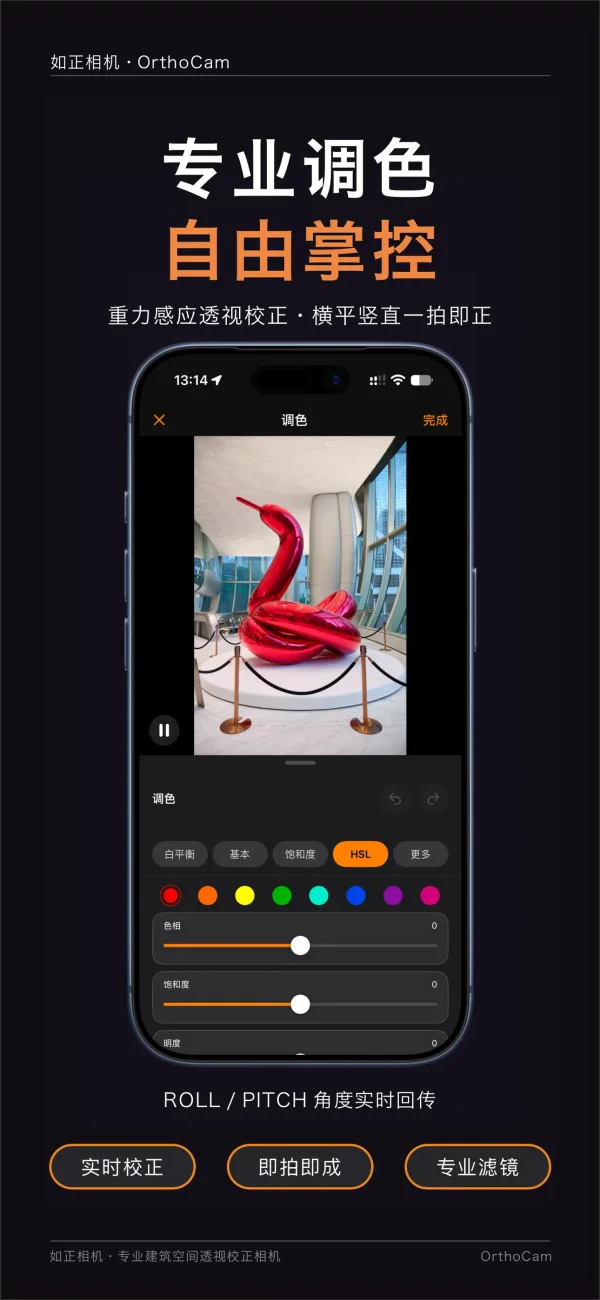
• 35 Pro-Grade LUTs: Built-in presets deliver professional looks straight out of camera; import your own LUTs too.
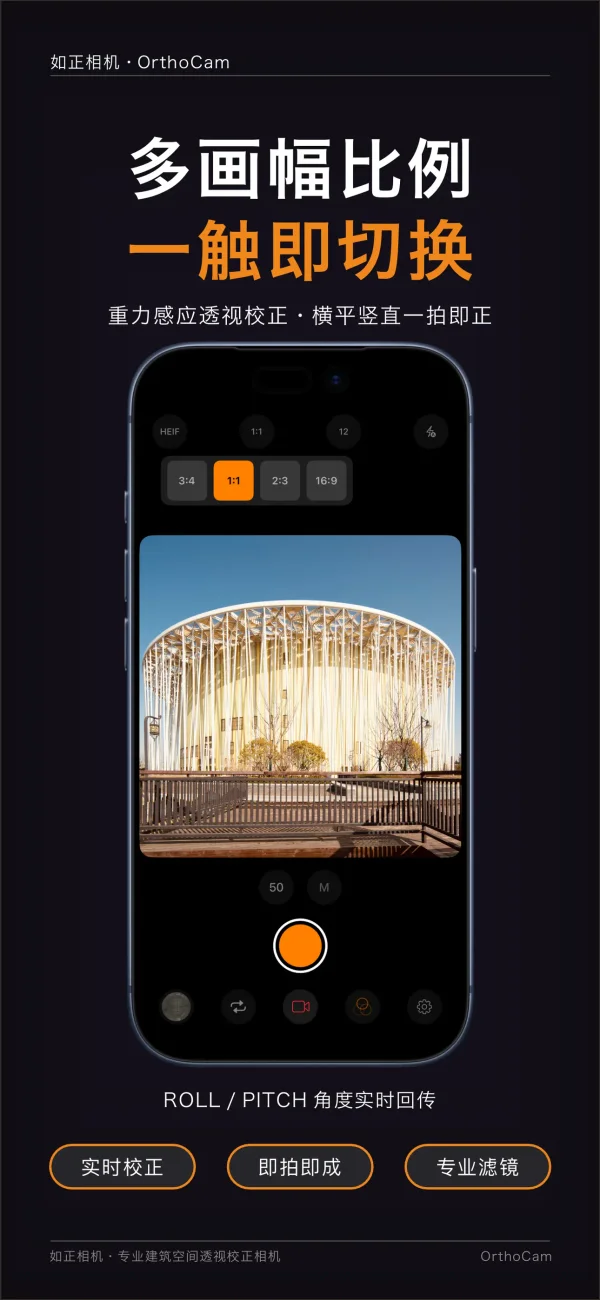
• Multiple Aspect Ratios: Switch between common ratios freely for more flexible composition.
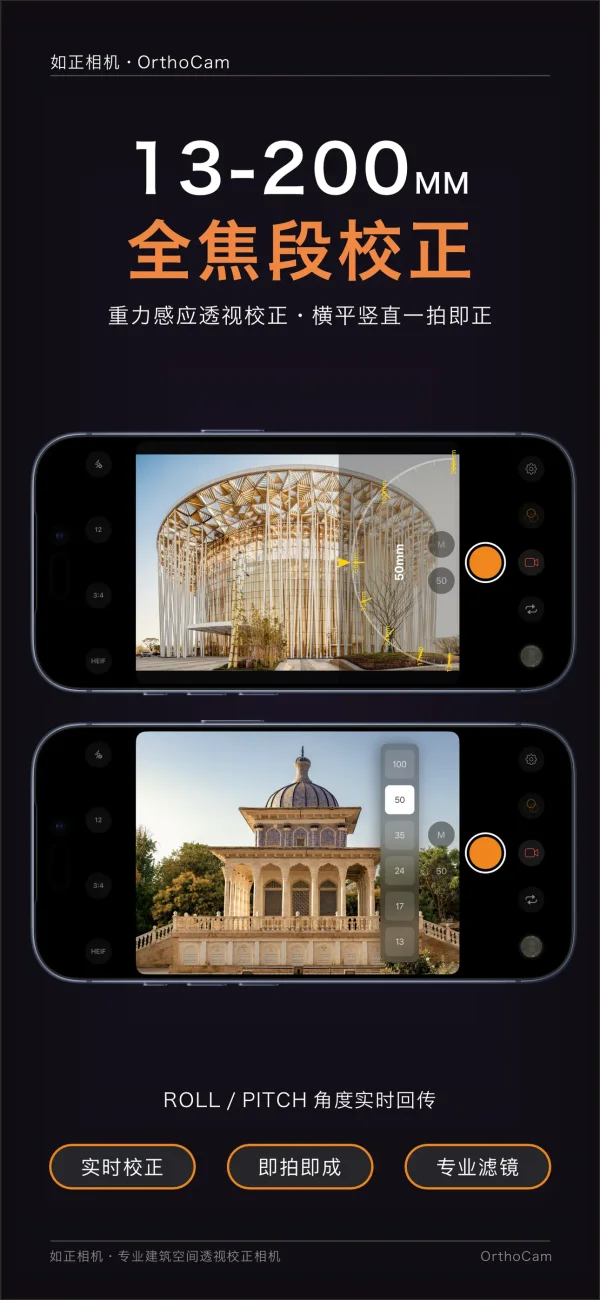
• Pro Exposure: 13/24/50/100mm focal-length steps, independent exposure and spot metering for accurate results even in low light.
• Grid Guides: Rule-of-thirds and golden-ratio overlays keep your composition on point.
• Photos + Video: Correct perspective in stills; apply real-time LUT grading to video and export clips as Live Photos.
• Fully On-Device: All processing happens locally — nothing is uploaded or collected, and your privacy never leaves the phone.
From city skylines and historic eaves to interior spaces — level and straight, every shot.
【Pricing & Subscription】
Download free, with a full-featured 3-day free trial on first launch!
Two subscription options to choose from:
• Annual Membership (includes a 7-day free trial)
Payment will be charged to your Apple Account upon confirmation. Subscriptions auto-renew; to cancel, turn off auto-renewal in your Apple Account's Subscriptions at least 24 hours before the current period ends.
• Lifetime Membership — one-time purchase
Unlock everything forever with a single purchase — no auto-renewal. Annual members can upgrade to Lifetime by paying the difference.
Terms of Use (EULA): https://www.apple.com/legal/internet-services/itunes/dev/stdeula/
Privacy Policy: https://orthocam.flytopi.com/privacy.html
What’s new
Version 3.0.0 · Nov 21, 2026
Version 3.0 — a major update you won't want to miss!
Redesigned capture interface: a new multi-function panel puts key parameters right where you need them.
Recalibrated exposure metering: automatic metering at launch for more precise shots every time.
Gallery filtering (Edited / Live Photos / Videos), with faster loading.
Smoother image preview, plus a new draggable progress bar for videos.
More complete Log workflow: a "Restore" card in the LUT panel that automatically matches the Log1 / Log2 official conversion.
Fixes:
Fixed highlight clipping in certain situations.
Fixed brief flicker when starting a recording.
Optimized performance for faster app launch.
App privacy
What 意 林 declares on the App Store about how this app handles data.
-
Data not collected
The developer does not collect any data from this app.
Privacy practices may vary, for example with the features you use or your age.
Information
- Seller
- 意 林
- Category
- Photo & Video
- Version
- 3.0.0
- Updated
- Nov 21, 2026
- Released
- Sep 14, 2026
- Size
- 41.7 MB
- Requires
- iOS 17.0 or later
- Age rating
- 4+
- In-app purchases
- Yes
- Languages
- English, Simplified Chinese, Traditional Chinese
- Copyright
- © 2026 LINYI. All rights reserved.
You might also like
-
 建筑摄影两点透视专业相机
-
 Plumb: Perspective CameraLive correction, RAW & filters
-
 Caza Camera - Retro FilmMake Moments Feel Like Film
-
 2pp CameraPhoto & Video
-
 Espresso - True Color Film CamVintage Film Tones & Recipes
-
 WonderRoll - Full Film ProcessA slower film camera
-
 光迹ColorMapPhoto & Video
-
 SHC3Simple Hardcore Camera (3)
-
 Yellow AI Camera & FiltersSmart Framing. Signature Color
-
 Nex Fotos - Pro CameraCamera, Photo Editor, Frames