- Age rating4+
- CategoryUtilities
- Developerjordy stultiens
- LanguagesEnglish
- Size2.9 MB
Links to the official App Store page
Download.org hosts no file of OSC Deck. The button opens its official App Store page, published by jordy stultiens. Listing last checked on Nov 23, 2026.
Screenshots




About
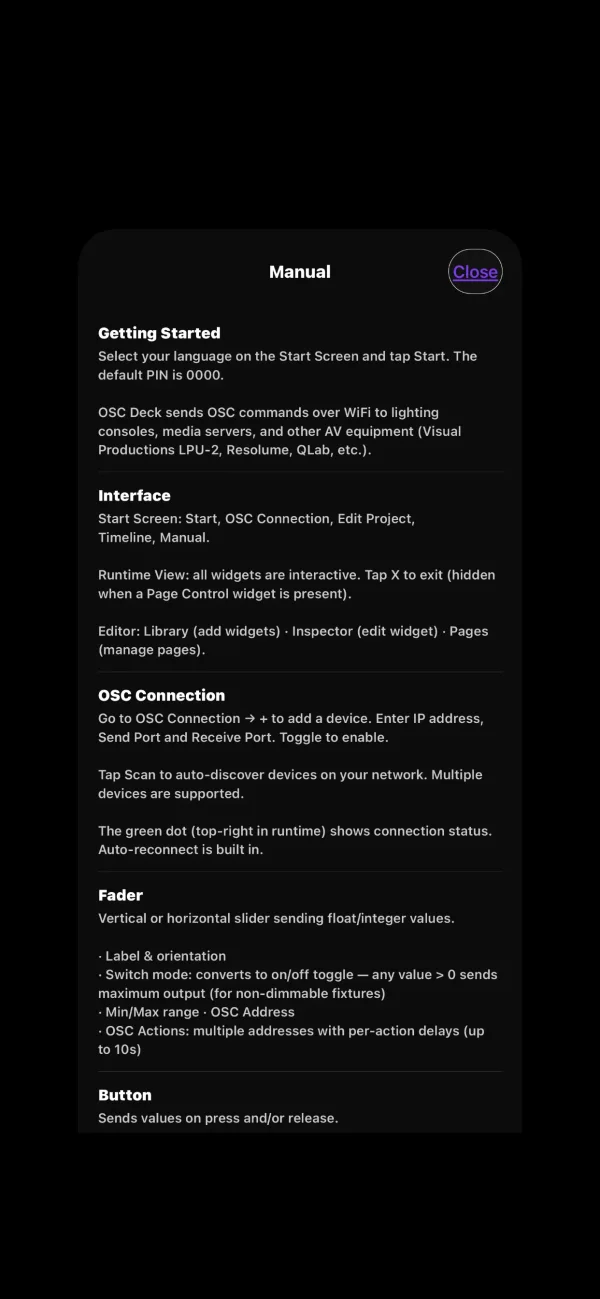
OSC Deck turns your iPad into a professional OSC (Open Sound Control) controller. Designed for lighting technicians, audio engineers, and AV professionals who need a reliable, customizable touch interface on stage or in the studio.
BUILD YOUR CONTROL SURFACE
Drag and drop faders, buttons, knobs, and scene triggers onto any layout
Vertical and horizontal faders with automatic orientation on resize
Multiple pages for different zones or scenes
Logo widget for branding your control surface
SCENE CONTROL
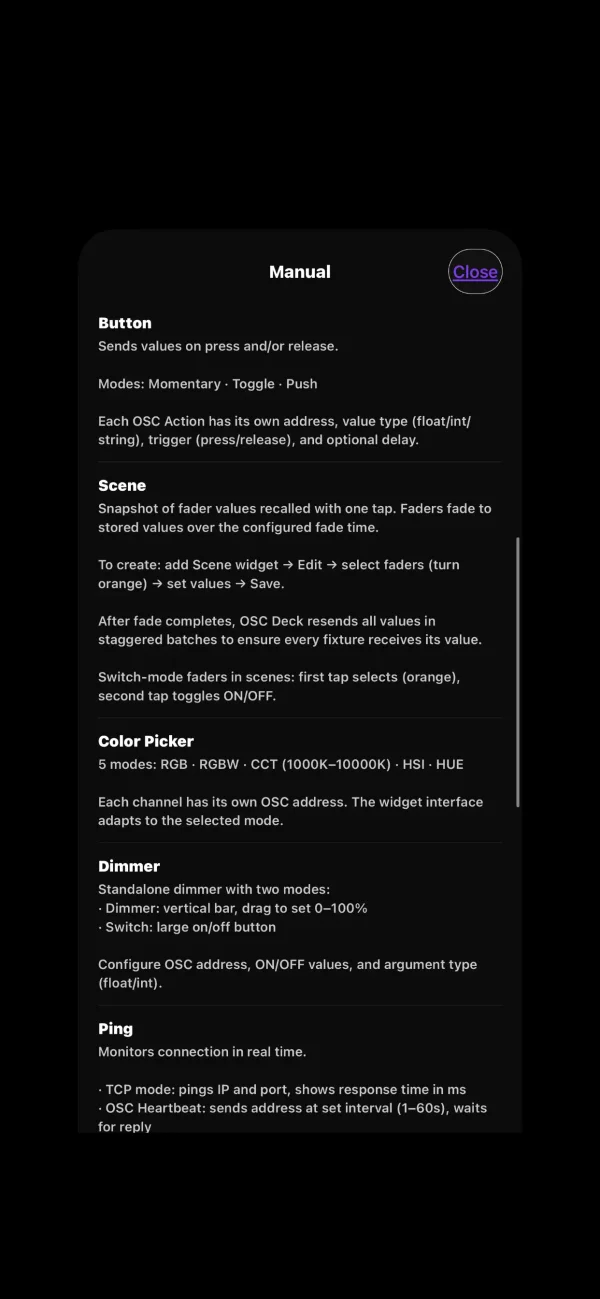
Save and recall complete lighting states with one tap
Smooth fade transitions with configurable fade time
Edit scenes inline — select faders, set levels, save
Queue system for conflict-free scene transitions
MULTI-DEVICE OSC
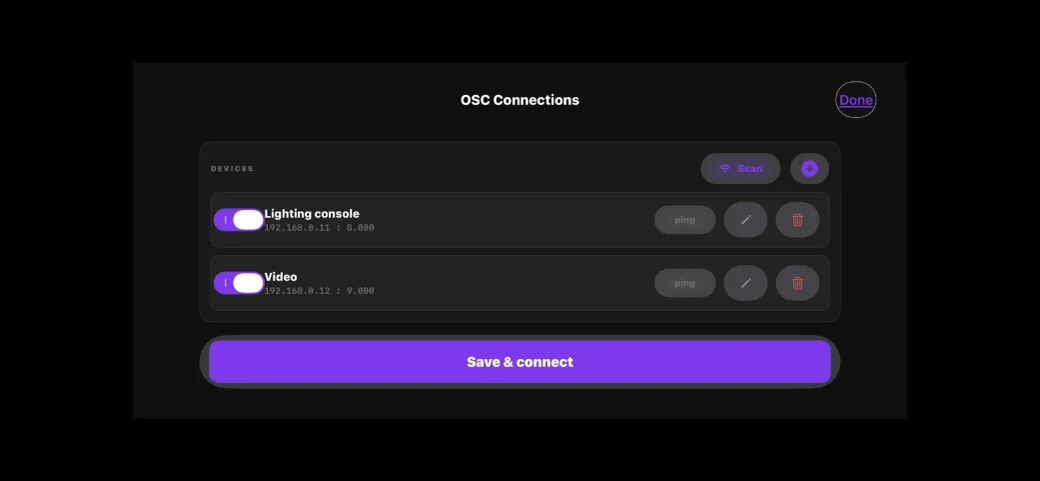
Connect to multiple OSC devices simultaneously
Configurable send and receive ports per device
Route specific pages to specific devices
Works with any OSC-compatible system: Qlab, ETC, MA, and more
THEMES
7 built-in visual themes: Classic, Neon Glow, Warm Analog, Light Studio, Glass Frosted, Industrial, Gold, Ibiza Sunset
Custom accent color per fader
Theme is saved with each project
PROJECT MANAGEMENT
Export and import projects as .oscdeck files
OSC device settings saved with the project
Auto-versioned file names on export
OSC Deck is optimized for iPad in landscape mode, giving you the maximum screen space for your control surface.
Works with any OSC-compatible software or hardware on your local network. No special hardware, accessory or pairing is required. Compatible with iOS 16 and later.
What’s new
Version 4.1 · Nov 8, 2026
Version 4.1 — What's New
New
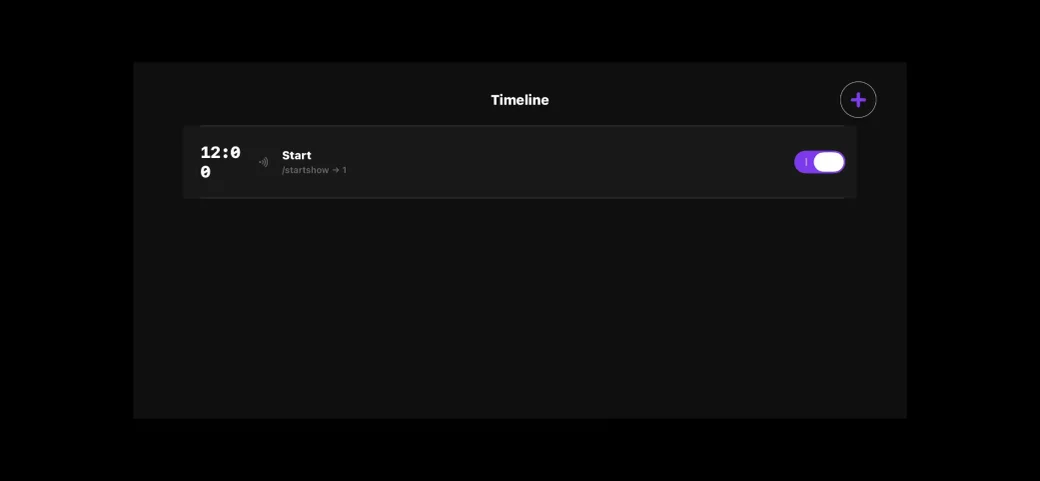
• Timeline: schedule OSC messages and scene triggers automatically, with repeat options
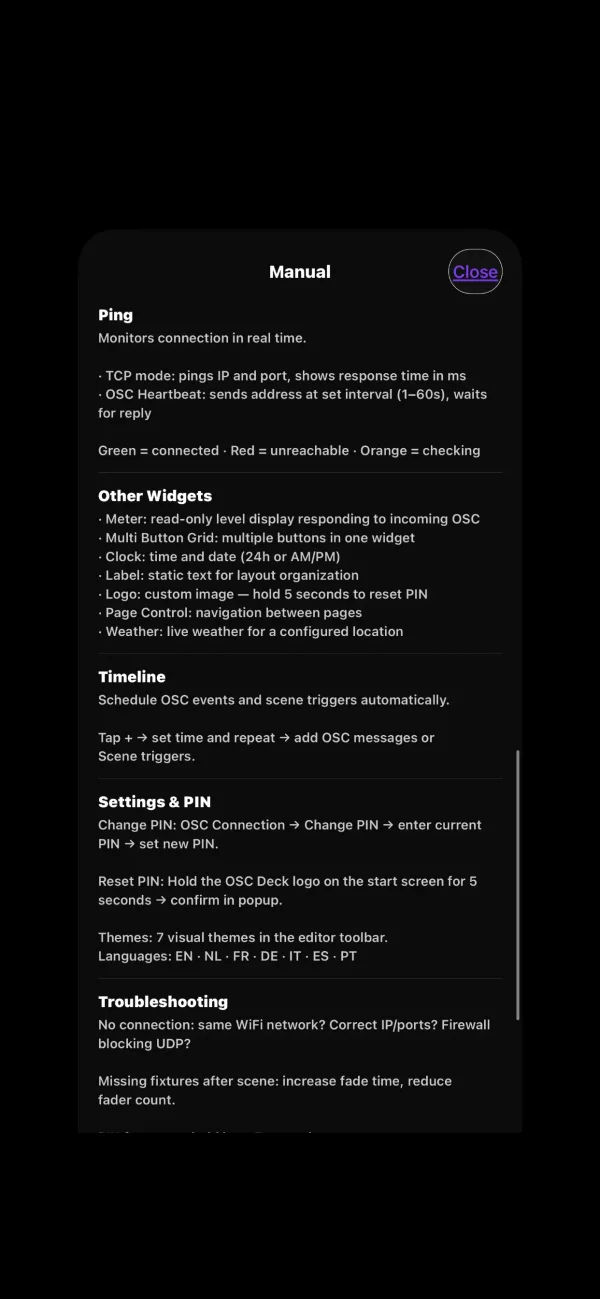
• PIN code lock and auto-lock for the control screen
• Network scan to discover OSC devices on your local network
• Now available in Polish and Czech — 9 languages in total
• The app automatically starts in your device language
Improvements
• The screen stays on while the control surface is open or automations are scheduled
• If a saved project can no longer be opened, a backup is kept automatically
• More reliable OSC connection with automatic reconnect
• Stability and performance improvements
App privacy
What jordy stultiens declares on the App Store about how this app handles data.
-
Data not collected
The developer does not collect any data from this app.
Privacy practices may vary, for example with the features you use or your age.
Information
- Seller
- jordy stultiens
- Category
- Utilities
- Version
- 4.1
- Updated
- Nov 8, 2026
- Released
- Mar 25, 2026
- Size
- 2.9 MB
- Requires
- iOS 16.0 or later
- Age rating
- 4+
- Languages
- English
- Copyright
- © 2026 Jordy Stultiens
You might also like
-
 Control-ItUtilities
-
 OSC/PILOTUtilities
-
 Easy CueMake your touch QLAB
-
 GyroOSCRealtime gyroscope OSC stream
-
 CueRemoteProfessional remote for QLab
-
 iHog - OSC Remote for Hog 4Remote for Hog 4 & Hog 4 PC
-
 m-BERThe Original sACN Device App
-
 oscRFRFocus remote for Eos and MA3
-
 Lab MonkeyQLab Stage Monitor
-
 Stingray: DMX ControllerUtilities