
OTP Auth - Authenticator
Offline codes for 2FA accounts
Designed for iPhone, iPad, iPod touch
Free · In-app purchases
- Age rating4+
- CategoryUtilities
- Developer浩 王
- LanguagesEnglish+ 11 more
- Size11.3 MB
Links to the official App Store page
Download.org hosts no file of OTP Auth - Authenticator. The button opens its official App Store page, published by 浩 王. Listing last checked on Nov 12, 2026.
Screenshots

About
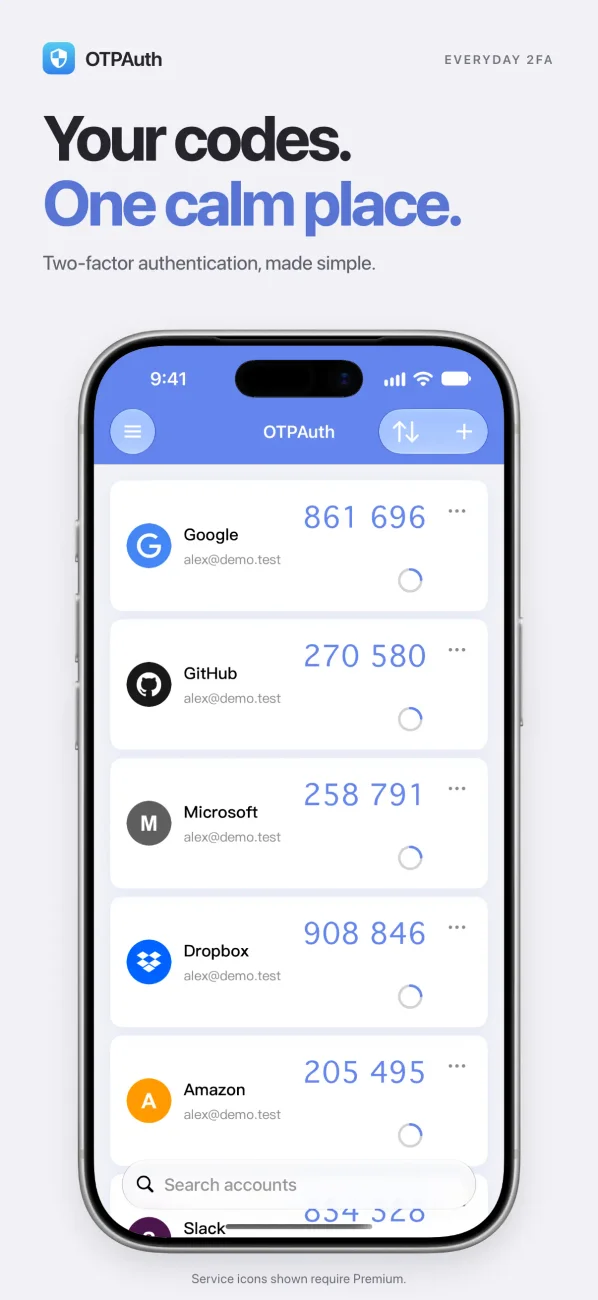
Keep your two-factor codes in one place. OTP Auth is an authenticator for iPhone and iPad that generates verification codes offline and helps you find the right account with groups and search.
Generate codes, even offline
• Add accounts by scanning a QR code, reading one from an image, or entering a setup key manually.
• Generate TOTP and HOTP codes without an internet connection after setup.
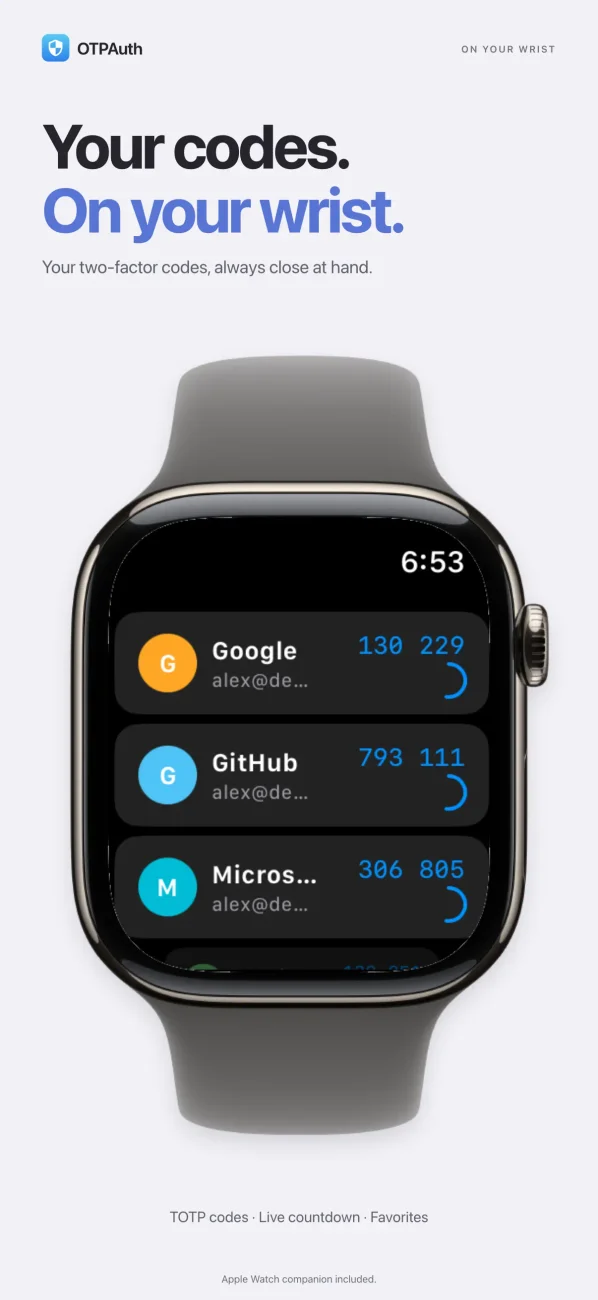
• See the countdown for time-based codes and tap to copy.
Keep accounts organized
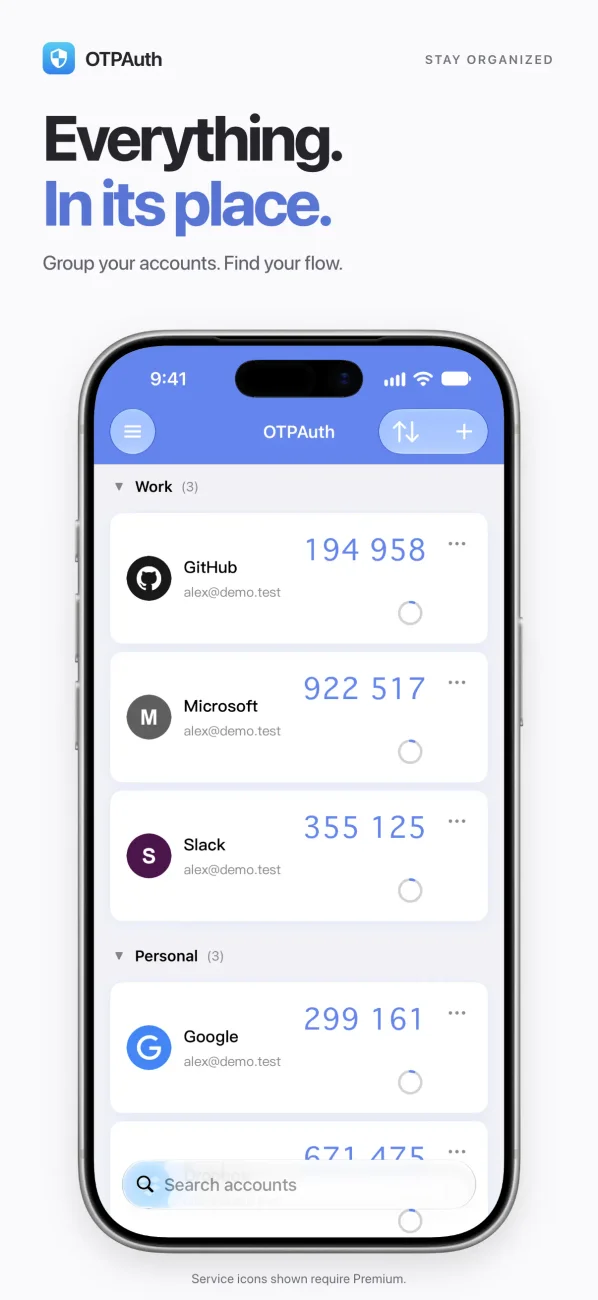
• Separate work and personal accounts with custom groups.
• Drag to reorder and search by name.
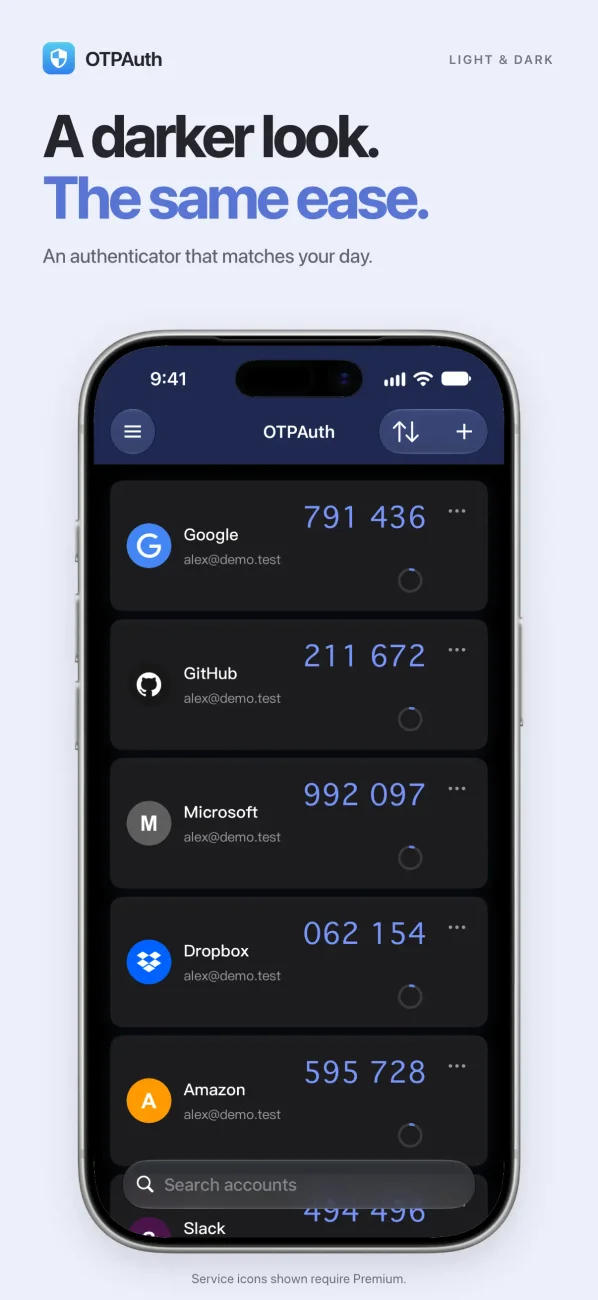
• Choose icon symbols and colors, with light and dark themes.
Codes within reach
• View TOTP codes in Home Screen and Lock Screen widgets, or on Apple Watch.
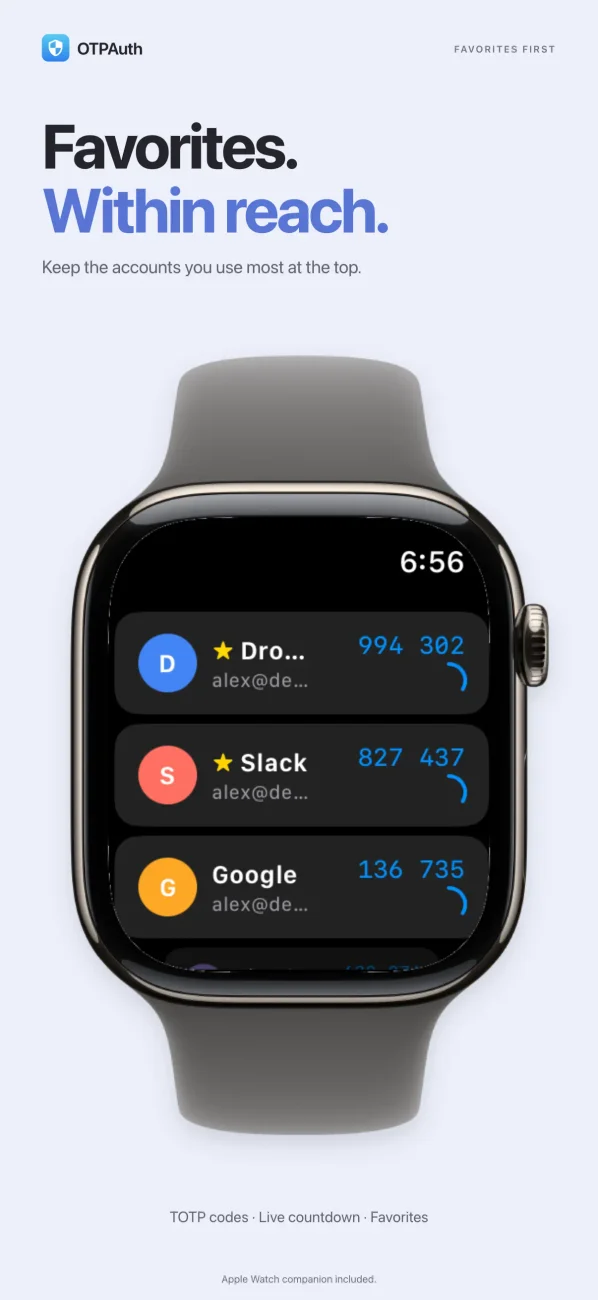
• Search accounts and add favorites on Apple Watch.
• Lock Screen widgets require iOS 16 or later.
Choose your protection
• Authentication keys are stored in the device's system Keychain.
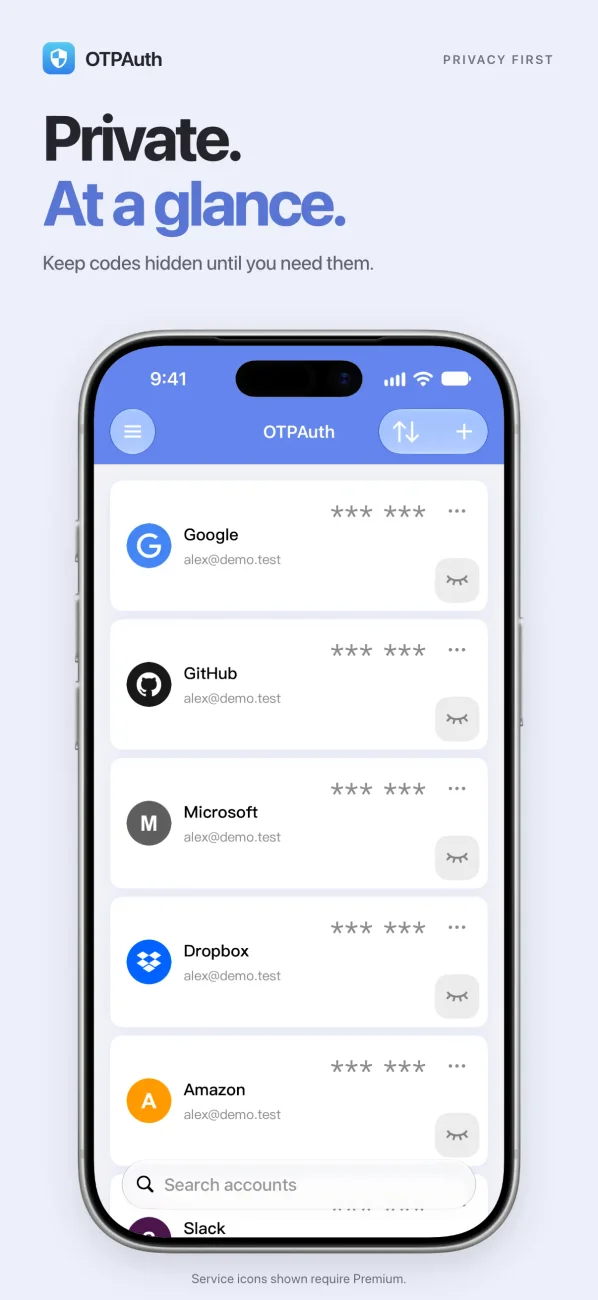
• Enable the Face ID or Touch ID app lock and choose to hide codes by default.
Premium: sync, back up and transfer
The following features require an in-app purchase:
• iCloud sync: sync authentication accounts between devices.
• Encrypted backups: export a password-protected backup and import it when moving to a new device.
• Account transfers: import supported authenticator backup files or transfer QR codes.
• Service logos: match accounts with their services' icons.
Code generation, QR setup, groups, search, icon symbols and colors, widgets, and Apple Watch features are free to use.
Works with websites and services that support TOTP or HOTP. Enable two-factor authentication with the service before adding its account to OTP Auth.
What’s new
Version 1.0.0 · Oct 31, 2026
This update improves code refresh, account transfers and everyday navigation.
• Improved code refresh and QR recognition, including fixes for account names and parameters.
• Improved import checks and encrypted backup restoration, preserving account groups.
• Clearer iCloud sync status, retries after failures, and alerts when sync pauses due to a data conflict.
• Improved authentication for the app lock and Shortcuts.
• Fixed widget refresh, Apple Watch favorites and group drag-and-drop issues.
• Improved layouts for larger screens, landscape and larger text; fixed top background gaps and navigation button colors.
App privacy
What 浩 王 declares on the App Store about how this app handles data.
-
Data not linked to you
May be collected but is not linked to your identity.
- Diagnostics
Privacy practices may vary, for example with the features you use or your age.
Information
- Seller
- 浩 王
- Category
- Utilities
- Version
- 1.0.0
- Updated
- Oct 31, 2026
- Released
- Dec 16, 2018
- Size
- 11.3 MB
- Requires
- iOS 15.0 or later
- Age rating
- 4+
- Price
- Free
- In-app purchases
- Yes
- Languages
- English, French, German, Italian, Japanese, Korean, Portuguese, Russian, Simplified Chinese, Spanish, Traditional Chinese, Turkish
- Copyright
- © 2025 MicroSpotlight