- Age rating4+
- CategoryHealth & Fitness
- DeveloperLennard Rieke
- LanguagesEnglish+ 1 more
- Size11.6 MB
Links to the official App Store page
Download.org hosts no file of Overpace - Workout Timer. The button opens its official App Store page, published by Lennard Rieke. Listing last checked on Nov 18, 2026.
Screenshots

About
Overpace – Workout Timer for iPhone and Apple Watch
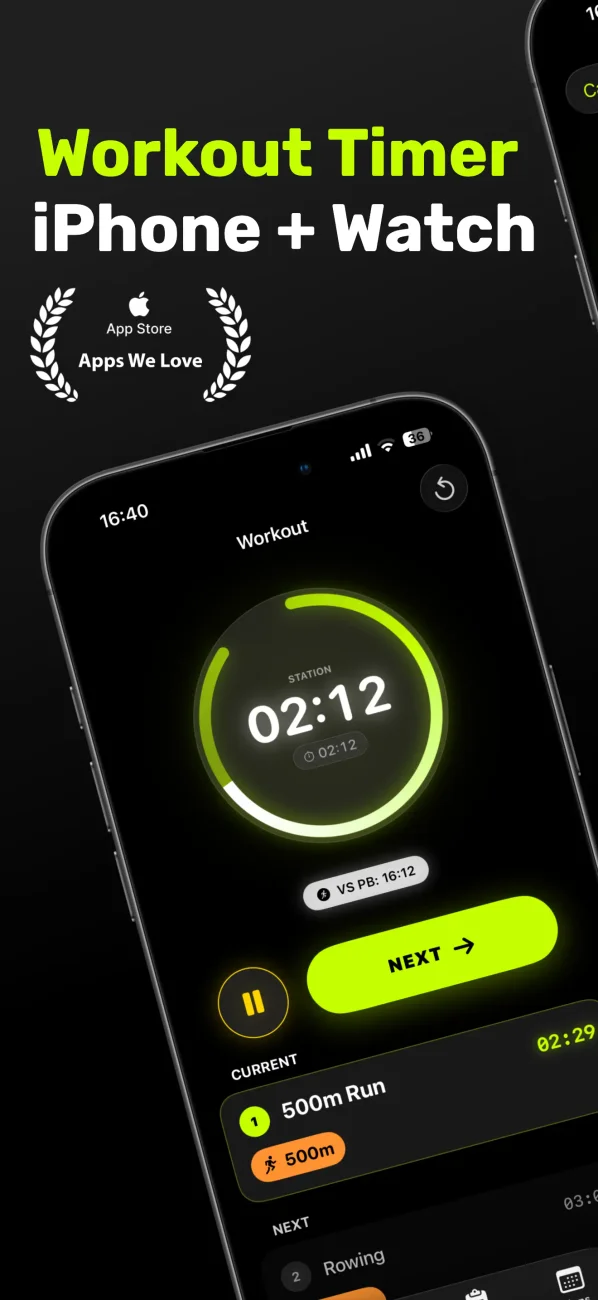
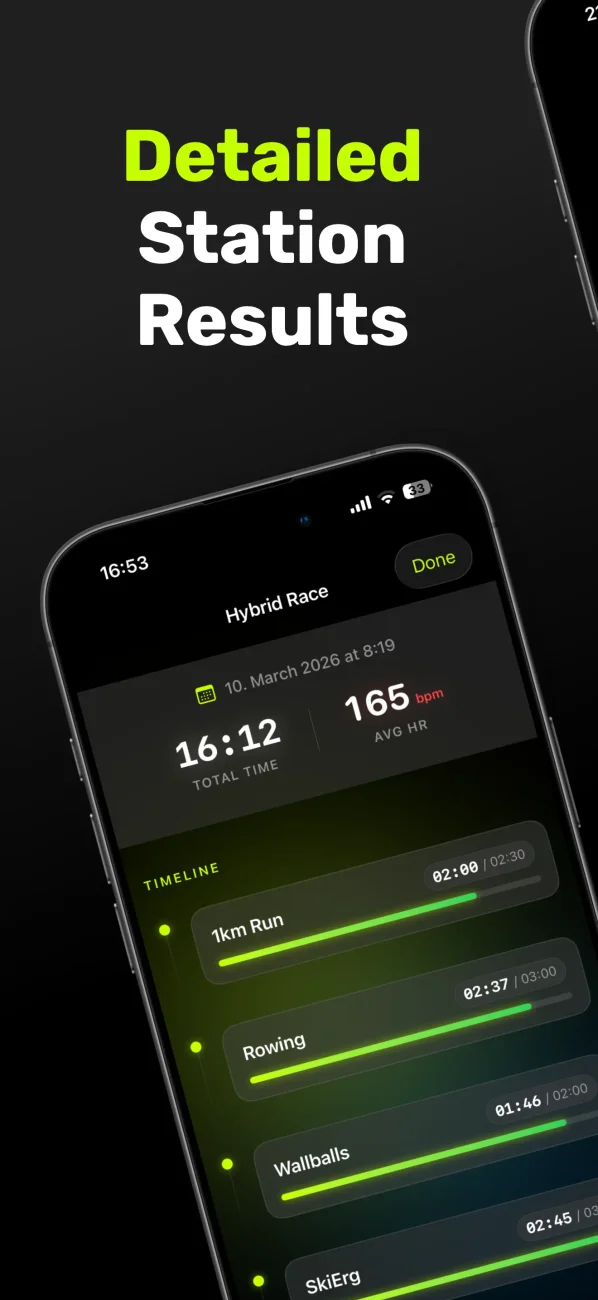
Start your next training session with Overpace – the workout timer for functional workouts, interval training, hybrid training and custom circuits. Use Overpace as a timer while preparing for events such as Hyrox or similar fitness competitions – at the gym, outdoors or at home.
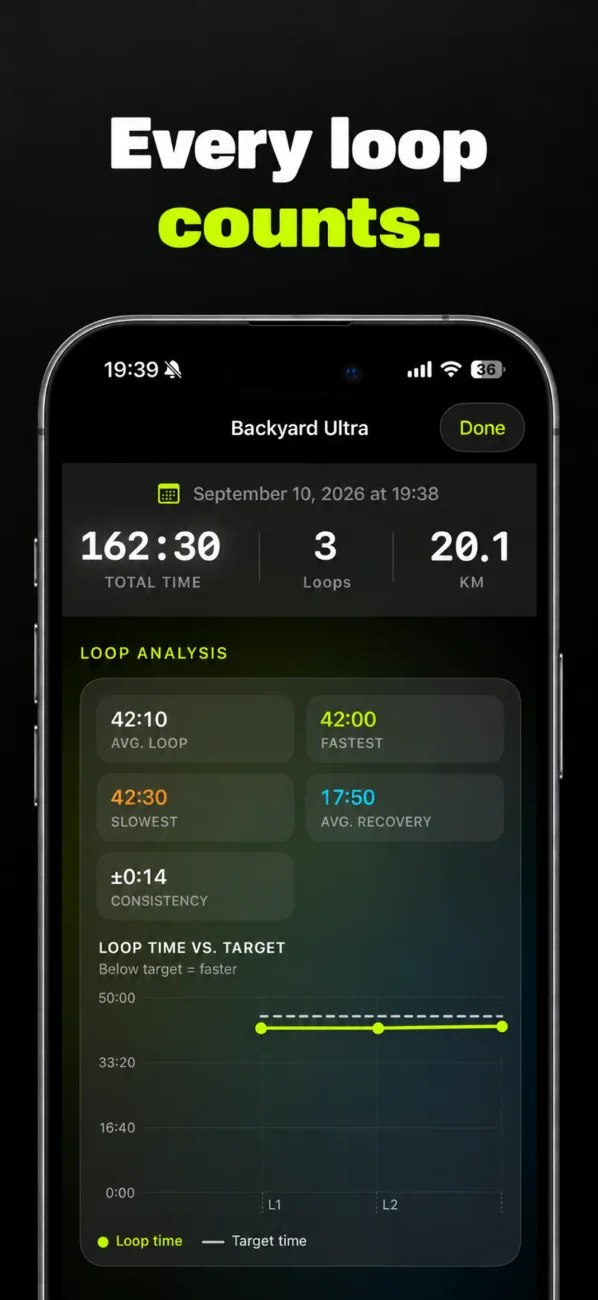
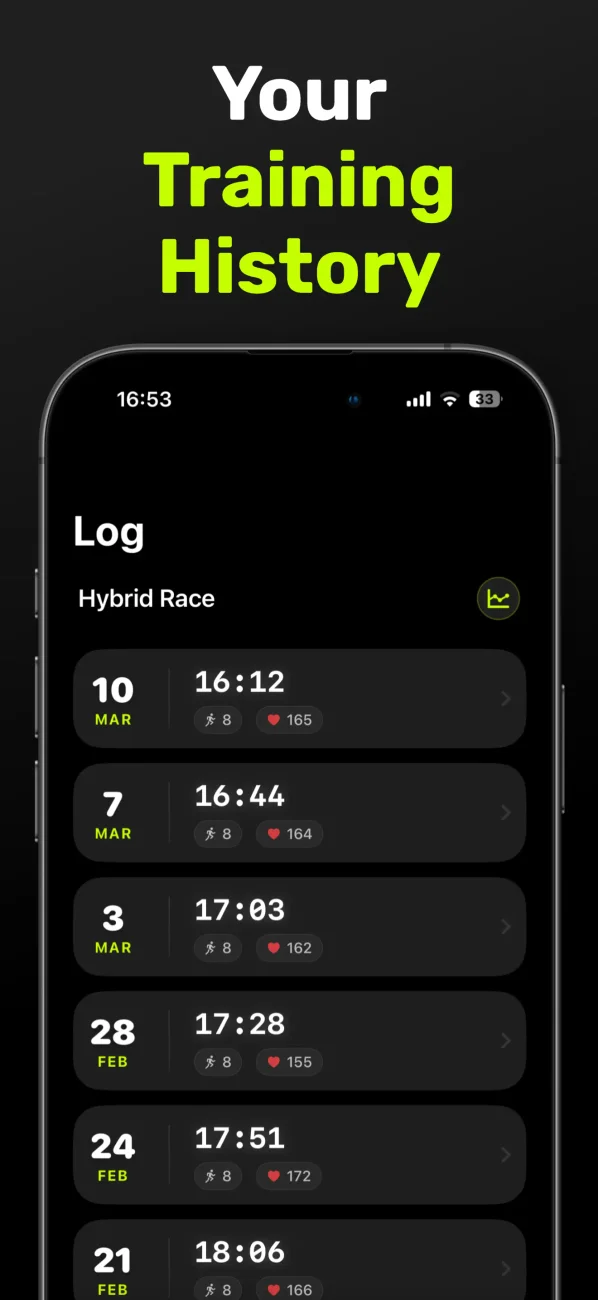
The 60-Minute Loop also supports your training for races in the Backyard Ultra format and similar loop events. Plan your laps, keep track of running time, pace and recovery, and review your results in the training log.
YOUR WORKOUT. YOUR STATIONS.
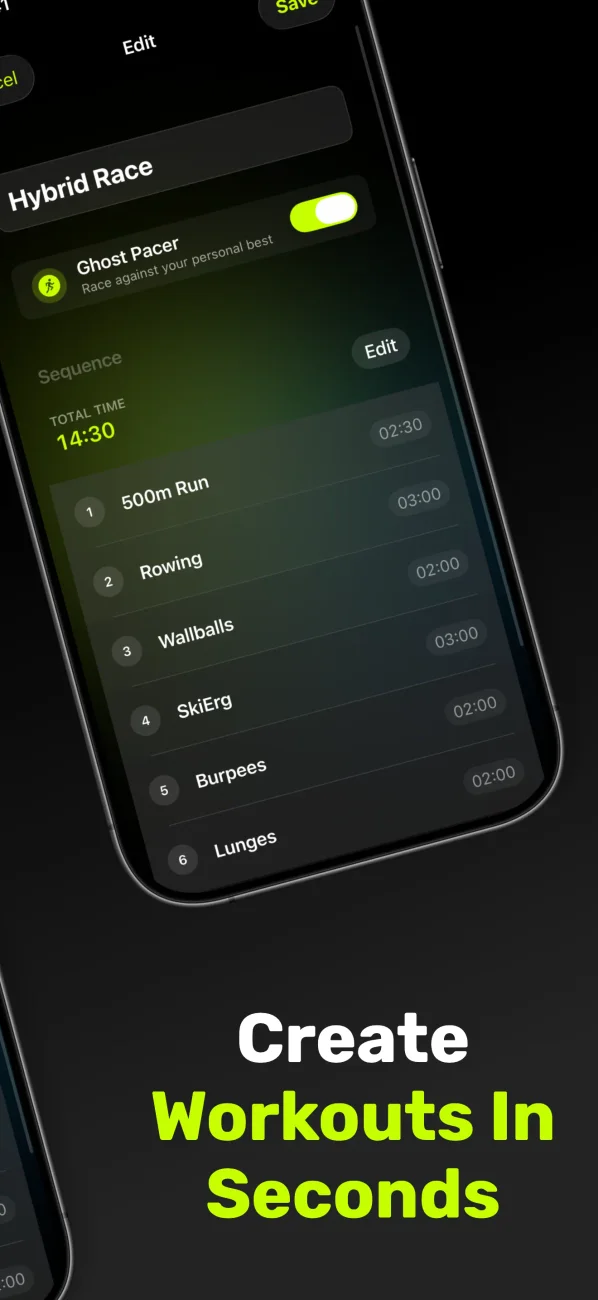
Create custom workouts with individual stations and time targets – for functional fitness, hybrid training, HIIT, cross-training or circuit training. The interval timer always shows your current station and total workout time.
Save, edit and duplicate your workout plans or share them with other athletes. Adapt every workout to match your training.
60-MINUTE LOOP FOR YOUR RUNS
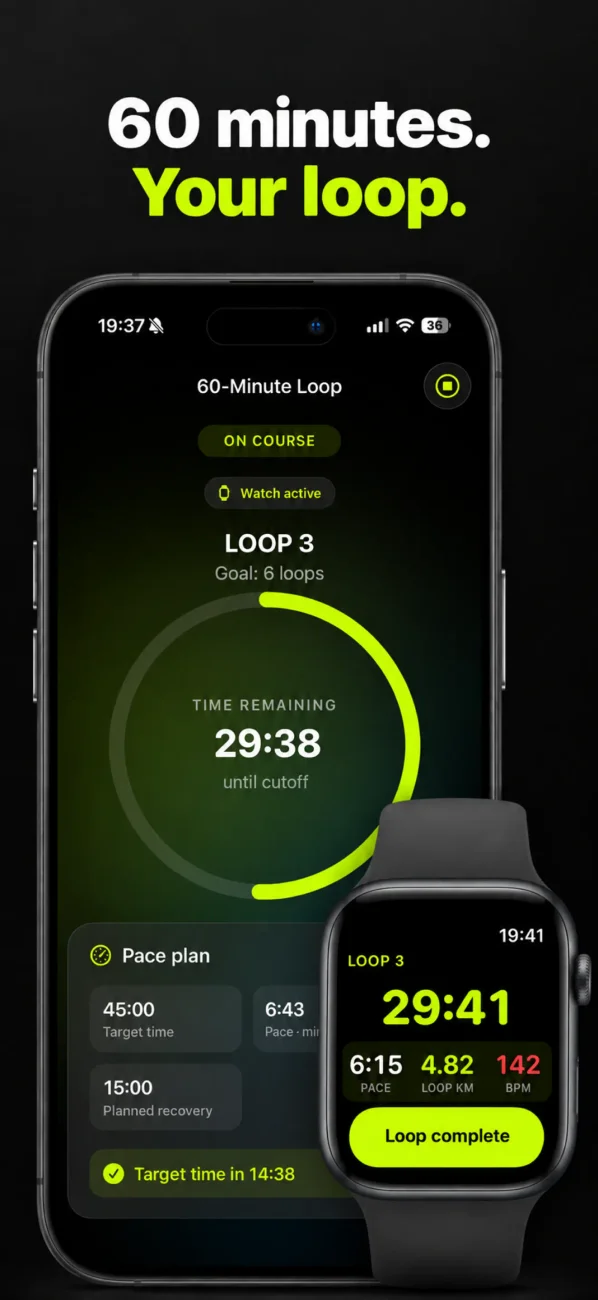
Plan recurring running loops with a new start every 60 minutes – suitable for the Backyard Ultra format with approximately 6.7 kilometres per loop. Choose your own lap target or start without a fixed number of laps.
Set your own target time and pace, and add notes for fueling and recovery. After completing a loop, Overpace shows how much recovery time remains before the next start. The next loop begins automatically at the scheduled time.
TRAIN ON YOUR APPLE WATCH
Control your workout directly from your wrist. In Loop Mode, your Apple Watch displays:
• remaining time for the current loop
• distance covered
• current pace
• heart rate
• remaining recovery time
• time of the next start
Confirm completed loops directly on your Apple Watch and keep all essential information in view during your recovery.
TRAINING LOG AND ANALYSIS
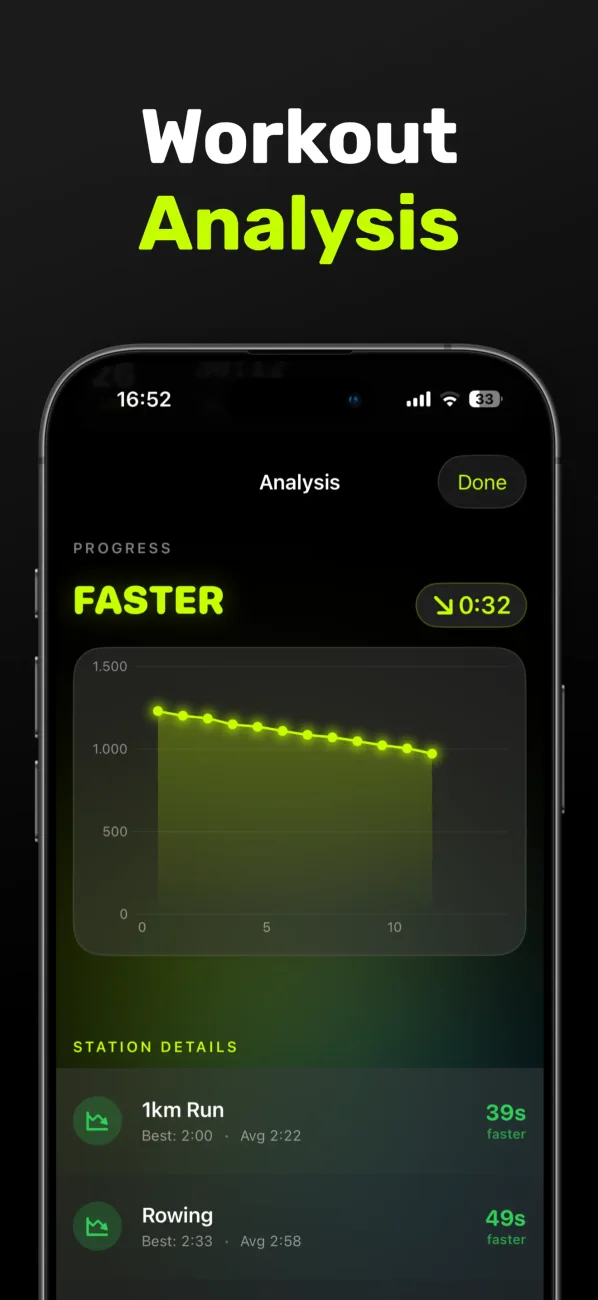
Track your progress and compare previous training sessions. For your 60-minute loops, the training log shows:
• completed loops
• total time and total distance
• individual loop times
• fastest and slowest loop
• average recovery time
• comparison with your target times
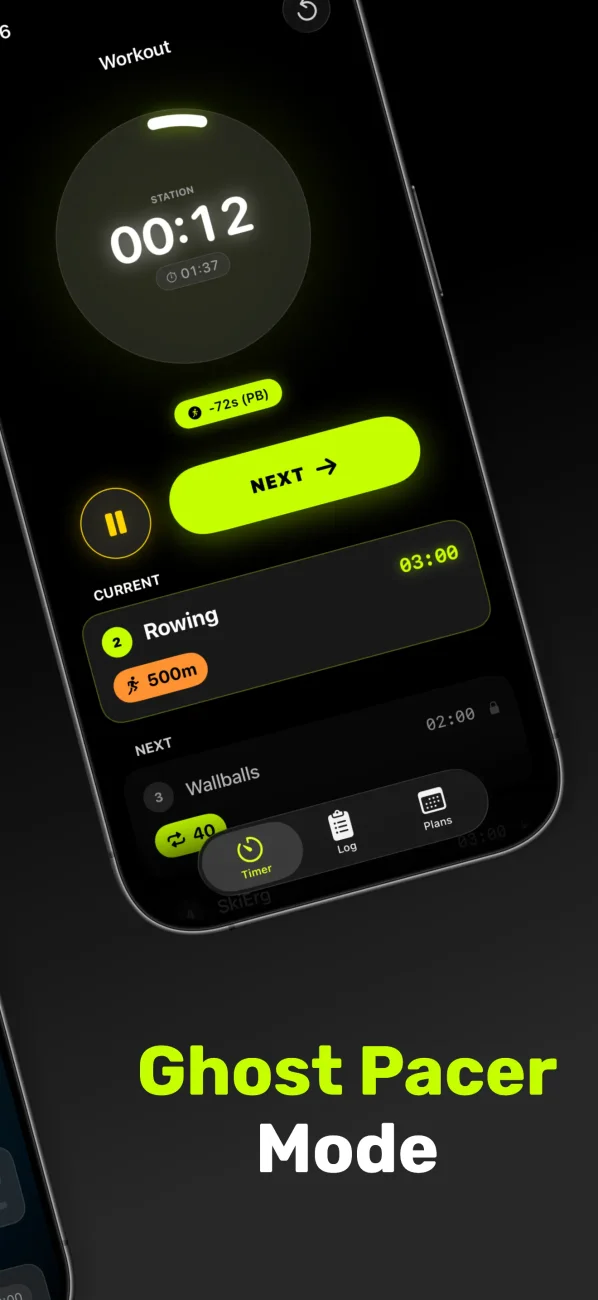
GHOST PACER
Compare your current workout with your previous best performance. During training, you can see whether you are ahead of or behind your personal comparison time.
SHARE WORKOUT PLANS
Share custom workouts using a QR code or file. Import workout plans from friends and adapt them for your next training session.
APPLE HEALTH AND GPS
Save your workouts to Apple Health with your permission. In Loop Mode, your Apple Watch also records your running distance and GPS route.
LOCK SCREEN TIMER
Follow your workout through Live Activities on the Lock Screen and, on supported iPhone models, in the Dynamic Island.
Whether you need a workout timer, interval training, a custom circuit or a 60-minute running loop, you decide how you train. Overpace keeps track of your times, laps and progress.
Privacy Policy:
https://overpaceapp.de/datenschutz.html
Terms of Use:
https://overpaceapp.de/nutzungsbedingungen.html
What’s new
Version 2.0 · Sep 13, 2026
New in Version 2.0:
• New 60-Minute Loop for recurring runs with custom lap targets, pace goals and recovery times
• Track distance, pace, heart rate and GPS routes directly with Apple Watch
• Complete loops from your wrist and keep the next start time in view
• New loop analysis with lap times, total distance, recovery times and target time comparisons
• Redesigned onboarding and clearer training selection
• Improved Apple Watch controls and more reliable synchronization
• Bug fixes and improvements to stability and layout
App privacy
What Lennard Rieke declares on the App Store about how this app handles data.
-
Data not linked to you
May be collected but is not linked to your identity.
- Health and fitness
- Identifiers
- Usage data
Privacy practices may vary, for example with the features you use or your age.
Information
- Seller
- Lennard Rieke
- Category
- Health & Fitness
- Version
- 2.0
- Updated
- Sep 13, 2026
- Released
- Mar 12, 2026
- Size
- 11.6 MB
- Requires
- iOS 18.2 or later
- Age rating
- 4+
- Price
- Free
- Languages
- English, German
- Copyright
- © 2026 Lennard Rieke
You might also like
-
 Kabal TestMaxxAI Fitness & Nutrition Coach
-
 HybridWorkoutTimerHealth & Fitness
-
 Pump Timer – Gym Rest TimerGym rest timer for lifters
-
 ROX-stratPace your Hyrox race smarter
-
 Plank365: Core Workout Timer12-Week Plank Challenge
-
 HYROX Race Simulator - HySimWorkout Tracker•Hybrid Planner
-
 FourEver: Interval TimerTabata, EMOM & Boxing Rounds
-
 EntrenAIAI Personal Coach
-
 EQUA ChallengeVirtual walks, real rewards
-
 SPLYT Fitness: Workout TrackerGym Log, Lifting & Rep Counter