
Overtitle
Cinema subtitles on your phone
Designed for iPhone
Free · In-app purchases
- Age rating4+
- CategoryEntertainment
- DeveloperZijian Zhao
- LanguagesEnglish+ 1 more
- Size5.1 MB
Links to the official App Store page
Download.org hosts no file of Overtitle. The button opens its official App Store page, published by Zijian Zhao. Listing last checked on Nov 17, 2026.
Screenshots
About
Cinemas don't hand out subtitles in your language. Bring your own.
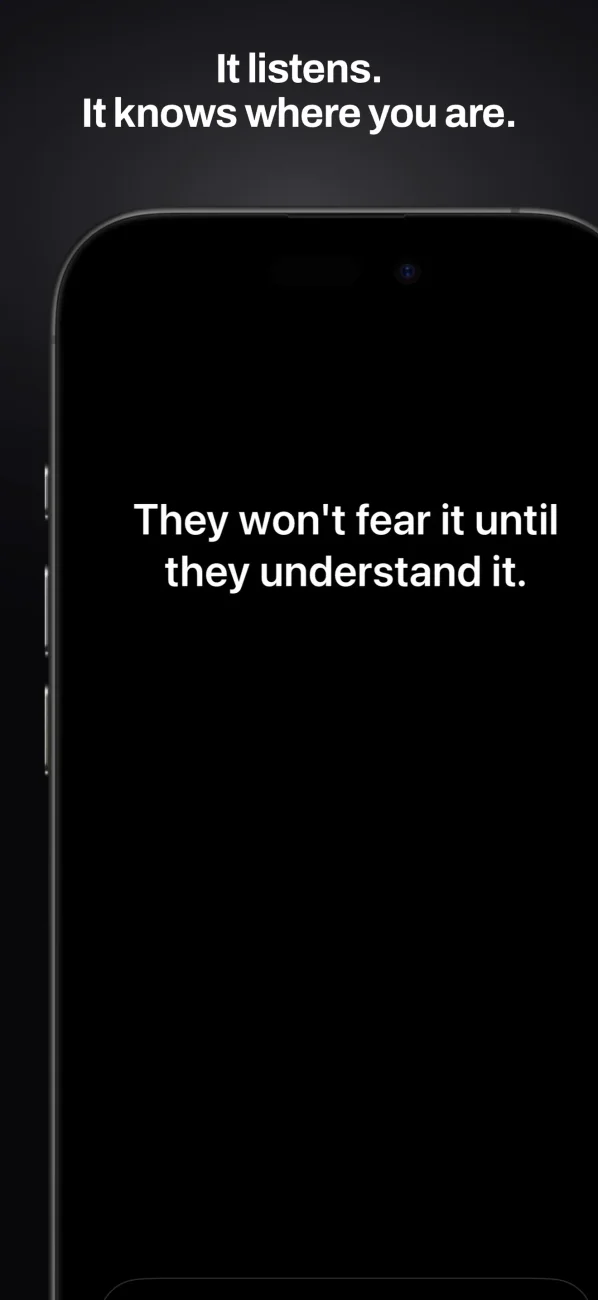
Overtitle turns your iPhone into a personal subtitle display for the cinema. Press Start, let it hear the dialogue, and it finds where you are in the film. From there, the subtitles keep pace automatically.
Show up half an hour late and it still works.
It matches words, not seconds.
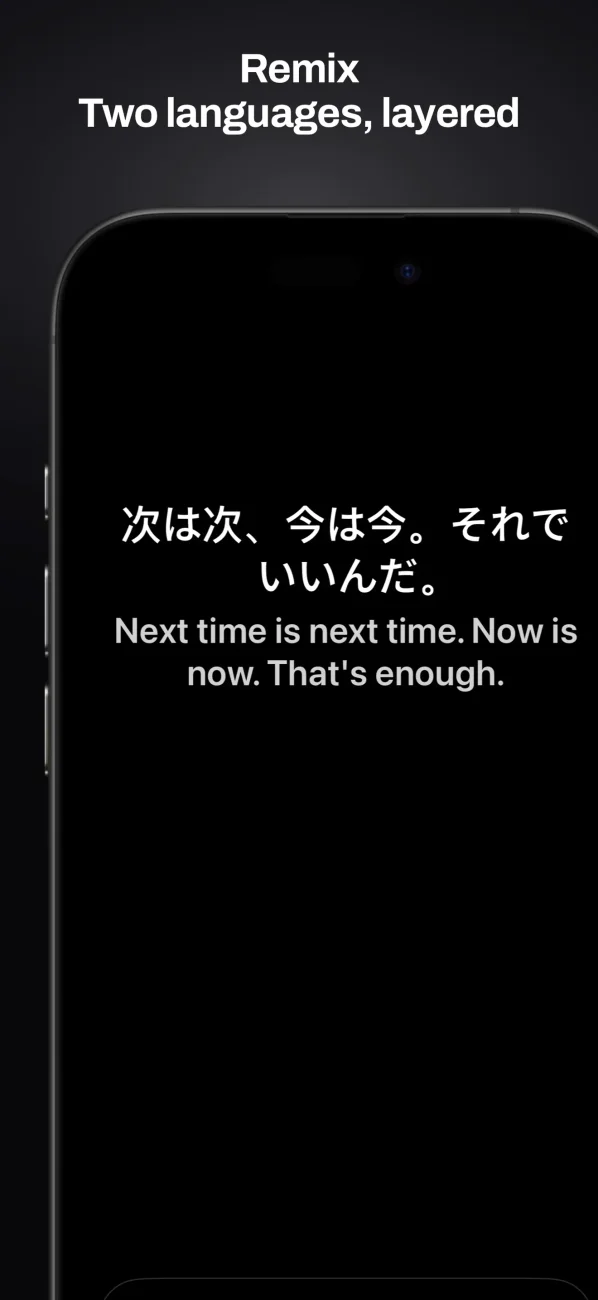
TWO LANGUAGES
Show one line of the film's original subtitles and one line in your language.
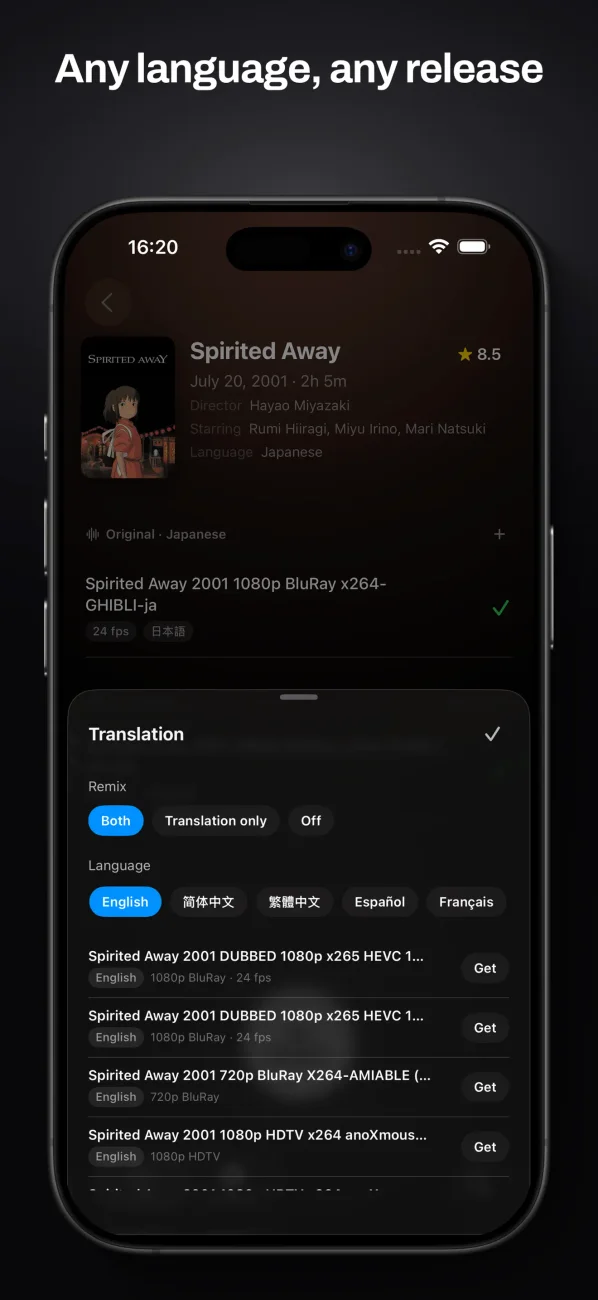
Prefer just the translation? Hide the original. Switch between single- and dual-language subtitles at any time during the film.
FIND SUBTITLES OR BRING YOUR OWN
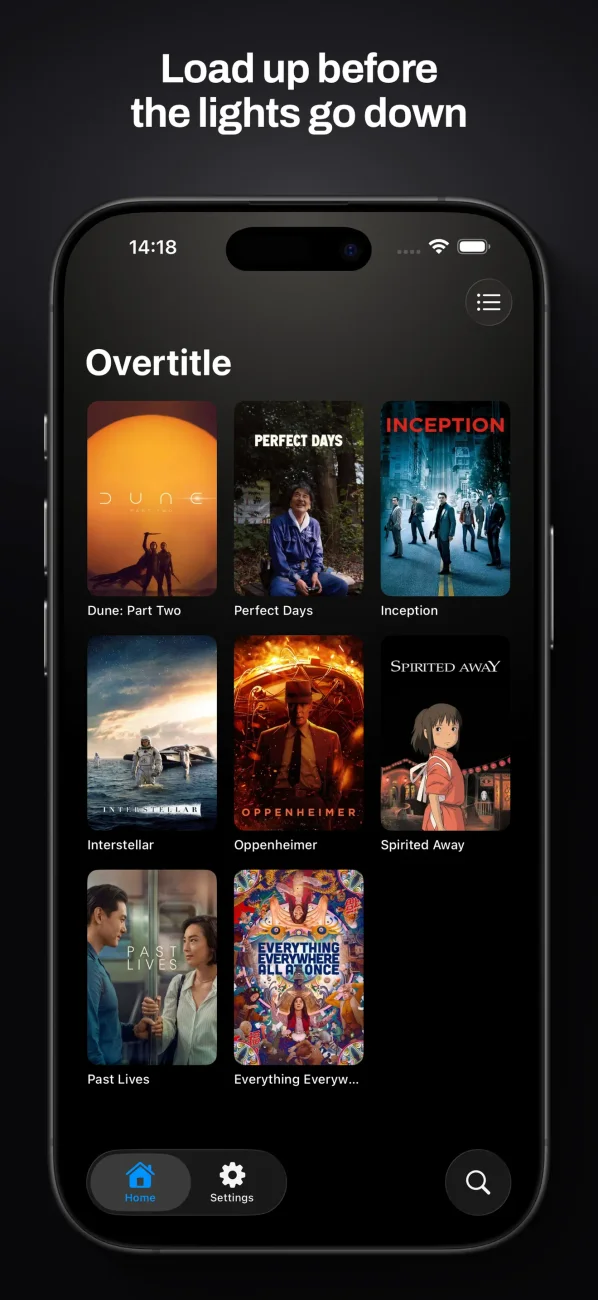
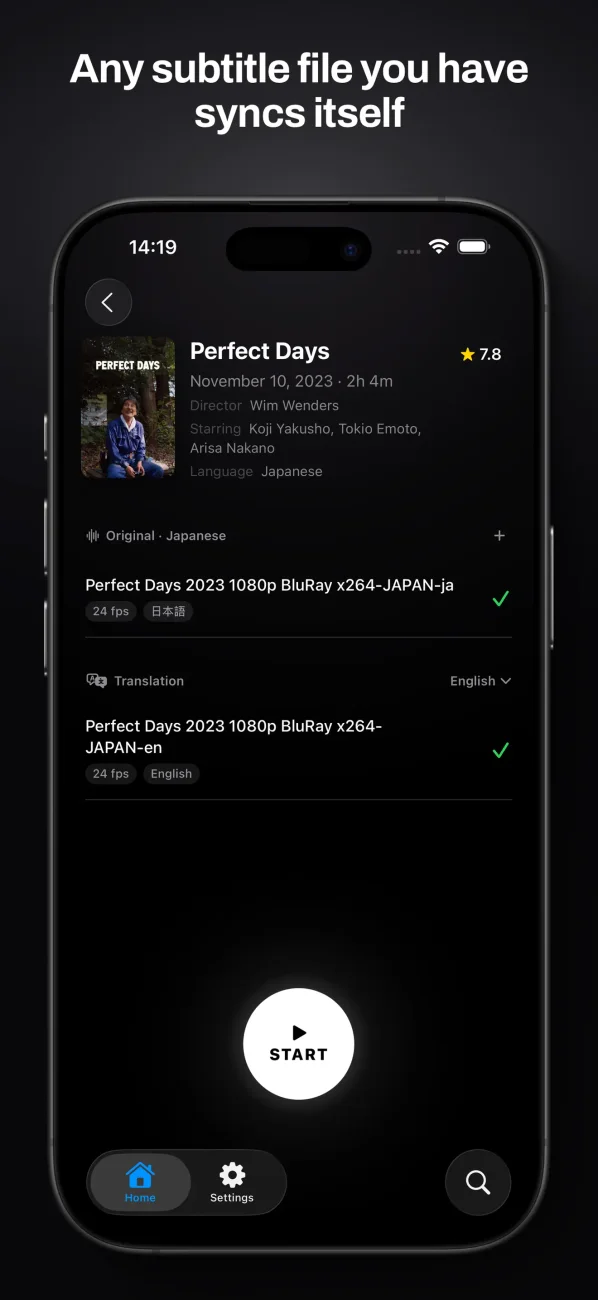
Search for a film and download available subtitles directly in Overtitle.
Or import any .srt or .vtt file you already have from Files, Mail, AirDrop, or another app.
MADE FOR THE DARK
Overtitle is designed for a dark cinema, not a bright phone screen.
Subtitles appear on a pure black background with no permanent controls or visual clutter. Dim the display until it is only as bright as you need, so you can read comfortably without lighting up the row around you.
On OLED iPhones, black pixels remain off, helping keep most of the display dark.
Tap when you need the controls. Otherwise, they stay out of the way.
Stand your phone in a cup holder and the subtitles can sit toward the top of the screen, above the rim.
No buttons to hunt for in the dark.
Swipe up or down to adjust brightness.
Swipe left or right to nudge subtitle timing.
Double-tap to reset the timing offset.
Pinch to resize the text.
WORKS OFFLINE
Download your subtitles and the required speech model before the film starts, and Overtitle can synchronize without an internet connection.
Nothing is uploaded or recorded. Dialogue recognition runs on your phone.
LANGUAGE SUPPORT
Automatic synchronization needs to understand the film's spoken dialogue. Automatic syncing currently supports English and Japanese soundtracks.
The subtitle text itself can be in any language.
For example, you can watch an English-language film while Overtitle displays subtitles in Chinese, Spanish, French, or another language available in your subtitle file.
Films with other spoken languages can still use Overtitle as a subtitle display. In those cases, timing can be aligned manually with swipe gestures.
Film information and artwork are provided by TMDB.
Subtitle search and downloads are provided through OpenSubtitles.com, where subtitle files are uploaded by its community. Users may also import subtitle files they already have.
This product uses the TMDB API but is not endorsed or certified by TMDB. Overtitle is not affiliated with TMDB or OpenSubtitles.
Overtitle does not host film content and does not record, stream, or distribute movies.
What’s new
Version 1.1.1 · Sep 5, 2026
AI translation works again
Fixed an error that stopped translations from starting on some devices.
Pause and resume
Translations now pick up where they left off — even after quitting the app.
Progress at a glance
A circular progress ring shows how far along each translation is.
App privacy
What Zijian Zhao declares on the App Store about how this app handles data.
-
Data not linked to you
May be collected but is not linked to your identity.
- Identifiers
- Usage data
Privacy practices may vary, for example with the features you use or your age.
Information
- Seller
- Zijian Zhao
- Category
- Entertainment
- Version
- 1.1.1
- Updated
- Sep 5, 2026
- Released
- Sep 1, 2026
- Size
- 5.1 MB
- Requires
- iOS 26.0 or later
- Age rating
- 4+
- Price
- Free
- In-app purchases
- Yes
- Languages
- English, Simplified Chinese
- Copyright
- © 2026 Zijian Zhao
You might also like
-
 CinemaCCEvery film. Your language.
-
 SubPlayer - Subtitle PlayerMovie Subtitles: Cinema & TV
-
 Rewatch: Movie & TV DiaryTrack films, shows & rewatches
-
 Visto: TV Show & Movie TrackerLog episodes. No ads, no login
-
 SubPlayer - Smart Video PlayerAI Subtitles / Local Playback
-
 StoryWonder: Bedtime StoriesPersonalized Kids Audiobooks
-
 LISA Official Light StickEntertainment
-
 AI换脸 - 极速自定义换脸&每日持续更新Entertainment
-
 GretaJust enjoy cinema
-
 FindvadersMap & Hunt Invader Street Art