
- Age rating4+
- CategoryProductivity
- DeveloperKevin Koplin
- LanguagesEnglish
- Size23.2 MB
Links to the official App Store page
Download.org hosts no file of OWL Alerts. The button opens its official App Store page, published by Kevin Koplin. Listing last checked on Nov 20, 2026.
Screenshots


About
WHY
Because being reachable shouldn’t mean being constantly interrupted.
HOW
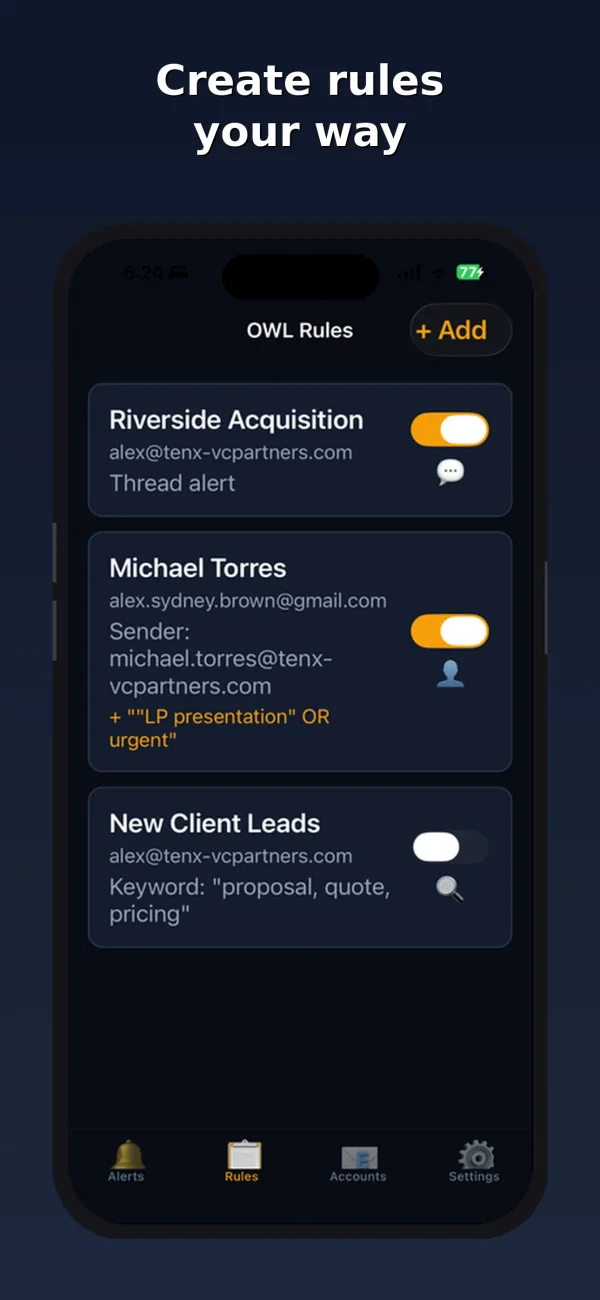
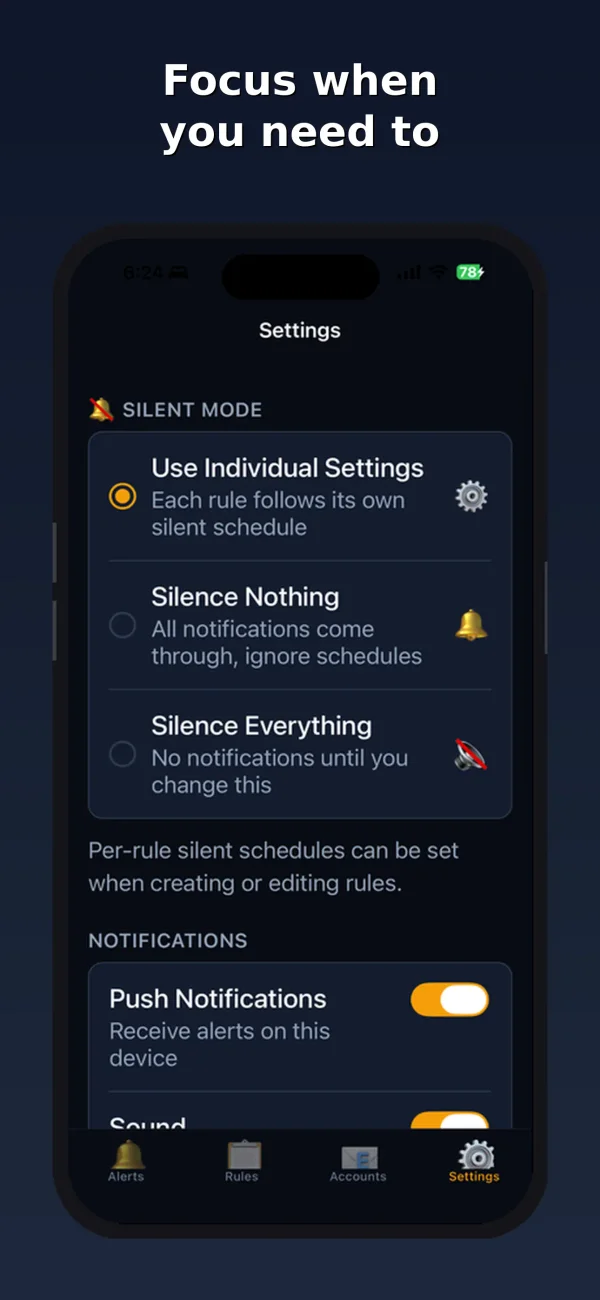
OWL turns interruptions into something you control. You choose exactly which emails are urgent by setting simple rules (senders, domains, keywords, or specific threads) and optional schedules for when those rules are allowed to alert you.
WHAT
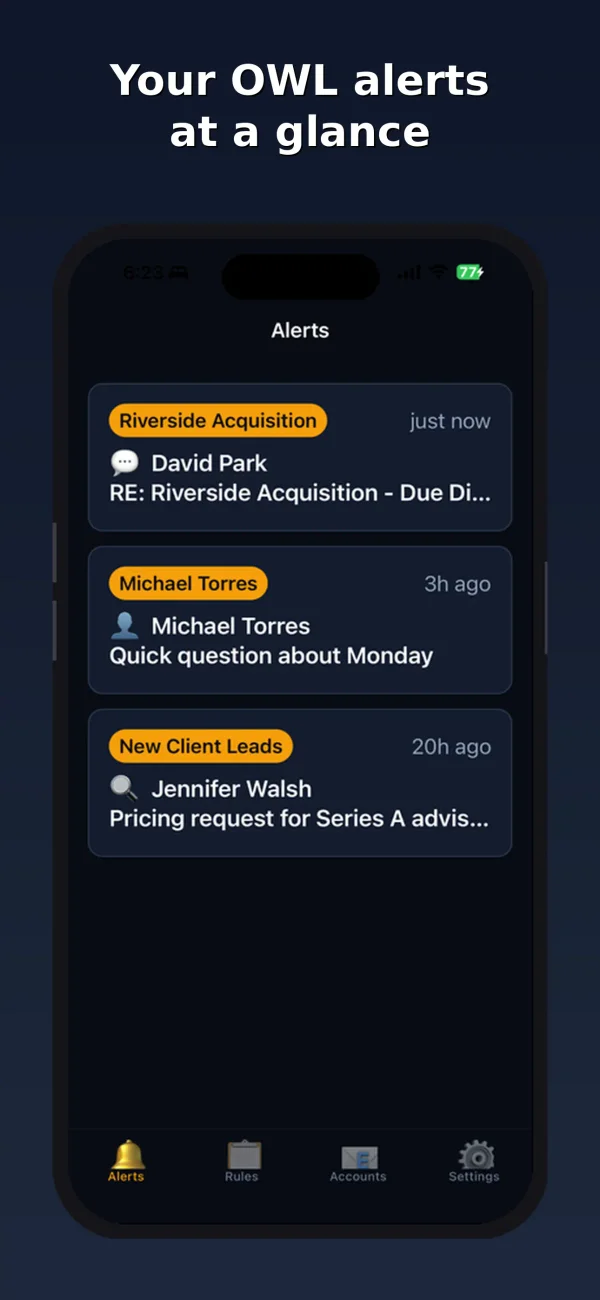
OWL is an alert layer for your existing Gmail/Outlook accounts—not another inbox. When new mail arrives, OWL checks it in the background and sends a push alert only when an email matches your rules. Everything else stays quiet, so you can stop checking “just in case.”
What you’ll see in the push alert
• Rule label (e.g., “Boss”)
• Sender
• Subject line
What push alerts do NOT include
• Email body content
• Attachments
• Full inbox access inside the app
Alert Details (in-app and on the web)
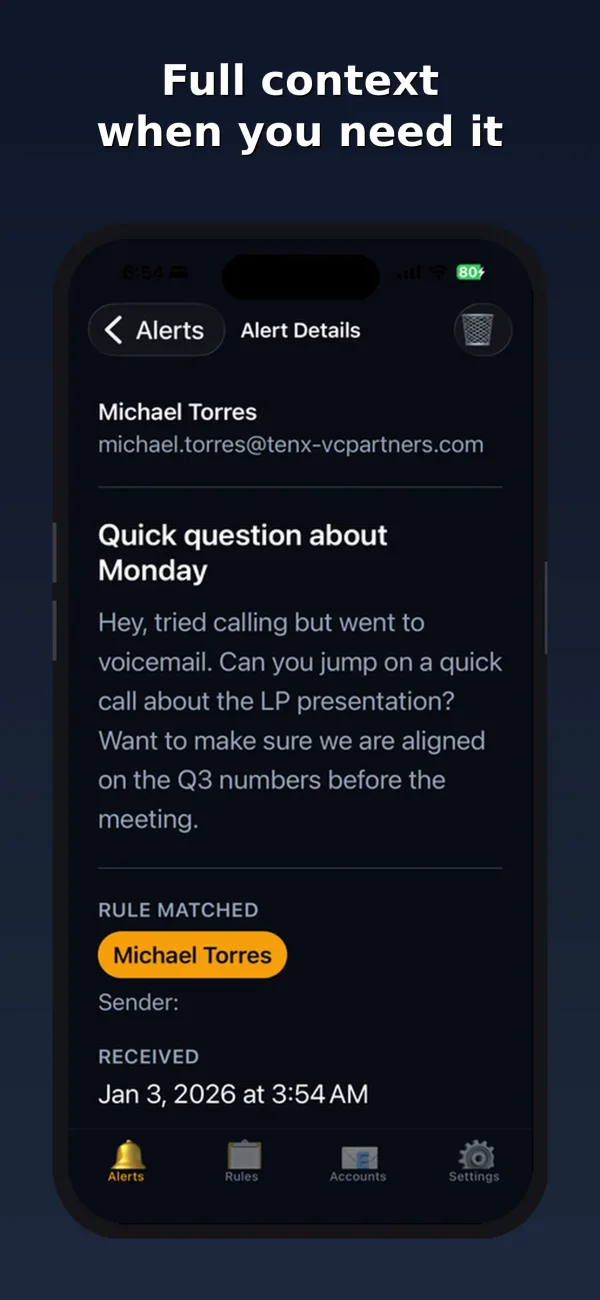
When you open an alert, OWL can show up to 10,000 characters of context for that matched email—so you can decide quickly without opening your full inbox. Attachments are never included.
Rule setup
• Create and manage rules in the app or on the OWL website (vip.foundopportunity.com).
Built for “can’t-check-right-now” moments
Meetings, dinner, sleep, driving, and anything else where you want to stay present without missing the one email that matters.
Important
This is a companion app and requires an active OWL subscription. You must first sign up and connect your email account through the OWL website (vip.foundopportunity.com).
Privacy & security
Email processing happens server-side on the secure OWL platform. Push alerts contain only the rule label, sender, and subject. OWL does not include email bodies or attachments in push notifications.
What’s new
Version 1.0.2 · Jan 15, 2026
Improved responsiveness.
App privacy
What Kevin Koplin declares on the App Store about how this app handles data.
-
Data linked to you
May be collected and linked to your identity.
- Contact info
- User content
- Identifiers
Privacy practices may vary, for example with the features you use or your age.
Information
- Seller
- Kevin Koplin
- Category
- Productivity
- Version
- 1.0.2
- Updated
- Jan 15, 2026
- Released
- Jan 12, 2026
- Size
- 23.2 MB
- Requires
- iOS 15.1 or later
- Age rating
- 4+
- Price
- Free
- Languages
- English
- Copyright
- © Found Opportunity LLC
You might also like
-
 Owl VIP Email AlertsCustom Notifications for Gmail
-
 Ripples - Positive OutlookBuild lasting Habits
-
 PST to MBOX Converter · MailOpen OST File to HTML Tool
-
 CourierlyMobile Console for Resend
-
 LaterPile: Mail & BillsScan mail, never miss a bill
-
 Email Cleaner: Clean Up InboxUnsubscribe & Bulk Delete Mail
-
 EmailStormShortcut to the right contact
-
 So MailSo Email Security
-
 Airo MailMagically Organized Email
-
 AI Email Generator - Air MailAI Message - Letter Writer App