
- Age rating4+
- CategoryMusic
- DeveloperFrancois Chabloz
- LanguagesEnglish
- Size33.2 MB
Links to the official App Store page
Download.org hosts no file of Oxo Sample. The button opens its official App Store page, published by Francois Chabloz. Listing last checked on Nov 13, 2026.
Screenshots



About
IMPORTANT: Oxo Sample is an AUv3 plugin. You need an AUv3 host such as AUM. To sample external audio, insert it as an audio effect on the channel you want to record from, and route MIDI to it (the AUv3 instrument version cannot record incoming audio, use the AUv3 Effect version).
Try the free version first to make sure your host supports audio and MIDI routing into AUv3 effects.
Oxo Sample is a LOFI sampler/sequencer/drum machine inspired by a classic mid-80s hardware sampler: mono 12-bit / 32 kHz, live sliders, and of course that crunchy character.
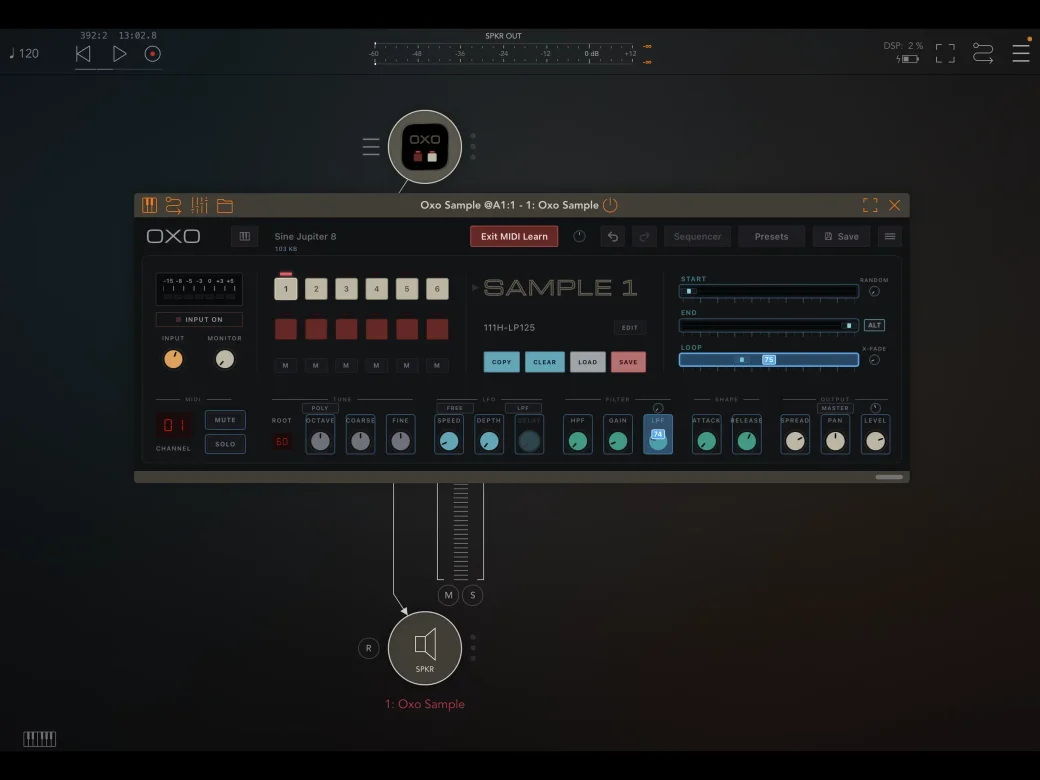
Like on the hardware, the sliders (START, END, LOOP) are live: they directly access the audio buffer (place START after END and the sample plays in reverse).
Enable the iPad microphone, talk, hit those red buttons randomly, and move the sliders. Pitch down for that 12-bit grit.
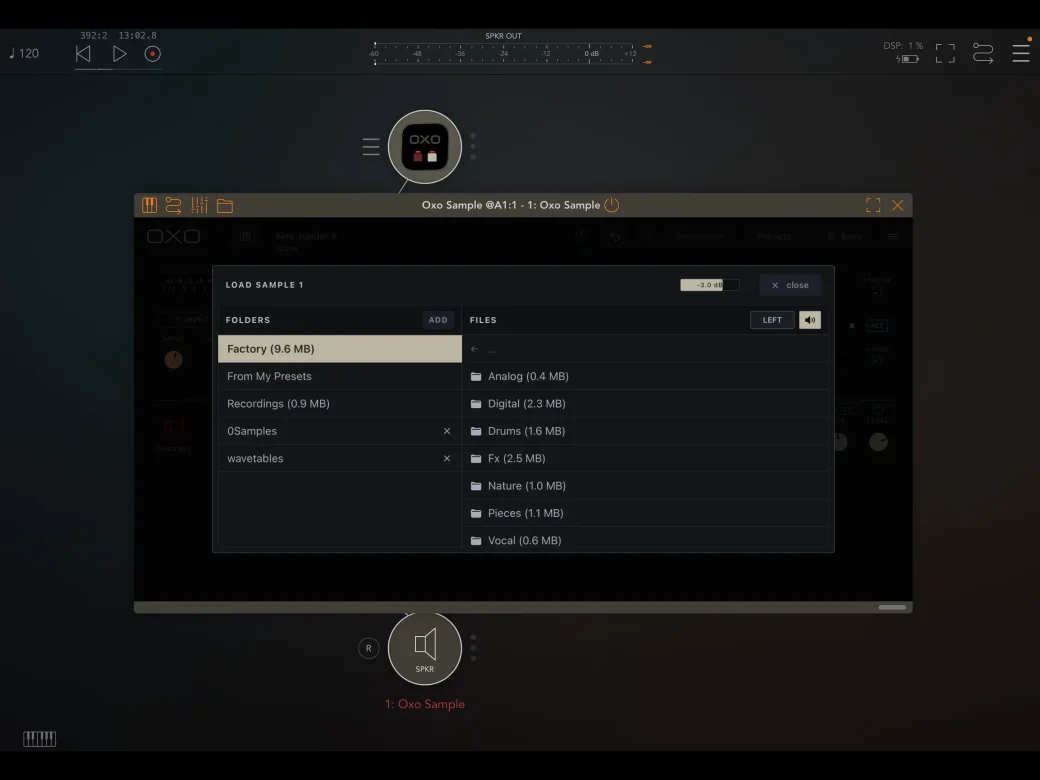
Sample anything that runs through it: record incoming audio straight into a slot, or resample the plugin’s own output to stack lo-fi generations. Or simply load your own samples.
Sequencer:
With the sequencer enabled, each slot has its own sequencer with 8 patterns. Program and launch pattern changes for the 6 slots using the 8 scenes.
Features include:
6 sample slots with up to 6 voices each, each slot can be monophonic (with portamento) or polyphonic
12-bit / 32 kHz mono capture from the input bus, or resampling of the output
Further sample degradation via resampling at 20 kHz, 16 kHz, 10 kHz, or 8 kHz
Live editing of start/end/loop points while playing. Loop crossfade and random start point.
LPF and HPF filters
LFO for pitch, filter, or loop point, free-running or retriggered
Alternating stereo spread per voice
Velocity to level and LPF cutoff
MIDI Learn: control most parameters via MIDI CC
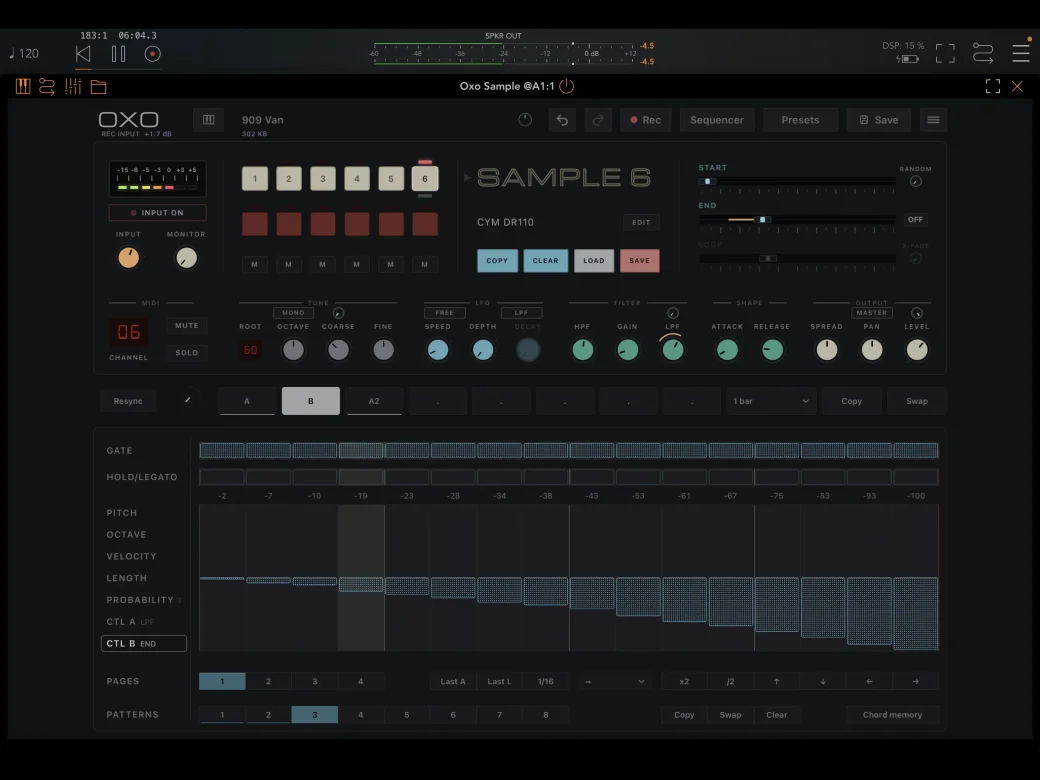
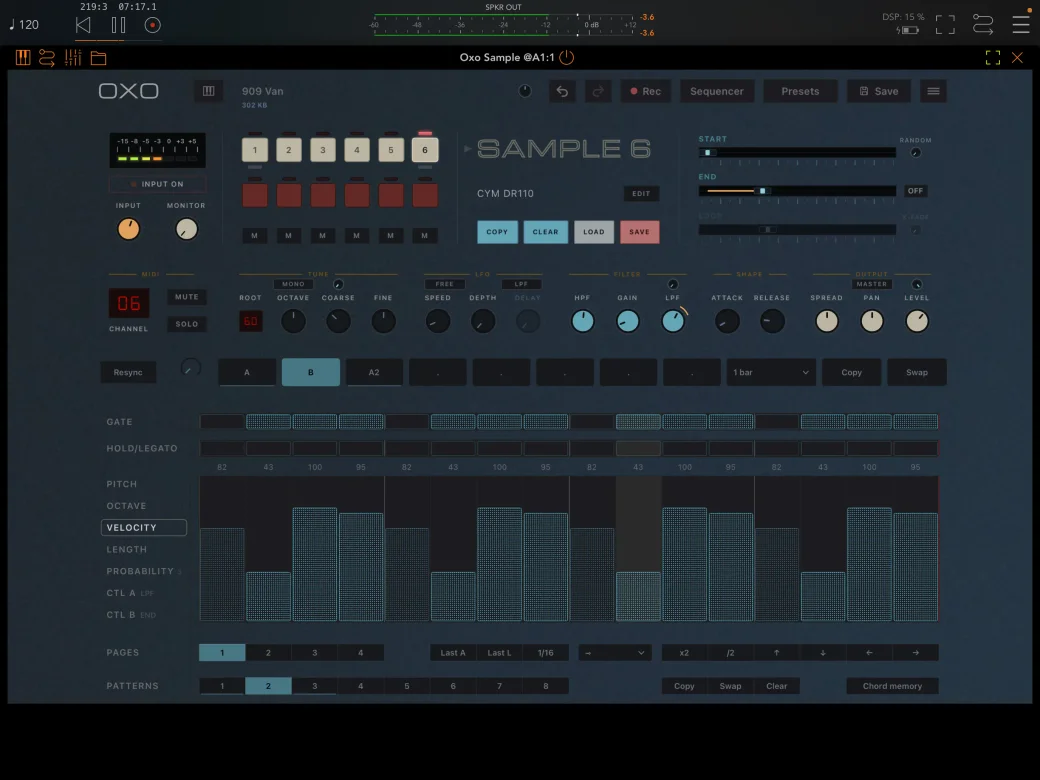
Sequencer: each slot has 8 patterns, each up to 64 steps and 9 polymetric lanes (Gate, Hold/Legato, Pitch, Octave, Velocity, Length, Probability, Control A and Control B)
Sequence the sampler's parameters using the two Control lanes (A and B) (filter, start/end/loop points, etc.)
Themes: customize every color with the web theme editor
Undo / redo
What’s new
Version 1.31 · Sep 18, 2026
Fixed crossfade in ALT loop mode
App privacy
What Francois Chabloz declares on the App Store about how this app handles data.
-
Data not collected
The developer does not collect any data from this app.
Privacy practices may vary, for example with the features you use or your age.
Information
- Seller
- Francois Chabloz
- Category
- Music
- Version
- 1.31
- Updated
- Sep 18, 2026
- Released
- Aug 31, 2026
- Size
- 33.2 MB
- Requires
- iOS 17.0 or later
- Age rating
- 4+
- Price
- Free
- In-app purchases
- Yes
- Languages
- English
- Copyright
- © 2026 OXO Music
You might also like
-
 nondawNo tracks. No timeline.
-
 Noemi: AUv3 Generative MusicAUv3 plugin host & sequencer
-
 Transfigure - Redesign SoundTransfigure Your Audio
-
 Tape Fiasco 2Multi-Effect
-
 GlitchworkFM Grid Glitch Percussion
-
 GraindadRealtime Granular FX
-
 Texture LoomDual-Sample Atmosphere
-
 Disto DiscoDistortion that Dances
-
 The Remnant - Drone SynthFeedback Matrix Drone Machine
-
 Sightlines - Harmonic FilterMusical resonant filter bank