Oyelo: Text to Speech Reader
Listen to Articles Read Aloud
Designed for iPhone, iPad
Free · In-app purchases
- Age rating17+
- CategoryProductivity
- DeveloperCode with Beto
- LanguagesEnglish+ 8 more
- Size44.1 MB
Links to the official App Store page
Download.org hosts no file of Oyelo: Text to Speech Reader. The button opens its official App Store page, published by Code with Beto. Listing last checked on Nov 23, 2026.
Screenshots
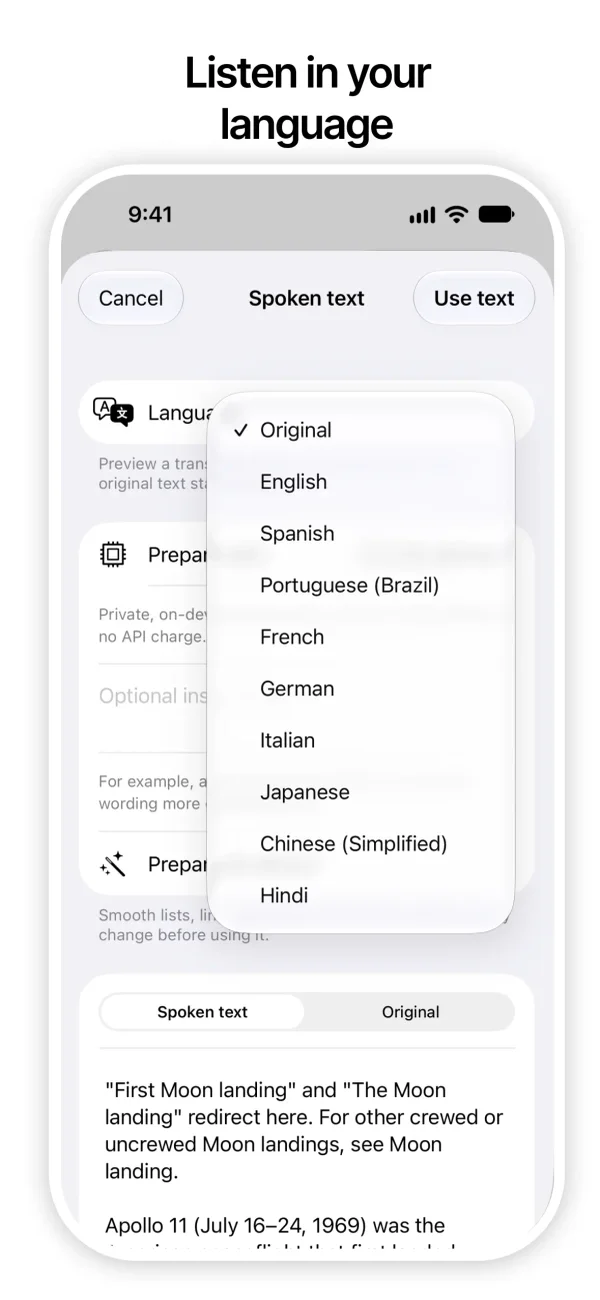


About
Your reading, out loud.
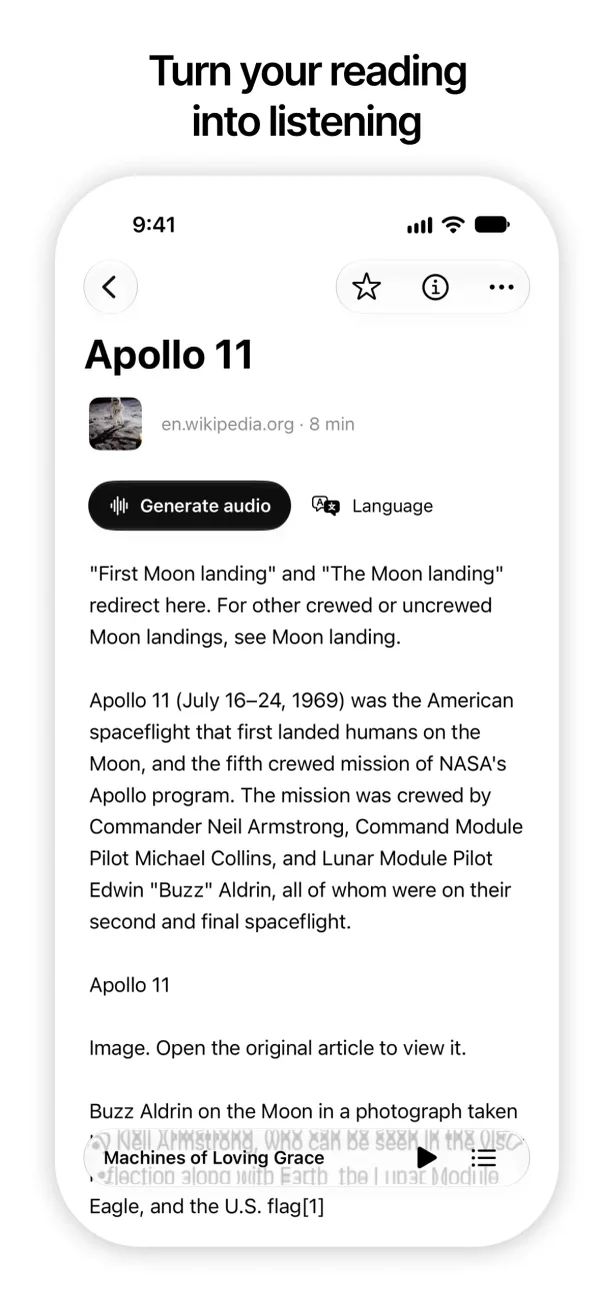
That article you saved for later? Take it on your next walk. Oyelo turns articles, PDFs, and text into natural-sounding audio, so you can listen while you commute, cook, or work out.
SAVE ANYTHING
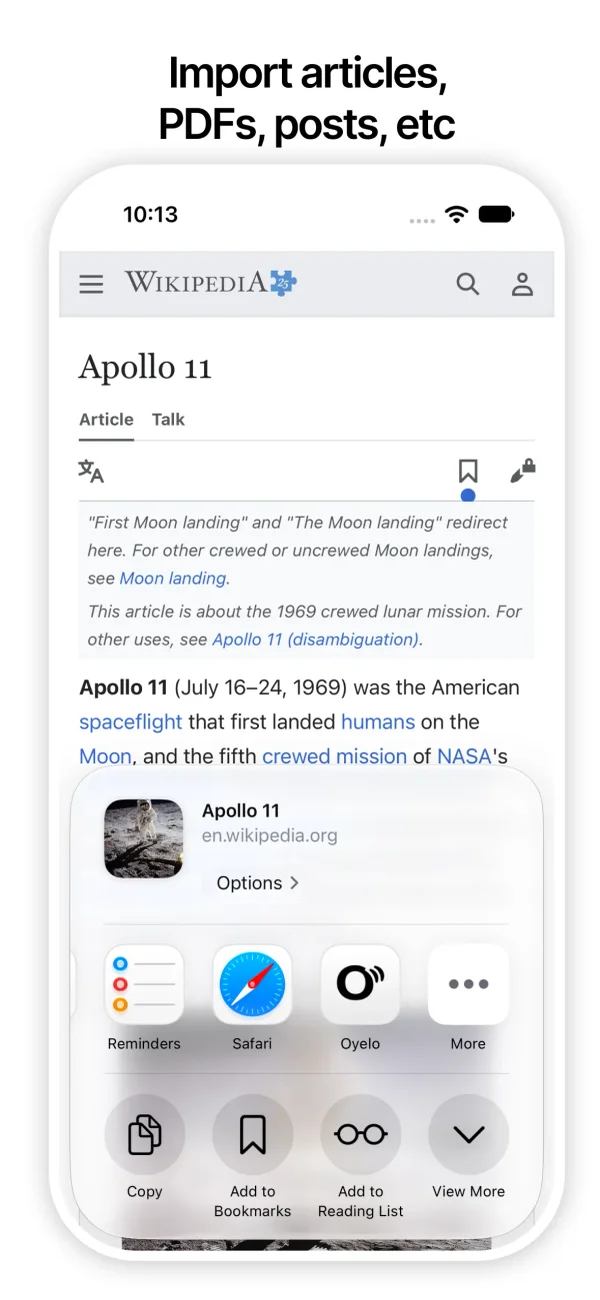
• Share articles from Safari or any app straight to Oyelo
• Paste a link or text, or import PDFs, web pages, and photos of text
• Import X threads as a single article
• Oyelo pulls out the readable article and leaves the clutter behind
• Find and import pages from the built-in browser
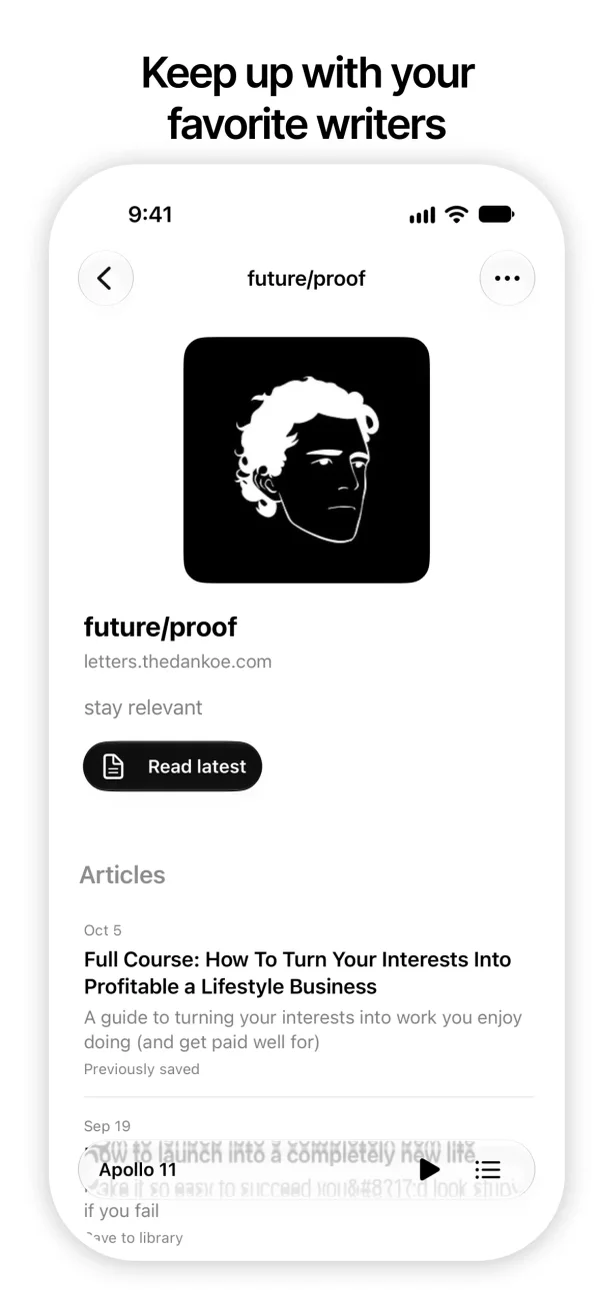
• Follow a blog and save new articles as they arrive. One followed blog is free.
CHOOSE YOUR VOICE
• Bring your own ElevenLabs, OpenAI, or Google Gemini API key
• Pick any model and voice, and play samples before you choose
• See an estimated cost before you create audio
• Switch voices or providers anytime, per article
LISTEN YOUR WAY
• Saved audio plays offline
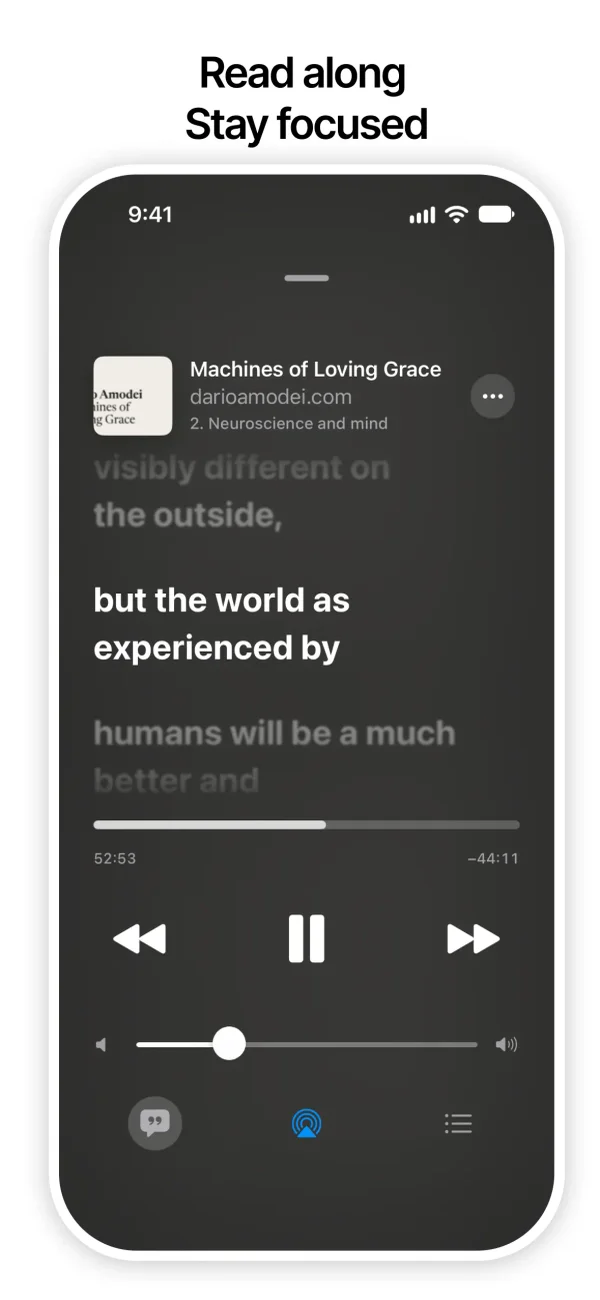
• Speed control, chapters, and a sleep timer
• An Up next queue that plays one article after another
• Controls on the Lock Screen, in Control Center, and in the Dynamic Island
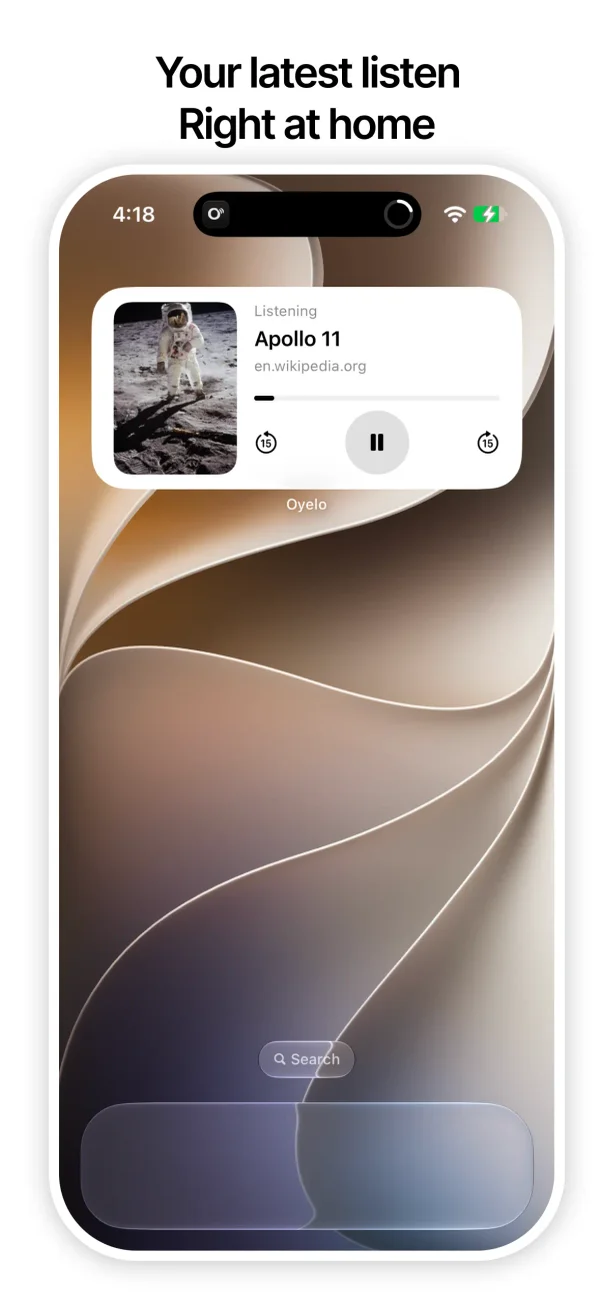
• Home Screen widgets that pick up where you left off (Oyelo Pro)
• Reminders to listen later
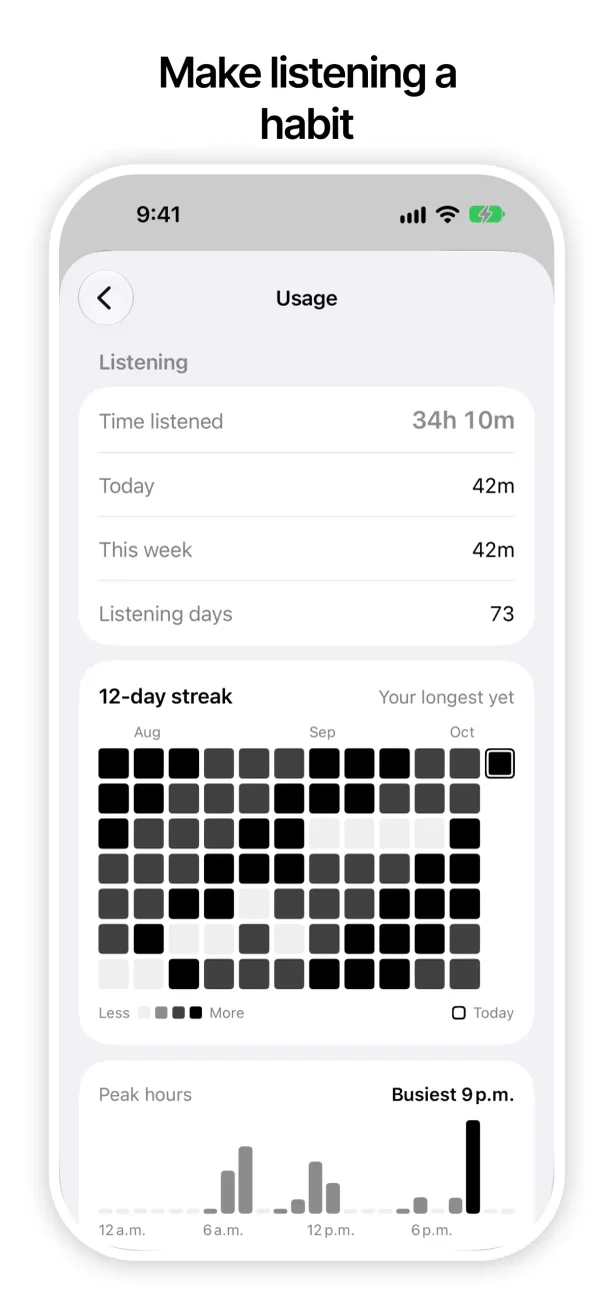
• Listening stats and streaks
PRIVATE BY DESIGN
• No Oyelo account or password. During setup, confirm your email to receive Oyelo updates. You can unsubscribe in Settings.
• Your API keys stay in your device's Keychain
• Text goes straight from your device to the voice provider you choose
• Your library stays on your device
Oyelo is free. You pay your voice provider directly for the audio you create, with no subscription and no markup.
OYELO PRO
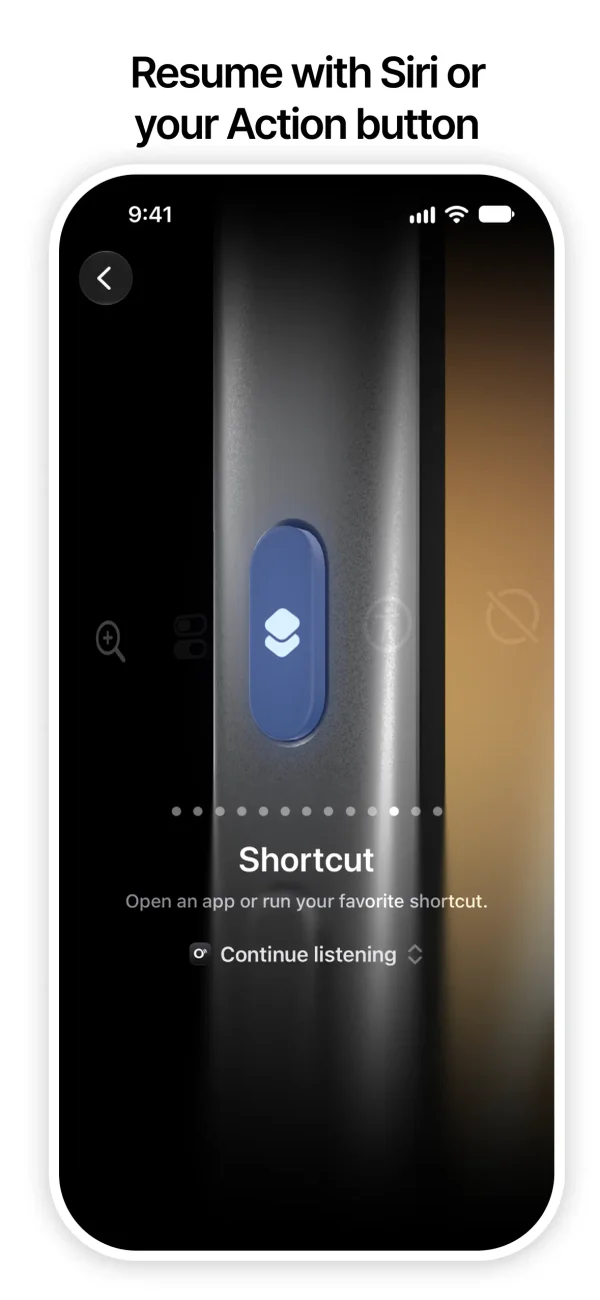
An optional one-time purchase that adds unlimited followed blogs, Home Screen widgets, private library transfer between your devices, accent colors, alternate app icons on supported devices, and a Continue listening shortcut for Siri, Spotlight, and the Action button. Importing, creating audio, and in-app listening do not require Pro.
Works on iPhone and iPad.
Questions or feedback? Email beto@codewithbeto.dev
What’s new
Version 1.2 · Nov 19, 2026
Stay in the loop on what matters. Oyelo now asks for your email during setup so we can reach you about important changes, like a major release or a fix you'll want to know about. Confirm it with one tap from your inbox, and manage or unsubscribe anytime in Settings › Email updates. This update also adds nine more publications to discover, a cleaner article page, and lighter, more compact player controls.
App privacy
What Code with Beto declares on the App Store about how this app handles data.
-
Data linked to you
May be collected and linked to your identity.
- Contact info
Privacy practices may vary, for example with the features you use or your age.
Information
- Seller
- Code with Beto LLC
- Category
- Productivity
- Version
- 1.2
- Updated
- Nov 19, 2026
- Released
- Nov 6, 2026
- Size
- 44.1 MB
- Requires
- iOS 26.0 or later
- Age rating
- 17+
- Price
- Free
- In-app purchases
- Yes
- Languages
- English, French, German, Hindi, Italian, Japanese, Portuguese, Simplified Chinese, Spanish
- Copyright
- © 2026 Code with Beto LLC
You might also like
-
 Outloud — AI Voice JournalBrain Dump to Clean Notes
-
 KoladaFast notes on all your devices
-
 MathDown - Markdown LaTeX DocsCalculate and evaluate notes
-
 NoteVelaAI Voice Notes & Transcription
-
 PromptOps RemoteProductivity
-
 Agentsy: AI Voice Note TakerMeeting Recorder, Tasks, Email
-
 Workflow ConsoleProductivity
-
 Sammy ADHD Task SupportOverwhelmed & Stuck ? Swipe !
-
 Vois: Articles Read AloudOffline Text to Speech & PDFs
-
 DeepSRT MobileAI captions for YouTube