- Age rating4+
- CategoryEntertainment
- Developer宇华 伍
- LanguagesEnglish+ 2 more
- Size69.9 MB
Links to the official App Store page
Download.org hosts no file of P's Pocket. The button opens its official App Store page, published by 宇华 伍. Listing last checked on Nov 23, 2026.
Screenshots


About
Bring your virtual pets along on iPhone and iPad.
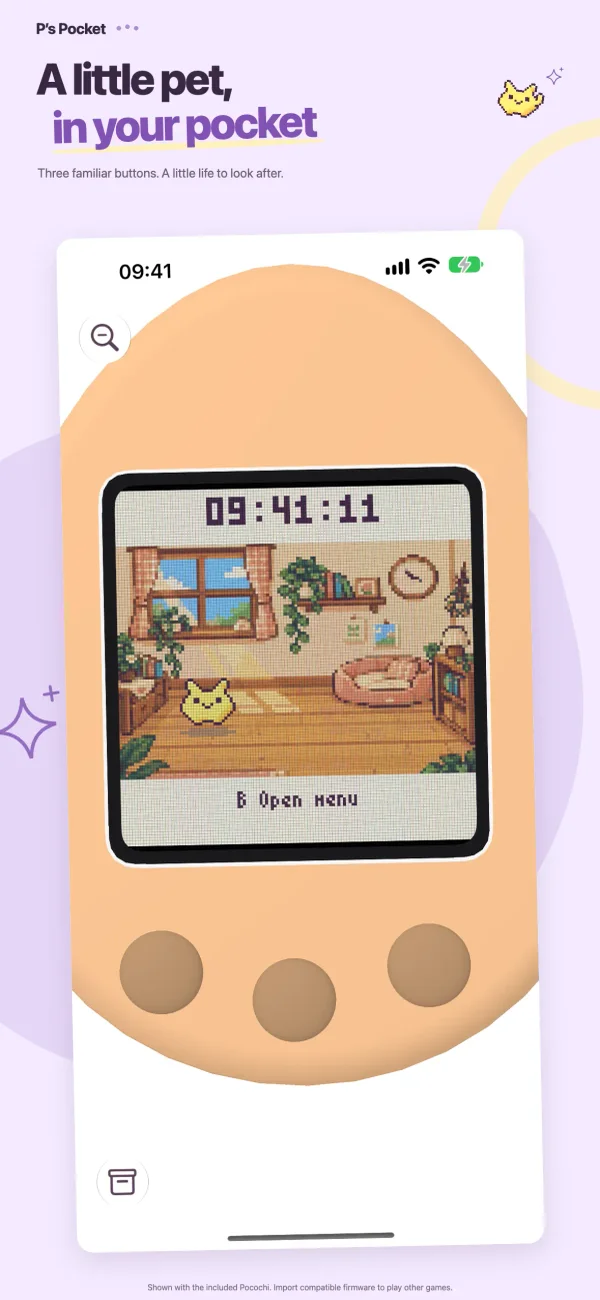
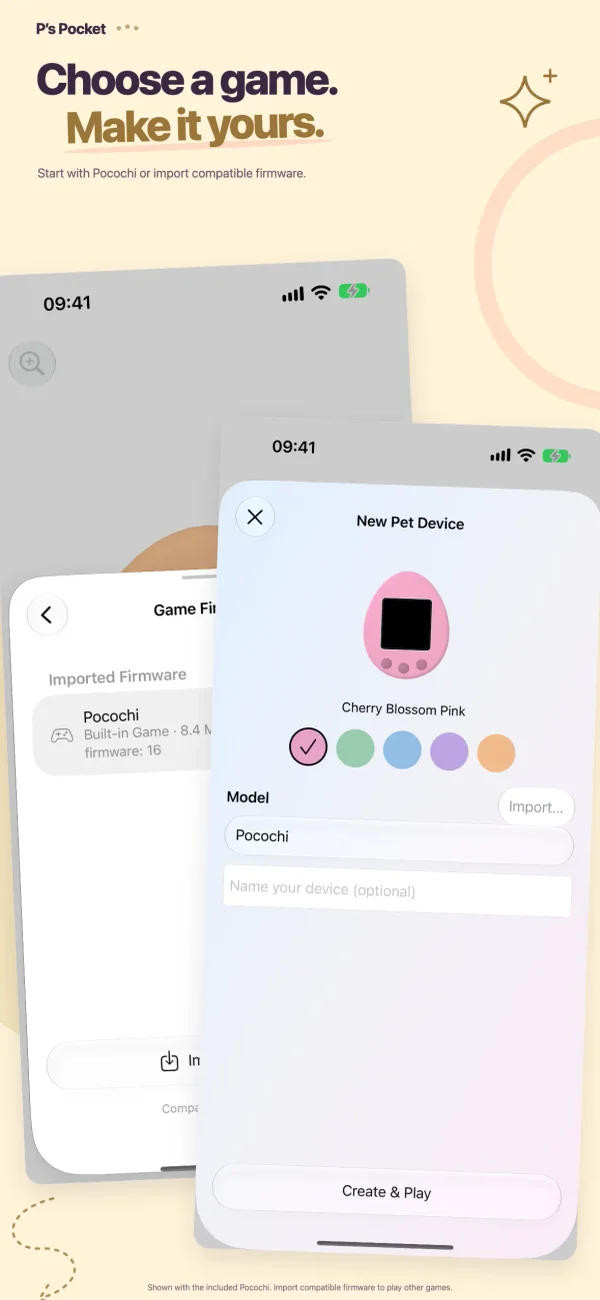
Import compatible firmware, care for your pets, and keep each device's progress in your cabinet. Or start with Pocochi, the original playable game included in the app.
• Play album and replay
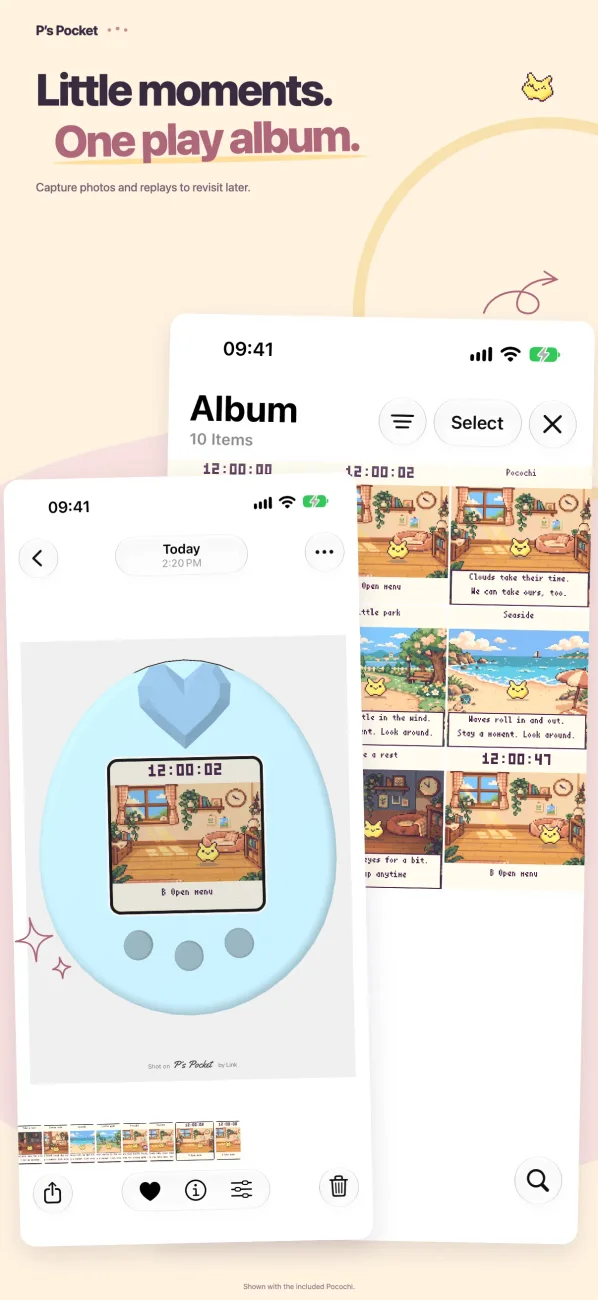
While playing one device, tap the shutter for a photo or hold it to save recent play. Search captures by recorded character or room, edit their appearance, filters or video range, and share or save them to Photos.
• Chips and resource imports
Import compatible firmware and chips you are entitled to use. While playing one device, hold the heart-shaped cover to open the chip cloud and change chips. Compatible resources can also be imported from ZIP files or PDF attachments. Chip data is not included.
• A little help from Pocochi
Choose a character to aim for and see current stats, growth goals, and care suggestions based on your game records. Tap the mascot to speed up dialogue, or hold it to open goals and progress. Firmware-specific guidance requires supported imported firmware.
• An album of your time together
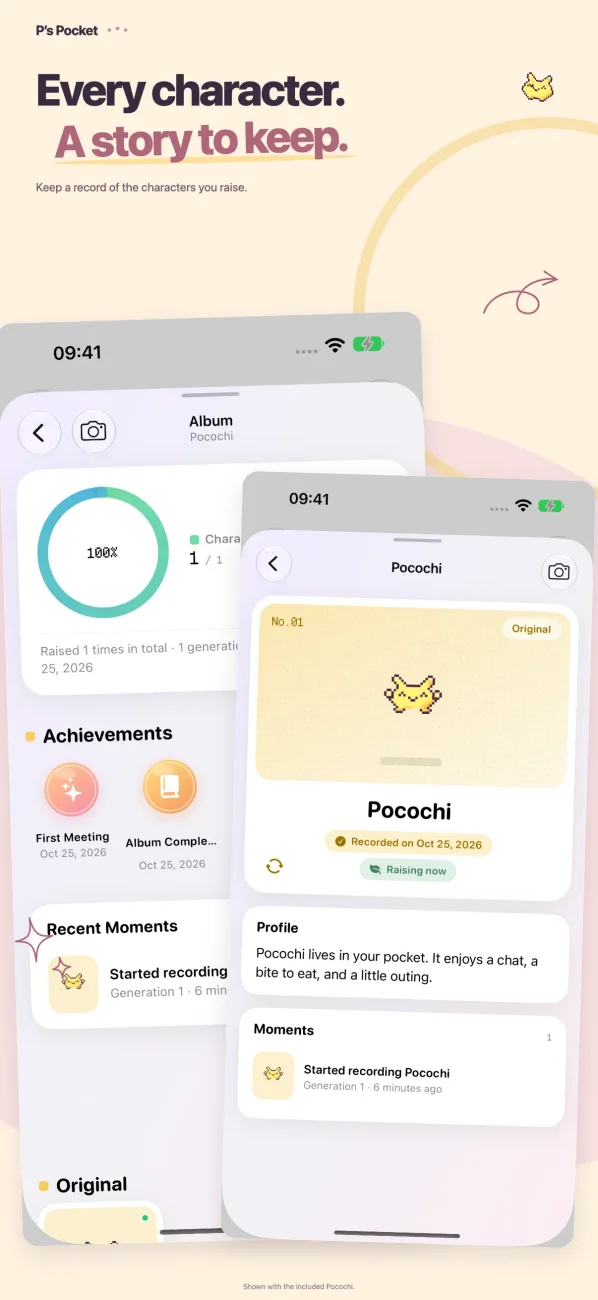
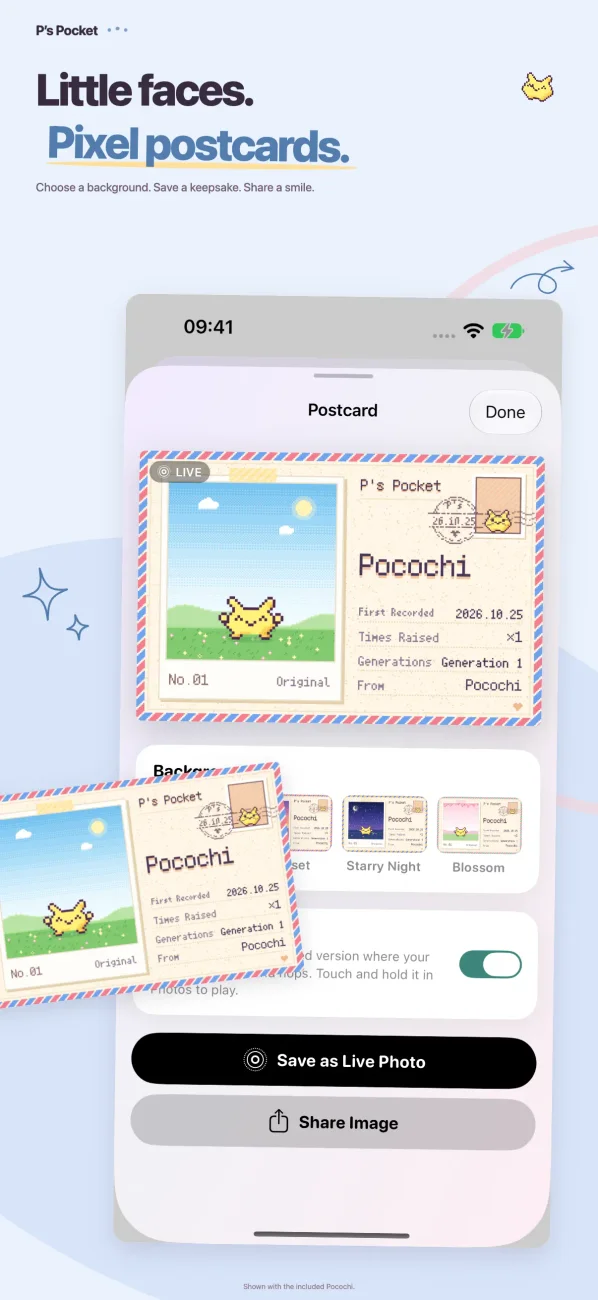
Record characters you encounter and raise, collected pieces, achievements, and growth milestones. Make a postcard from a character's page or create a group card. Choose a background, share the result, or save it as an image or Live Photo. Artwork for compatible games is read from your imported firmware; Pocochi uses original artwork.
• One cabinet, independent devices
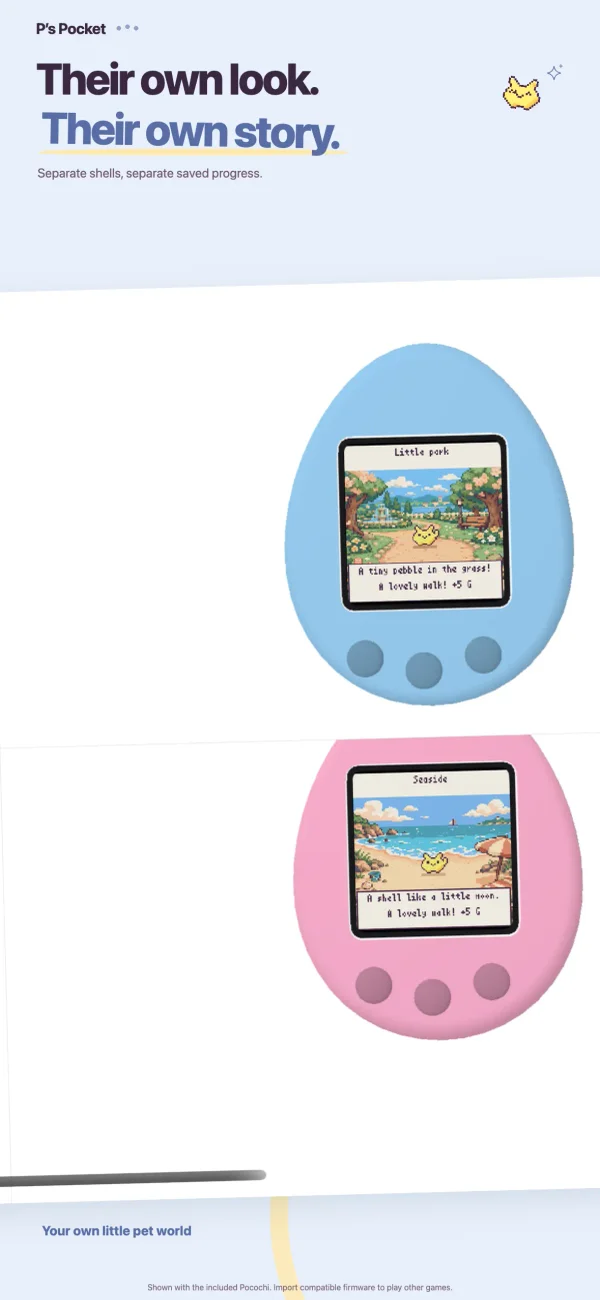
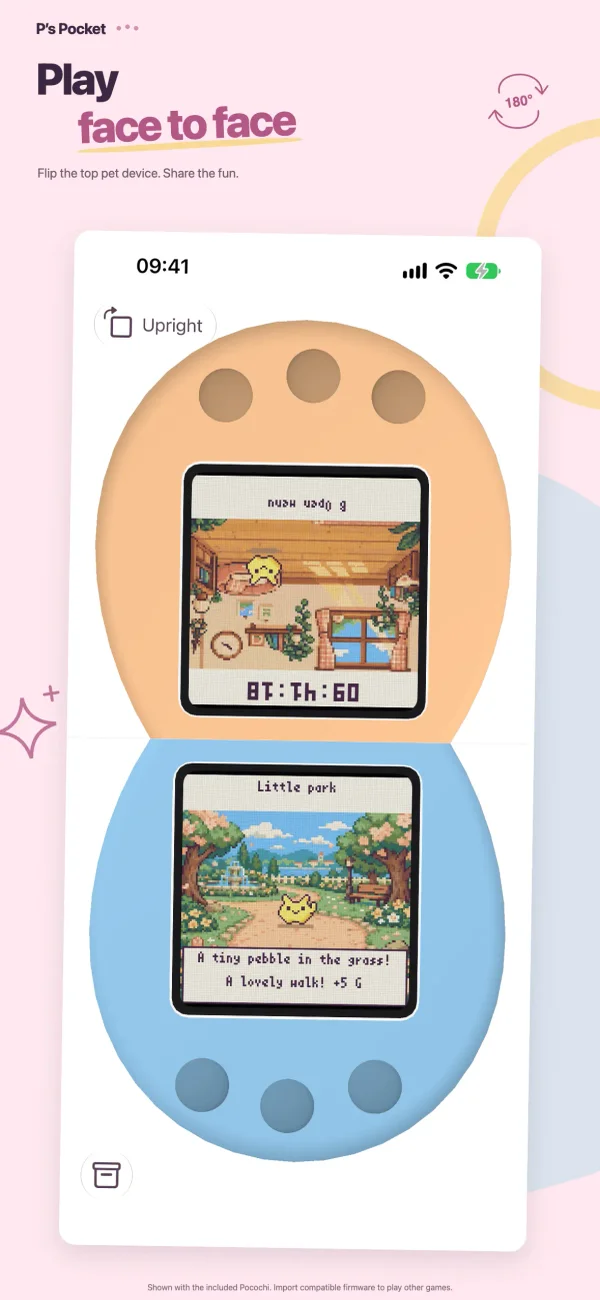
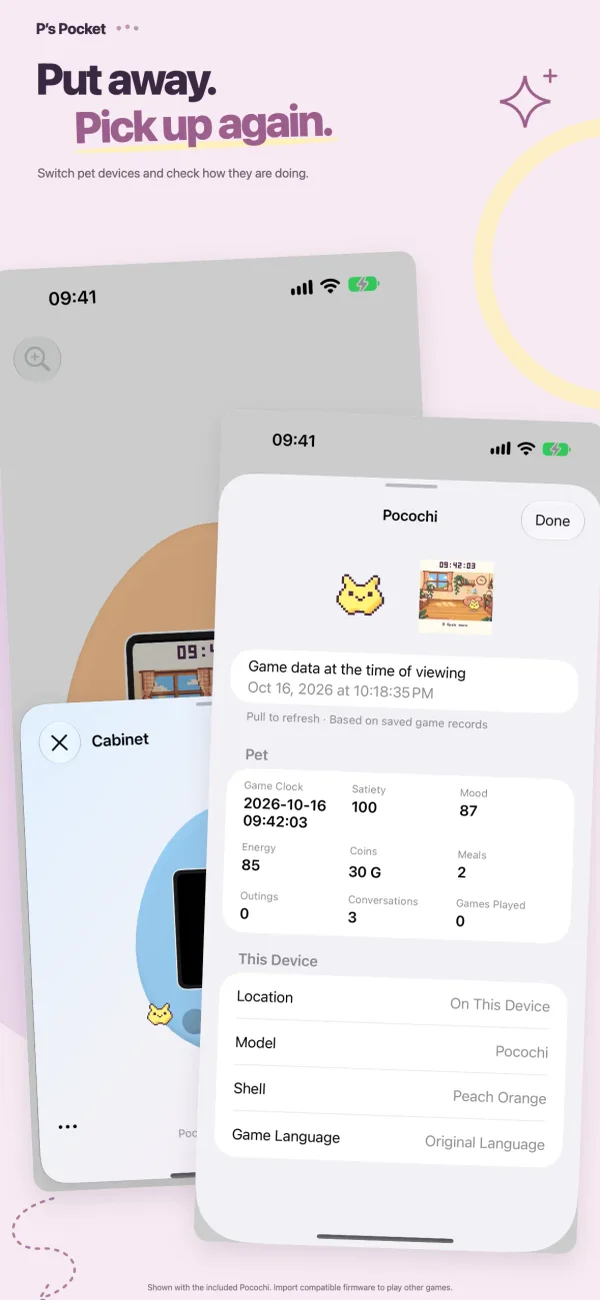
Create up to 20 pet devices, each with its own progress and appearance. Tap a device's title to view details or rename it; hold and drag to organize. Play up to four devices in split screen. With two devices, rotate one for face-to-face play.
• Play with friends nearby
Choose multiplayer inside a compatible game and the app connects automatically. Lend or return a device face to face: the lender's copy stays locked until it returns with the latest progress. Pocochi does not support game-to-game multiplayer.
• Look through game records
View current pet details, care stats, friends, items, collections, and photo diaries. Available information depends on your firmware and saved records.
• Care at your own pace
Real-time Growth accounts for time away. Attentive Care pauses at supported calls or new care events and waits for you to return. With permission, local notifications can report events during background updates. iOS schedules background work, so updates and notifications may be delayed; continuous operation and fixed notification times are not guaranteed.
• Make yourself at home
Choose a minimal or detailed 3D shell, different colors, a full-device view or a larger screen, and an optional LCD filter. Add screen widgets in several sizes or a separate button widget. The interface follows your system's light or dark appearance.
• Keep your progress
Progress saves automatically. Optional iCloud backup and whole-app restore include your cabinet, games, and player profile. You can also back up individual devices to a folder you choose. If something goes wrong, export a diagnostic report, choose whether to attach one device's save, and decide where to save or send it. Reports are never uploaded automatically.
Interactive lessons help you get started and learn individual features. You can exit and revisit them whenever you like.
Commercial game firmware is not included. To play those games, import a compatible, complete original firmware file that you are entitled to use. Chinese interfaces offer an optional Simplified Chinese patch for matching imported firmware. A Traditional Chinese firmware patch is not currently available, and some content may remain in its original language.
What’s new
Version 2.4 · Nov 20, 2026
- Full Screen is now the default on Apple Watch. The game fills the width of the display while keeping its proportions. Compare both modes under Settings → Watch App in P’s Pocket, and choose Integer Scale for sharper pixel edges.
- The button area spans the full display width and adapts to your watch size. The background uses your device’s shell color by default. In Classic Controls, you can customize the entire background and preview where the game and buttons will appear on your paired watch.
- Improved handoff from iPhone to Apple Watch. While waiting for confirmation, the app reminds you to wake the watch display.
App privacy
What 宇华 伍 declares on the App Store about how this app handles data.
-
Data not linked to you
May be collected but is not linked to your identity.
- User content
- Diagnostics
Privacy practices may vary, for example with the features you use or your age.
Information
- Seller
- 宇华 伍
- Category
- Entertainment
- Version
- 2.4
- Updated
- Nov 20, 2026
- Released
- Oct 22, 2026
- Size
- 69.9 MB
- Requires
- iOS 16.0 or later
- Age rating
- 4+
- Price
- $14.99
- Languages
- English, Simplified Chinese, Traditional Chinese
- Copyright
- © 2026 YUHUA WU
You might also like
-
 Water Sort Puzzle for WatchColor liquid sorting brain
-
 擲筊Entertainment
-
 萌丽魔伊Monlimoi-新潮魔幻电子宠物Entertainment
-
 喵之岛物语 - 领养你的电子宠物猫Entertainment
-
 Momo Digital PetA Pet for Wrist & Palm
-
 OMAOEntertainment
-
 DramaMore - Watch Short DramasShort Dramas, Endless Fun
-
 MoniMoniEntertainment
-
 Wolfia - AI werewolf & mafiaSocial Deduction Party Game
-
 GBA MD NES EmulatorAll-in-one Retro Game Emulator