
- Age rating4+
- CategoryBusiness
- DeveloperPayment Asia
- LanguagesEnglish+ 13 more
- Size43.0 MB
Links to the official App Store page
Download.org hosts no file of PA Pay. The button opens its official App Store page, published by Payment Asia. Listing last checked on Nov 18, 2026.
Screenshots


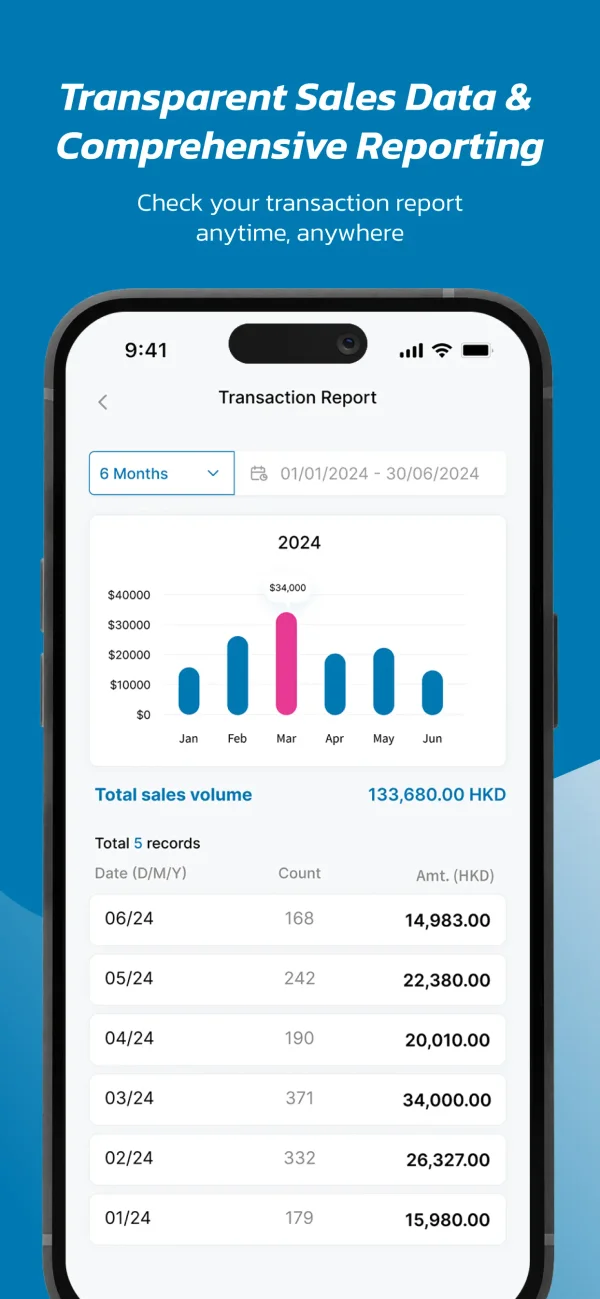


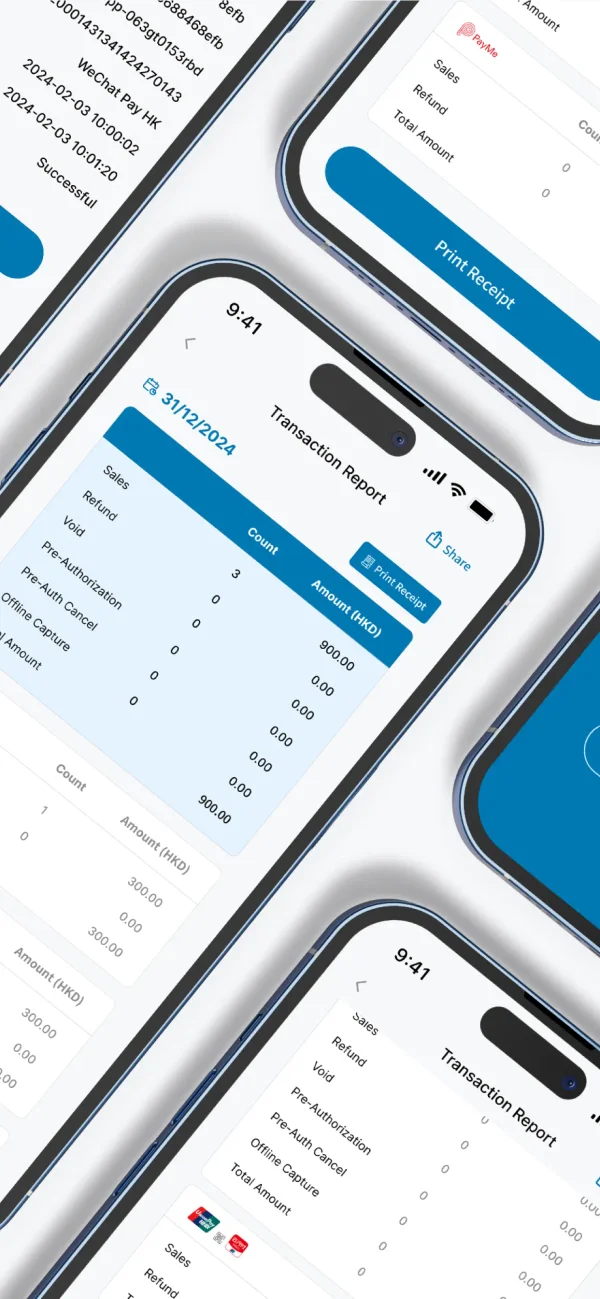
About
PA Pay's Mobile payment terminal.
Accept QRCode payment Anywhere.
Turn your iPhone to a mobile payment terminal and accept payments while you’re on the go. The simple, secure way to ensure you never miss a sale.
With PA Pay, you can scan custome's Payment QR Code.
1. Download the PA Pay app
2. Log-in to your account
3. Instantly start accepting QR Code.
Every business is unique, so please contact us with any questions. Our Hong Kong-based support team will be happy to help you.
Learn more at www.paymentasia.com, or email us at technicalsupport@paymentasia.com
What’s new
Version 3.3.0 · Sep 28, 2026
You can contact our AI assistant PACO via WhatsApp directly from the mobile app. Tap the PACO floating icon on the homepage to start a chat instantly. Overall app performance and stability have also been enhanced.
App privacy
What Payment Asia declares on the App Store about how this app handles data.
-
Data not linked to you
May be collected but is not linked to your identity.
- Location
- Diagnostics
Privacy practices may vary, for example with the features you use or your age.
Information
- Seller
- PAYMENT ASIA TECHNOLOGY LIMITED
- Category
- Business
- Version
- 3.3.0
- Updated
- Sep 28, 2026
- Released
- Apr 6, 2018
- Size
- 43.0 MB
- Requires
- iOS 15.0 or later
- Age rating
- 4+
- Price
- Free
- Languages
- English, French, German, Indonesian, Japanese, Korean, Malay, Portuguese, Russian, Simplified Chinese, Spanish, Thai + 2 more
- Copyright
- © Payment Asia