
Packlore: AI Tutor & Courses
Learning maps, lessons, export
Designed for iPhone, iPod touch
- Age rating4+
- CategoryEducation
- DeveloperBeijing Kaola Wenwen Technology Co., Ltd.
- LanguagesEnglish
- Size33.4 MB
Links to the official App Store page
Download.org hosts no file of Packlore: AI Tutor & Courses. The button opens its official App Store page, published by Beijing Kaola Wenwen Technology Co., Ltd. Listing last checked on Nov 16, 2026.
Screenshots
About
A new subject is easier to approach when you know what to learn next.
Packlore turns a question or interest into a structured course. Set your goal, build a learning map, work through illustrated lessons, ask follow-up questions, check your understanding, and keep something useful at the end.
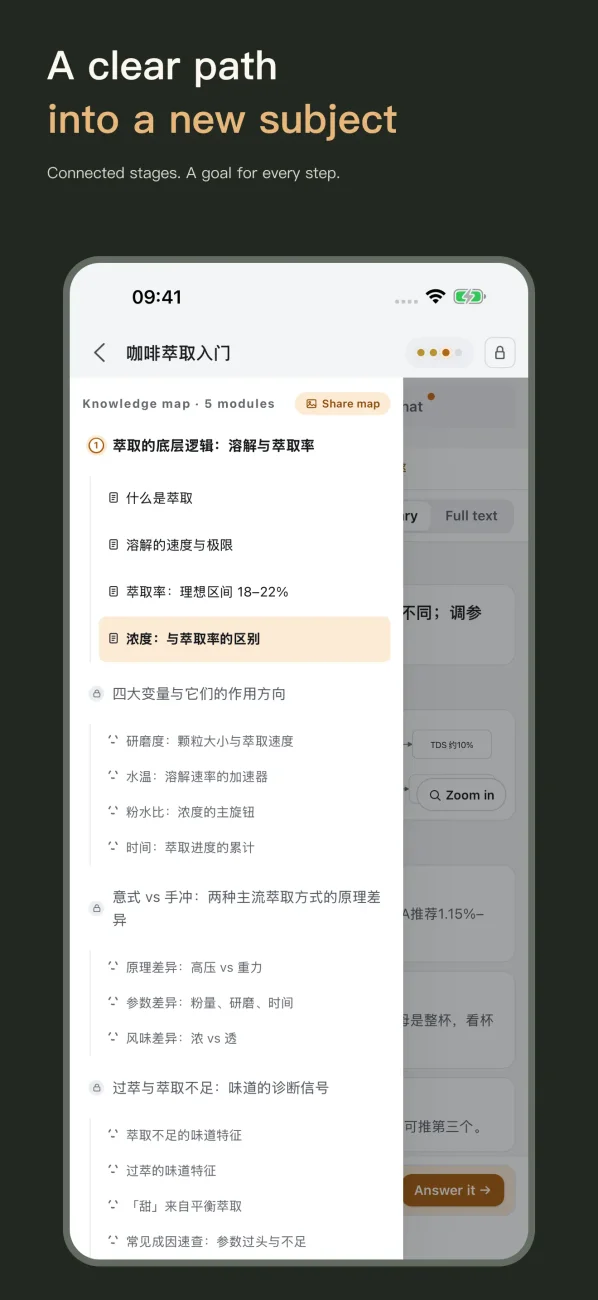
See your learning path
Tell AI what you want to understand, what you already know, and how you plan to use it. Review your study plan and learning map, with connected stages and a clear goal for each step.
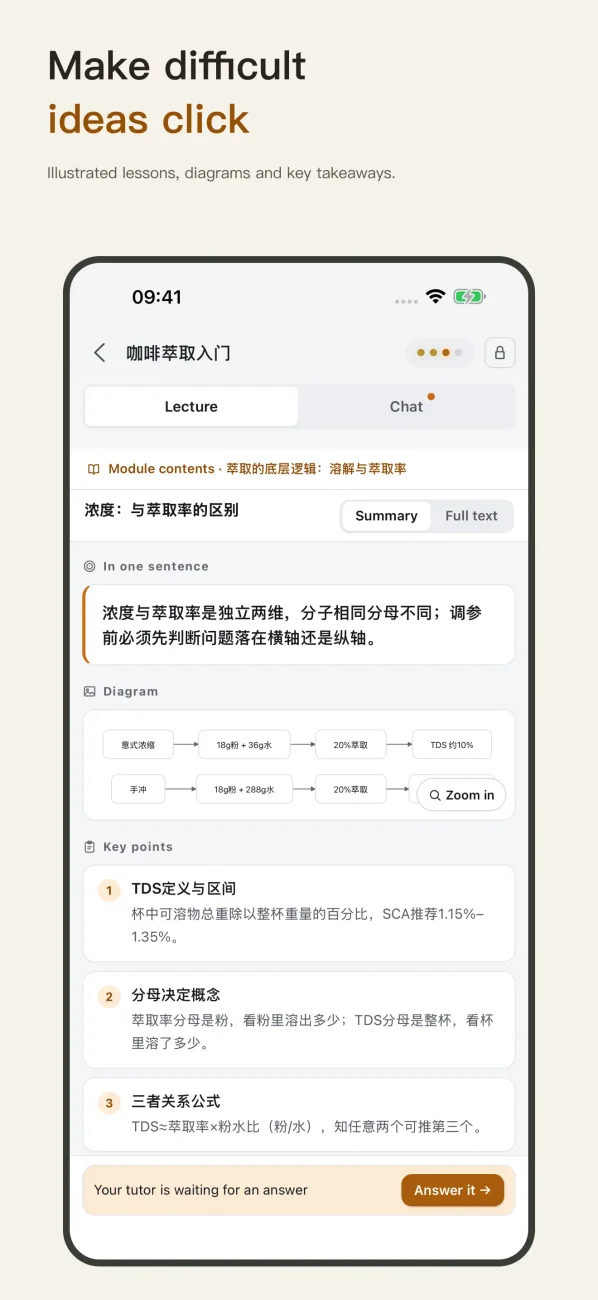
Make sense of difficult ideas
Read lessons for your current stage, with examples and explanatory diagrams. New lesson figures are planned and checked against the teaching goal. The finished text and figures arrive together, with progress visible while they are being prepared.
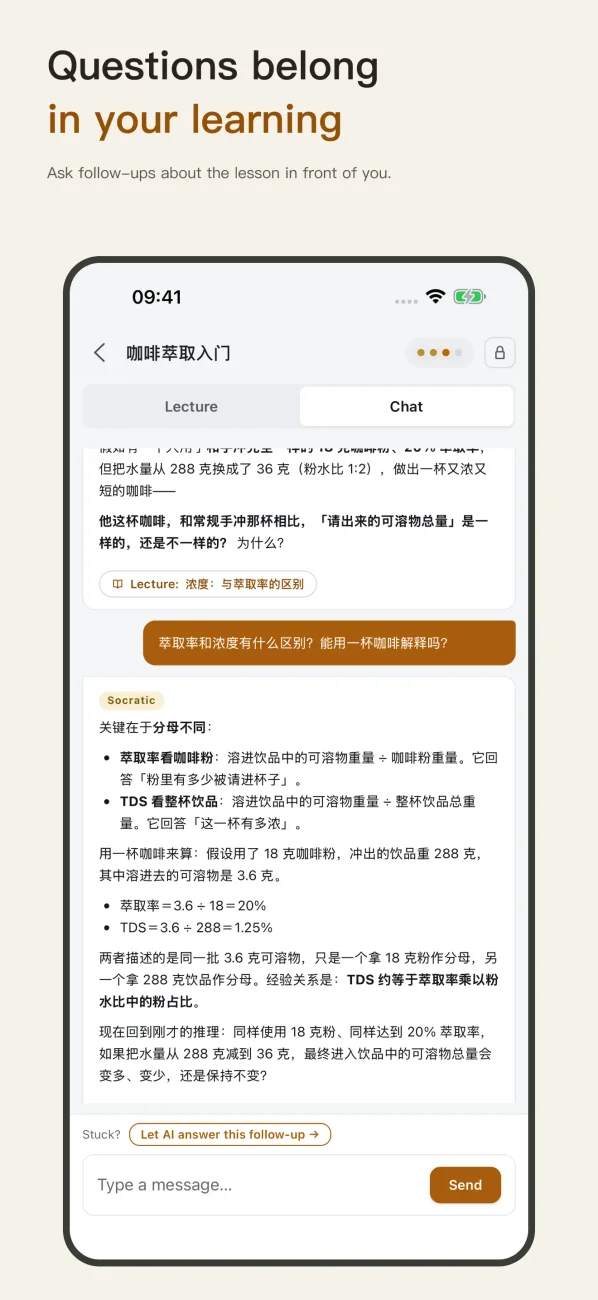
Ask as you learn
Ask AI to explain a term, try another example, or break down a difficult point in the current material. Your course keeps your progress so you can return to where you left off.
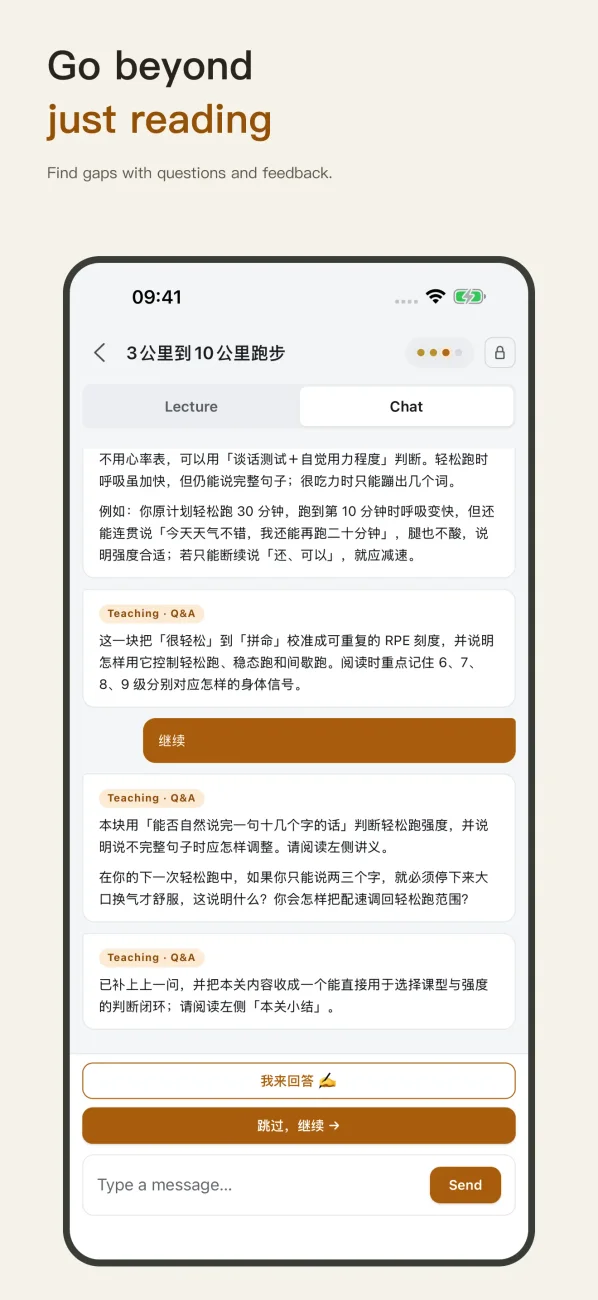
Check what you understand
Use quizzes and feedback to find gaps. At the end, explain ideas in your own words and respond to AI follow-up questions to connect what you have learned.
Keep your learning useful
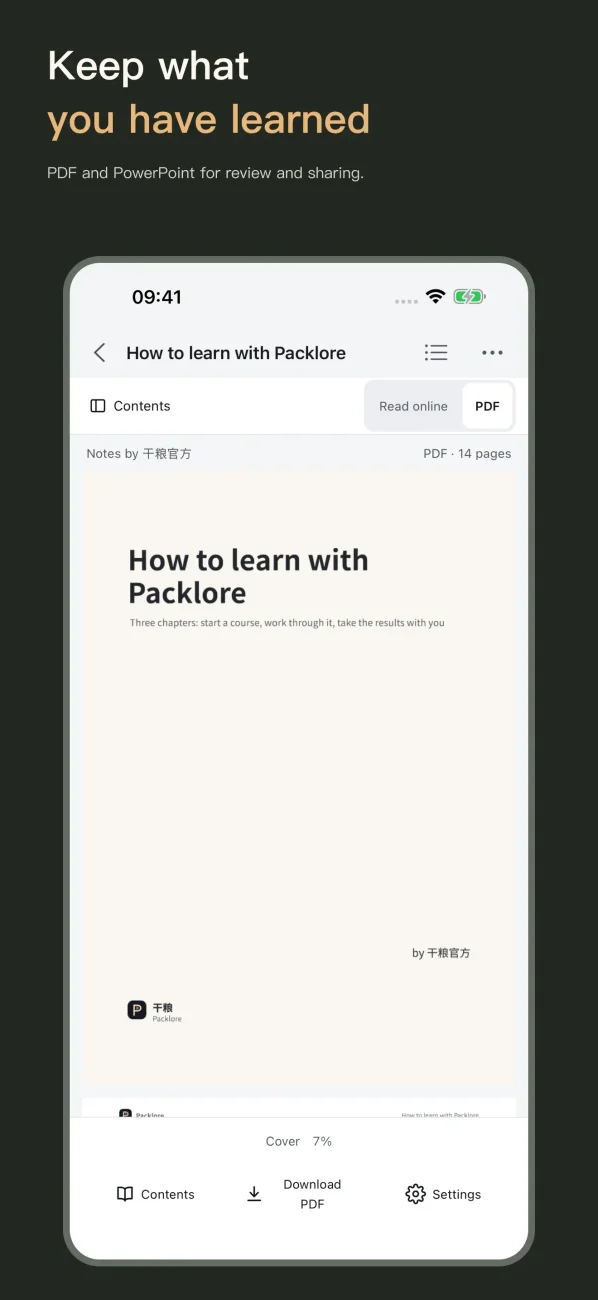
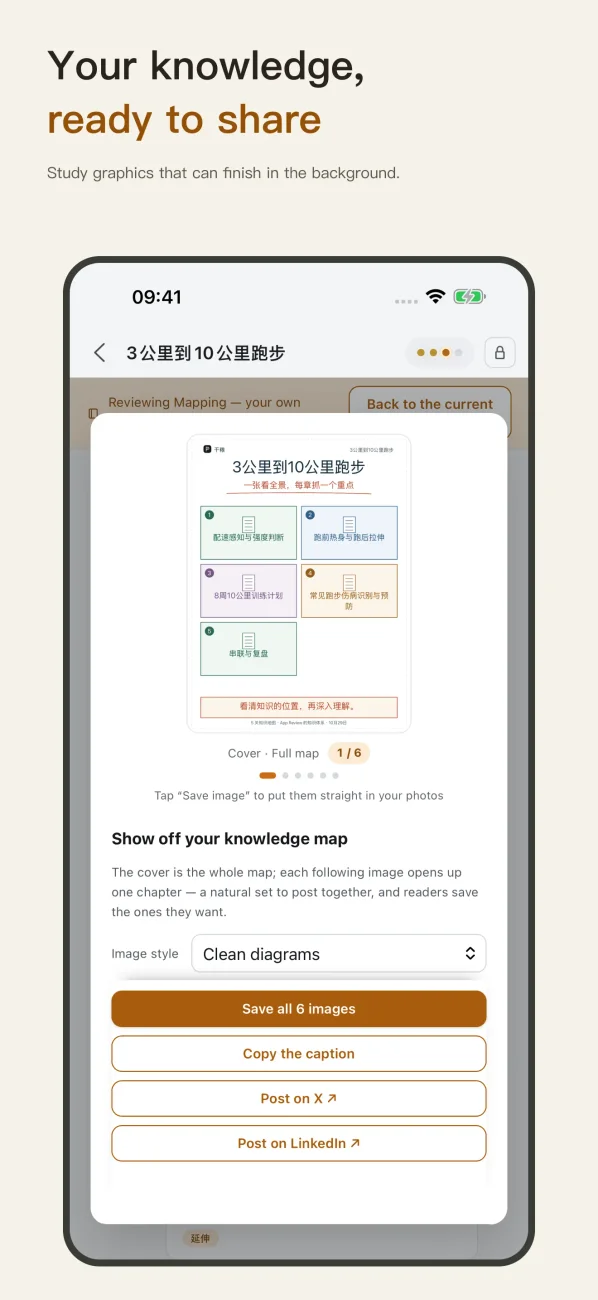
Your portfolio brings together lessons, notes, summaries and next steps. Export a PDF or generate a PowerPoint presentation for review and sharing. Turn learning maps or chapters into study graphics, with background generation and results available in your message center.
Discover a starting point
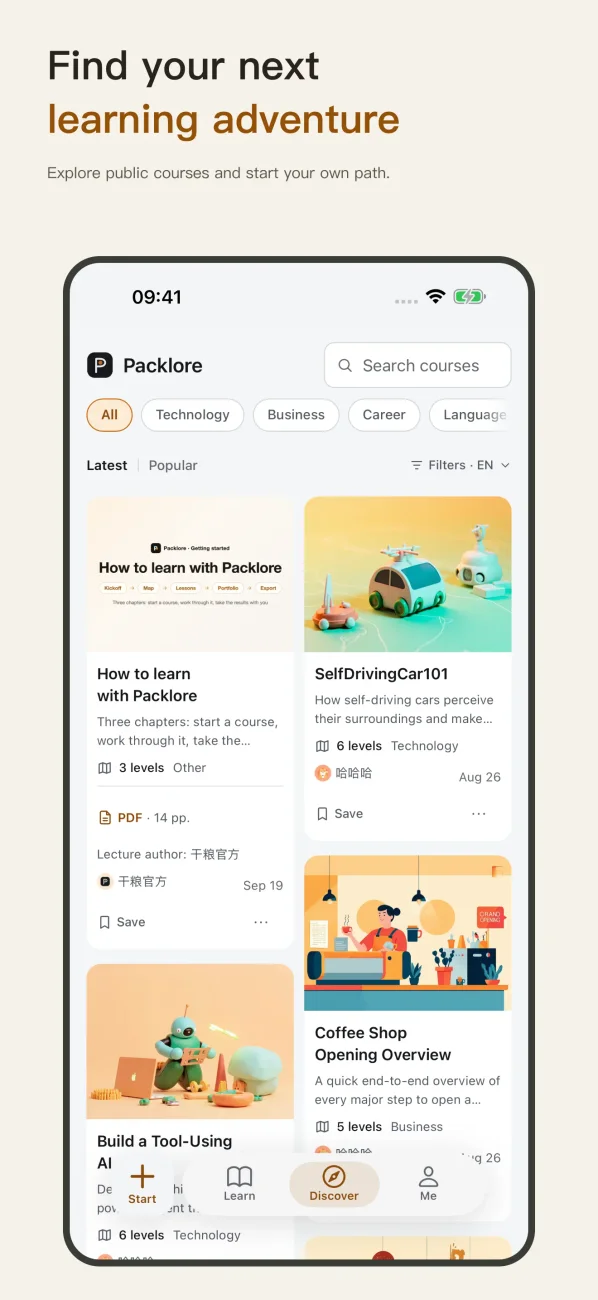
Browse public courses in a two-column feed. Compare covers, summaries and stages, save a course or begin your own learning. Find and read shared PDF and PowerPoint resources when available.
Choose what you share
Learning content is private by default. Choose whether to publish a course and whether to share its lessons and notes.
Start with something you really want to understand. Give your learning a path with Packlore.
What’s new
Version 1.13 · Nov 2, 2026
Improved layouts for foldable screens. View lessons, learning maps, or Feynman questions alongside the conversation when space allows. Keep drafts and your selected chapter when folding or resizing. Navigation now respects the safe area on each side of the display.
App privacy
What Beijing Kaola Wenwen Technology Co., Ltd. declares on the App Store about how this app handles data.
-
Data linked to you
May be collected and linked to your identity.
- Contact info
- User content
- Identifiers
-
Data not linked to you
May be collected but is not linked to your identity.
- Usage data
- Diagnostics
Privacy practices may vary, for example with the features you use or your age.
Information
- Seller
- Beijing Kaola Wenwen Technology Co., Ltd.
- Category
- Education
- Version
- 1.13
- Updated
- Nov 2, 2026
- Released
- Aug 23, 2026
- Size
- 33.4 MB
- Requires
- iOS 15.0 or later
- Age rating
- 4+
- Languages
- English
- Copyright
- © 2026 李殿斌
You might also like
-
 Japanese Slideshow: SentencesAuto-play sentences with kana
-
 ことバードEducation
-
 Violingo: Learn LanguagesLearn Through Shows You Love
-
 DailyCourse: Learning JournalYour quiet learning companion
-
 2hongo: Learn JapaneseJapanese: Beginner to Advanced
-
 五十音图大作战-零基础学日语平假名与片假名罗马音发音听写入门听写五十音以及日语听力练习,手写描红看笔顺,边玩边记平片假名
-
 Lingo Repeta: Spanish JapaneseVocabulary flashcards & JLPT
-
 Kana Juku: Kana KeyboardOn-Device AI · Kana Mastery
-
 五十音学习 - 趣味日语入门Education
-
 Locale: Speak like a LocalImmersive Language Learning