- Age rating4+
- CategoryProductivity
- DeveloperPhysicsway Education LLC
- LanguagesEnglish
- Size843.0 KB
Links to the official App Store page
Download.org hosts no file of PageScan. The button opens its official App Store page, published by Physicsway Education LLC. Listing last checked on Nov 12, 2026.
Screenshots
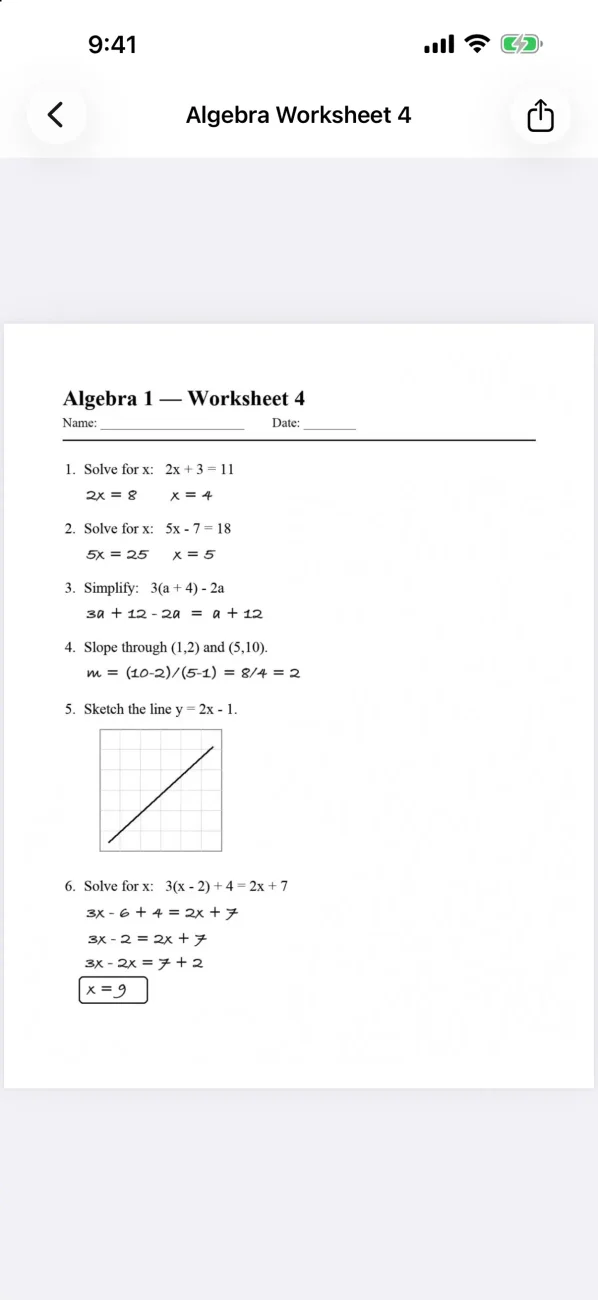
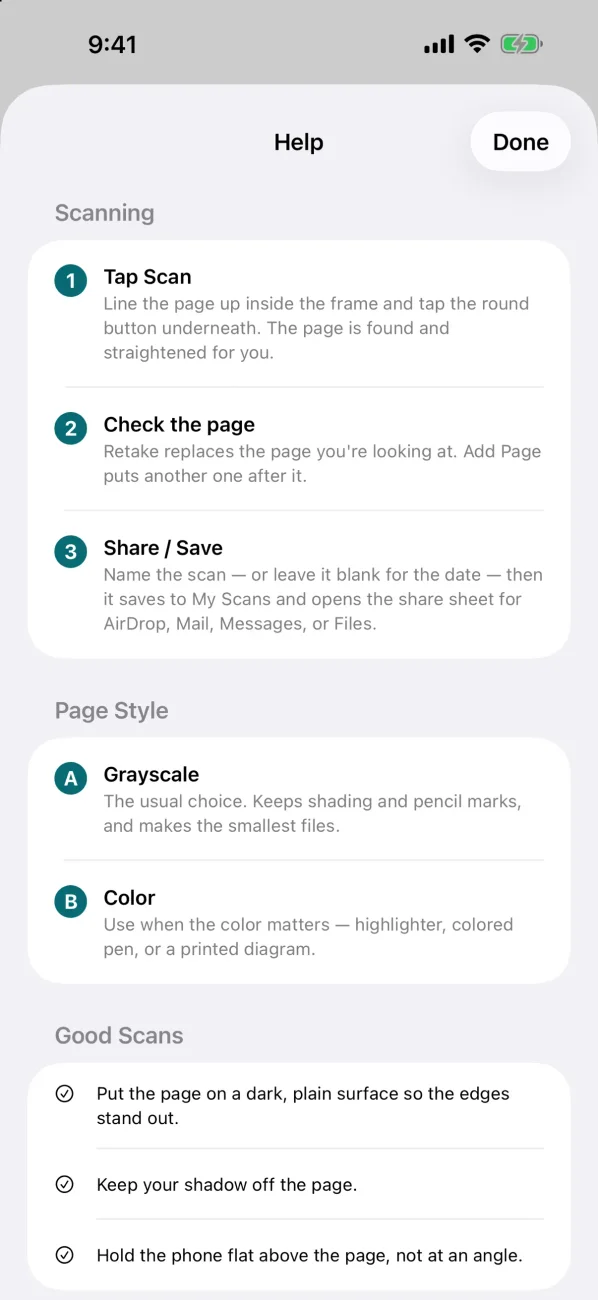
About
PageScan turns your homework into a clean PDF in three taps.
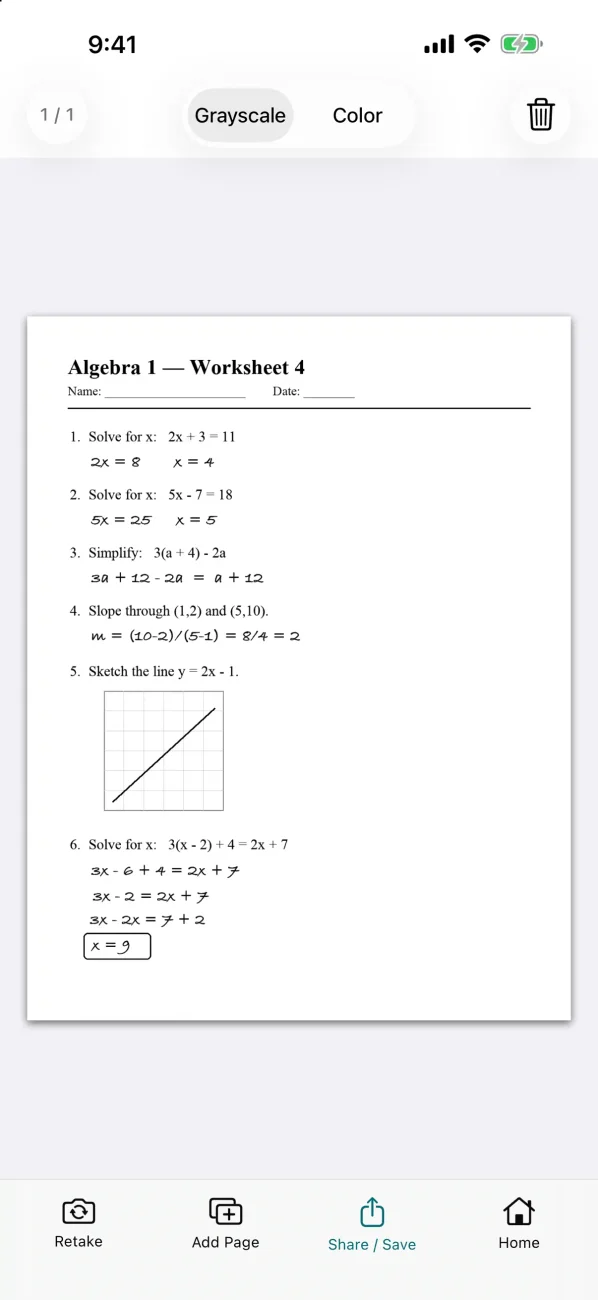
Line the page up, tap the button, and PageScan finds the edges, straightens the page, and drops out the shadows — so what you hand in looks like a scan, not a photo of a desk.
SIMPLE ON PURPOSE
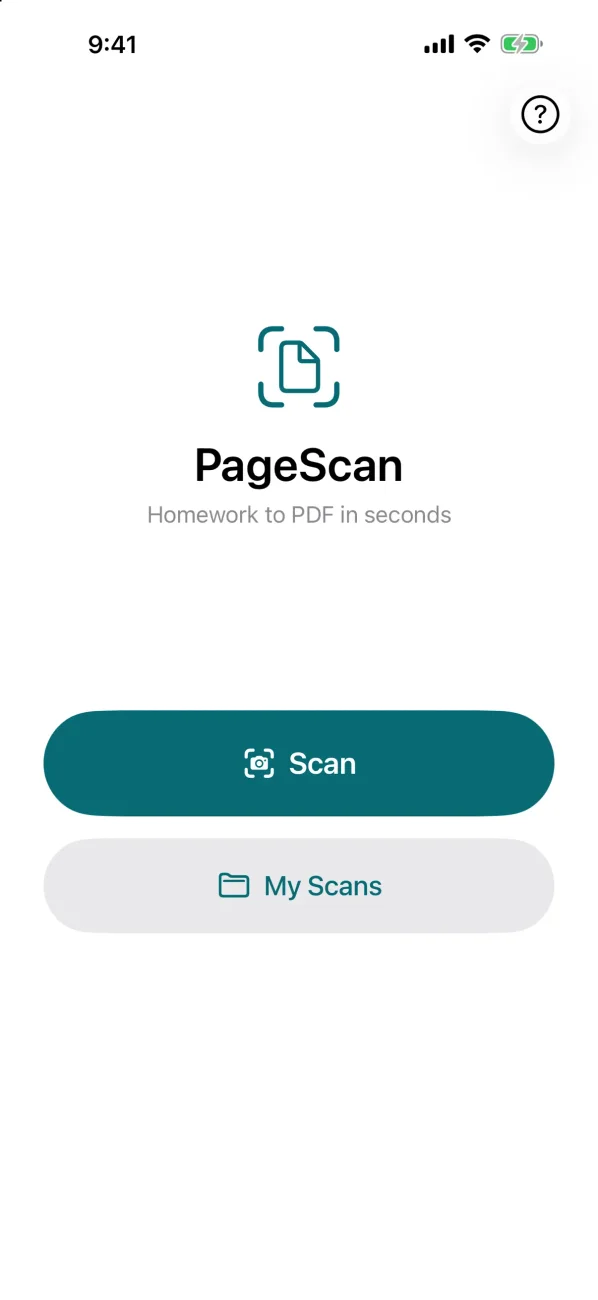
Two buttons on the home screen. Four on the preview. No settings to configure, no menus to learn, nothing to sign up for. It does one job.
BUILT FOR HANDWRITTEN WORK
Most scanner apps are made for printed documents. PageScan is tuned for worksheets and handwriting: pencil stays visible, paper goes white, and letters come out solid black instead of grey.
• Grayscale for everyday work, and the smallest files
• Color when it matters — highlighter, coloured pen, printed diagrams
• Every page saved as US Letter, so it prints and uploads properly
MULTI-PAGE
Add as many pages as the assignment needs. Retake one that came out badly, delete one you didn't want, and it all becomes a single PDF.
NAME IT AND SEND IT
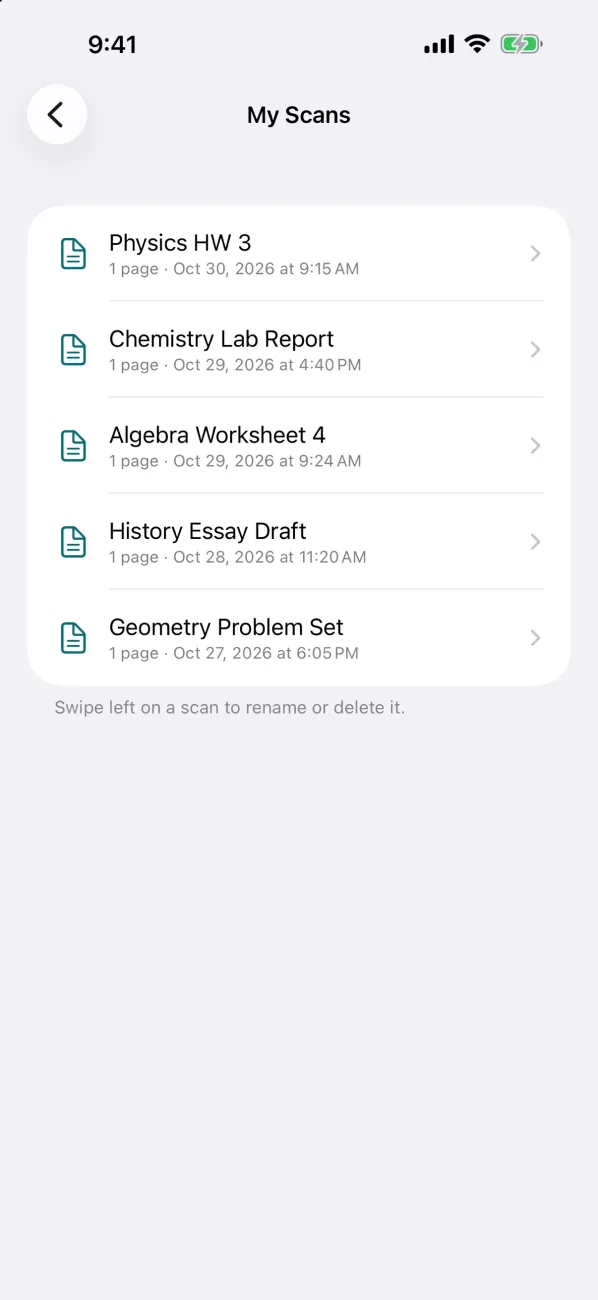
Give the scan a name when you save — "Algebra Worksheet 4" rather than a timestamp — then share straight to Google Classroom, Canvas, Mail, Messages, AirDrop, or Files. Rename anything later from My Scans.
SEARCHABLE
Printed text on each page is read and embedded invisibly in the PDF, so you and your teacher can search inside it and copy from it.
PRIVATE BY DESIGN
No account. No sign-up. No ads. No analytics. No cloud. Your scans are written to your phone and stay there unless you share them yourself. PageScan does not collect any data at all.
NO AI ANSWERS
PageScan does not solve your homework. It scans it. It's the tool a teacher is happy to see you using.
What’s new
Version 1.0.1 · Nov 4, 2026
• Pages with a folded or dog-eared corner now come out as a full, square page.
• Cleaner page edges.
• A fresh teal look and a new app icon.
• A simpler Home screen.
• A tip in My Scans shows how to rename or delete a scan.
• Small fixes and improvements.
App privacy
What Physicsway Education LLC declares on the App Store about how this app handles data.
-
Data not collected
The developer does not collect any data from this app.
Privacy practices may vary, for example with the features you use or your age.
Information
- Seller
- Physicsway Education LLC
- Category
- Productivity
- Version
- 1.0.1
- Updated
- Nov 4, 2026
- Released
- Aug 20, 2026
- Size
- 843.0 KB
- Requires
- iOS 17.0 or later
- Age rating
- 4+
- Price
- Free
- Languages
- English
- Copyright
- © 2026 Physicsway Education LLC
You might also like
-
 WorkoutBuddy: AI Fitness CoachBuild habits. Hit your goals.
-
 SCRAM TouchPointCommunicate with your officer
-
 TwistleKeep your health on track.
-
 WeParent by SupportPayShare Schedules & Communicate
-
 HotSchedules LogbookProductivity
-
 Workforce MobileProductivity
-
 Random NotificationProductivity
-
 DeepAI: AI Chat, Image & VideoAI Call, Video & Text Gen
-
 Scan.Plus - Doc & PDF ScannerAI Docs scanning & OCR Scan
-
 GPAI: AI agent for campus lifeExams, Assignments & Teamwork