Paint by Moonlight
Paint by numbers from photos
Designed for iPhone, iPad
Free · In-app purchases
- Age rating4+
- CategoryEntertainment
- DeveloperPaul Bordjadze
- LanguagesEnglish+ 10 more
- Size85.9 MB
Links to the official App Store page
Download.org hosts no file of Paint by Moonlight. The button opens its official App Store page, published by Paul Bordjadze. Listing last checked on Nov 28, 2026.
Screenshots
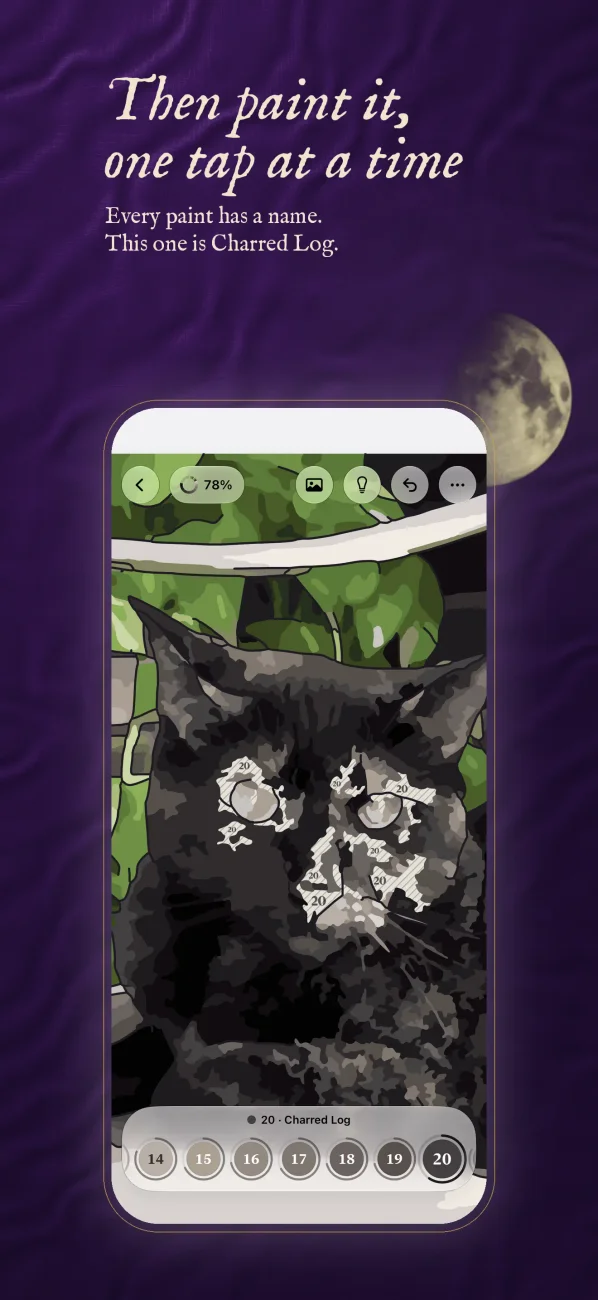
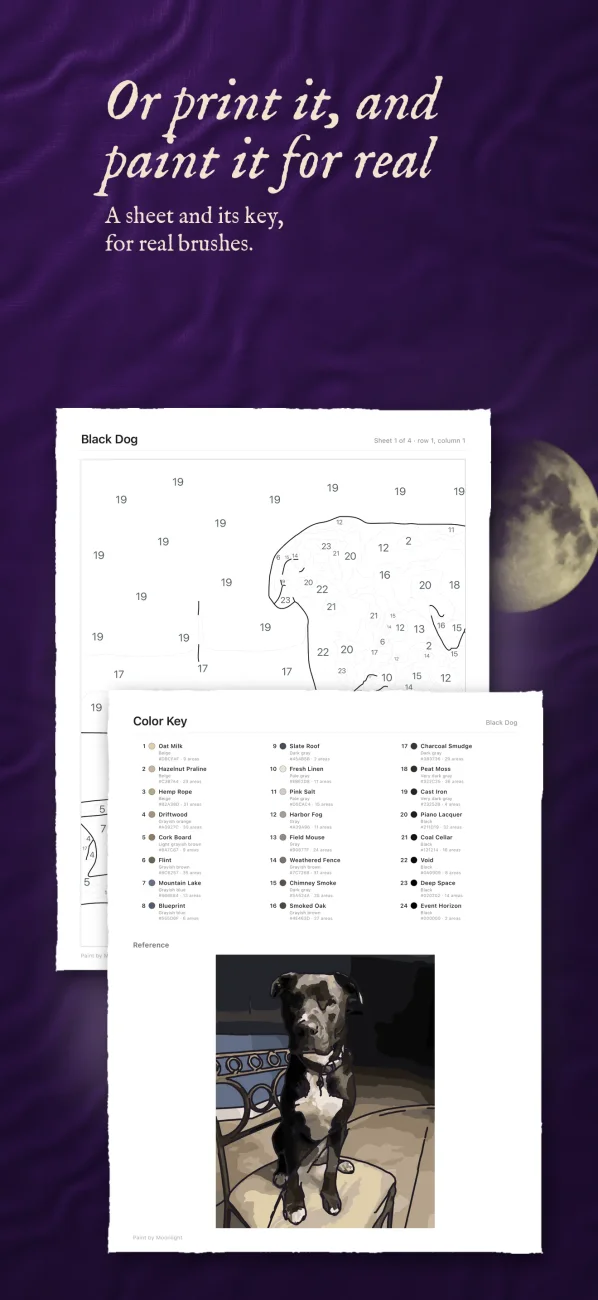
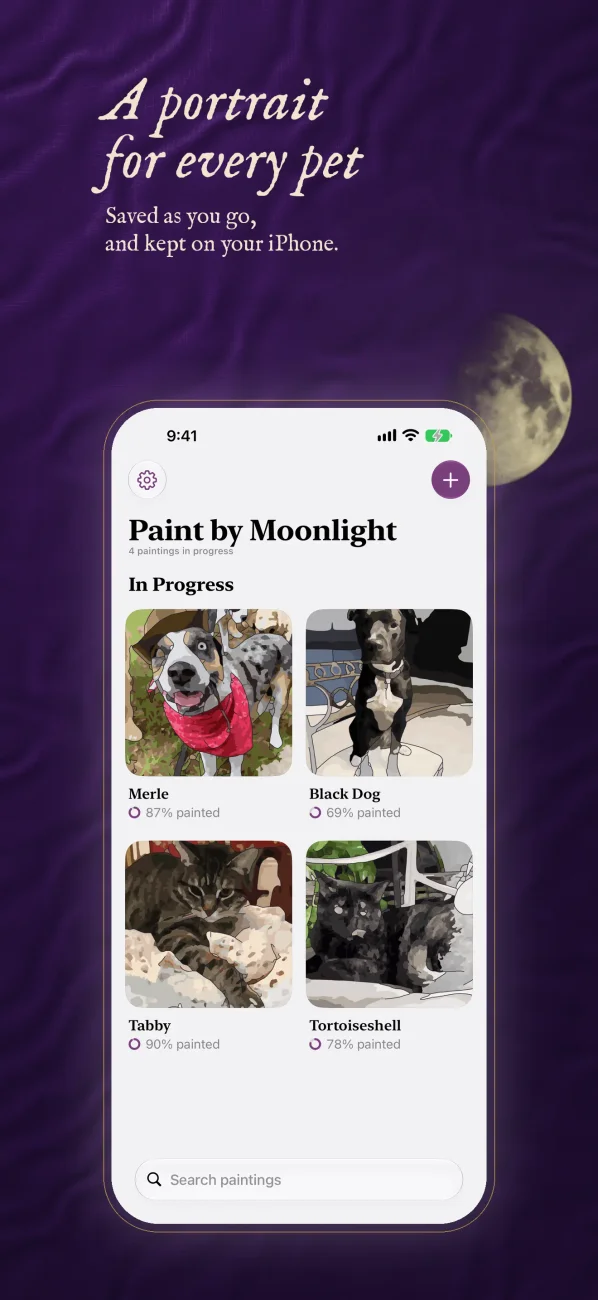
About
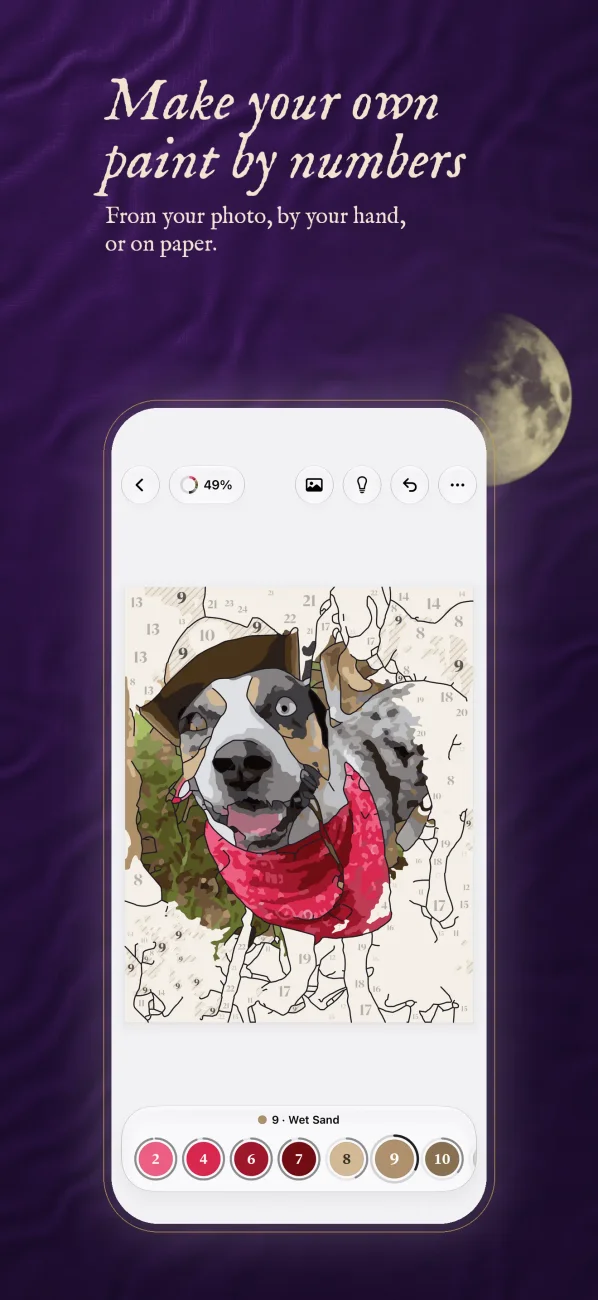
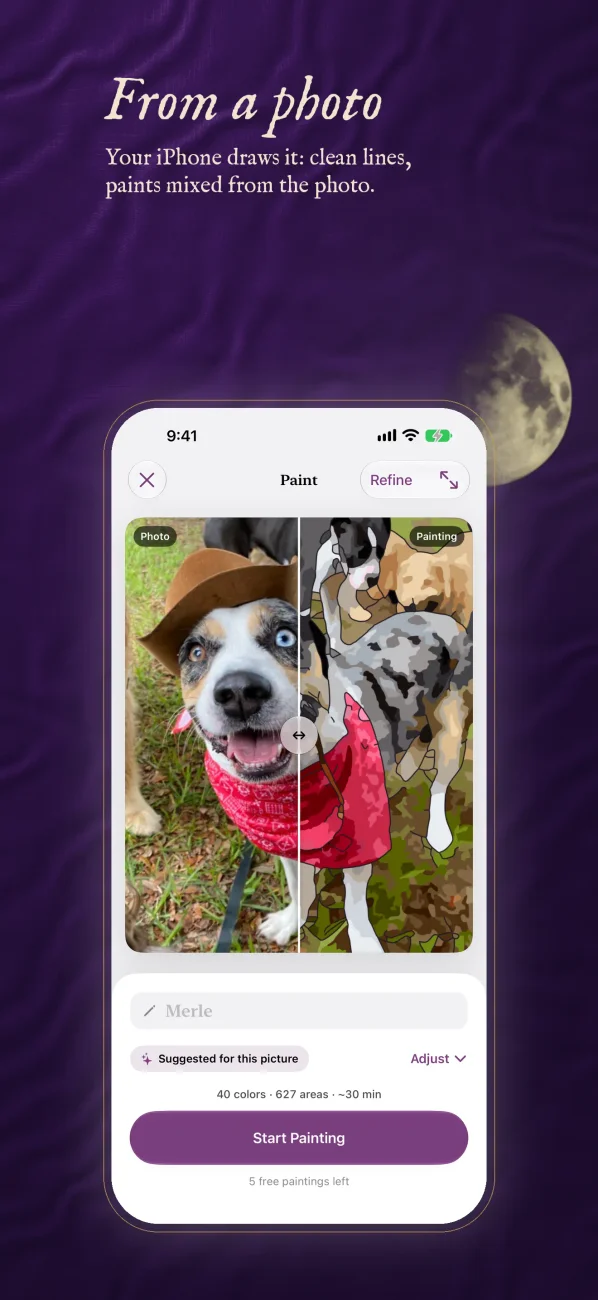
Turn any photo into your own paint by numbers. Your iPhone or iPad draws your dog, your garden or your family as a coloring book, with clean lines, numbered areas and paints mixed from the photo itself, each with a name of its own, like Corn Husk or Inkpot.
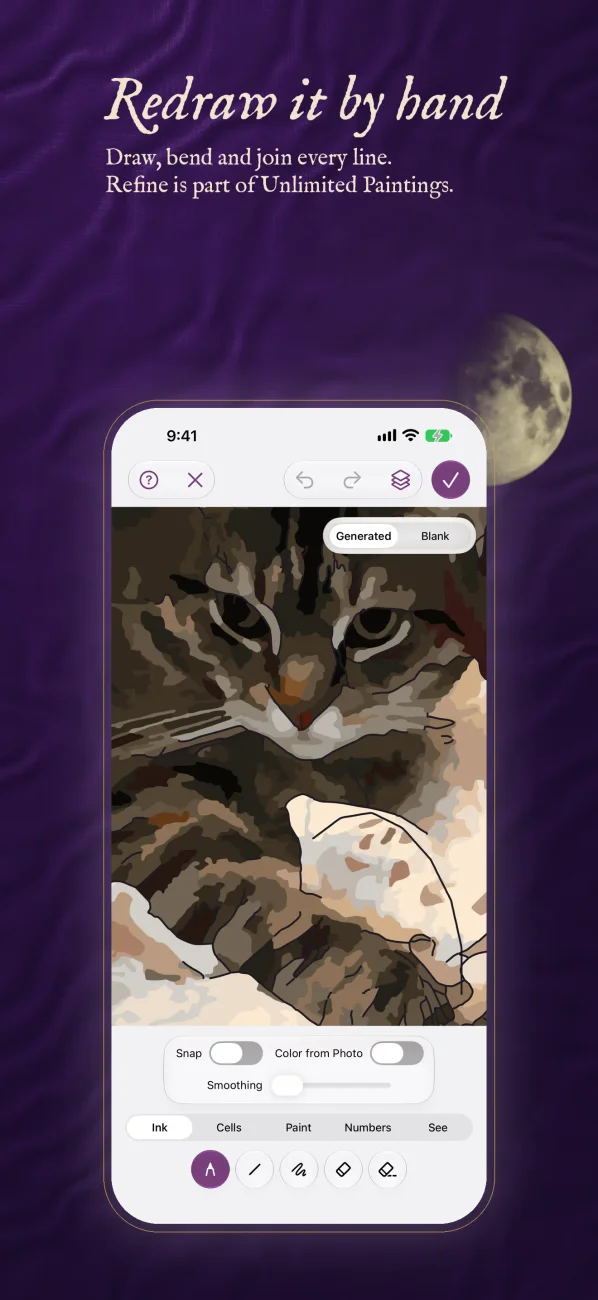
BY HAND. Change the drawing yourself, as an artist would: draw lines with your finger or Apple Pencil, bend them, split and join areas, and pick each paint. Or start from a blank page and draw your own picture to paint. The Tool Guide teaches every tool with a picture to practise on.
ON PAPER. Print the template with a key to its colors, and paint it with real paints.
Then fill it in, one calm tap at a time.
MADE FROM WHAT YOU LOVE
• People and pets: the drawing closes their outlines, spends more colors and detail on them, and draws people's eyes.
• Handwriting in your photo, like a note or a card, is traced in ink and kept clear of the numbers, so a love note stays readable.
• Choose Quick, Relaxed or Detailed in Settings, and each new painting's colors, detail and smoothness are suggested to match. A painting you haven't begun can be made quicker or more detailed in place.
• Take a photo, pick one from your library, or open one from Files or another app.
CALM, SATISFYING PAINTING
• Tap an area to fill it, or touch and hold, then drag to paint along.
• On iPad, Apple Pencil paints while your fingers move around the canvas.
• Hint finds the next area of your color; Zen Mode glides there for you.
• Peek at your photo whenever you like.
• Soft sounds with every fill, and haptics on iPhone.
• Dark paper for painting at night, and three line weights.
• When you're done, replay your painting from the first fill and share it as a time-lapse.
• Turn on The Making-of in Settings to watch your photo become a painting, step by step.
A LIBRARY TO START FROM
44 public-domain pictures are built in: paintings and prints by Hokusai, Van Gogh, Vermeer, Monet, Cézanne and Hiroshige, and photographs of national parks, wildlife and the Earth from space.
SHARE IT YOUR WAY
• Print the template, with a key to its colors, and paint it with real paints.
• Send a blank copy to a friend to paint in the app, with your photo if you like.
• Save or share the finished picture.
FREE TO START
Five paintings are free, and a free one comes back each day, up to five. A one-time purchase unlocks unlimited paintings and the drawing tools. No subscription.
PRIVATE BY DESIGN
Every painting is made right on your iPhone or iPad, and your photos stay there unless you choose to share them. No account, no ads, no tracking, and it works offline. Nothing is uploaded except feedback you review and choose to send.
Built for VoiceOver, Dynamic Type and Reduce Motion, with keyboard shortcuts on iPad.
What’s new
Version 1.6 · Nov 26, 2026
Gentler: the wait for your painting is calmer, and the menu stays smooth.
• The short Making-of is softer: a slower pencil, lines that fuse in gently, a moment's rest before the picture lifts, and fewer stars.
• Choosing a Painting Length no longer freezes the menu while your painting catches up.
• Smaller touches and fixes.
App privacy
What Paul Bordjadze declares on the App Store about how this app handles data.
-
Data not linked to you
May be collected but is not linked to your identity.
- User content
- Diagnostics
Privacy practices may vary, for example with the features you use or your age.
Information
- Seller
- Paul Bordjadze
- Category
- Entertainment
- Version
- 1.6
- Updated
- Nov 26, 2026
- Released
- Nov 9, 2026
- Size
- 85.9 MB
- Requires
- iOS 26.0 or later
- Age rating
- 4+
- Price
- Free
- In-app purchases
- Yes
- Languages
- English, Dutch, French, German, Italian, Japanese, Korean, Portuguese, Simplified Chinese, Spanish, Traditional Chinese
- Copyright
- © 2026 Paul Bordjadze
You might also like
-
 art-fill: Paint by NumbersCalm painting from your photos
-
 StreamClientA Dispatcharr client
-
 Nicola's Number CanvasPaint Your Photos
-
 ColorArt-Easy ColoringAwaken Your Inner Artist
-
 DramaHitsDrama Pendek
-
 Coloring Book - Drawing pagesPaint & Relax Art Therapy
-
 Easy and Fun Color By NumberBold and easy color by number
-
 AerioTVLive TV | Movies | Series
-
 KJV Bible ColorColor by Number
-
 Unicorn Coloring Books - ASMRFantasy Unicorn Coloring Games