Panoo: Note Widget & Board
Colorful Sticky Memos on Cork
Designed for iPhone, iPad
Free · In-app purchases
- Age rating4+
- CategoryProductivity
- DeveloperKORAY ALAGOZ
- LanguagesEnglish+ 1 more
- Size60.1 MB
Links to the official App Store page
Download.org hosts no file of Panoo: Note Widget & Board. The button opens its official App Store page, published by KORAY ALAGOZ. Listing last checked on Nov 20, 2026.
Screenshots
About
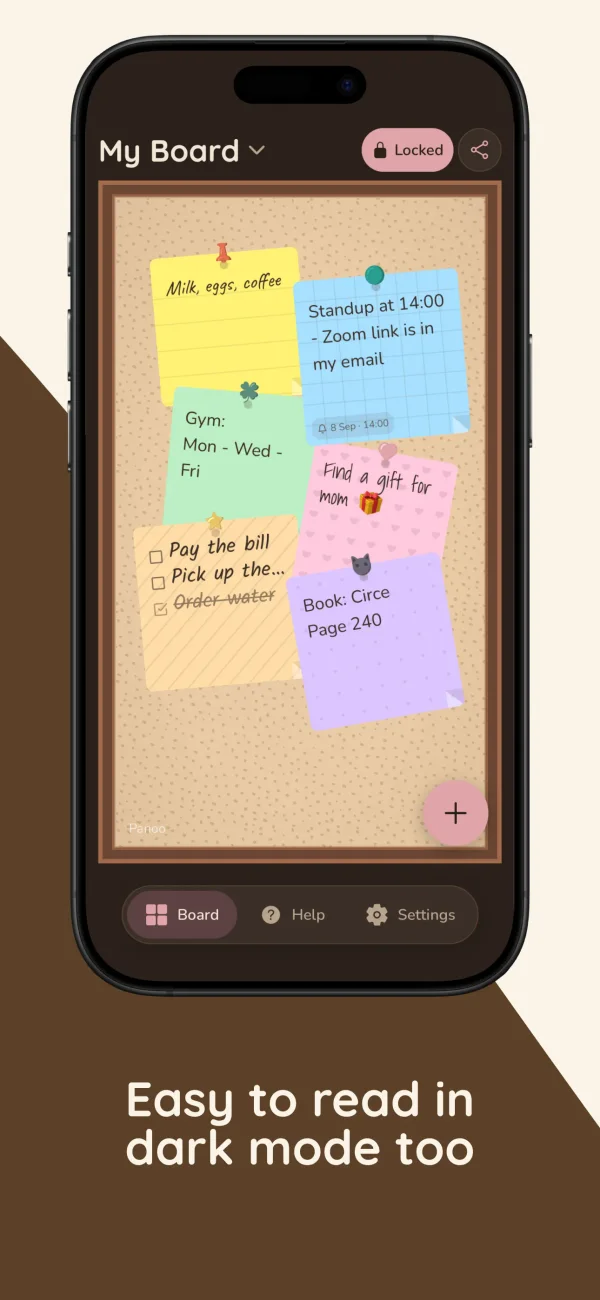
Panoo turns your notes into something you actually want to look at: colorful paper notes, pinned to a warm cork board.
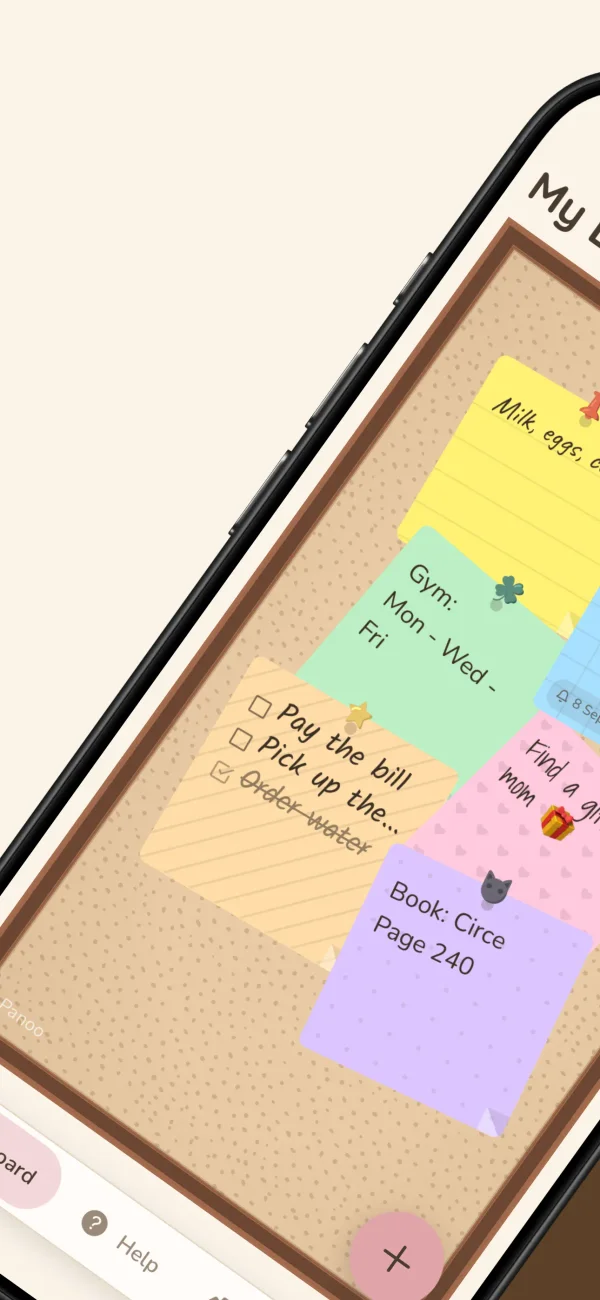
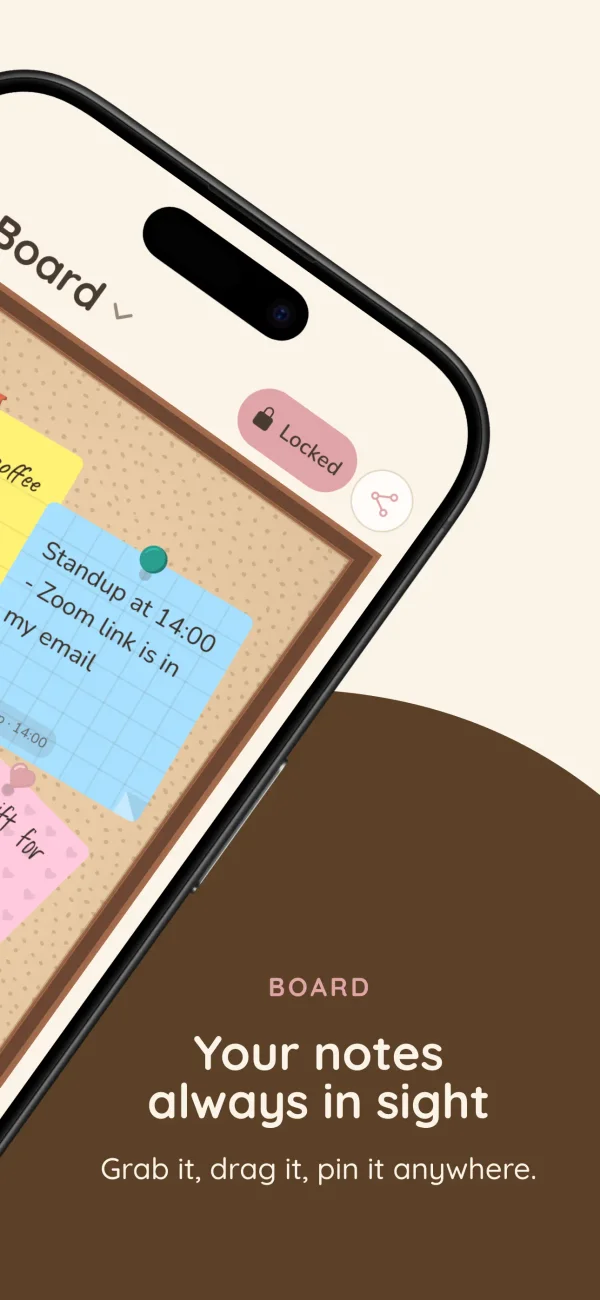
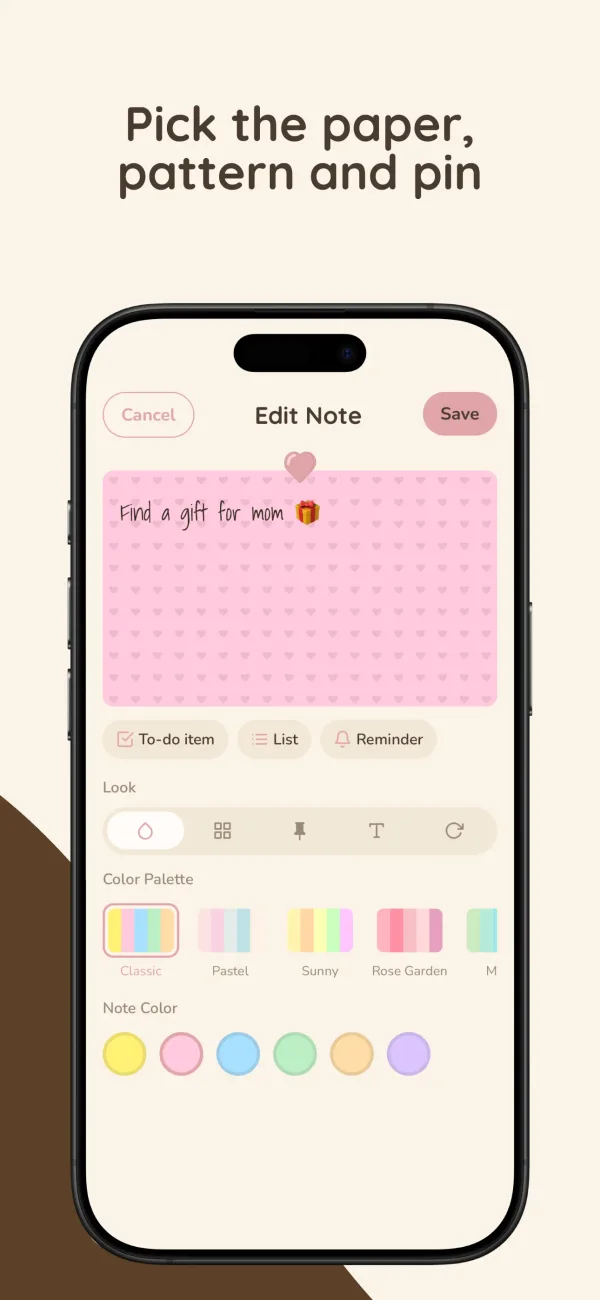
Write a note, choose its paper, its pattern and its pin, then drag it anywhere on the board. It looks like the board above your desk, and that is exactly the point. Notes you can see are notes you remember.
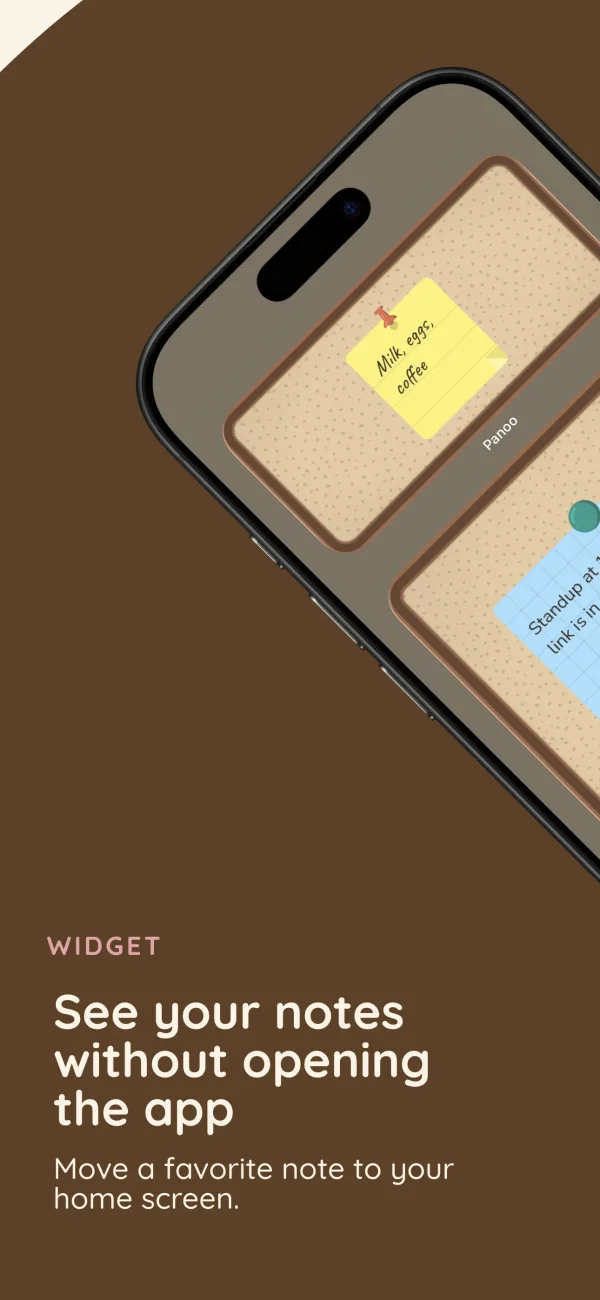
A REAL WIDGET, NOT A SCREENSHOT
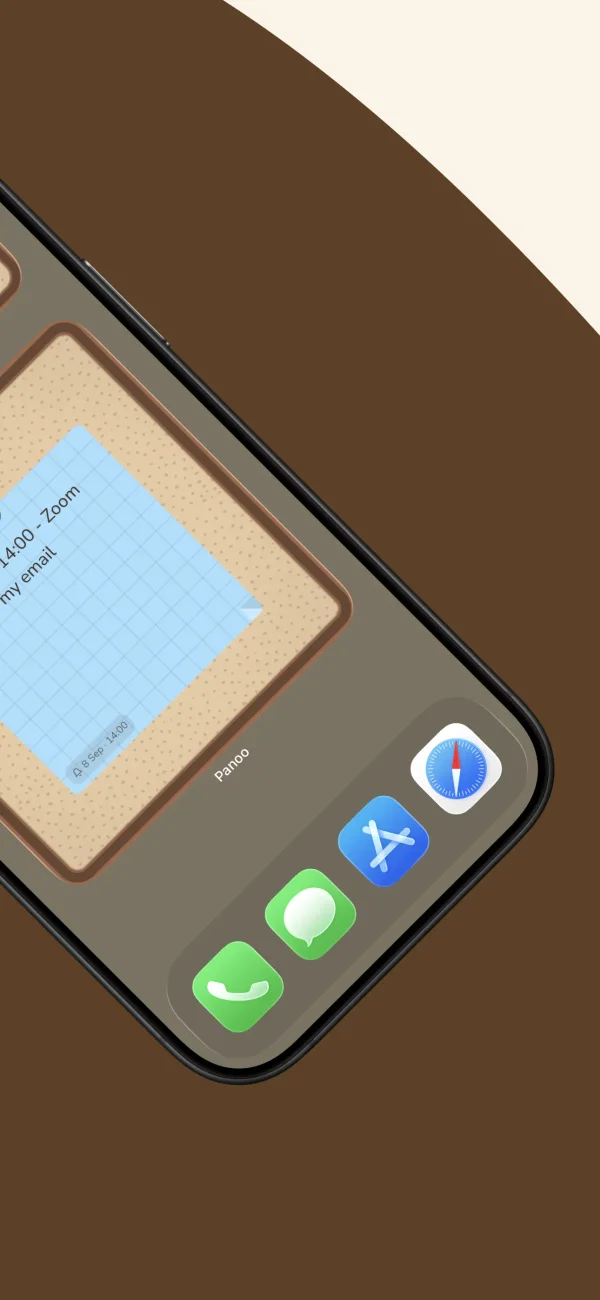
You choose which note goes on your Home Screen. Add several widgets and give each one a different note. Edit the note and the widget updates itself. Small, medium and large on iPhone, plus an extra large size on iPad.
IT SYNCS BETWEEN YOUR DEVICES
Turn on iCloud sync and your notes and boards move between iPhone and iPad on their own. There is no server of ours in between: the data sits in your own iCloud storage. Leave it off and Panoo keeps working completely offline.
YOU BUILD THE BOARD
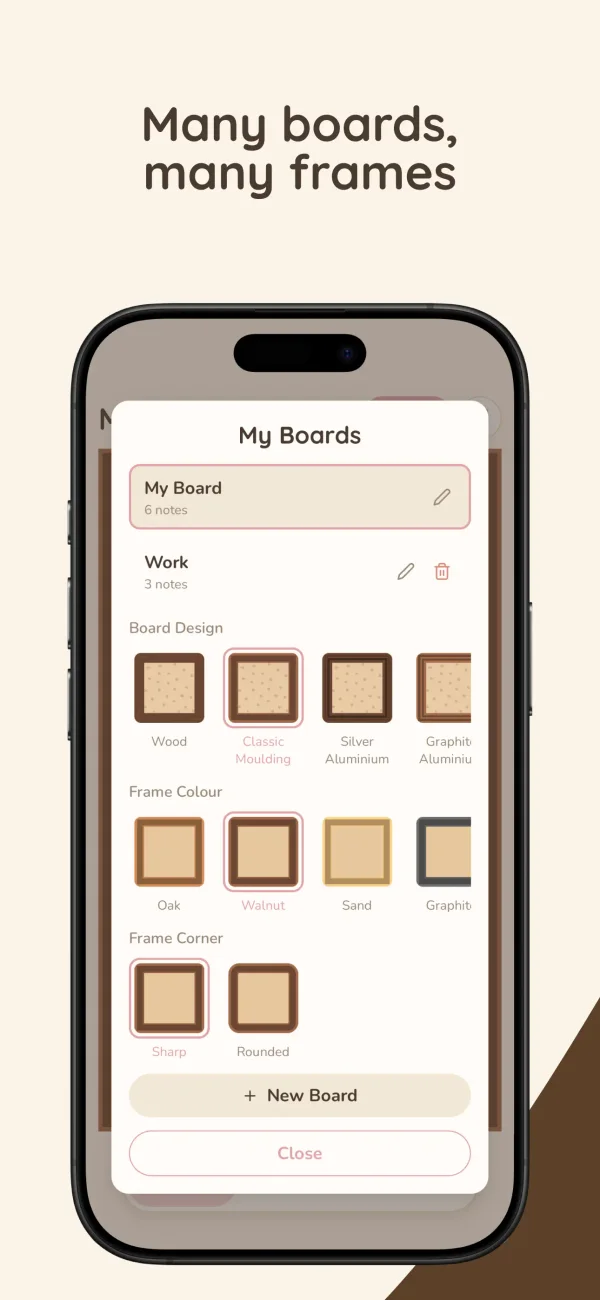
• 7 frame designs: plain wood, classic moulding, rope, aluminium, carved and more
• 16 frame colors and two corner shapes, so hundreds of combinations
• 15 paper patterns: plain, lined, grid, stripes, zigzag, hearts, stars
• 12 pins: classic thumbtacks, glass beads, flowers, stars, even a little cat
• 9 color palettes for your paper
• 4 fonts, including handwriting
• Light and dark theme, both free
MORE THAN A PRETTY BOARD
• Checklists: ticked items get a line through them, visible right on the board
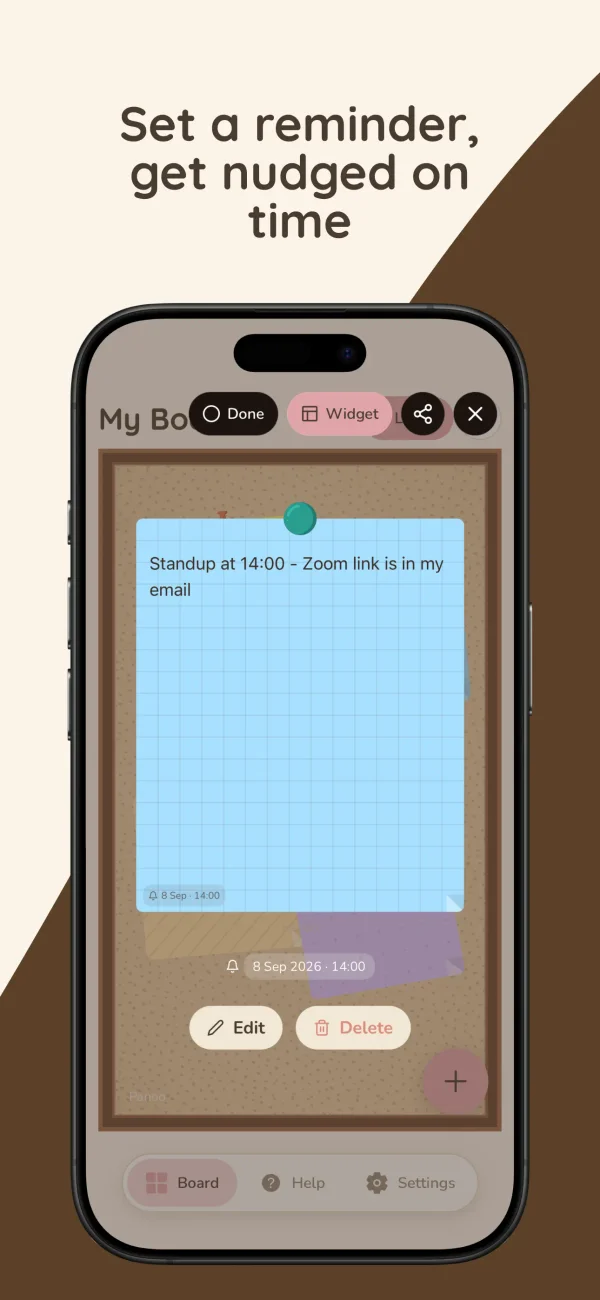
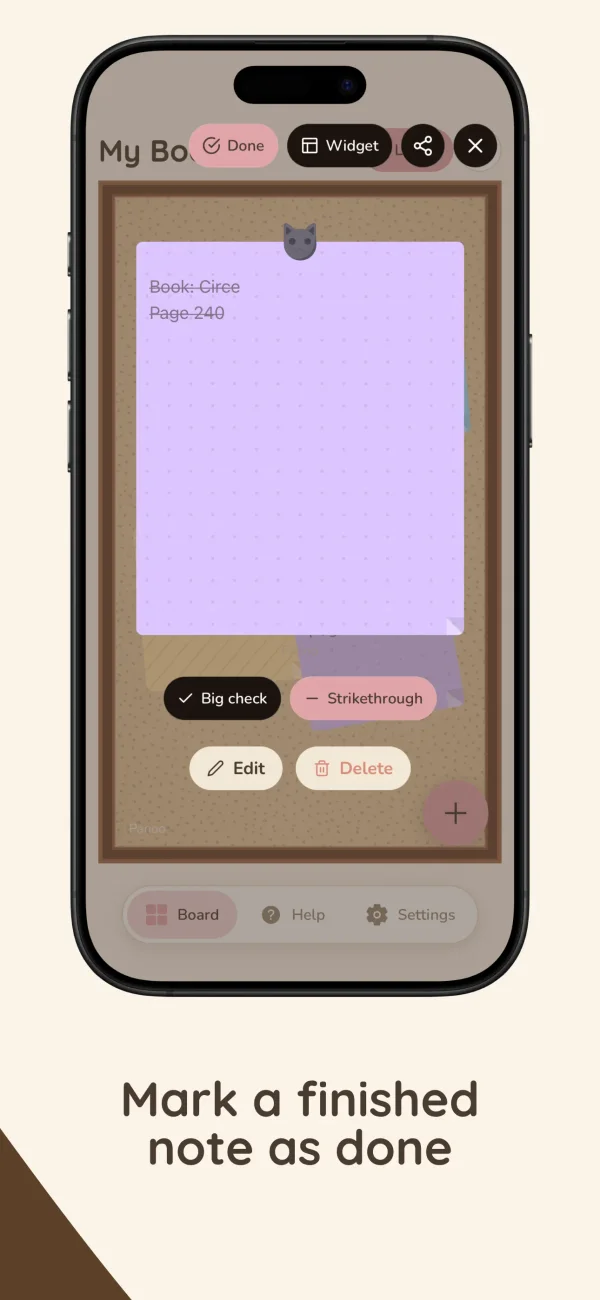
• Mark a finished note as done and spot it on the board at a glance
• Reminders: a notification at the exact time you choose
• Several boards: keep work, home and shopping apart
• Pinch a note to resize it, twist it to any angle
• Share any note as an image
• Landscape on iPhone, and the whole app rotates on iPad
BUILT FOR
• Anyone who keeps paper sticky notes on a desk
• People who live off shopping lists and to-do lists
• Students and workers who want class, meeting and idea notes in plain sight
• Anyone who wants a Home Screen worth looking at
YOUR NOTES STAY YOURS
No account. No sign-up. No ads, not one, in any form.
Panoo never sends your notes to a server of ours. With iCloud sync on, the data only goes to the iCloud storage of your own Apple Account.
FREE AND PREMIUM
Panoo is free to use, and the free version is not crippled: unlimited notes, unlimited boards, unlimited reminders, iCloud sync, light and dark theme, 5 paper patterns, 3 pins, 3 frame designs, 4 frame colors, 2 palettes, 2 fonts and one widget note.
Panoo Premium unlocks the rest: every pattern, pin, frame design and frame color, every palette and font, and as many widget notes as you want.
Premium is a one-time purchase, not a subscription. Pay once and it stays yours; restore it any time on any device signed in to the same Apple Account.
SUPPORT
Questions and ideas: info@koalstudios.com
Privacy Policy: https://koalstudios.com/en/panoo/privacy
Terms of Use: https://koalstudios.com/en/panoo/terms
What’s new
Version 1.1.0 · Sep 9, 2026
Panoo now runs properly on iPad, and your notes sync between your devices over iCloud.
NEW
• iCloud sync: notes and boards move between iPhone and iPad on their own
• iPad support: the whole app rotates, plus an extra large widget size made for iPad
• New frame system: 7 frame designs, 16 frame colors, two corner shapes
• Pins redrawn from scratch
• A guided tour and a Help tab
• Mark a whole note as done
• Pinch a note to resize it and twist it to any angle
• Landscape on iPhone, with a rotation lock
IMPROVED
• The dark theme is now free
• Redesigned bottom menu
• The widget follows the language you picked in the app
• Turkish and English wording reviewed end to end
FIXED
• The widget sometimes showed the month name in the wrong language
• The board frame broke while rotating on iPad
• A ticked checkbox turned into an emoji in the note editor
• Pattern previews ignored the selected paper color
Thanks for the feedback. Ideas or problems: info@koalstudios.com
App privacy
What KORAY ALAGOZ declares on the App Store about how this app handles data.
-
Data not linked to you
May be collected but is not linked to your identity.
- Purchases
- Identifiers
Privacy practices may vary, for example with the features you use or your age.
Information
- Seller
- KORAY ALAGOZ
- Category
- Productivity
- Version
- 1.1.0
- Updated
- Sep 9, 2026
- Released
- Aug 17, 2026
- Size
- 60.1 MB
- Requires
- iOS 16.4 or later
- Age rating
- 4+
- Price
- Free
- In-app purchases
- Yes
- Languages
- English, Turkish
- Copyright
- © 2026 Koal Studios
You might also like
-
 Lock Screen Notes: StickySortRemember To-Dos with Widgets
-
 Glassnote: Sticky NotesYour notes, live in widgets
-
 Cork Board Notes: BoardOnPhotos, links, widget
-
 ClassKeep: Studio ManagementAll-in-one studio & class app
-
 Monkey Remembers: Notes, TasksQuick voice notes & alarms
-
 Habitile: Habit TrackerWidget streaks, routines,daily
-
 Cool NotepadNotes, Tasks & Whiteboards
-
 KEPT save any postKeep posts even after deletion
-
 Bullet Note - Smart NotesBullet notes, tasks & ideas
-
 PeraPlanProductivity