HP Smart Printer App
Wi-Fi Help & Photo Printing
Designed for iPhone, iPad
Free · In-app purchases
- Age rating4+
- CategoryProductivity
- DeveloperPRINTER DART LTD
- Size3.6 MB
Links to the official App Store page
Download.org hosts no file of HP Smart Printer App. The button opens its official App Store page, published by PRINTER DART LTD. Listing last checked on Nov 23, 2026.
Screenshots
About
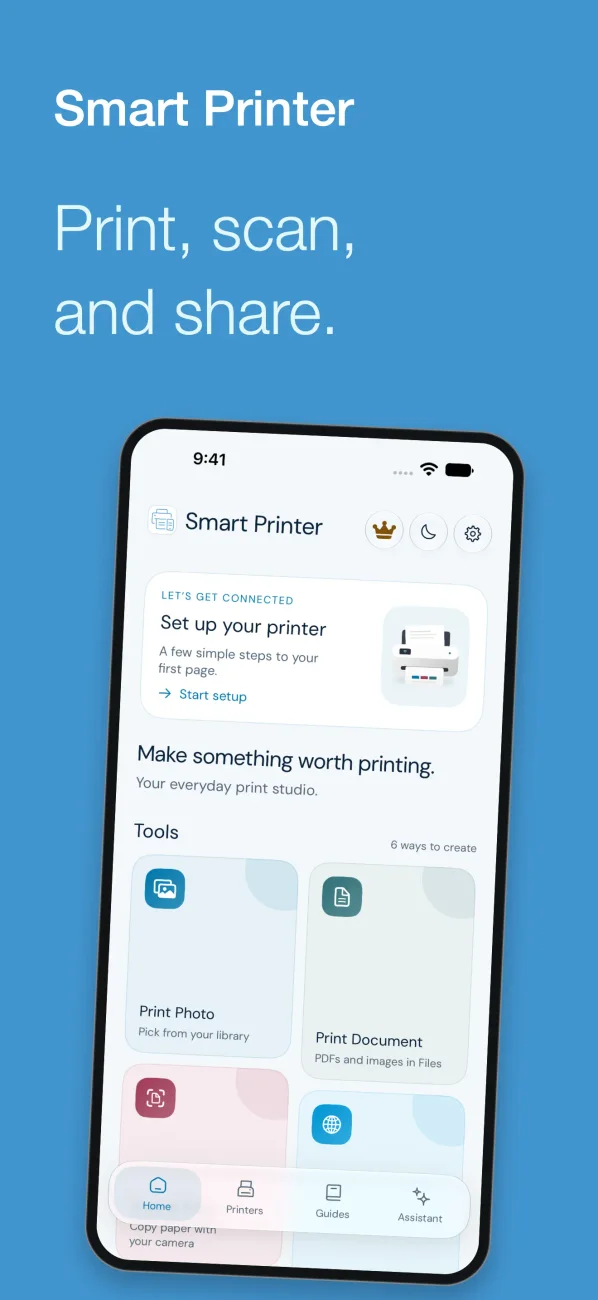
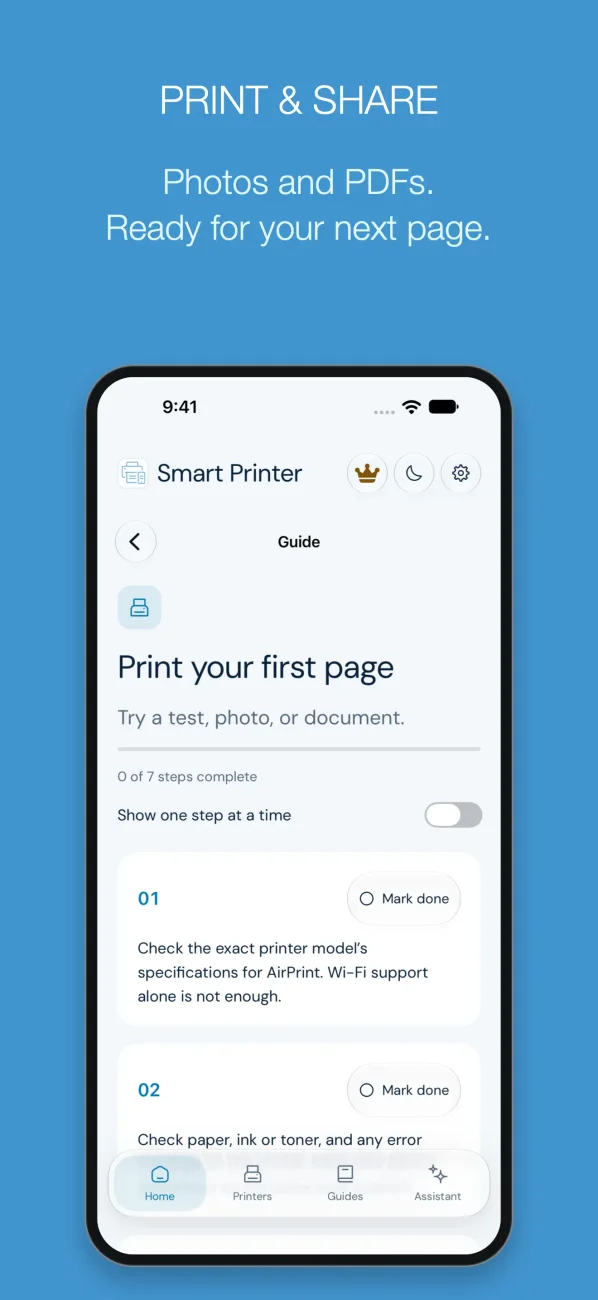
A new printer should feel like a fresh start. Paperkind helps you work through setup, understand your connection, and get to the page you want to print.
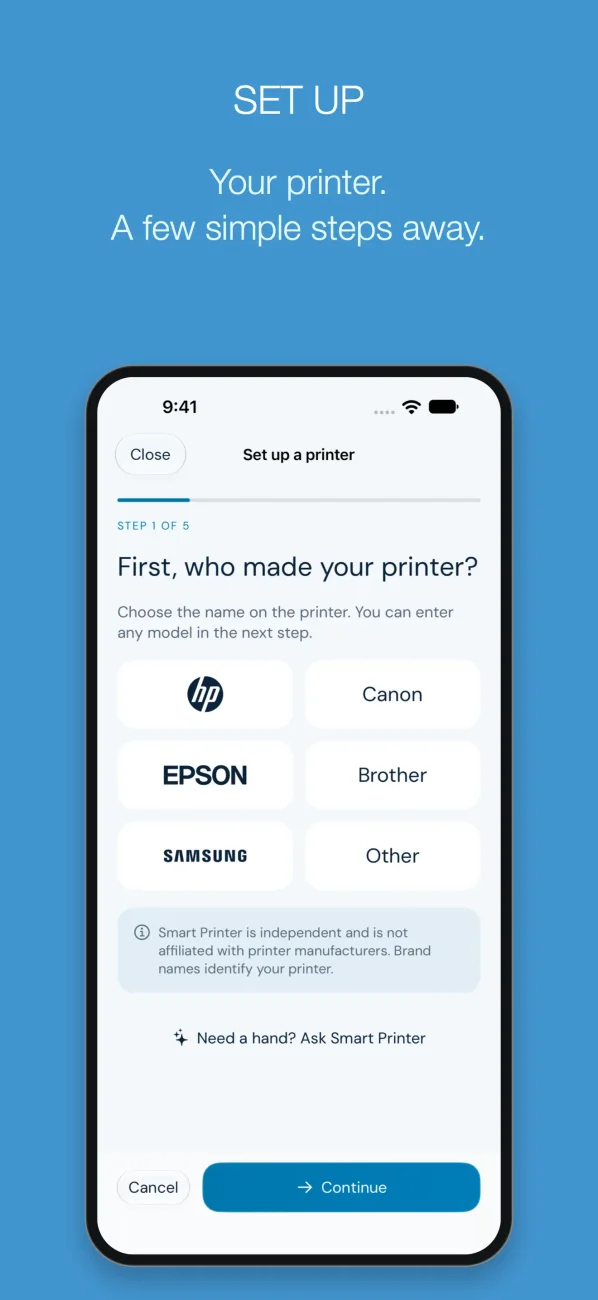
SET UP ONE STEP AT A TIME
Choose your brand, enter your model, and follow a clear checklist. Explore Wi-Fi, Wi-Fi Direct, Ethernet, WPS, and USB compatibility guidance. Exact-model instructions stay a tap away.
PRINT THE MOMENTS THAT MATTER
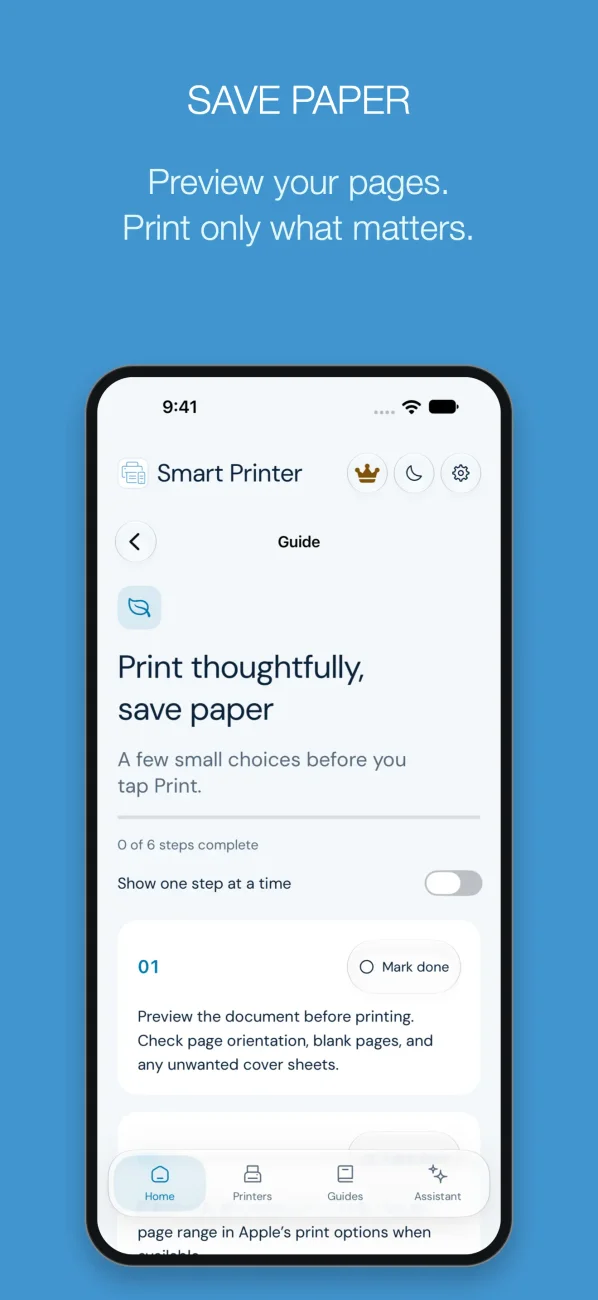
Print selected photos, PDFs, supported image files, or a test page using a compatible AirPrint printer. Check the preview and available options before sending your job.
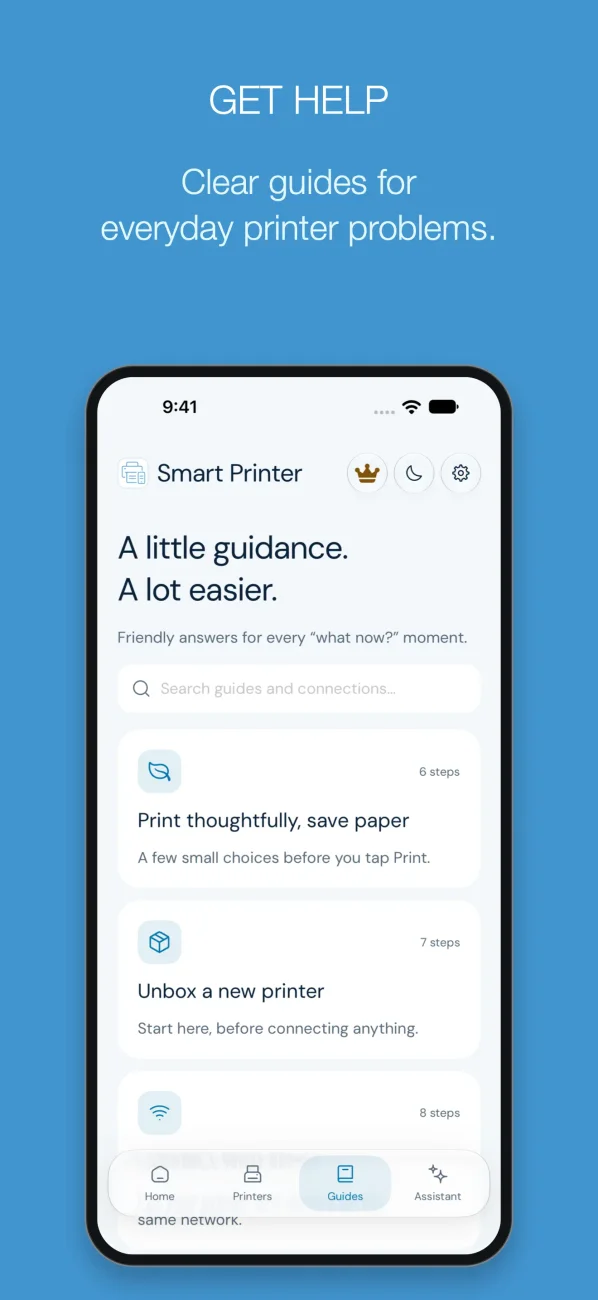
FIND A PRACTICAL NEXT STEP
Browse 16 guides for unboxing, network discovery, offline printers, paper jams, print quality, and everyday maintenance. Save your progress or show one step at a time. Ask the assistant when you need a hand.
KEEP YOUR PRINTERS TOGETHER
Save printer profiles with names that make sense to you, then return to their connection guides whenever you need them. Saved profiles are clearly distinguished from live printer status.
USE A LITTLE LESS PAPER
Preview first, choose only the pages and copies you need, and request two-sided printing where your printer supports it.
MADE FOR YOUR SCREEN
Use Paperkind on iPhone, iPad, and iPhone Duo. Readable text, light and dark appearances, and accessible controls help you move at your own pace.
PAPERKIND PLUS
A premium plan is required for setup, guides, printing, saved-printer actions, and assistant help. Choose a weekly or monthly subscription, or a one-time lifetime purchase. Available plans, prices, and eligible trials are shown before purchase. Subscriptions renew automatically unless canceled at least 24 hours before renewal. Manage or cancel in your Apple Account settings.
COMPATIBILITY
Printing requires a supported printer and connection. Wi-Fi pairing is completed on the printer or through its manufacturer's official setup app. USB ports alone do not guarantee iPhone or iPad printing support. Paperkind does not install desktop printer drivers or claim to configure every printer automatically.
Paperkind is independent and is not affiliated with printer manufacturers.
Support: https://printerdartltd.shop/contact
Privacy: https://printerdartltd.shop/privacy
Terms: https://printerdartltd.shop/terms
What’s new
Version 1.0.3 · Nov 11, 2026
• Improved stability and reduced unexpected quits
• Fixed connection handling for smoother Wi-Fi and Ethernet setup
• Refined print preview UI for clearer page selection
• Polished paper-saving options with better two-sided printing support
• Rebuilt guide navigation for quicker access to setup steps
App privacy
What PRINTER DART LTD declares on the App Store about how this app handles data.
-
Data not collected
The developer does not collect any data from this app.
Privacy practices may vary, for example with the features you use or your age.
Information
- Seller
- PRINTER DART LTD
- Category
- Productivity
- Version
- 1.0.3
- Updated
- Nov 11, 2026
- Released
- Nov 6, 2026
- Size
- 3.6 MB
- Requires
- iOS 26.0 or later
- Age rating
- 4+
- Price
- Free
- In-app purchases
- Yes
- Copyright
- © dart
You might also like
-
 Unarchiver .UNRAR,RAR opener,Unzip,7Z, ZIP
-
 Smart Printer App ゜For Canon, HP, Epson, Brother
-
 OCR AI: Image to Text & QRQR Generator
-
 AI Notebook - Smart Note TakeSummary AI & Transcribe audio
-
 My Daily NotesProductivity
-
 Smart Printer - Air Print AppAirPrint for all brands
-
 Feestdagen Schoolvakanties NLCalendars with country flags
-
 Note Taker: Audio to TextMeeting Notes & Voice Memos
-
 Menu Maker: MenuCanvas DesignRestaurant Menus & Price List
-
 Text Extractor OCRCapture Detect Extract