- Age rating4+
- CategoryProductivity
- DeveloperAnthony Massaro
- LanguagesEnglish
- Size36.5 MB
Links to the official App Store page
Download.org hosts no file of Papertrail Copilot. The button opens its official App Store page, published by Anthony Massaro. Listing last checked on Nov 14, 2026.
Screenshots
About
PAPERTRAIL COPILOT - YOUR AI-POWERED DOCUMENT ASSISTANT
Stop drowning in paperwork. Papertrail Copilot transforms your bills, forms, and documents into organized, actionable tasks with the power of AI.
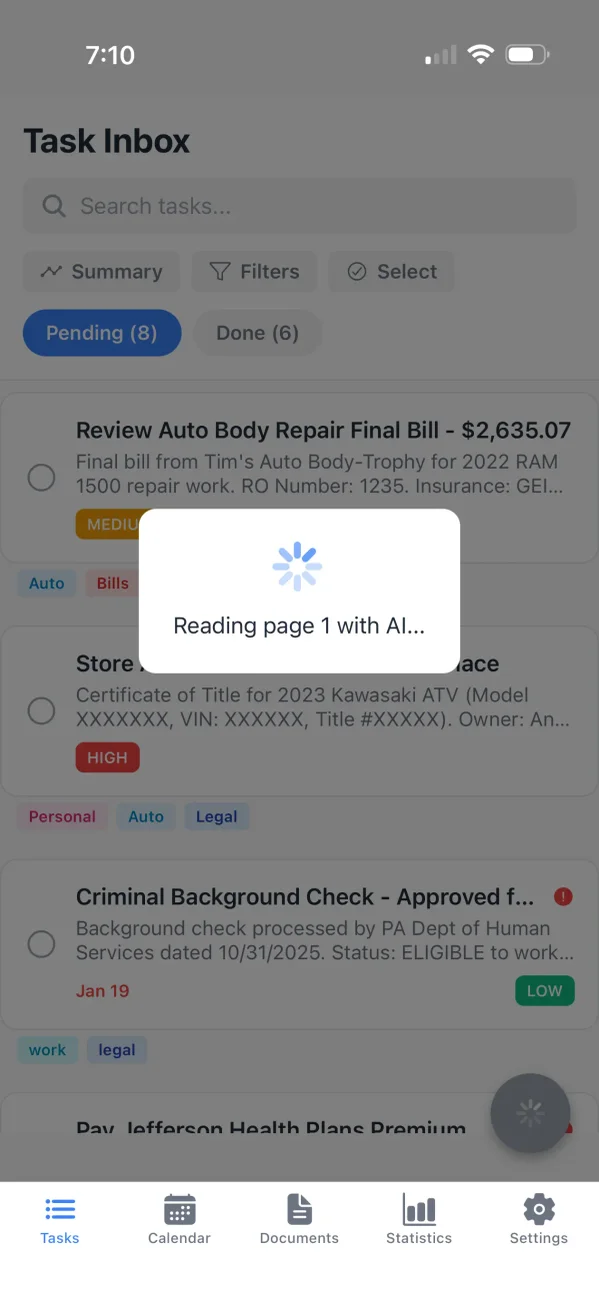
SNAP & EXTRACT
Take a photo of any document - medical bills, school forms, work contracts, receipts - and watch AI instantly extract every action item, deadline, and important detail. No more manual data entry.
AI-POWERED INTELLIGENCE
Powered by Claude AI, Papertrail understands your documents like a human assistant would:
- Automatically detects due dates and payment amounts
- Identifies priority levels based on urgency
- Extracts key information and summarizes complex documents
- Suggests next steps and action items
- Flags issues that need your attention
SMART TASK MANAGEMENT
Every document becomes a clear to-do list:
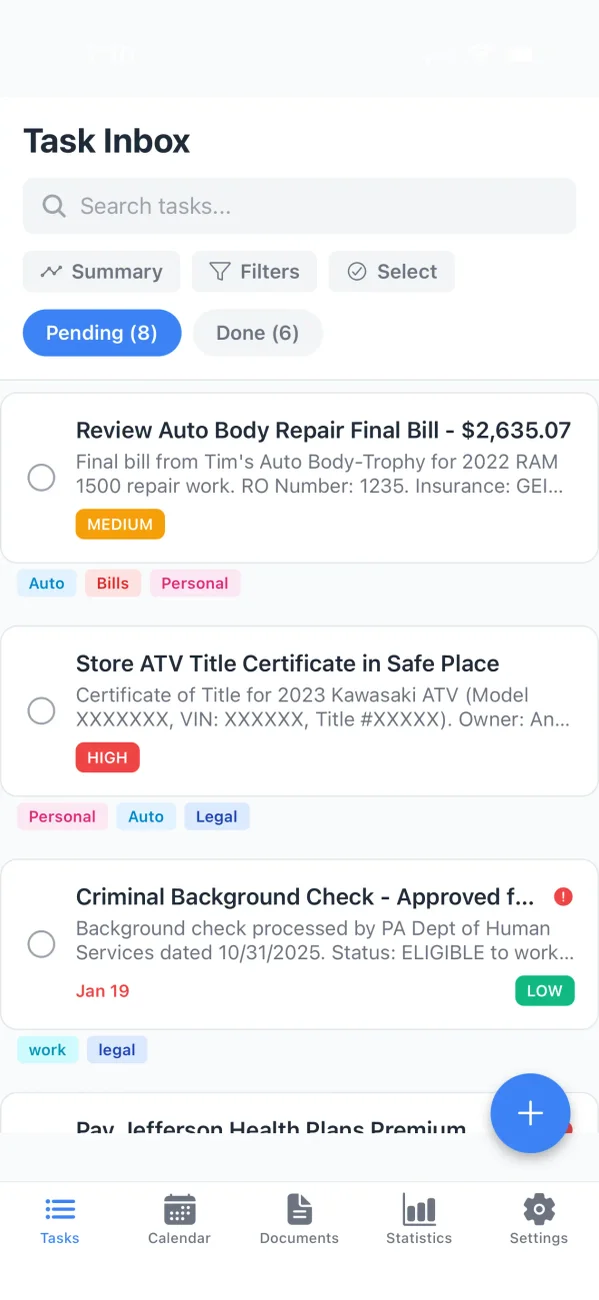
- Automatically generated tasks with context
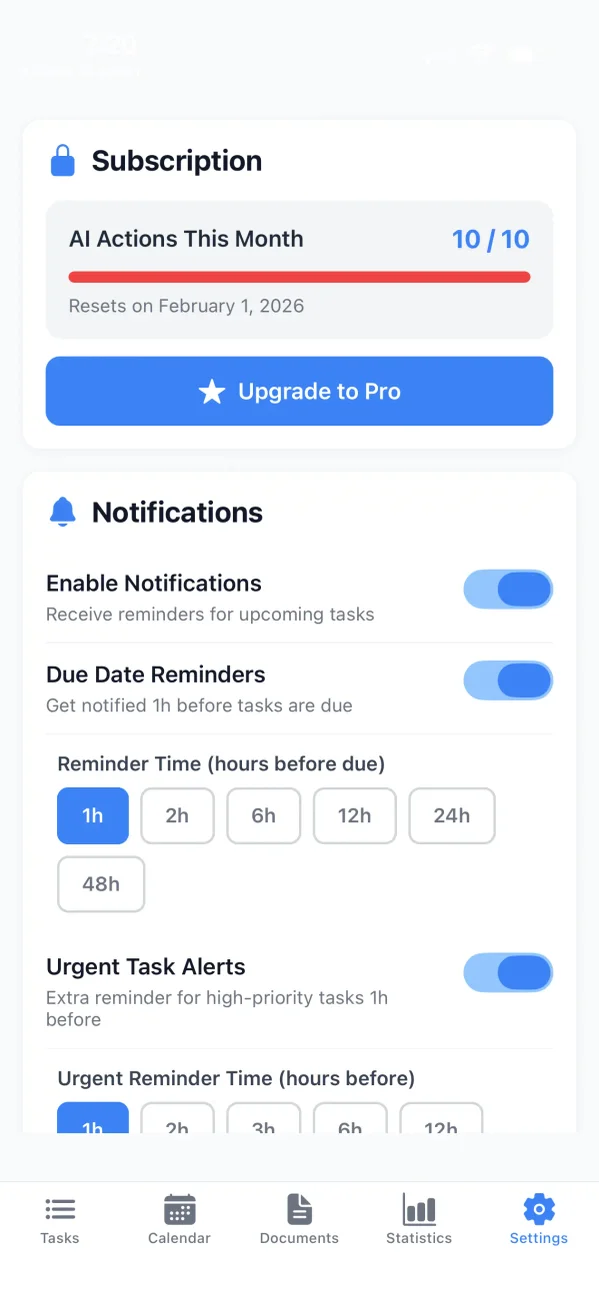
- Smart reminders so nothing slips through
- Tag and organize by category (Medical, Bills, School, Work, etc.)
- Track completion and stay on top of deadlines
- View documents alongside their tasks
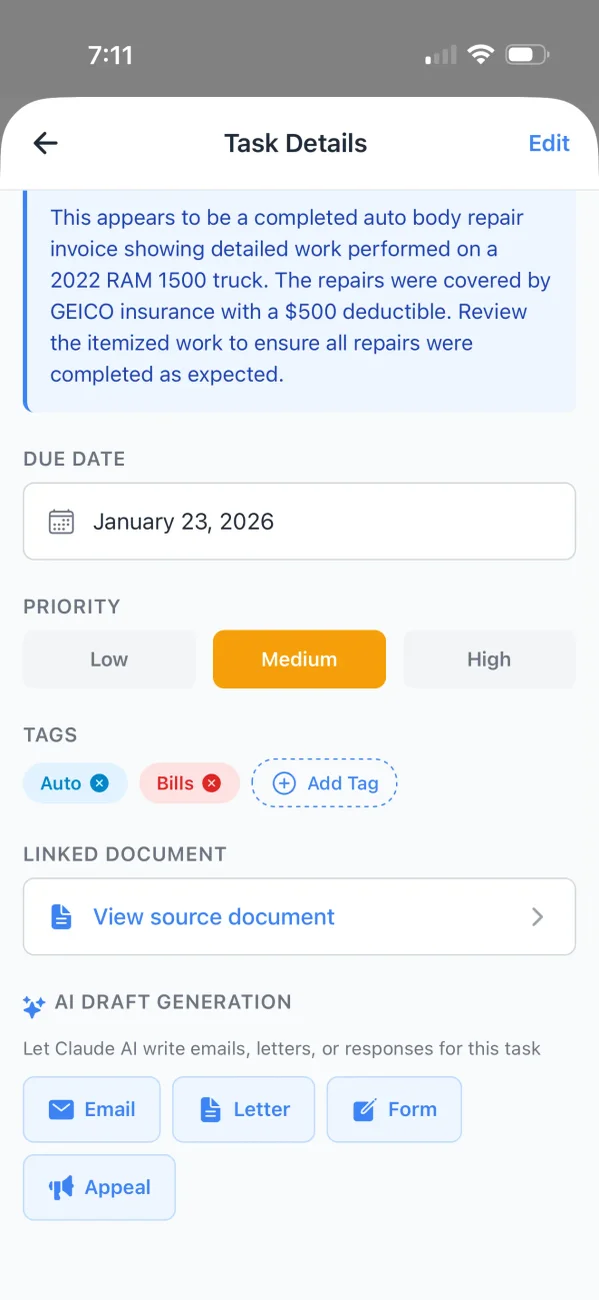
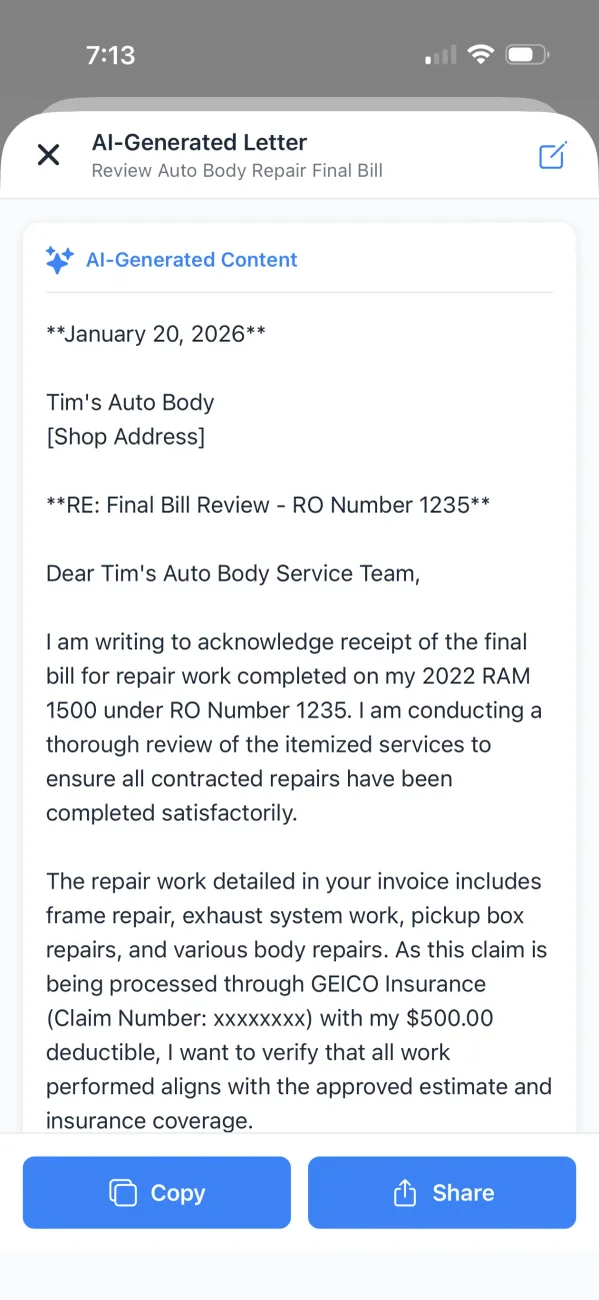
DRAFT WITH AI
Need to respond to that letter or email? Papertrail's AI can draft professional responses for you based on your document's context. Generate letters, emails, or text messages in seconds.
NEVER MISS A DEADLINE
- Morning briefings to start your day organized
- Evening recaps to review what you accomplished
- Smart notifications for upcoming deadlines
- One-tap calendar integration
- Daily summaries of pending tasks
INTELLIGENT ORGANIZATION
Auto-tagging keeps everything organized:
- Bills & Payments
- Medical & Health
- School & Education
- Work & Professional
- Legal & Documents
- And more...
TRACK YOUR PROGRESS
- View all tasks at a glance
- Filter by status, priority, or tag
- See what's overdue, due soon, or completed
- Monthly statistics and insights
PRIVATE & SECURE
- All documents stored locally on your device
- Your data never leaves your phone
- Optional cloud backup (coming soon)
- No sharing or selling of your information
FREE TO START
- 10 AI actions per month (document scans + AI drafts)
- All features unlocked
- Upgrade to Pro for unlimited AI actions
PAPERTRAIL PRO
- Unlimited document scans
- Unlimited AI-powered drafts
- Priority AI processing
- Future features first
PERFECT FOR:
- Busy parents managing family paperwork
- Professionals handling contracts and invoices
- Students organizing assignments and forms
- Anyone who wants to tame their paper pile
Stop letting important documents sit in piles. Start turning them into action with Papertrail Copilot.
Download now and get 10 free AI actions to experience the future of document management.
---
Privacy Policy: https://amassaro1978.github.io/papertrail-privacy/privacy.html
Terms of Service: https://amassaro1978.github.io/papertrail-privacy/privacy.html
Support: papertrailcopilot@proton.me
What’s new
Version 1.4.2 · Feb 6, 2026
What's New in Version 1.4.1:
Pro Subscription Features
• Unlimited AI-powered document analysis
• Unlimited task generation from any document
• Advanced letter and email drafting capabilities
• No monthly limits on AI actions
Enhanced User Interface
• Cleaner, more intuitive design throughout the app
• Improved document scanning flow
• Better organization of generated tasks
• Streamlined settings and subscription management
Performance & Reliability
• Faster AI processing and response times
• Improved subscription handling and restore functionality
• Enhanced document processing accuracy
• Bug fixes and stability improvements
New Capabilities
• Smarter task prioritization and categorization
• Better integration between document scanning and task management
• Enhanced Pro features for power users
App privacy
What Anthony Massaro declares on the App Store about how this app handles data.
-
Data not collected
The developer does not collect any data from this app.
Privacy practices may vary, for example with the features you use or your age.
Information
- Seller
- Anthony Massaro
- Category
- Productivity
- Version
- 1.4.2
- Updated
- Feb 6, 2026
- Released
- Jan 26, 2026
- Size
- 36.5 MB
- Requires
- iOS 15.1 or later
- Age rating
- 4+
- Languages
- English
- Copyright
- © 2026 Anthony Massaro
You might also like
-
 AigentikVisual AI Workflow Builder
-
 SayThis: Your Social-CopilotSpeak Better in Tough Moments
-
 PaperSnap - Scan to CalendarScan docs into your calendar
-
 MetaCam CSmartProductivity
-
 Continue: AI Writer CopilotText Editor + Paraphrase Tool
-
 Paperspell AI Document ManagerScan, Organize & Summarize Doc
-
 CV & Resume Builder - ResumeeBuild CV with AI Writing
-
 Iris - Personal AssistantDesigned to keep you ahead.
-
 WikiTree SourcerFind & cite genealogy sources
-
 camp - organize screenshotssupercharge your screenshots