parental control app - Blok
Screen Time & App Blocker
Designed for iPhone, iPad
Free
- Age rating4+
- CategoryLifestyle
- DeveloperElias Ekberg Gasper
- LanguagesEnglish+ 16 more
- Size33.2 MB
Links to the official App Store page
Download.org hosts no file of parental control app - Blok. The button opens its official App Store page, published by Elias Ekberg Gasper. Listing last checked on Nov 10, 2026.
Screenshots

About
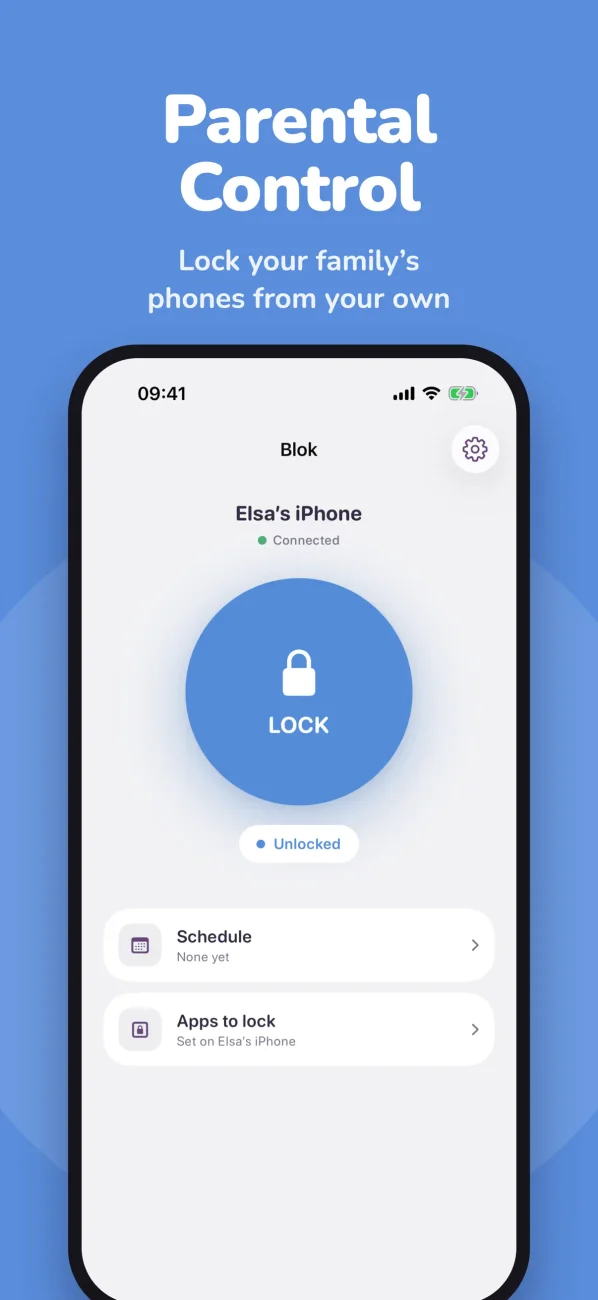
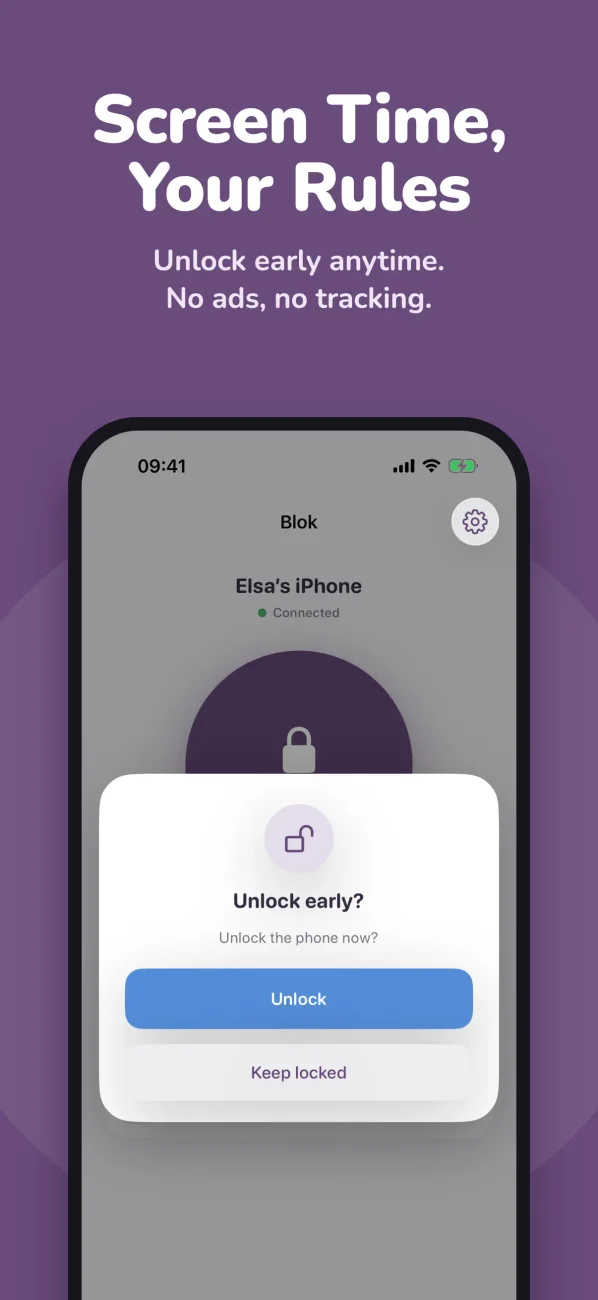
Lock your child's iPhone from your own. One tap on LOCK, and the apps you picked are locked until you say so.
Blok makes it simple to give your child a break from the screen, at dinner, during homework or at bedtime. Install Blok on your iPhone and on your child's, pair them with a code, and from then on you're in control from your own phone, wherever you are.
HOW IT WORKS
• Lock and unlock your child's iPhone from your phone
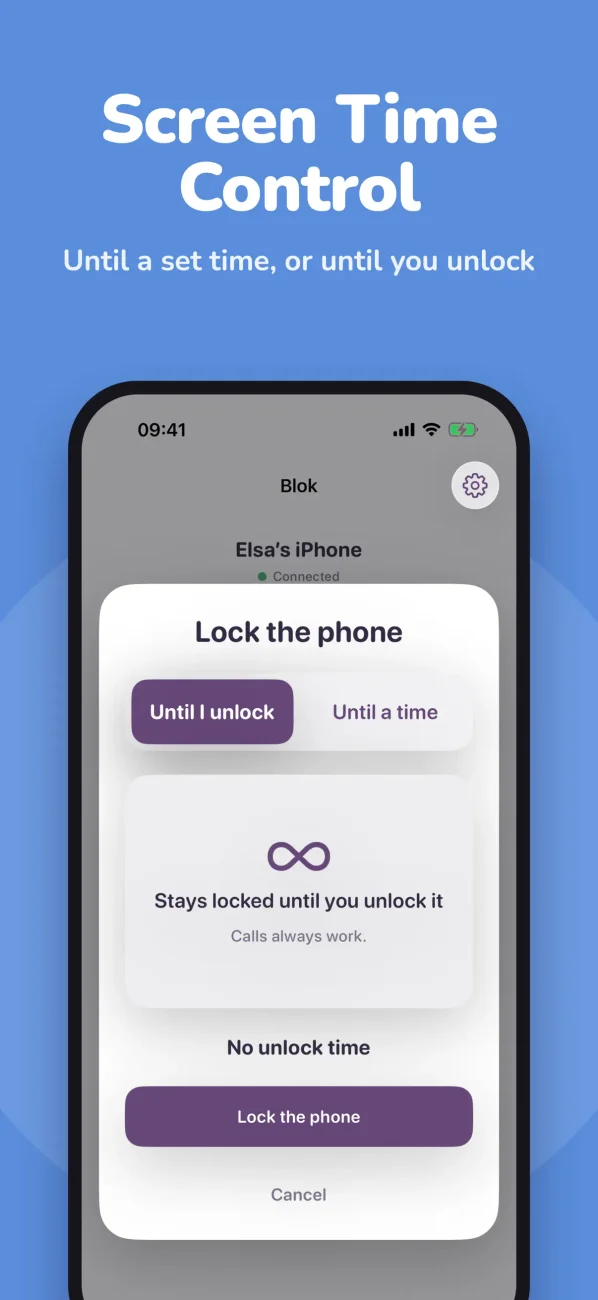
• Timed locks: 30 minutes, 1 hour, 2 hours, or until you unlock
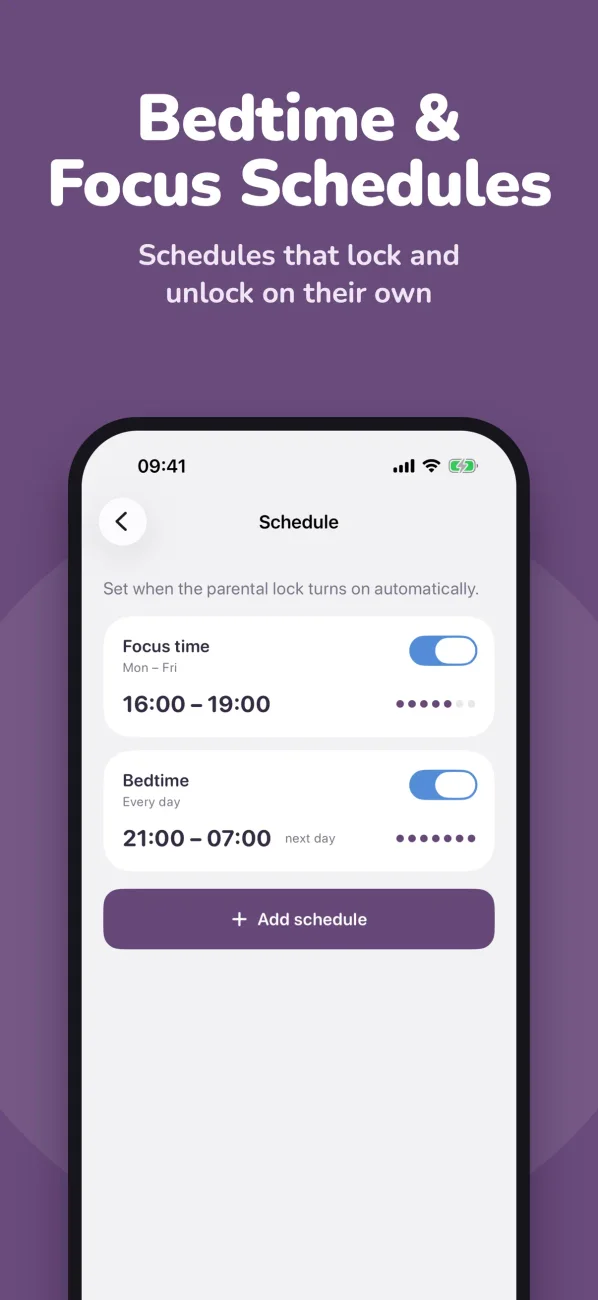
• Schedules for school hours and bedtime that run on their own
• You choose which apps are locked, for example games and social media. Phone and Messages can stay open
• A parent PIN protects the settings on your child's phone
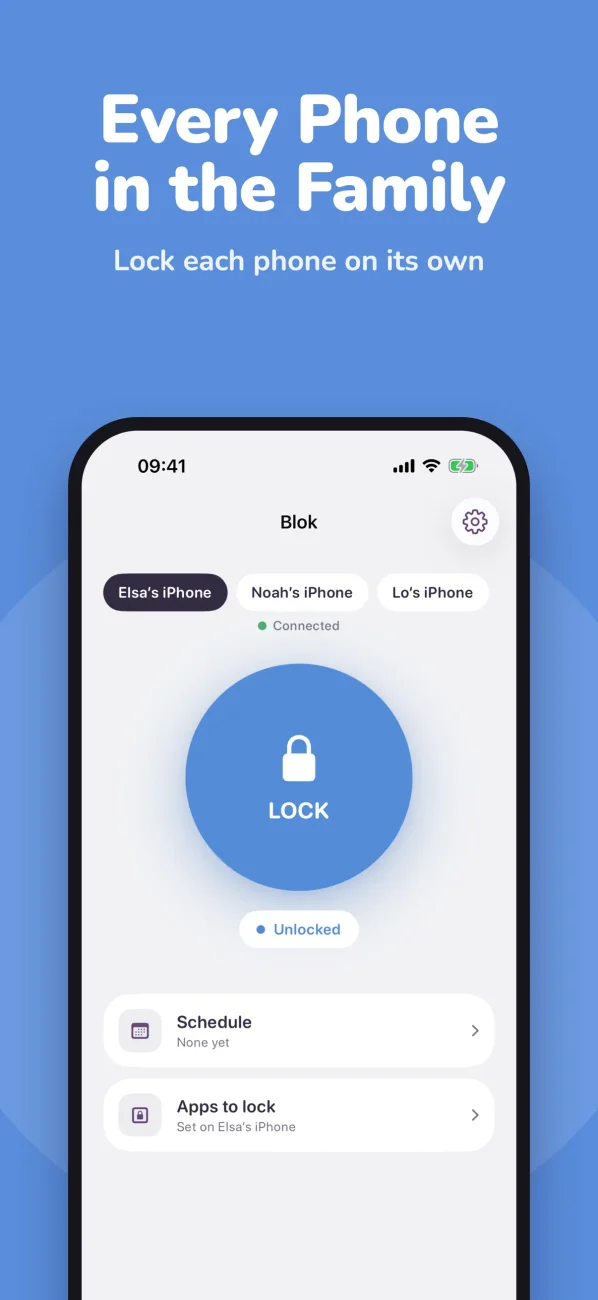
• Up to three children's phones, each locked on its own
• Your phone shows whether your child's phone is locked and when the lock ends
BUILT ON APPLE'S SCREEN TIME
iOS itself enforces the lock, so it stays in place even if the app is closed or the phone restarts.
A LOCK, NOT A SPY
Blok doesn't read messages, track location or collect what your child does on the phone. No ads, no tracking, no analytics. Your child needs no account. Data is stored in the EU, and deleting your account in the app removes everything.
GOOD TO KNOW
• Setup includes approving Screen Time on your child's iPhone.
• The lock is sent right away; how fast it arrives depends on your child's phone being online. An app that's already open is locked the next time your child switches apps or unlocks the screen.
• Emergency calls always work.
• No parental control can prevent a factory reset of the phone.
BLOK PLUS
Locking requires a Blok Plus subscription: weekly, monthly or yearly. Unlocking always works, with or without a subscription. Prices are shown in the app. Payment is charged to your Apple ID. The subscription renews automatically unless canceled at least 24 hours before the end of the current period. Manage or cancel it in your Apple ID settings.
Privacy Policy: https://blokapp.app/en/privacy
Terms of Use (EULA): https://www.apple.com/legal/internet-services/itunes/dev/stdeula/
App privacy
What Elias Ekberg Gasper declares on the App Store about how this app handles data.
-
Data not linked to you
May be collected but is not linked to your identity.
- Identifiers
Privacy practices may vary, for example with the features you use or your age.
Information
- Seller
- Elias Ekberg Gasper
- Category
- Lifestyle
- Version
- 1.0
- Updated
- Nov 2, 2026
- Released
- Nov 2, 2026
- Size
- 33.2 MB
- Requires
- iOS 16.0 or later
- Age rating
- 4+
- Price
- Free
- Languages
- English, Arabic, Croatian, Danish, Dutch, Finnish, French, German, Greek, Hungarian, Italian, Norwegian Bokmål + 5 more
- Copyright
- © 2026 Elias Ekberg Gasper
You might also like
-
 CARE TIME AppBeauty bookings, simplified.
-
 UtertitsisaLifestyle
-
 IRO – coloring book for adultscolor therapy & calming ASMR
-
 PetWise: Chat with real vetsTrack your pet health
-
 BukerRezervirajte termin u salonu
-
 Fated Amora: Soulmate DrawingJournal Your Path to Love
-
 IFORM – Fitness and recipesMakes it easier to live healty
-
 Pink Wallpapers for girlsSo Cute!