Parental Control: Screenlox
Family Screen Time & Blocker
Designed for iPhone, iPad
Free
- Age rating4+
- CategoryProductivity
- DeveloperMagicHabits Labs Limited
- LanguagesEnglish
- Size8.0 MB
Links to the official App Store page
Download.org hosts no file of Parental Control: Screenlox. The button opens its official App Store page, published by MagicHabits Labs Limited. Listing last checked on Nov 14, 2026.
Screenshots

About
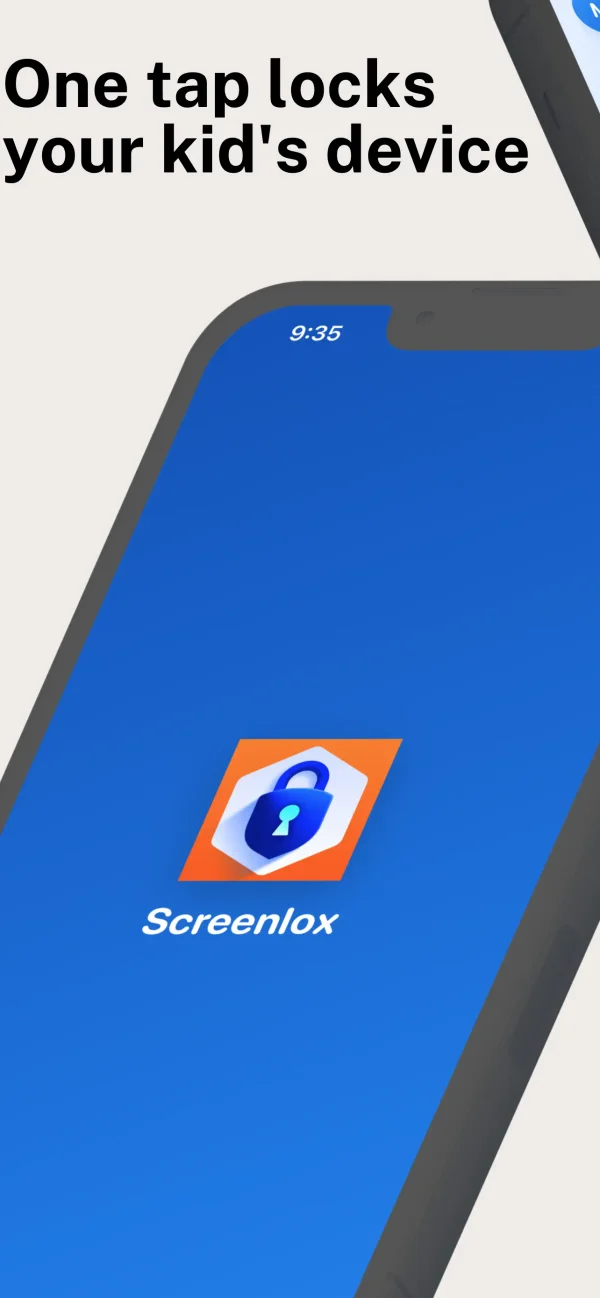
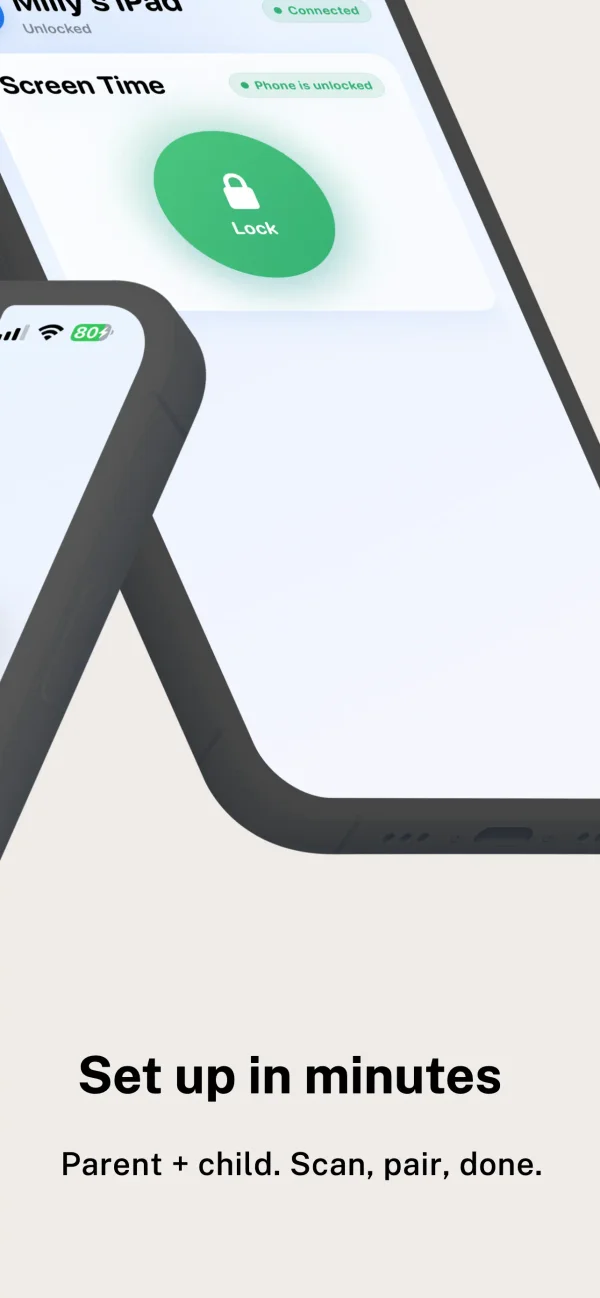
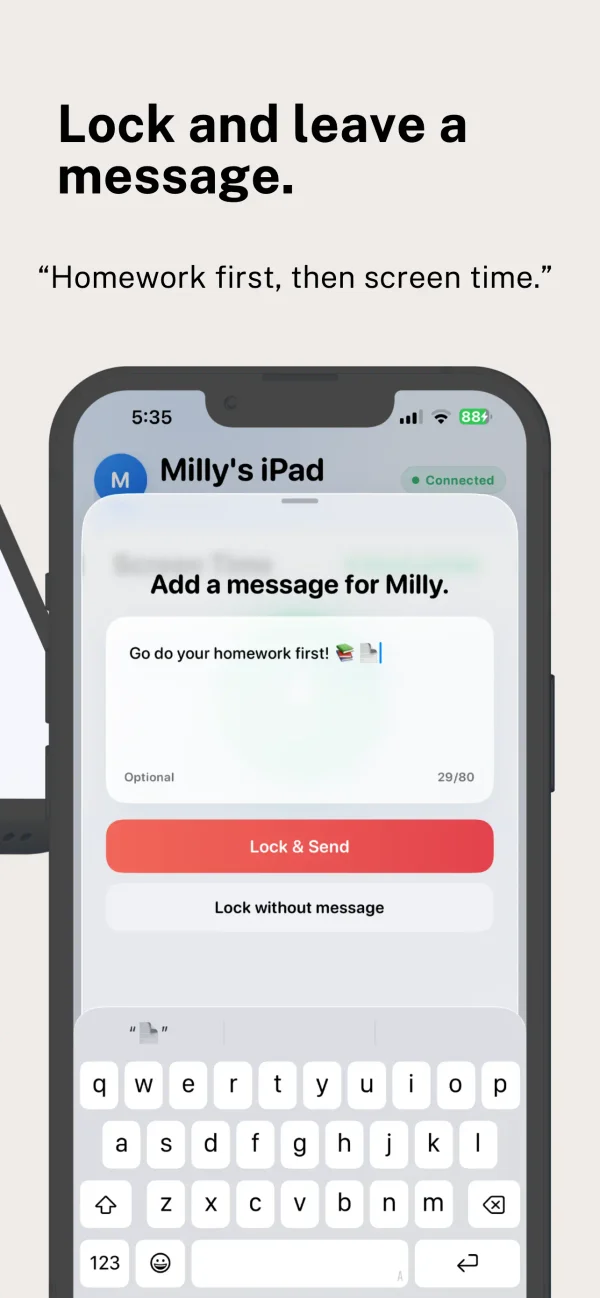
Screenlox gives parents instant, real-time control over their child's device — from anywhere, in one tap. Set up takes under three minutes: scan a QR code to pair devices, approve Apple Screen Time, and you're done.
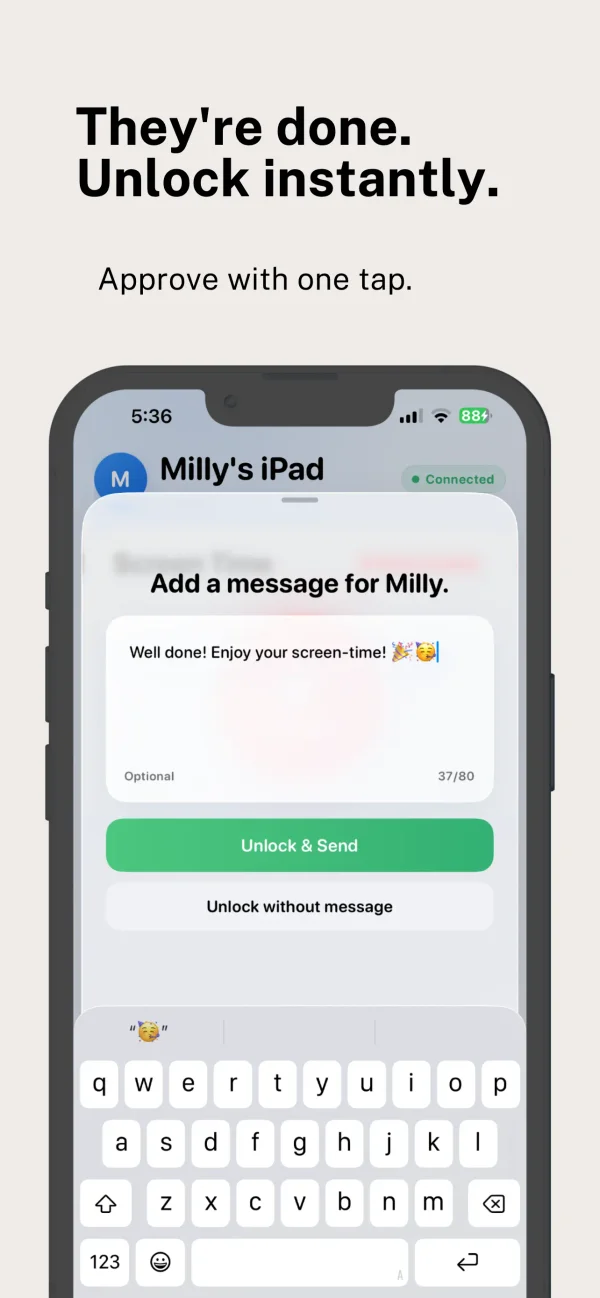
Lock or unlock your child's apps instantly from your parent dashboard; your child sees the updated state in real time. When locked, they can send an unlock request with a single tap — parents approve or decline immediately. Background enforcement means restrictions stay active even if the child app is closed.
Whether you're at work or in the next room, Screenlox gives you the fastest, cleanest parental control experience on iOS — one-tap locking, real-time sync, and no complicated setup.
What’s new
Version 1.8 · May 20, 2026
Squashed bugs, made improvements and had loads of coffee.
App privacy
What MagicHabits Labs Limited declares on the App Store about how this app handles data.
-
Data not collected
The developer does not collect any data from this app.
Privacy practices may vary, for example with the features you use or your age.
Information
- Seller
- MAGICHABITS LABS LIMITED
- Category
- Productivity
- Version
- 1.8
- Updated
- May 20, 2026
- Released
- Mar 10, 2026
- Size
- 8.0 MB
- Requires
- iOS 16.6 or later
- Age rating
- 4+
- Price
- Free
- Languages
- English
- Copyright
- © MagicHabits Labs Limited 2026
You might also like
-
 Companion App for ScreenableInstall the parent app first
-
 MindGuard – Parental ControlsKeeping Kids Safe Online
-
 Screenable: Better Screen TimeEasy, modern parental controls
-
 App Lock - Lock Apps ™App Locker For iPhone
-
 Bark - Parental ControlsHelp protect your kids online
-
 BlockerX:Adult Content BlockerSite Blocker to Quit Addiction
-
 Freedom: Screen Time ControlBlock Apps. Stay Focused.
-
 Refocus: App Blocker & LockBlock Websites, Social Media
-
 OurFamilyWizard Co-Parent AppThe Best Co-Parenting App
-
 Line2 - Second Phone NumberCalls, Texts, & SMS Messaging