Parkunload
Smart Parking Zones
Designed for iPhone, iPad, iPod touch
Free · In-app purchases
- Age rating4+
- CategoryNavigation
- DeveloperParkunload
- LanguagesEnglish+ 8 more
- Size54.1 MB
Links to the official App Store page
Download.org hosts no file of Parkunload. The button opens its official App Store page, published by Parkunload. Listing last checked on Nov 24, 2026.
Screenshots


About
Parkunload is a 100% digital Smart Parking solution to regulate and control FREE and time-limited parking zones for authorized vehicles, using Apps and Bluetooth:
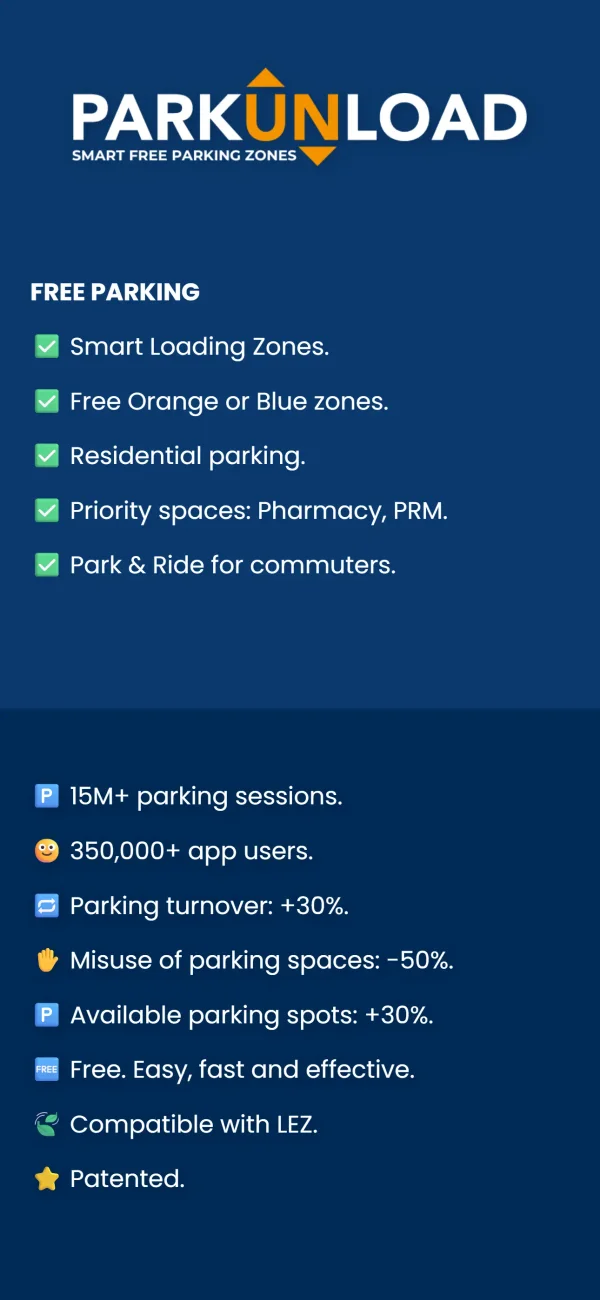
- Smart Loading or Delivery Zones.
- Free short-term parking or pick-up zones.
- Parking for Residents.
- Priority parking: Pharmacy, Reduced Mobility.
- Park & Rideonly for commuters.
Parkunload allows sharing and optimizing the use of public parking space , achieving excellent performance indicators:
- Time-limited and free parking.
- No parking meters, discs, or labels.
- Time limit based on vehicle, hour and zone.
- Increased parking turnover: +30%.
- More available free spaces: +30%.
- Reduced improper parking: -50%.
- Reduced double parking: -50%.
- Less traffic congestion.
- Reduced mileage and emissions.
- Low Emission Zones (LEZ).
- Optimization based on Big Data.
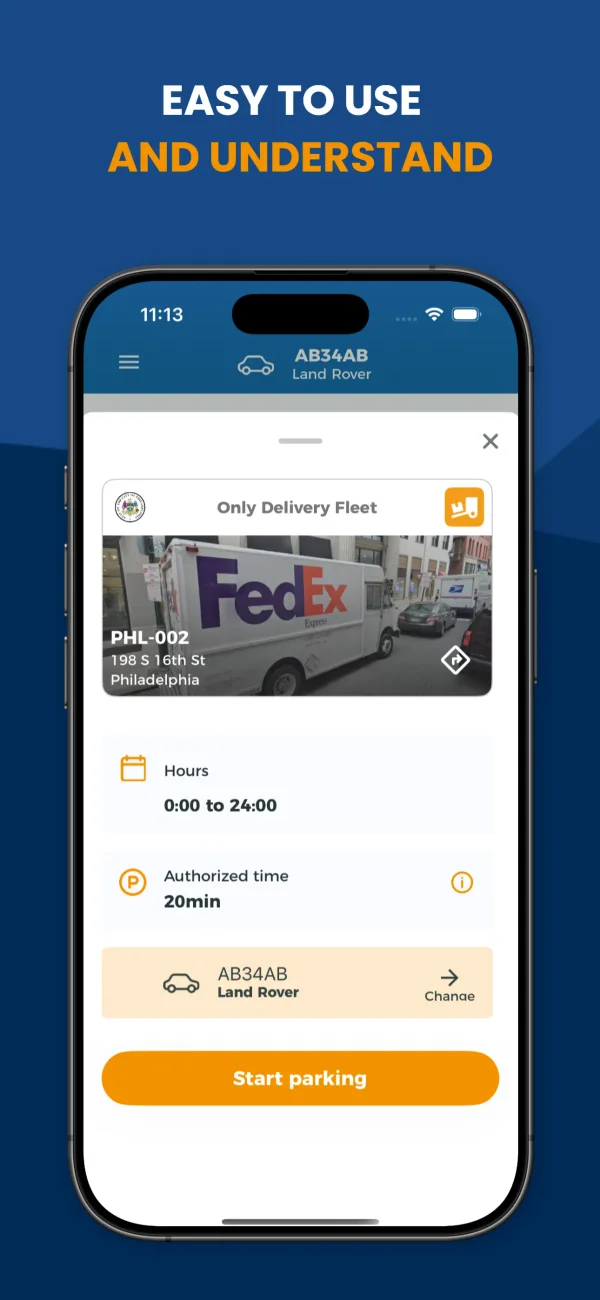
Parkunload quickly, intuitively, and efficiently shows the maximum time allowed for the selected vehicle in each parking zone, which is marked and identified with a unique code, for instance "PHL-001".
Parkunload only requests the strictly necessary personal data to register, simply asking for the phone number and vehicle details.
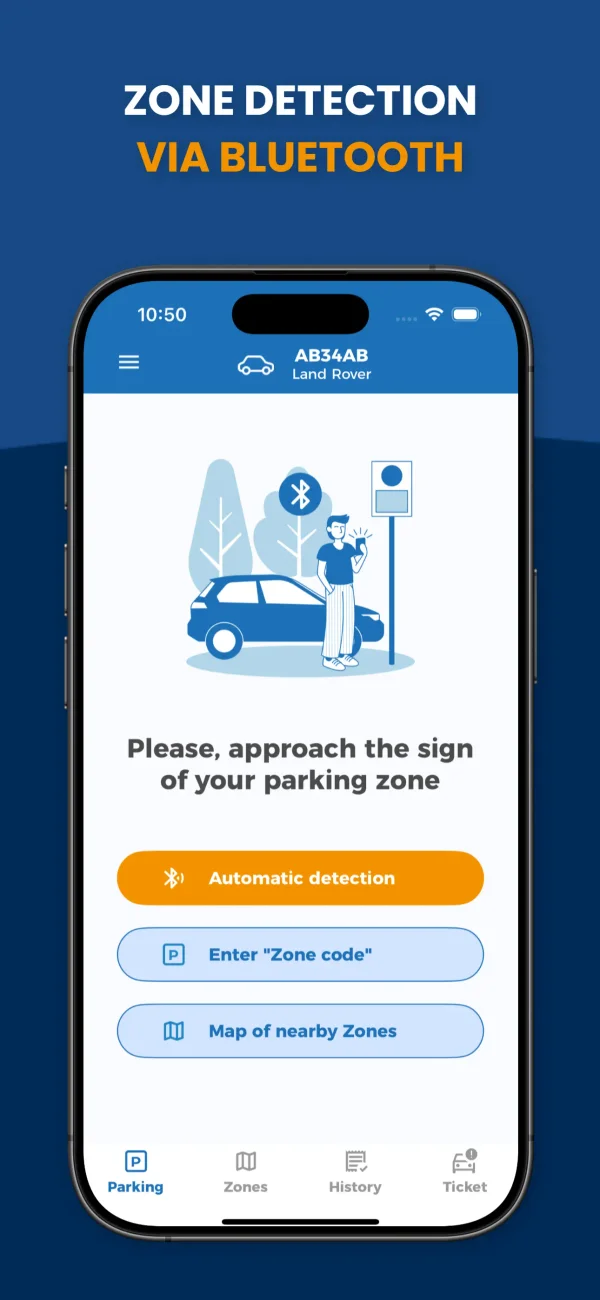
Parkunload allows you to register parking in less than 10 seconds, easily, quickly, and securely for the selected vehicle:
- Automatic detection of nearby zones with Bluetooth, or view the zone map or enter "Zone Code".
- Check your parking time limit and press "Start parking".
- Validate the parking session, if required.
The Parkunload user interface clearly shows and notifies the remaining parking time during the ongoing parking session, using a very intuitive color scheme:
- PAUSED (Gray) before the time.
- IN PROGRESS (Green).
- LESS THAN 5 MINUTES (Orange).
- EXPIRED (Red).
Finally, when leaving the zone, you need to press "Stop Parking".
Parkunload also offers additional features to enhance user experience:
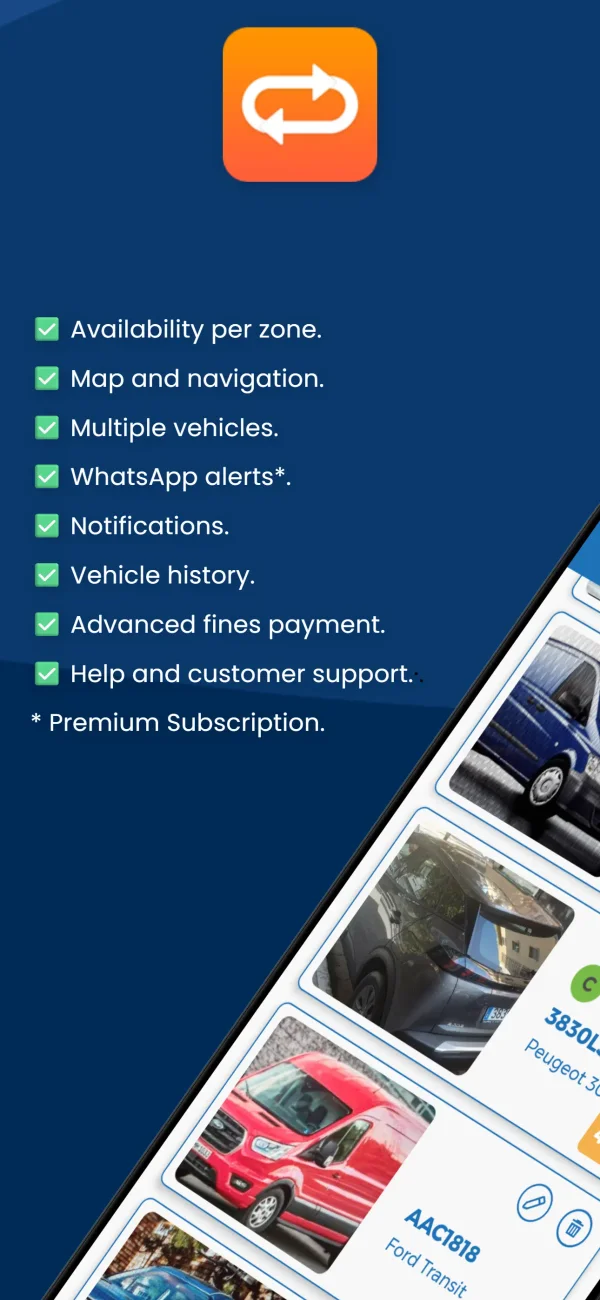
- Availability in nearby zones.
- Highlighted selected vehicle.
- Navigation to the selected zone.
- Parking history.
- Parking tickets.
- Parking tickets payment.
- Help Center (+30 articles).
- Customer service.
- Voice notifications.
- Language selection.
The Parkunload platform is used in several cities and is mandatory, allowing parking registration to be easy, fast, and understandable for everyone.
Terms of Use: https://www.parkunload.com/drivers/conditions-of-use/
What’s new
Version 2.7.2 · Nov 2, 2026
• Improved automatic parking zone detection via Bluetooth, with a simpler search and more stable and accurate signal reading.
• Updated legal information and improved translations.
App privacy
What Parkunload declares on the App Store about how this app handles data.
-
Data not linked to you
May be collected but is not linked to your identity.
- Location
- Contact info
- Identifiers
- Diagnostics
Privacy practices may vary, for example with the features you use or your age.
Information
- Seller
- Parkunload S.L.
- Category
- Navigation
- Version
- 2.7.2
- Updated
- Nov 2, 2026
- Released
- Jul 4, 2018
- Size
- 54.1 MB
- Requires
- iOS 15.0 or later
- Age rating
- 4+
- Price
- Free
- In-app purchases
- Yes
- Languages
- English, Catalan, Dutch, French, German, Italian, Portuguese, Spanish, Turkish
- Copyright
- © Parkunload