
- Age rating4+
- CategoryUtilities
- DeveloperPartire Inc.
- LanguagesJapanese+ 1 more
- Size11.0 MB
Links to the official App Store page
Download.org hosts no file of parM@iler. The button opens its official App Store page, published by Partire Inc. Listing last checked on Nov 12, 2026.
Screenshots
About
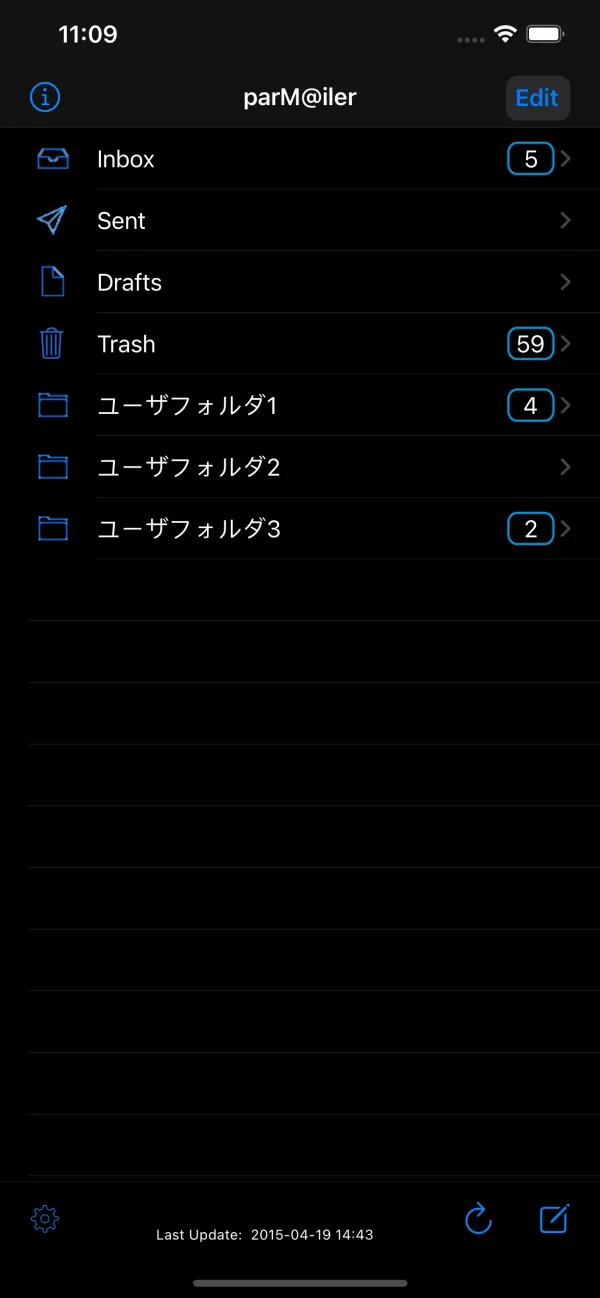
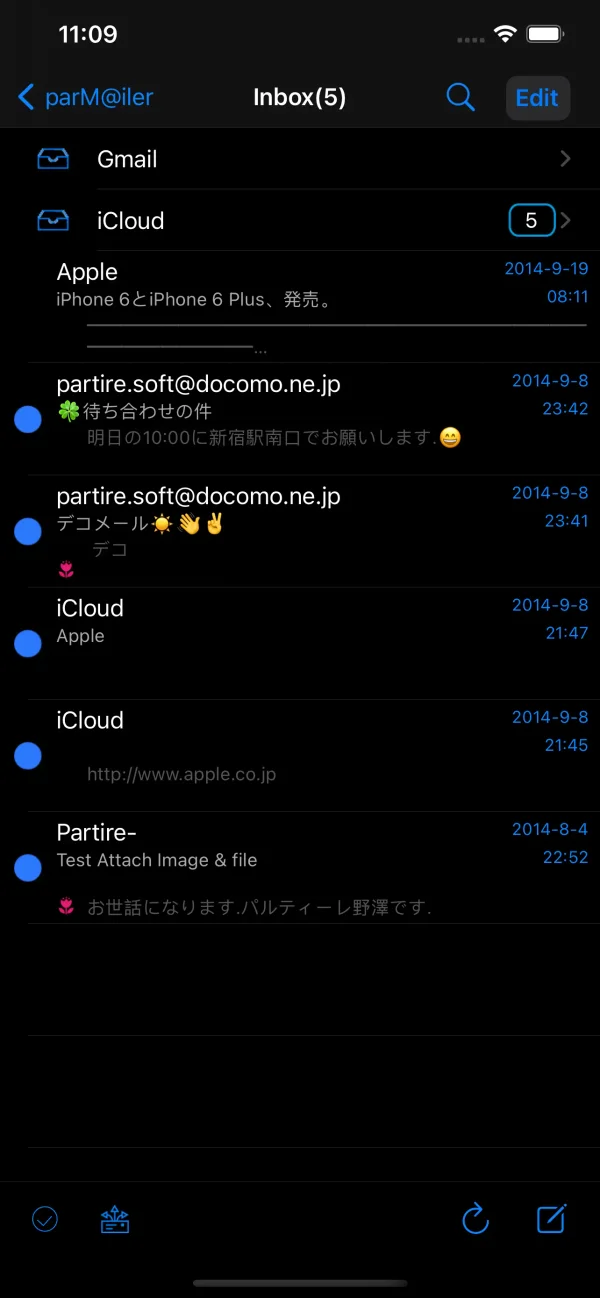
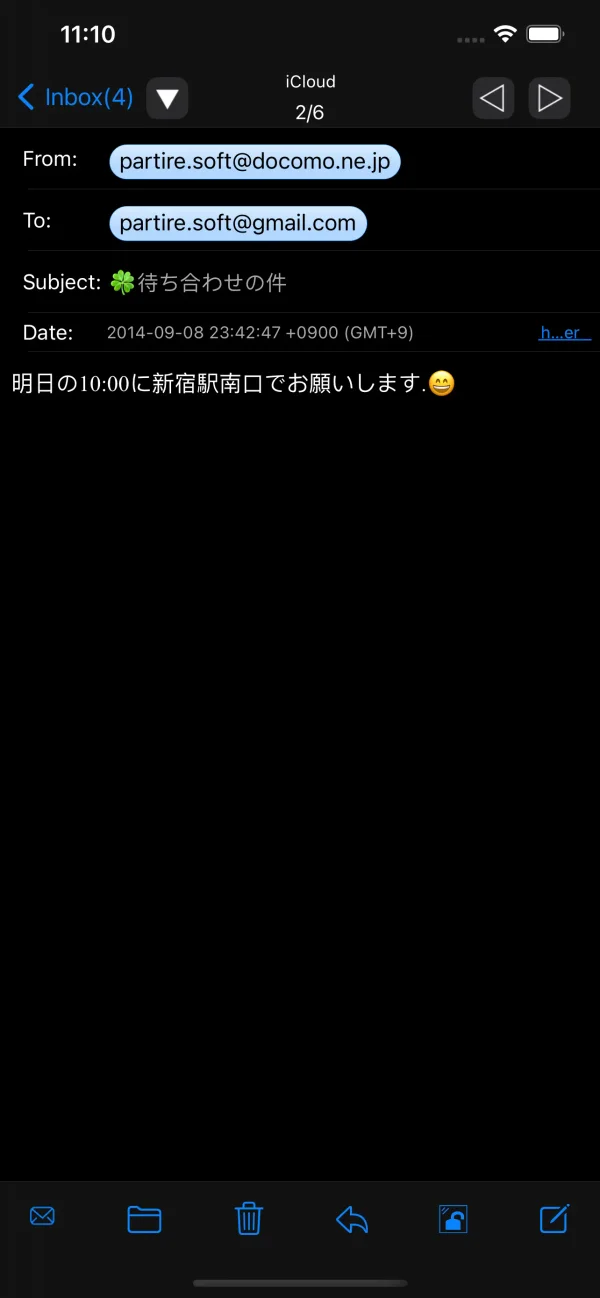
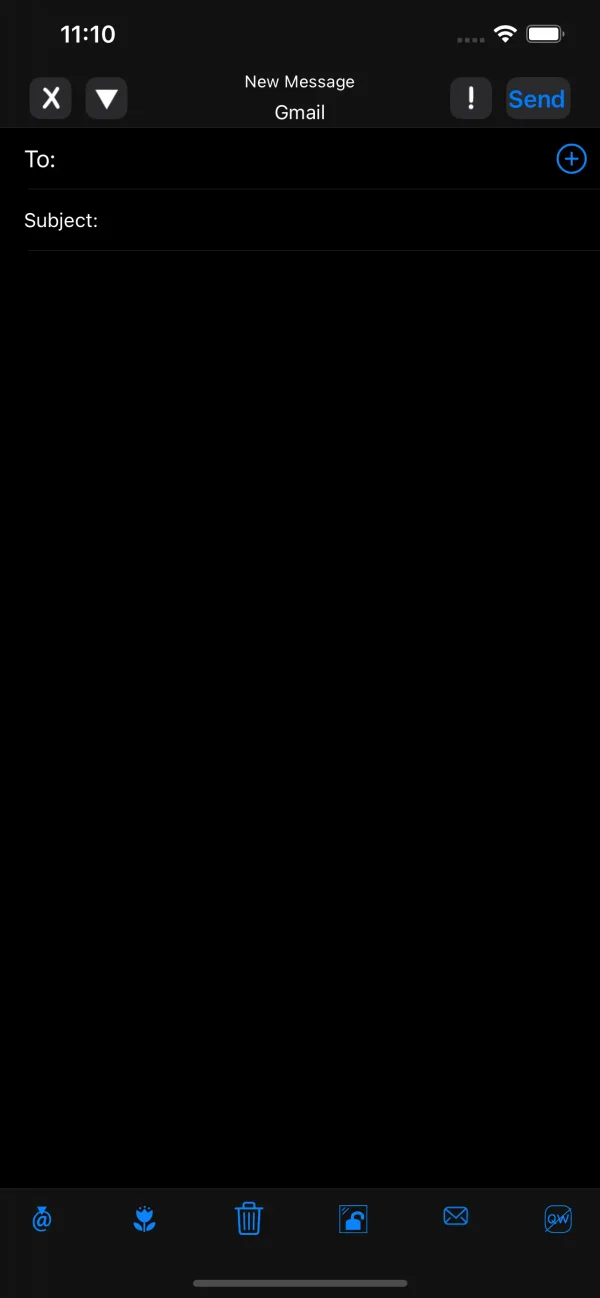
With ParM@iler, you can send, receive, and organize email messages.
Special instruction
- Even if you select IMAP, the software does not perform synchronization with the server.
Specification
- You can set up rules to filter incoming messages or reorganize messages you've already received.
- The secret mode ON The mail set beforehand as is displayed from the list and it is possible to do without.
- The header of the received mail can be displayed.
- Cooperation between 'eM@il Sender'.
(You can send image up to 20 x 20 in size.)
- Up to five files from Photo Library can be attached.
- Sent and received e-mails with all accounts appear in the same list.
(You can also display only the e-mails with an individual account.)
- Up to 10 e-mail accounts can be registered.
- The signature of each account can be set.
- If you set the software that you do not delete e-mail draft after sending an e-mail, you can utilize the draft as a template.
- When receiving it, all data is downloaded.
- The image of the received attached file can be preserved in the photograph library.
- You can prevent a new message view and a receiving message view from rotating.
- You can set the number of e-mails to display in the list from 10 to 50.
- Compatible with the Vertical/Horizontal Layout entry.
- Compatible exclusively with the SMTP authentication (LOGIN/CRAM-MD5).
- Compatible with IMAP/POP3.
- Compatible with SSL/TLSv1.
The mail server verified.
- Gmail
- AOL
- iColud
Restrictions
- Even when an e-mail is received, the software does not delete the e-mail on the server. If you do not delete received e-mails, access of unread e-mails becomes slow, so delete the e-mails using other mail applications.
- Even if you select IMAP, the software does not perform synchronization with the server. The software refers to INBOX for the received mail
- The send mail is save only in the application.
- The paste in the photo cannot be done with iPhone OS 3.0 or later.
- You cannot perform quotation when you replay HTML e-mail.
- Spotlight search is not supported.
- Push notification is not supported.
- When the software receives an e-mail, the mail on the server becomes the already read e-mail.
- The software transforms an attached file into JPEG when sending the e-mail and deletes its positional information.
- You cannot set and cancel the software into the secret mode in the landscape mode.
What’s new
Version 2.0.11 · May 16, 2025
This app has been updated by Apple to prepare for watchOS 27 compatibility. No new features are included.
- minor bug fixes.
App privacy
What Partire Inc. declares on the App Store about how this app handles data.
-
Data not collected
The developer does not collect any data from this app.
Privacy practices may vary, for example with the features you use or your age.
Information
- Seller
- partire Inc,.
- Category
- Utilities
- Version
- 2.0.11
- Updated
- May 16, 2025
- Released
- Dec 4, 2009
- Size
- 11.0 MB
- Requires
- iOS 12.0 or later
- Age rating
- 4+
- Languages
- Japanese, English
- Copyright
- © Partire Inc.
You might also like
-
 Mail FoldersUtilities
-
 ExWalletUtilities
-
 WiFiAudit Pro - WiFi PasswordsUtilities
-
 Data LeekIs your email compromised?
-
 Copy QRCodeHelp you to store any QRcode
-
 VSTKUtilities
-
 SClock - Big Digital ClockUtilities
-
 Find by phone numberSearch numbers in address book
-
 画面メモ Webページ丸ごと保存Utilities
-
 CudaLaunchUtilities