
parry: AI Reply Assistant
What to text back, in any tone
Designed for iPhone
Free · In-app purchases
- Age rating12+
- CategoryProductivity
- DeveloperAnomaly Labs LLC
- LanguagesEnglish
- Size59.7 MB
Links to the official App Store page
Download.org hosts no file of parry: AI Reply Assistant. The button opens its official App Store page, published by Anomaly Labs LLC. Listing last checked on Nov 13, 2026.
Screenshots

About
Reply or reach out, in any app, in the right tone.
Some messages are easy. Others you read five times and still don't know what to send. parry helps you find the right words, whether you're answering a message or working out how to start one.
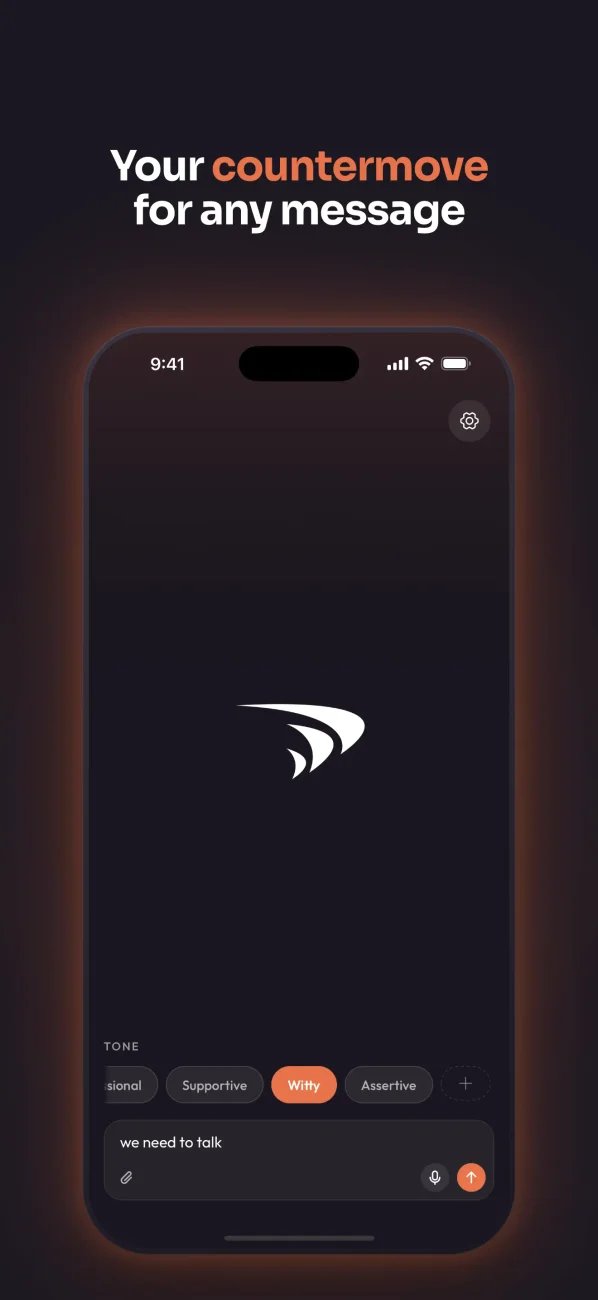
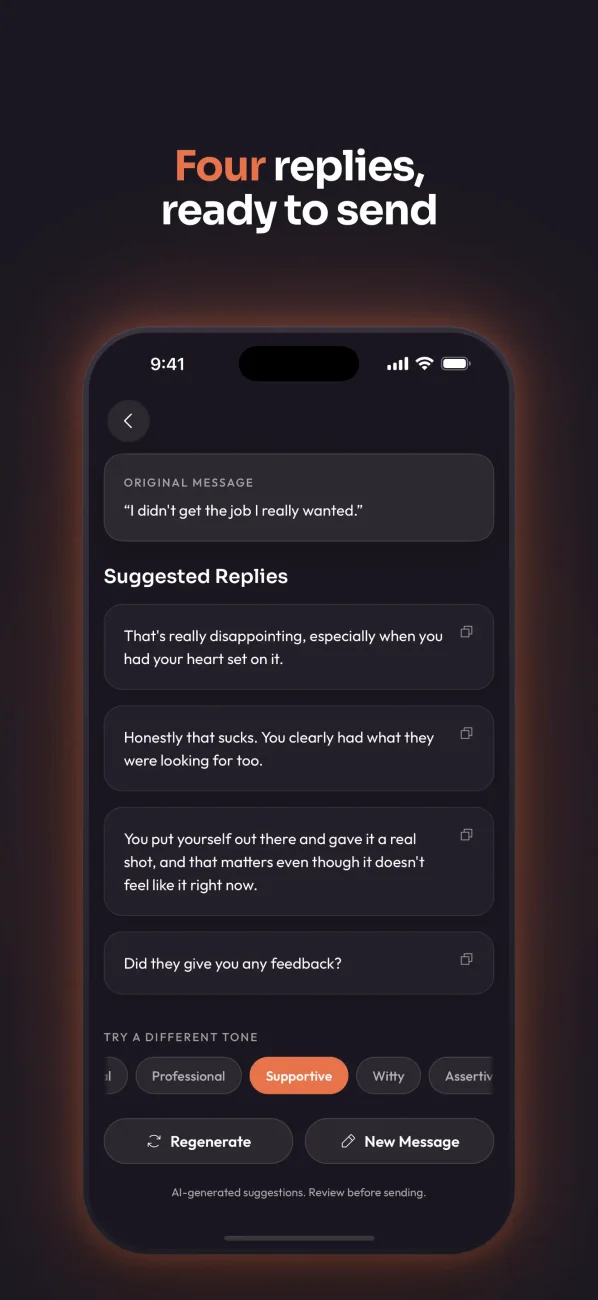
Give parry the situation any way you like: type a few words, paste what they sent, add a screenshot, or just say it out loud. Pick a tone, and you get four ready-to-send replies in about five seconds. Tap to copy, switch back to your chat, and send.
How it works
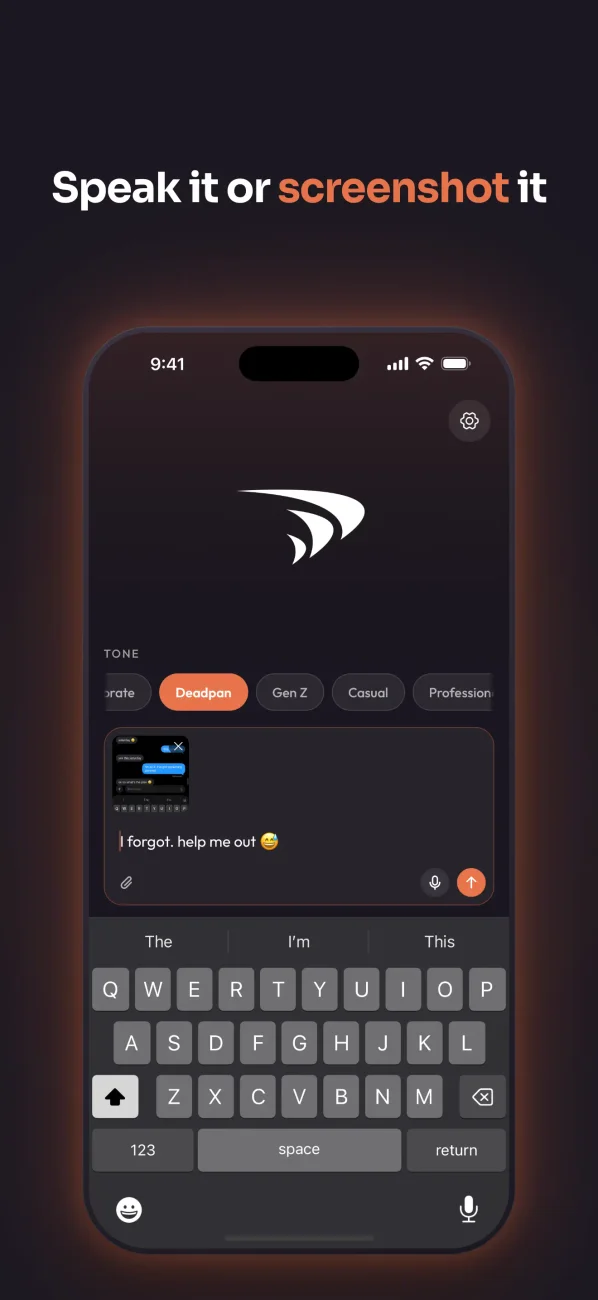
1. Give parry the context. Describe a situation, paste a message, attach a screenshot, or speak it.
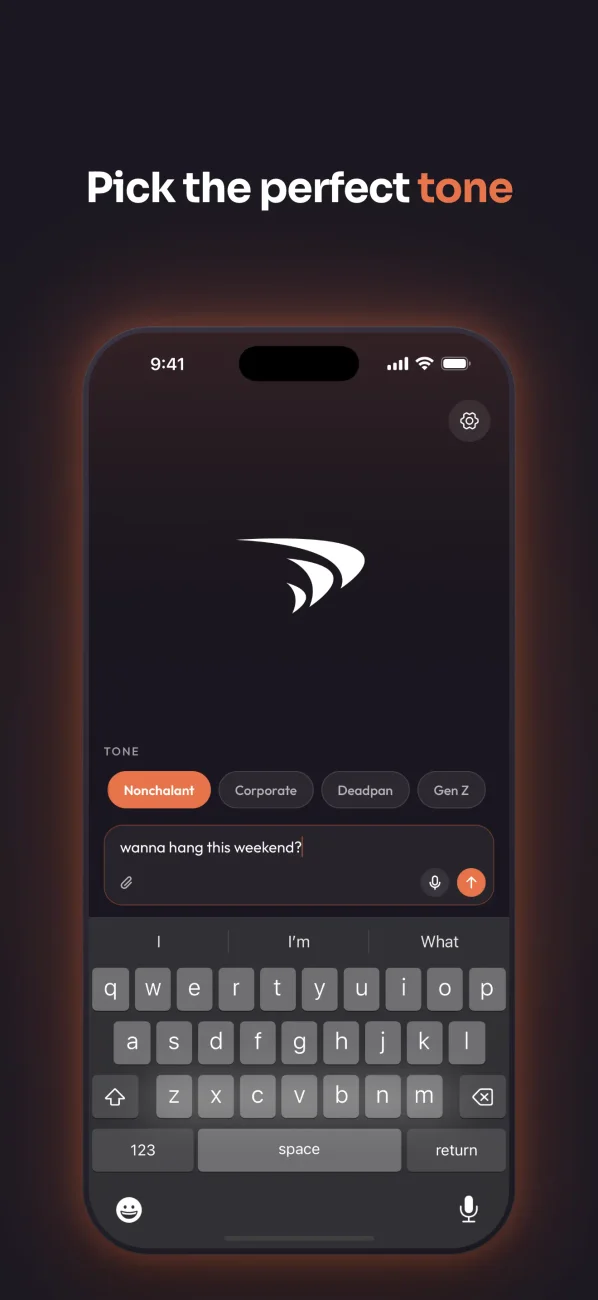
2. Pick a tone. Casual, Professional, Supportive, Witty, or Assertive, plus a custom tone of your own.
3. Send it. Four options appear. Copy your favorite and you're done.
Reply, or write the hard message first
parry works both ways. Answer a loaded text from your boss, a message from someone you're into, or a group chat you've been ignoring. Or draft the message you've been putting off, like telling someone you can't make it, and let parry find the words.
Works wherever you talk
If you can copy a message or screenshot a conversation, parry can help with it: iMessage, WhatsApp, Slack, Discord, Instagram DMs, email, and your dating apps. No keyboard to install and no integrations to set up.
A tone for every conversation
Five built-in tones cover almost every situation, so you don't need a different app for work, friends, and dating: Casual, Professional, Supportive, Witty, and Assertive. Want a voice that's more you? Build a custom tone that sounds like how you actually write, or make a fun one. Free includes one custom tone. parry Pro unlocks up to four.
More than text
Don't feel like typing? Speak it. Drop in a screenshot and parry reads the conversation for you. Hand it a photo and ask for a caption.
Free to start
Five generations a day and one custom tone. No account, no sign-up, not even for Pro. Upgrade to parry Pro for 200 generations a day and up to four custom tones. New phone or fresh install? Restore Purchases brings back your Pro and your custom tones. See current pricing in the app.
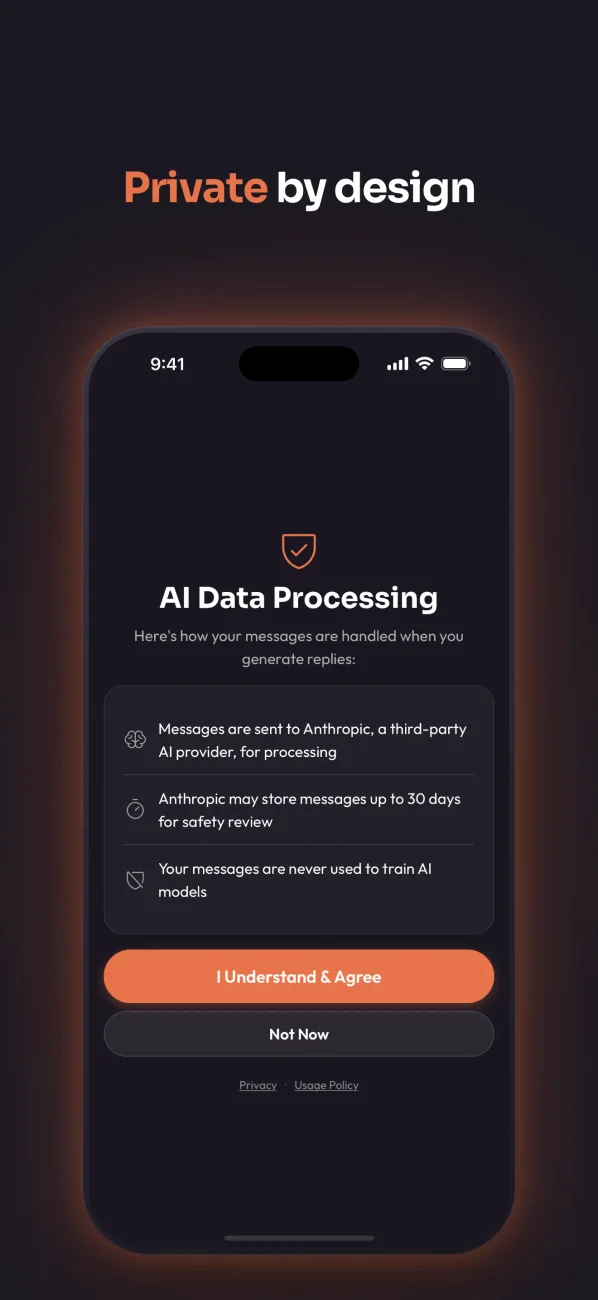
Private by design
parry never stores your conversations. What you share goes to our AI provider only to generate your replies, is automatically deleted by them within 30 days, and is never used to train AI models. Voice never leaves your phone.
Type it, paste it, snap it, or say it. parry helps you say it right.
Terms of Use: https://parryai.app/terms
Privacy Policy: https://parryai.app/privacy
What’s new
Version 1.2.2 · Oct 24, 2026
parry now uses less memory and is built for iOS 27.
App privacy
What Anomaly Labs LLC declares on the App Store about how this app handles data.
-
Data linked to you
May be collected and linked to your identity.
- Purchases
- Identifiers
-
Data not linked to you
May be collected but is not linked to your identity.
- User content
- Identifiers
- Diagnostics
Privacy practices may vary, for example with the features you use or your age.
Information
- Seller
- Anomaly Labs LLC
- Category
- Productivity
- Version
- 1.2.2
- Updated
- Oct 24, 2026
- Released
- Jun 9, 2026
- Size
- 59.7 MB
- Requires
- iOS 16.4 or later
- Age rating
- 12+
- Price
- Free
- In-app purchases
- Yes
- Languages
- English
- Copyright
- © 2026 Anomaly Labs LLC
You might also like
-
 SnapCueSnap the screen. Get your cue.
-
 Eira: Private AI ChatRuns entirely on your device
-
 LetUsReply AIText Replies in Your Voice
-
 RightReplyCraft the Perfect Response
-
 OG InfoFlow - Original VersionSync with GDrive & OneDrive
-
 Marker: AI Dating WingmanFlirt, Reply & Chat Analyzer
-
 ReplySmart: The Reply WingmanSmart Reply for Every Message
-
 SynTask: Multi AI ChatCompare Models, Use Your Keys
-
 Barada AIYour Ai assistant
-
 Talkmate.aiTalk easy, sound smart