
- Age rating17+
- CategorySocial Networking
- DeveloperPassboards, Inc.
- LanguagesEnglish
- Size40.9 MB
Links to the official App Store page
Download.org hosts no file of Passboards. The button opens its official App Store page, published by Passboards, Inc. Listing last checked on Nov 20, 2026.
Screenshots


About
Passboards is where your people keep their moments together.
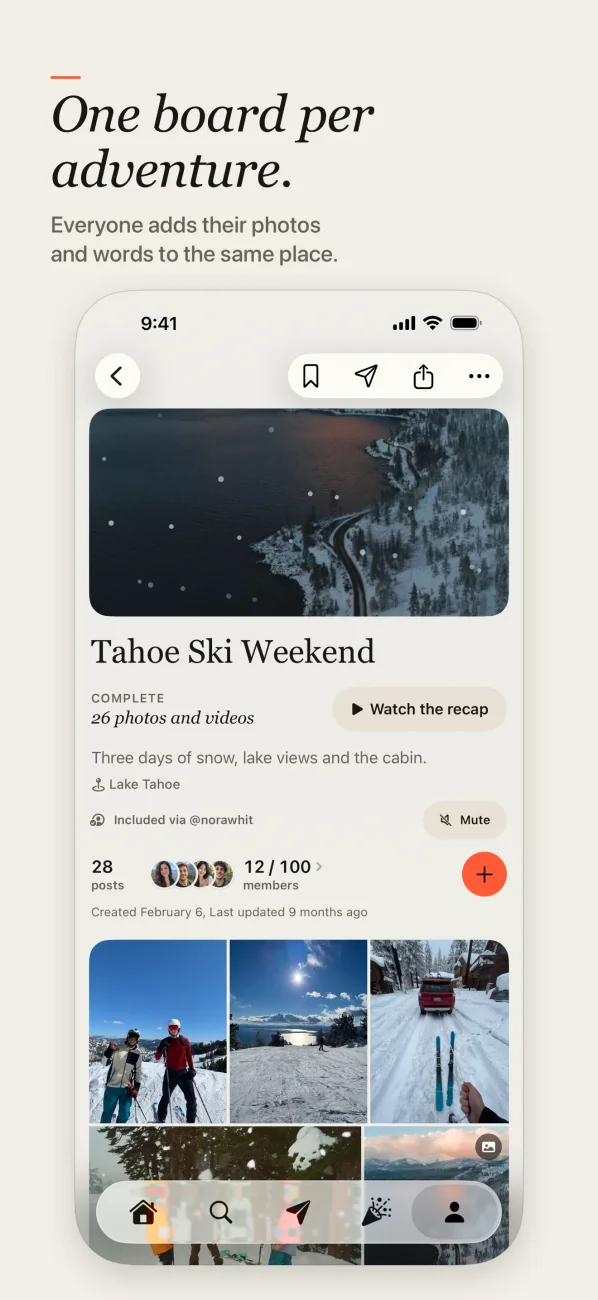
Start a board for the trip, the wedding, the season, the Tuesday that turned into something, and add the people who were there. Everyone posts to the same place: photos, videos, the songs that played, and the words worth keeping. It all lands on one beautiful board instead of six camera rolls and a group chat that scrolled past it weeks ago.
BOARDS
• Public, or private to the people you add.
• Up to 100 members per board. You choose who can post, who can invite, and who helps run it.
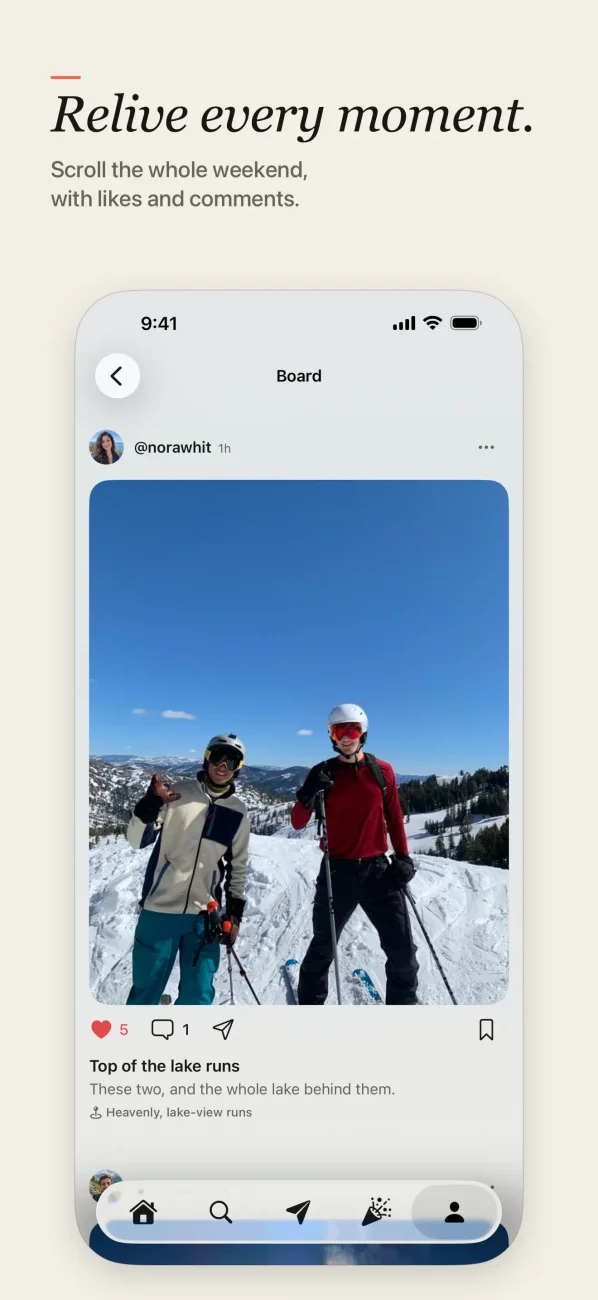
• Up to 15 photos and videos in a single post, with a title, a caption, a place and tagged friends.
• Links in captions, board descriptions and bios open with a tap.
• Every photo shown in its own shape, on a page that takes on the colours of the board's cover.
• Ten Passboards looks, plus Auto, and adjustments in a built-in editor that never touch your original.
• Arrange a board's posts by dragging them, and position the cover photo.
• Take photos and videos in the app. Uploads keep going in the background.
• Archive a post or board instead of deleting it, and bring it back any time.
GUESTS
• Share a guest link or QR code for an event or a board with dates. Guests add photos from their browser, without the app, and you approve them before they show.
• Choose when a board's photos show: as they're posted, or all at once at a time you pick.
CLUBS
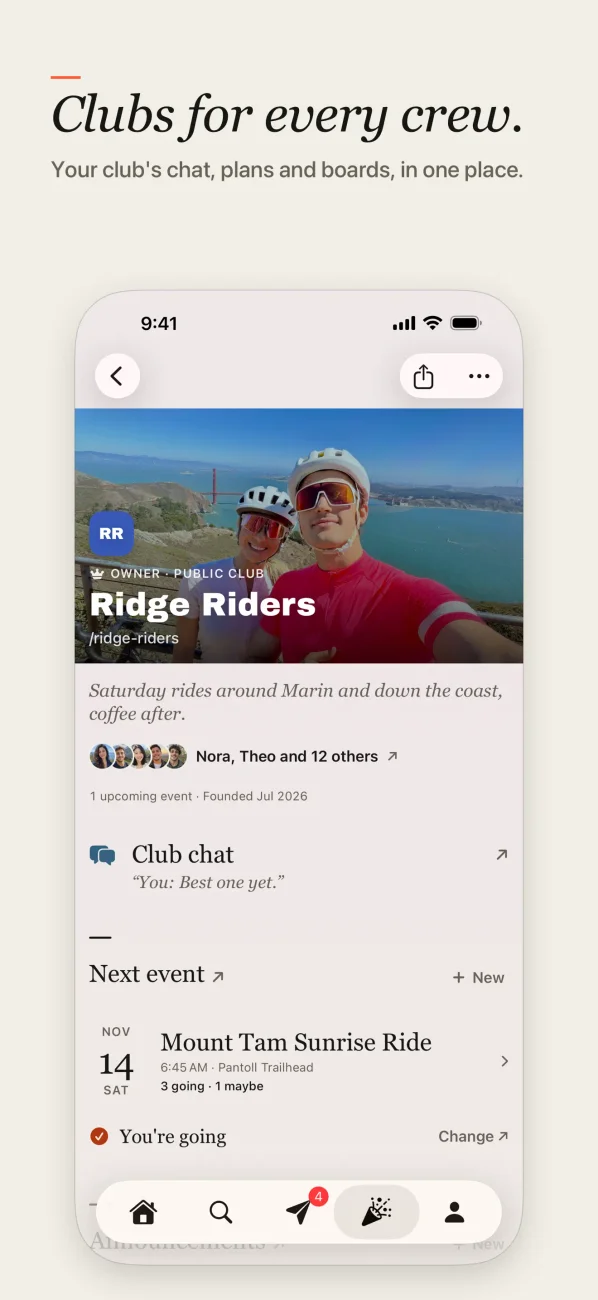
• A home for a group that keeps meeting: a team, a class, the friends you see every week. Group chat, events, announcements, and a board for every gathering.
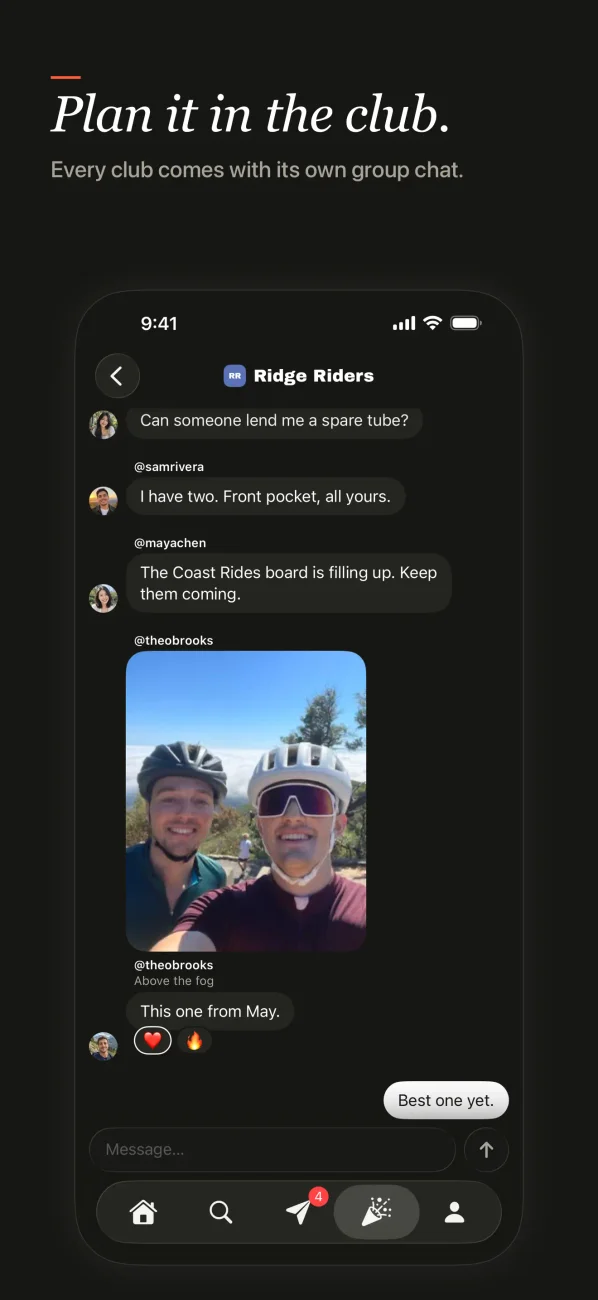
• Club chat with photos, replies, polls, and Find a time to settle on a date.
• Events with limited spots and a waitlist, RSVP approval, plus-ones, a cohost, a message to everyone going, and reminders a week and 2 hours before.
• Repeating events every week, every 2 weeks or every month, and Subscribe to Calendar to keep a club's events in your calendar app.
• A weekly club roll, a shared goal, and club recaps of what you did together.
• Every club has its own mark, address and QR code.
• Share your posts with a club, and its members see them in their feed and the club's Tagged section.
• Public or invite-only, up to 100 members. A private club can make a board public.
MUSIC
• Share a song, album or playlist from Spotify or Apple Music, and play a 30-second preview right in the feed.
• Open anything in your music app with one tap.
WRITE
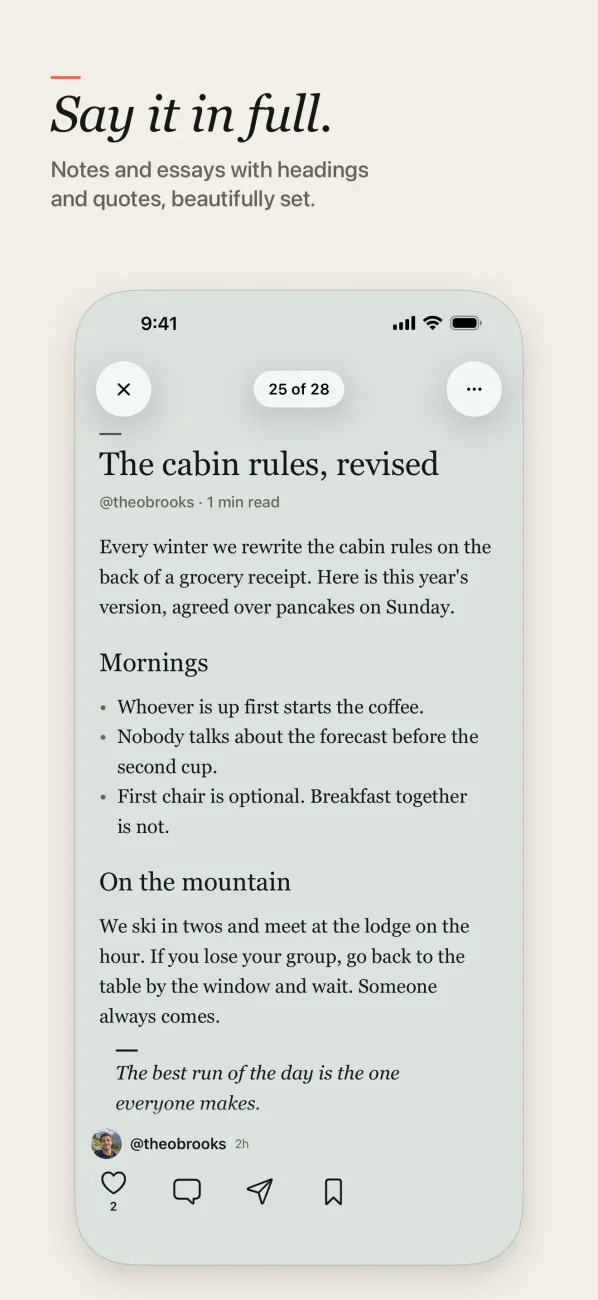
• Post a quick note or a long-form essay, with headings, quotes, lists and links.
• Drafts save as you go, and essays open in a full-screen reader made for reading.
PEOPLE
• Follow friends, or keep your profile private and approve requests.
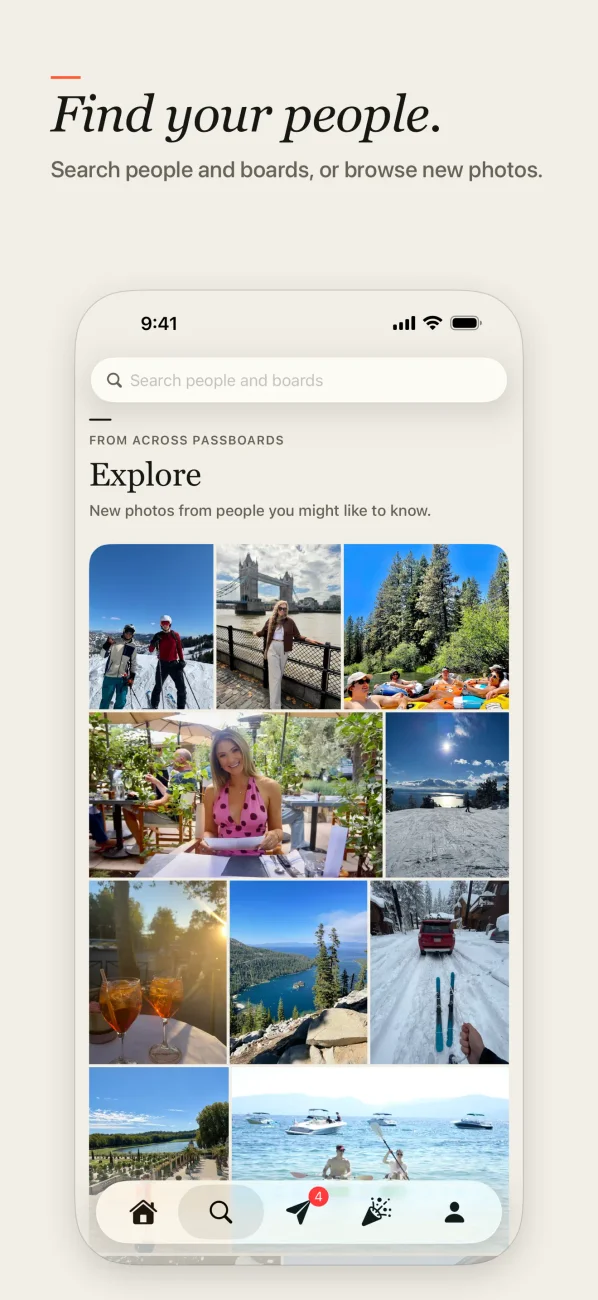
• A home feed of what your people are up to, and Explore for finding more.
• Find friends from your contacts (only one-way codes leave your phone), and add your number so they can find you.
• Like, comment, save, mention, and message. Get notified when you're tagged, and remove yourself from any post.
• Share a post or a board to your Instagram Story as a Passboards card.
MESSAGES
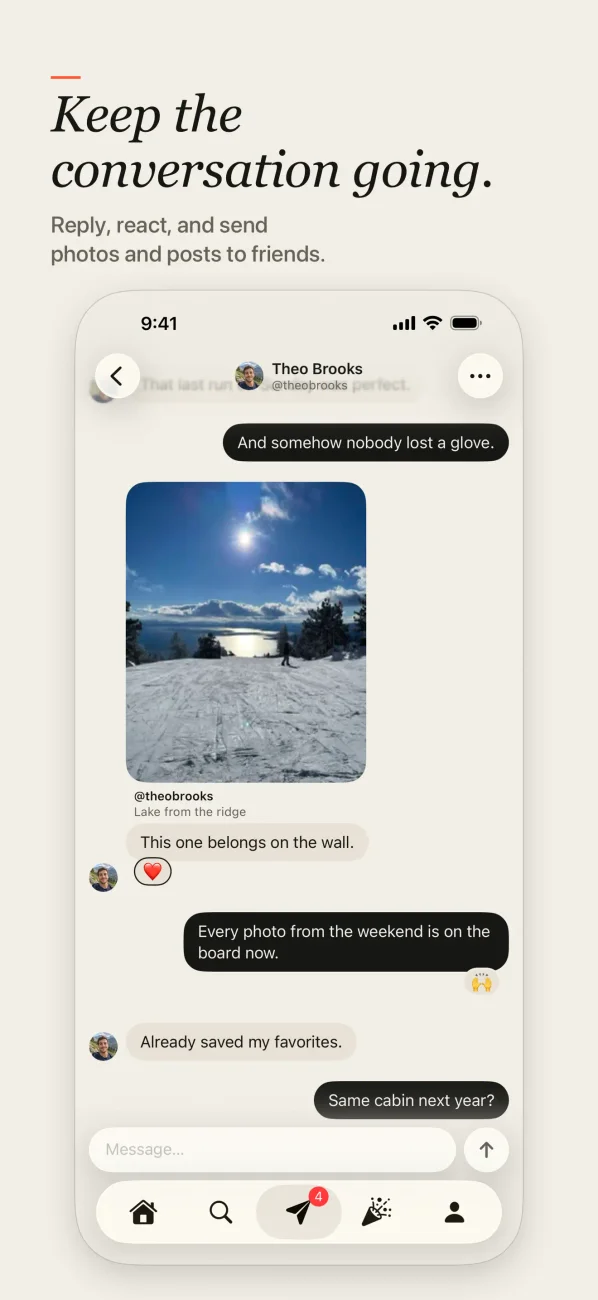
• One-to-one and club chats, with replies, photos, any emoji as a reaction and read receipts you can turn off. Send any post, board or profile straight into a chat.
PHOTOS AND VIDEO THAT LOOK RIGHT
• Tap any photo or video to open it full screen and swipe through the whole collection.
• Photos are kept sharp at full-screen size; video plays at 720p, up to three minutes a clip.
• Spots: a private map of where your photos were taken. Only you can see it.
• Location and device details are stripped from every upload. Nobody else sees where a photo was taken unless you add a place.
• A Highlights widget brings your favourite moments to your Home Screen.
YOUR ACCOUNT
• Sign up with an email. No ads today. Delete your account any time from Settings.
Free on iPhone, for iOS 26 and later.
Support: support@passboards.com
Terms of Service: https://www.passboards.com/terms-of-service
Privacy Policy: https://www.passboards.com/privacy-policy
What’s new
Version 2.0.20 · Nov 17, 2026
Passboards 2.0.20 makes posting from your profile simpler and shows more in your club list.
NEW
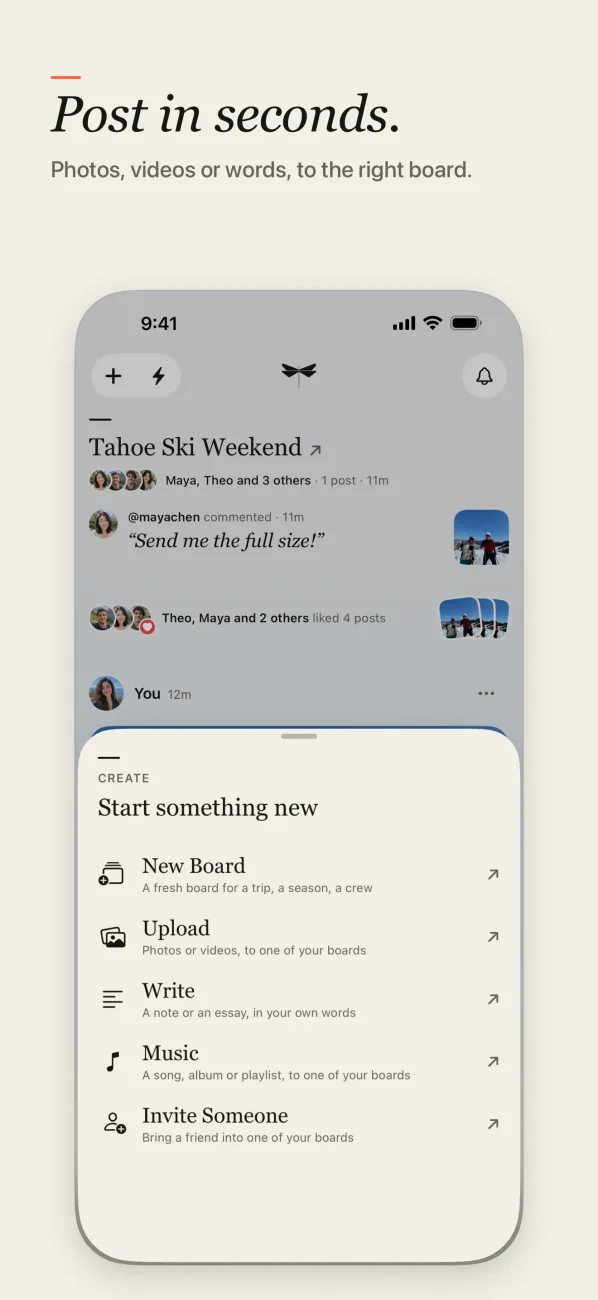
• The + on your profile always starts a new post, on the Posts and Boards tabs alike.
• When you choose a board for a post, New board is always there, so you can make a board for it on the spot.
IMPROVED
• Every club shows whether it is muted, what is unread and its last message, however long ago its chat was.
• Messages and Clubs load less when you come back to them.
• The tutorial has a refreshed example world: Home opens on a ski weekend, and Explore shows a mix of people and boards.
• Small fixes and speed-ups throughout.
App privacy
What Passboards, Inc. declares on the App Store about how this app handles data.
-
Data linked to you
May be collected and linked to your identity.
- Contact info
- User content
- Identifiers
- Diagnostics
Privacy practices may vary, for example with the features you use or your age.
Information
- Seller
- Passboards, Inc.
- Category
- Social Networking
- Version
- 2.0.20
- Updated
- Nov 17, 2026
- Released
- Oct 14, 2022
- Size
- 40.9 MB
- Requires
- iOS 26.0 or later
- Age rating
- 17+
- Price
- Free
- Languages
- English
- Copyright
- © Passboards, Inc.
You might also like
-
 TootroveMastodon, made effortless
-
 EmoLysiumWhere Emotions Connect
-
 HeyHey AppCall your people more
-
 PostmineSocial Networking
-
 Trusted ConnectSocial Networking
-
 Maia: The social constellationMastodon & Bluesky, Together
-
 PeereePin Interaction Network
-
 MQ ChatSocial Networking
-
 Petch - Pet SocialThe Social App for Pets
-
 SceneShop. Sell. Collab.