
PassKing: Password Manager
Encrypted Offline Vault
Designed for iPhone, iPad, iPod touch
Free
- Age rating4+
- CategoryProductivity
- DeveloperMichael Fahim
- LanguagesEnglish
- Size70.5 MB
Links to the official App Store page
Download.org hosts no file of PassKing: Password Manager. The button opens its official App Store page, published by Michael Fahim. Listing last checked on Nov 20, 2026.
Screenshots

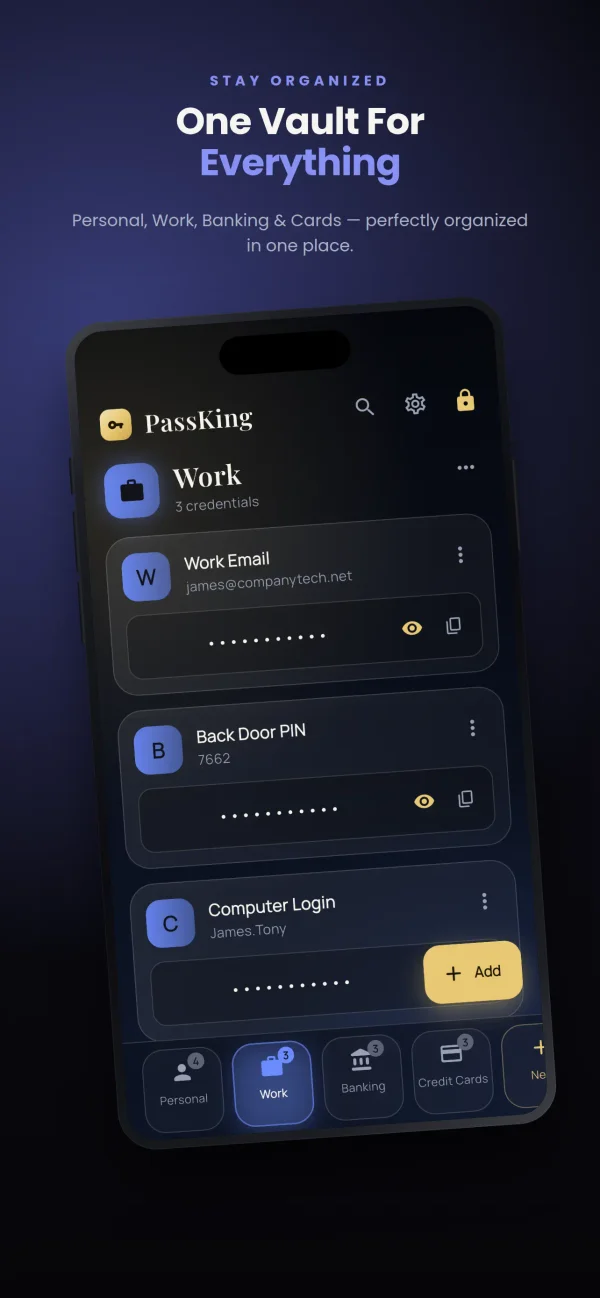
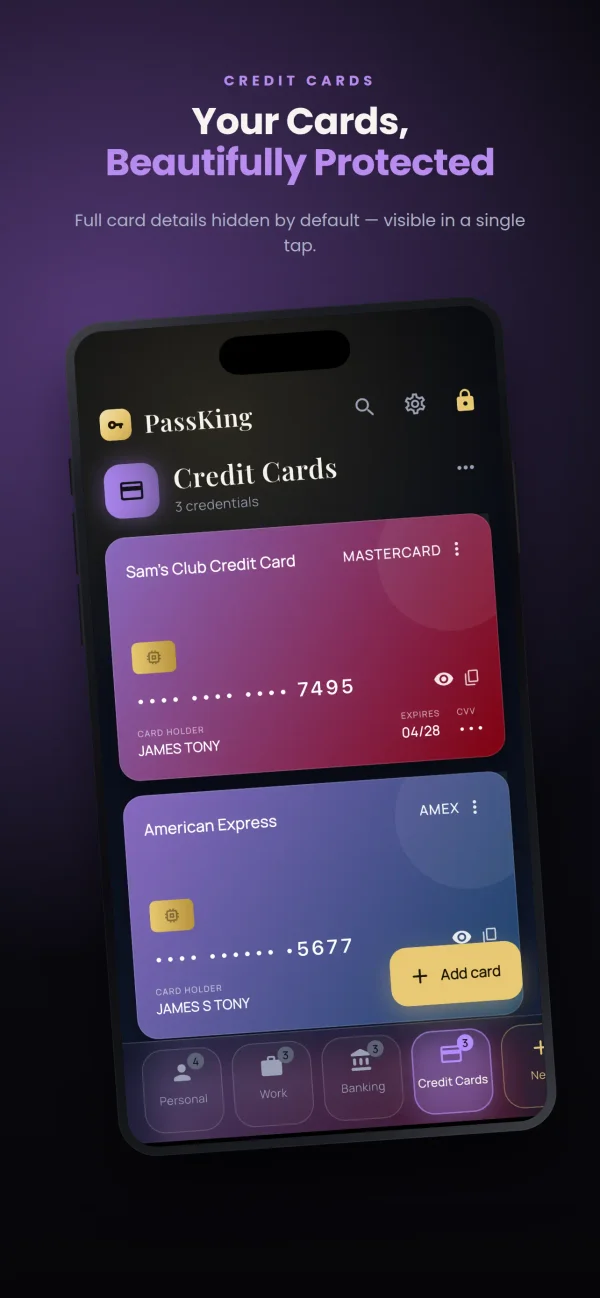
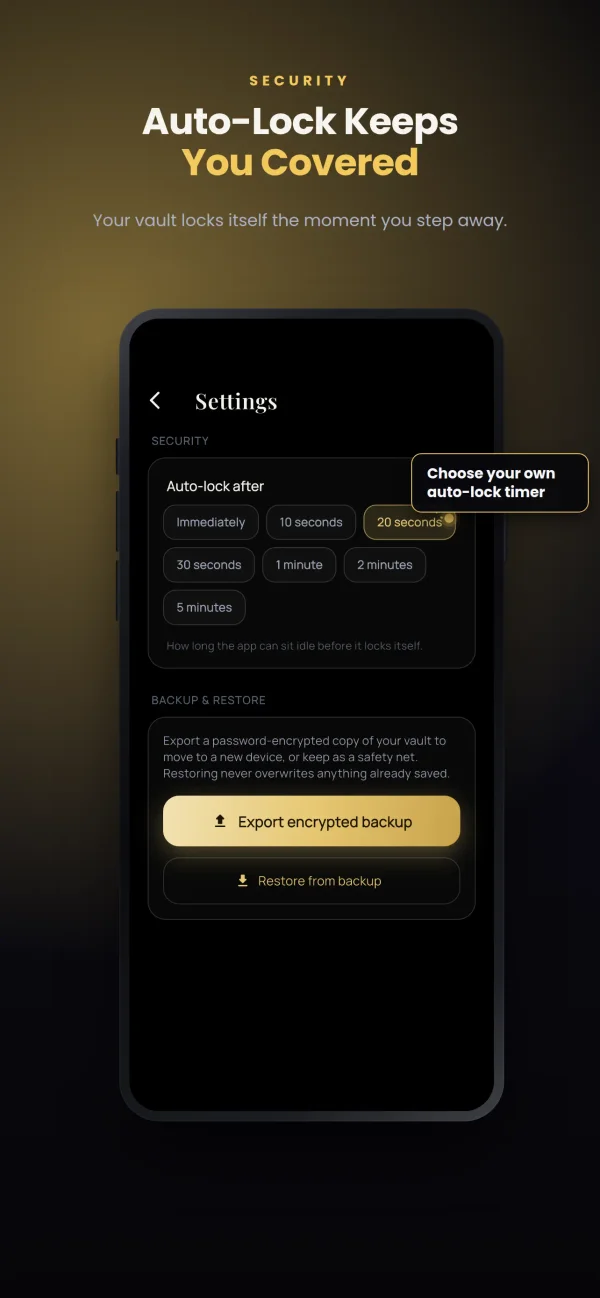
About
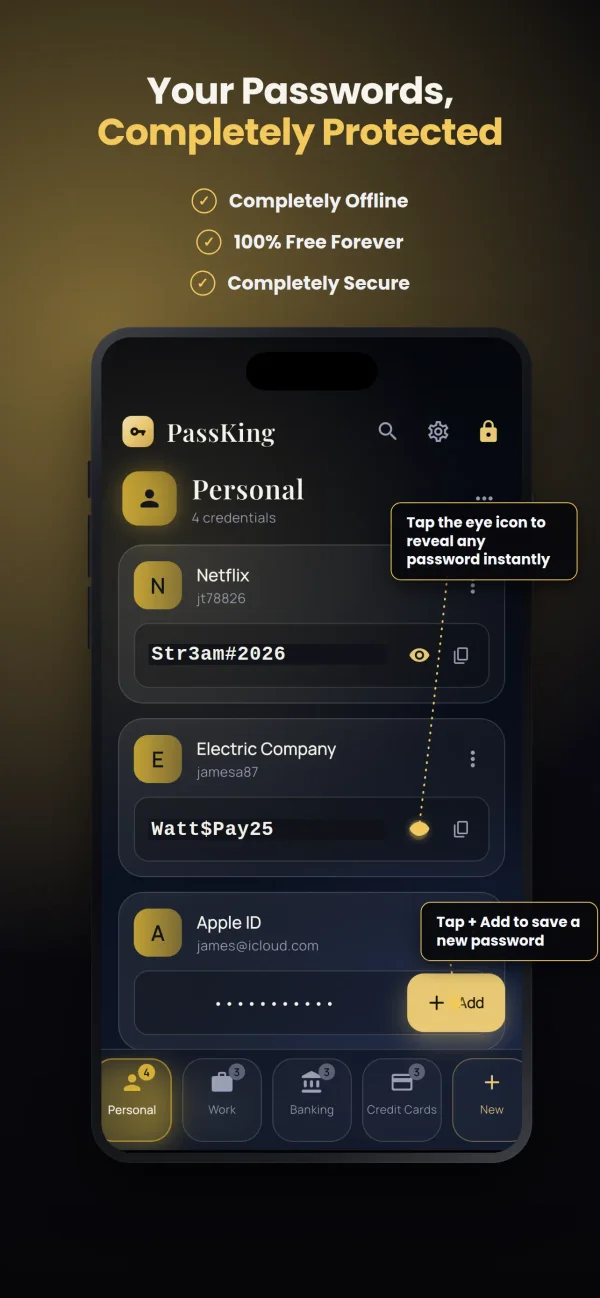
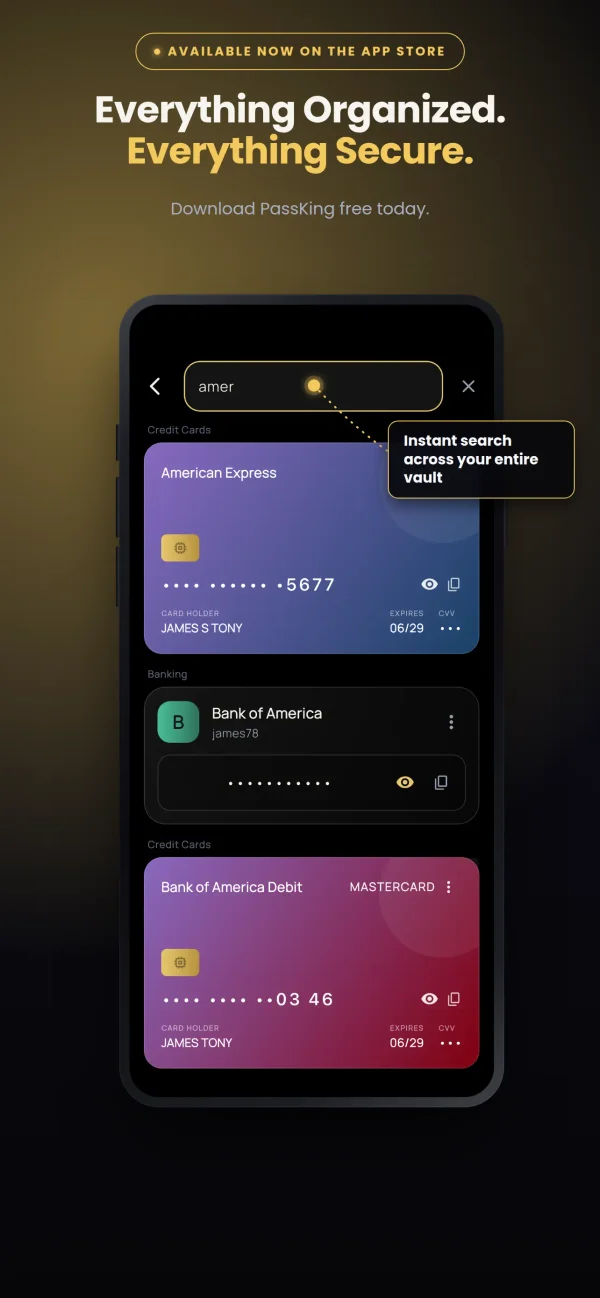
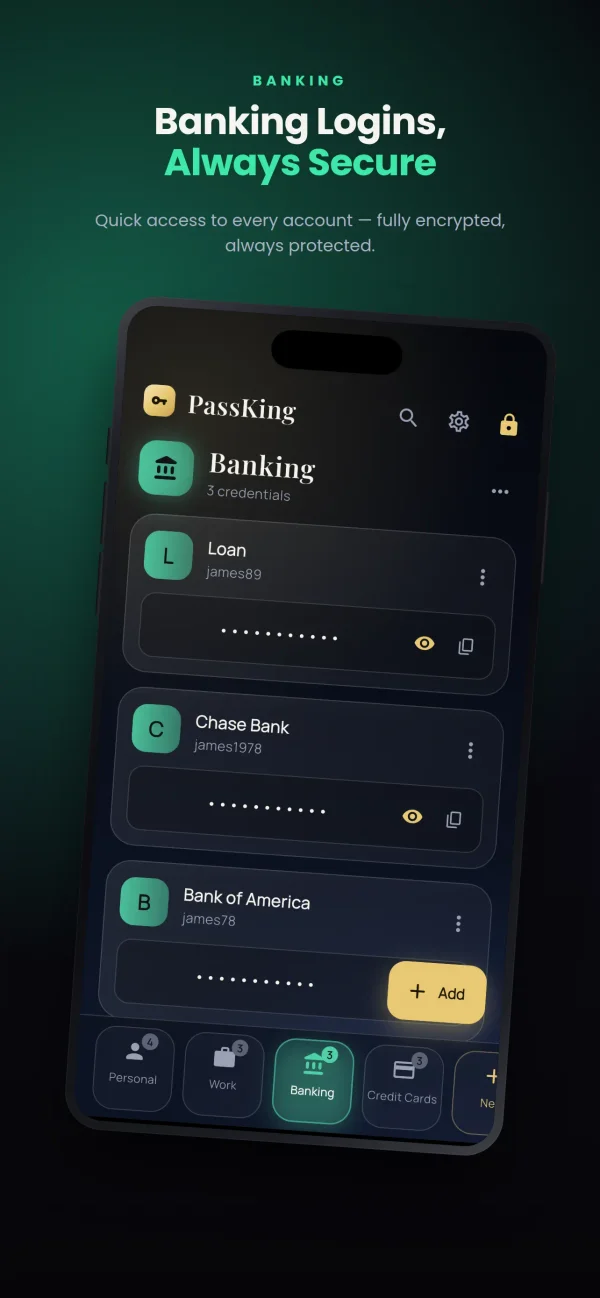
PassKing is a private, offline password manager and card vault built to keep your logins, cards, and secrets safe without ever sending them to the cloud.
Unlike password managers that sync your vault to a company's servers, PassKing stores everything locally on your device inside an AES-256 encrypted vault. There's no account to create, no email to hand over, and no server for anyone to breach - your data simply never leaves your phone.
WHY PASSKING
- 100% offline. Your passwords and cards are encrypted and stored only on your device. Nothing is uploaded, synced, or shared.
- Military-grade AES-256 encryption for every entry in your vault.
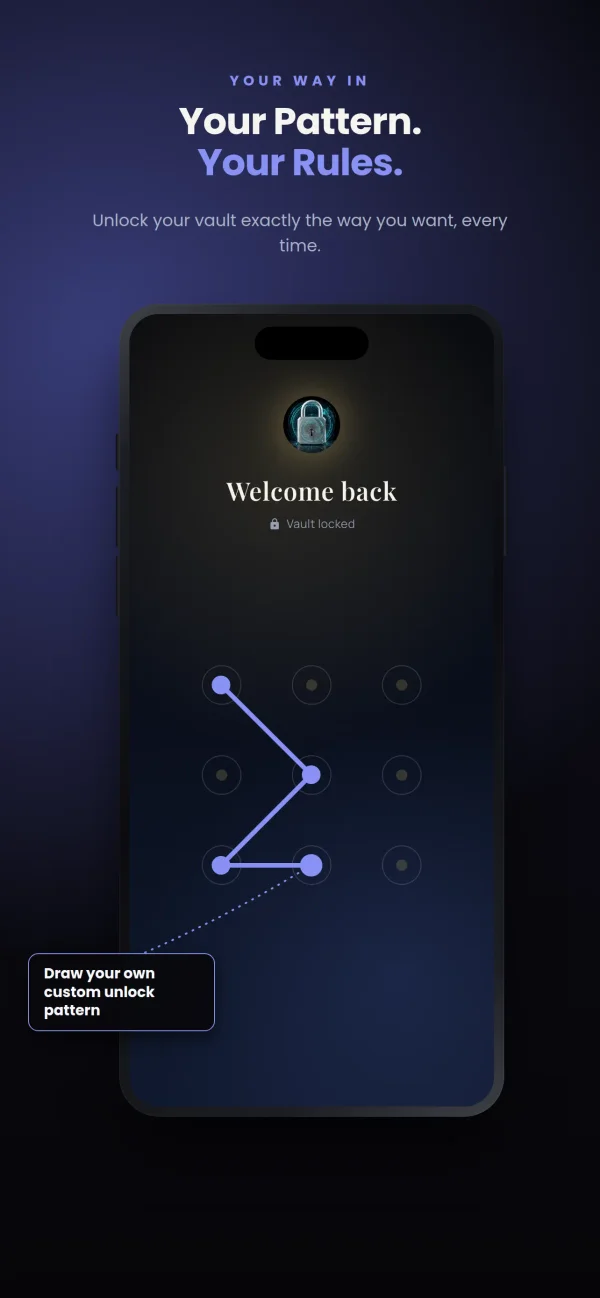
- Biometric unlock (Face ID / Touch ID) plus a secure pattern lock as backup.
- Auto-lock keeps your vault sealed the moment you leave the app.
- Built-in card scanner uses on-device text recognition to add payment and ID cards in seconds - no typing, and the photo never leaves your device.
- Organize logins, cards, and notes into custom categories for fast access.
- Clean, modern interface designed to make managing dozens of passwords effortless.
- No accounts, no cloud sync, no data collection or analytics of any kind. A single small banner ad (served by Google AdMob) helps keep PassKing free - your vault data is never shared with it or anyone else.
HOW IT WORKS
Set up a secure unlock pattern (and enable Face ID / Touch ID if you'd like), and PassKing generates a unique encryption key that lives in your device's secure hardware storage - the same vault iOS uses to protect its own most sensitive data. Every password, card, and note you add is encrypted with that key before it ever touches storage.
PERFECT FOR
- Anyone who wants a password manager without trusting a third-party cloud with their secrets.
- People who reuse the same few passwords and want to finally generate and store strong, unique ones for every account.
- Storing credit/debit cards, loyalty cards, and ID numbers safely in one encrypted place.
- Users who value privacy-first, offline-first software.
PassKing is a vault, not a subscription funnel: no upsells, no nagging, no hidden tiers. Download PassKing and take back control of your passwords - privately, securely, and entirely on your own terms.
Questions or feedback? Reach out any time at michaelsamifahim@gmail.com.
App privacy
What Michael Fahim declares on the App Store about how this app handles data.
-
Data used to track you
May be used to track you across apps and websites owned by other companies.
- Identifiers
- Usage data
-
Data not linked to you
May be collected but is not linked to your identity.
- Identifiers
- Usage data
- Diagnostics
Privacy practices may vary, for example with the features you use or your age.
Information
- Seller
- Michael Fahim
- Category
- Productivity
- Version
- 12.1
- Updated
- Sep 18, 2026
- Released
- Sep 18, 2026
- Size
- 70.5 MB
- Requires
- iOS 15.5 or later
- Age rating
- 4+
- Price
- Free
- Languages
- English
- Copyright
- © JMN
You might also like
-
 PDF Converter - PDF MakerPhoto to pdf, pdf photos
-
 Passwords CloudUser-friendly Password Manager
-
 Passkeys AppSecure Passwordless Login
-
 Dastak AppServices on your finger tips
-
 Ulysses: Writing AppWrite a novel, story, book
-
 Google CloudProductivity
-
 TunnelBear: Safe and Fast VPNSecure & Private Web Browsing