
PassTrue
Personal Security, Made Simple
Designed for iPhone, iPad, iPod touch
Free
- Age rating4+
- CategoryProductivity
- DeveloperFitzroy Edwards
- LanguagesEnglish
- Size29.3 MB
Links to the official App Store page
Download.org hosts no file of PassTrue. The button opens its official App Store page, published by Fitzroy Edwards. Listing last checked on Nov 23, 2026.
Screenshots

About
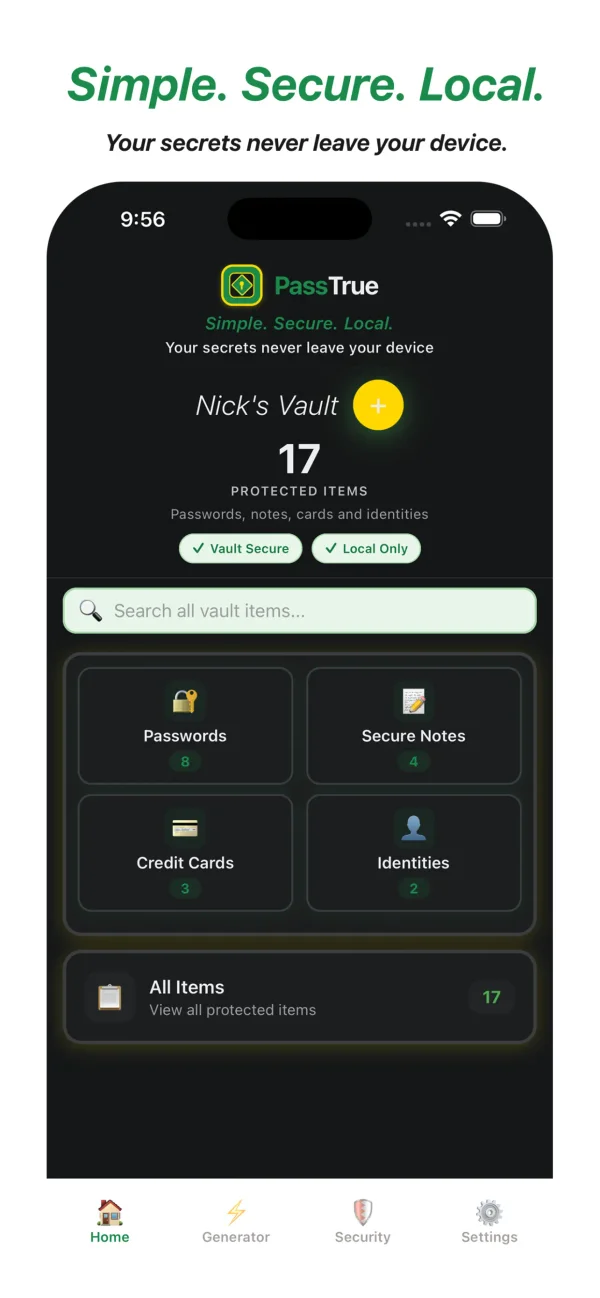
Designed for everyday use, PassTrue keeps your data on your device and protects it with your phone's built-in security. No accounts to create. No cloud. Just a calm, straightforward way to keep important information safe — and ready.
SYNC WITHOUT A CLOUD
Pair your devices with a QR code and they sync directly over your own Wi-Fi — no cloud, no account, no middleman. Everything is encrypted device-to-device, and switching phones becomes painless: pair the new one and sync.
SIGN IN WITHOUT A PASSWORD
Save passkeys from Safari, Chrome, and your apps straight into PassTrue, then sign in with Face ID or your fingerprint — nothing to type, nothing to phish. They sync between your devices like everything else. (iOS 17 / Android 14 and newer.)
YOUR PAPERS, READY TO SHOW
Keep car insurance, registration, passports, and IDs as documents with photos. Pull one up in seconds, zoom in, or share it — right when someone asks for it. PDFs too: share a policy, lease, or receipt and its pages are saved as a Document.
NEVER MISS AN EXPIRY
Add an expiry date and PassTrue quietly watches it: a heads-up on your home screen, badges on expiring items, and optional reminders 30 days, 7 days, and the day it's due. Reminders stay off until you turn them on.
EVERYTHING ELSE THAT MATTERS
• Passwords, with autofill in your apps and browsers, gated by your fingerprint or face
• Bank cards and accounts — numbers stay masked until you choose to reveal them
• Private notes with photo and voice attachments
• 2FA codes (TOTP) for your logins
• Folders that keep related items of any kind together — a bank account next to its statements, every paper for one property
PRIVATE BY DESIGN
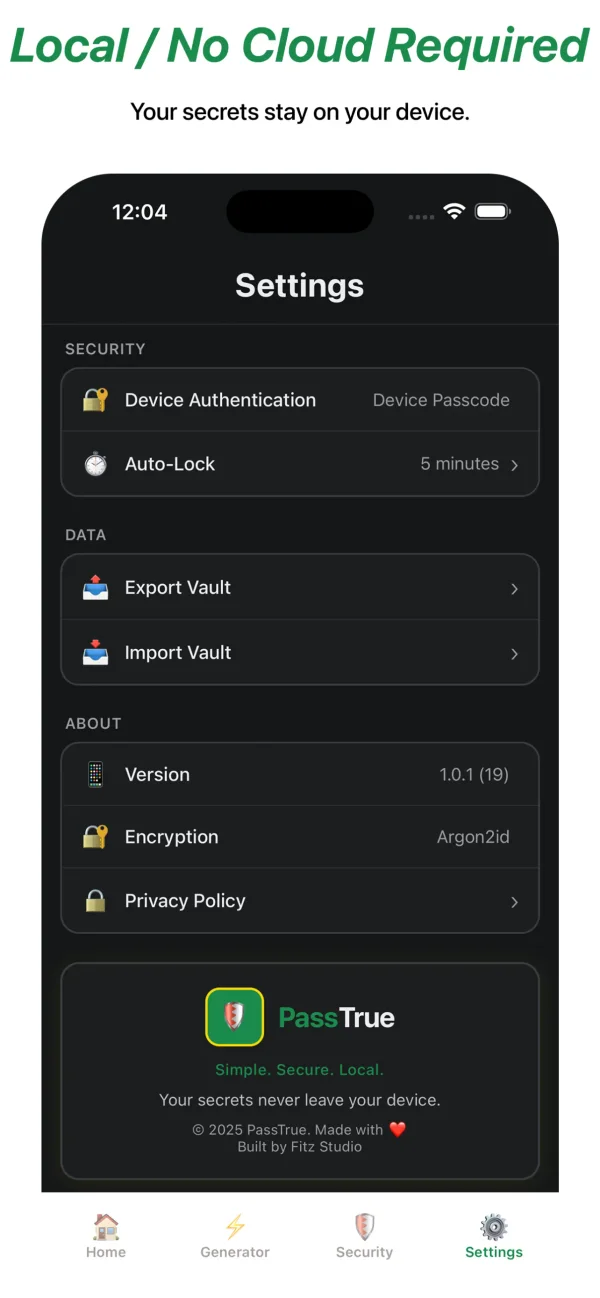
• Everything stays on your device — nothing is uploaded, ever
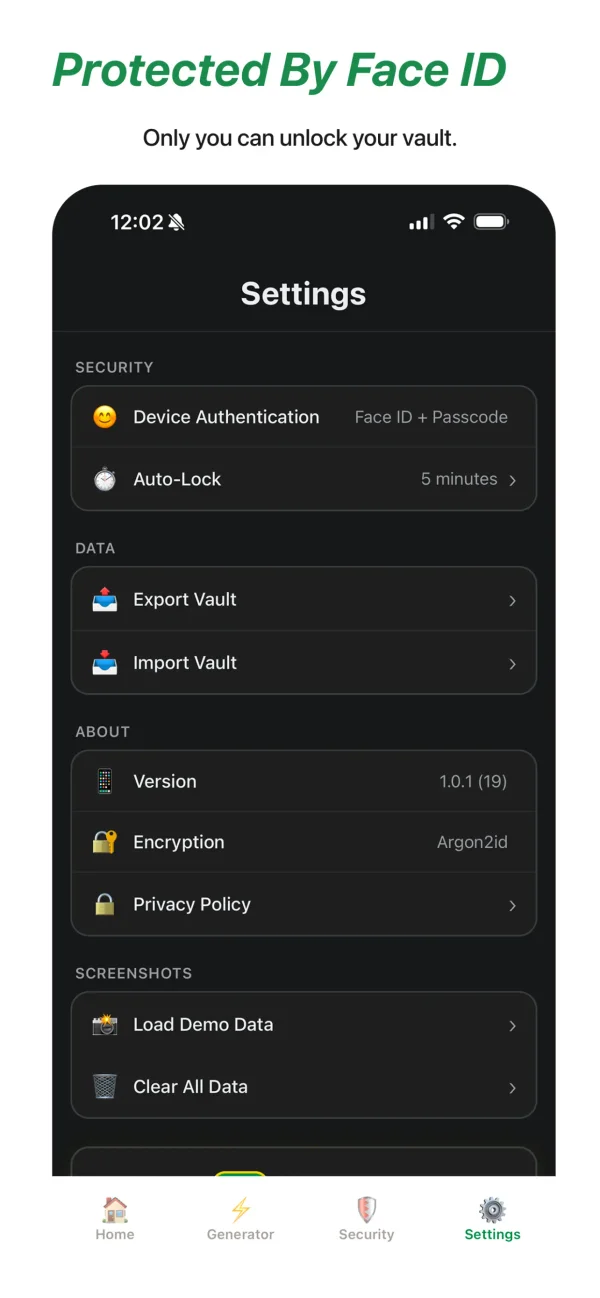
• Encrypted at rest; unlocked by Face ID, fingerprint, or your master password
• No account, no tracking, no ads
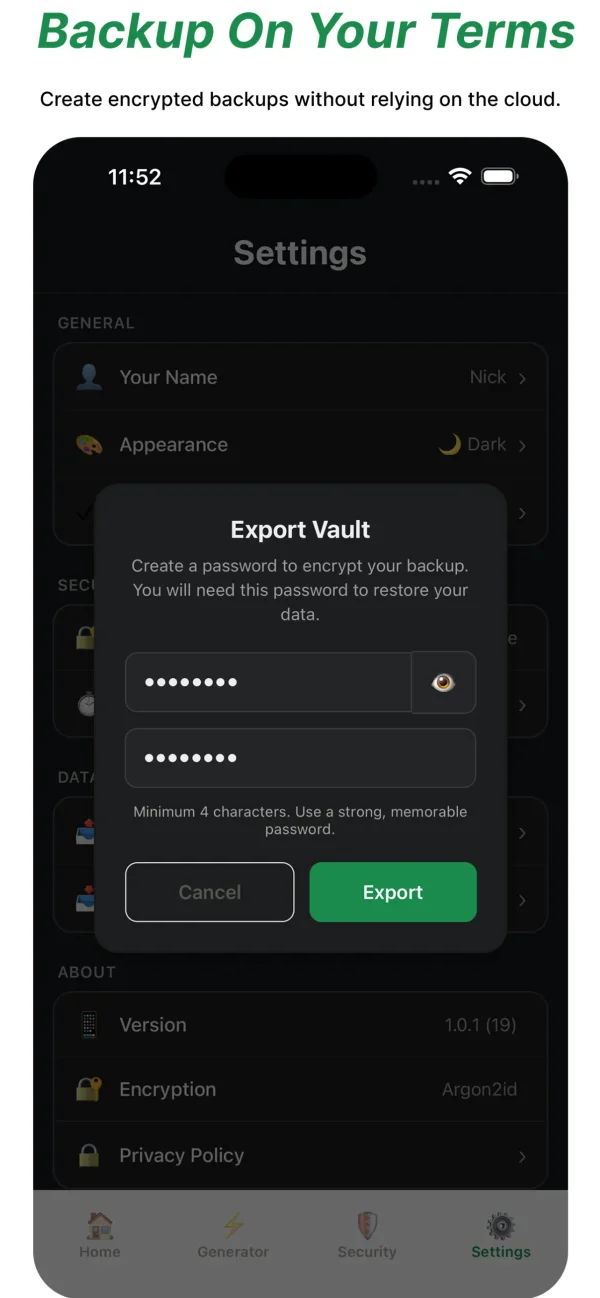
• Encrypted backups you export on your terms
Whether you're saving login details, private notes, or the papers you need at a traffic stop, PassTrue makes personal security feel approachable — even if traditional password managers feel overwhelming.
What’s new
Version 1.6.1 · Nov 19, 2026
Stability: fixes a rare blank screen that could appear while pairing or syncing between your devices. Also adds an error record under Settings → About so any future hiccup is easier to diagnose.
App privacy
What Fitzroy Edwards declares on the App Store about how this app handles data.
-
Data not collected
The developer does not collect any data from this app.
Privacy practices may vary, for example with the features you use or your age.
Information
- Seller
- Fitz Systems, LLC
- Category
- Productivity
- Version
- 1.6.1
- Updated
- Nov 19, 2026
- Released
- Apr 2, 2026
- Size
- 29.3 MB
- Requires
- iOS 15.1 or later
- Age rating
- 4+
- Price
- Free
- Languages
- English
- Copyright
- © 2026 Fitz Studio
You might also like
-
 BasicOpsProductivity
-
 Lexus Learn MXProductivity
-
 ShortenMyURL: URL shortenerAn elegant URL shortener
-
 iWorkSpaceMailProductivity
-
 PlanNet Marketing RepsShare, Build, Manage
-
 Quick Send: Mass Text MessageMass Text Message | Bulk SMS
-
 No Scroll - Limit Screen TimeApp Blocker, Control + Reduce
-
 Office Suite: Word, Sheet, PDFWord, PowerPoint, Excel sheets
-
 Quicken ClassicCompanion App
-
 Wifi Password : Speed AnalyzerWifi Password and Speed Info