
PassVault: Password Keeper
Designed for iPhone, iPad, iPod touch
Free · In-app purchases
- Age rating4+
- CategoryProductivity
- Developer晖明 甘
- LanguagesEnglish+ 4 more
- Size28.9 MB
Links to the official App Store page
Download.org hosts no file of PassVault: Password Keeper. The button opens its official App Store page, published by 晖明 甘. Listing last checked on Nov 15, 2026.
Screenshots
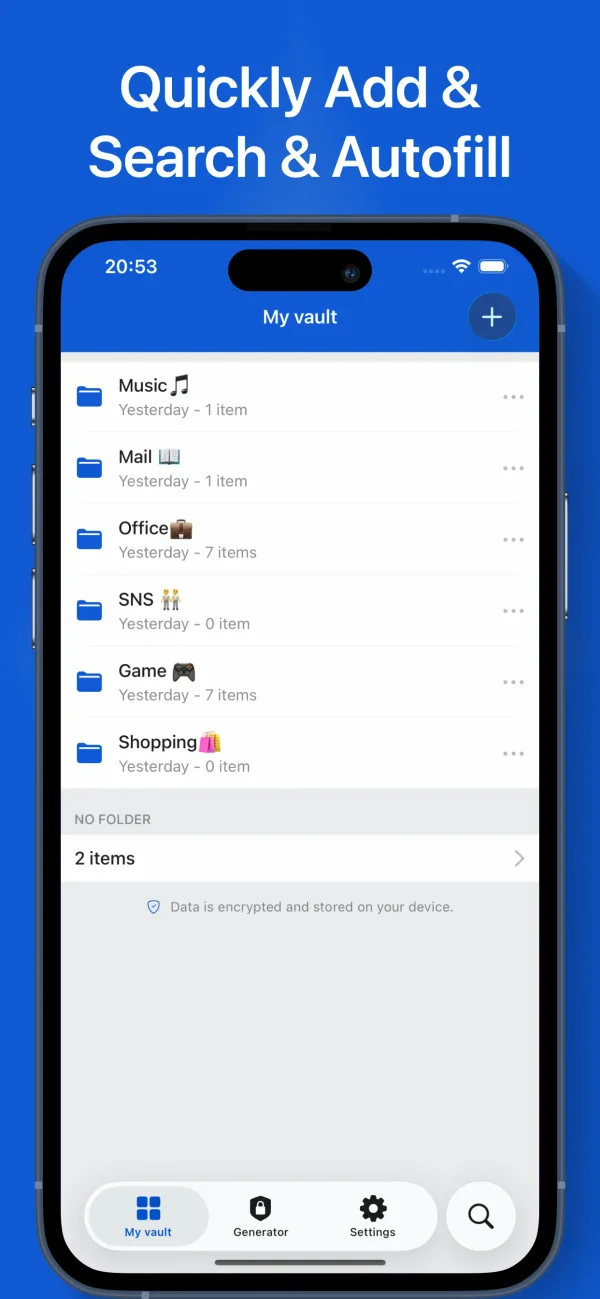
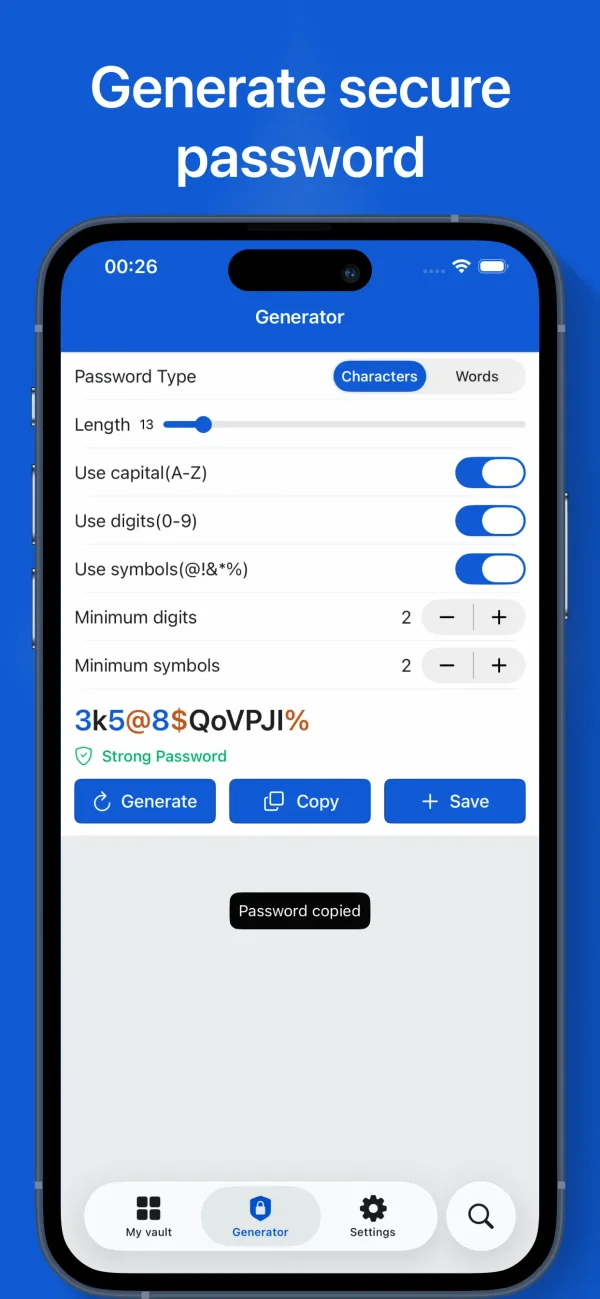
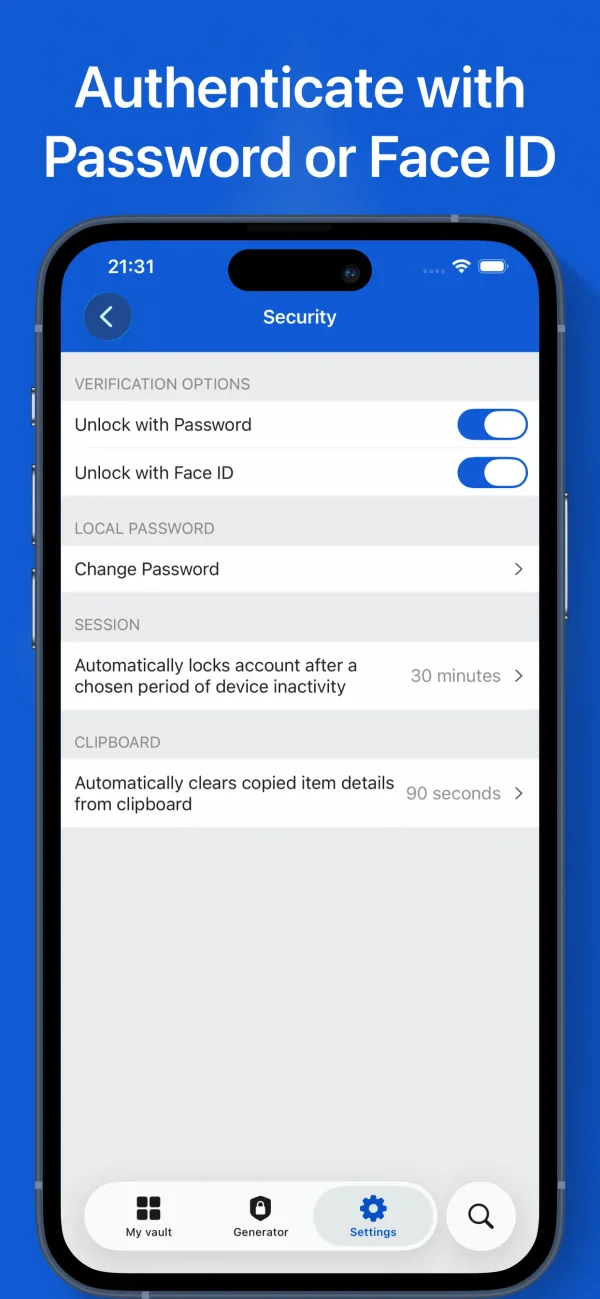
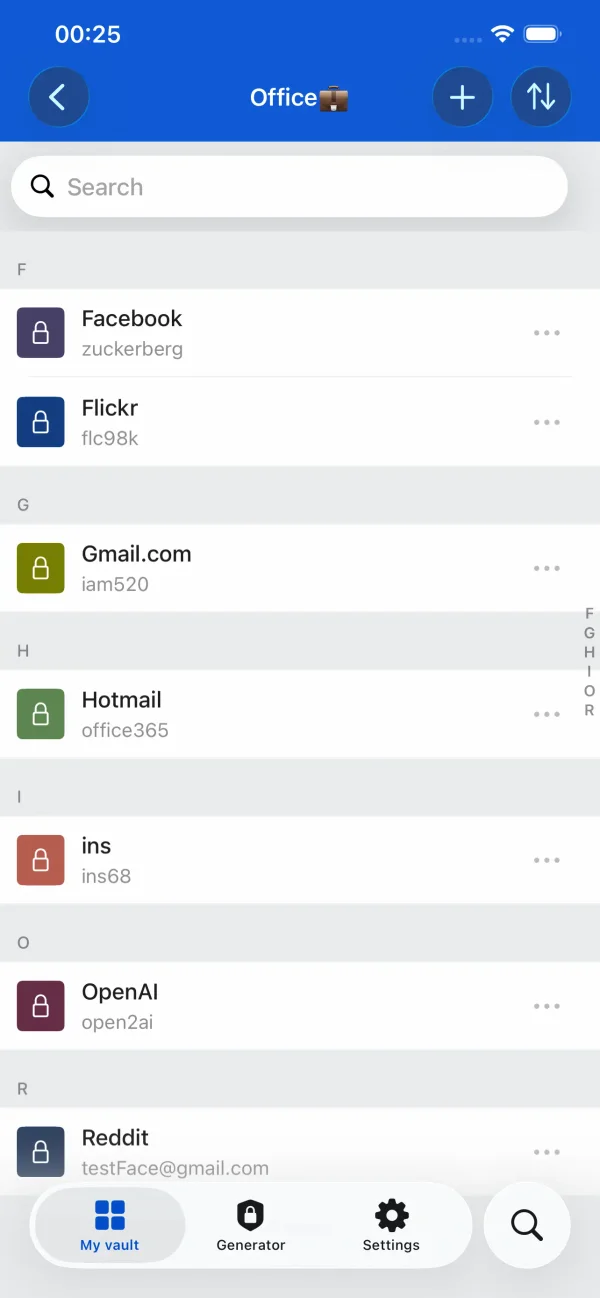

About
The developer has not provided this text in your language.
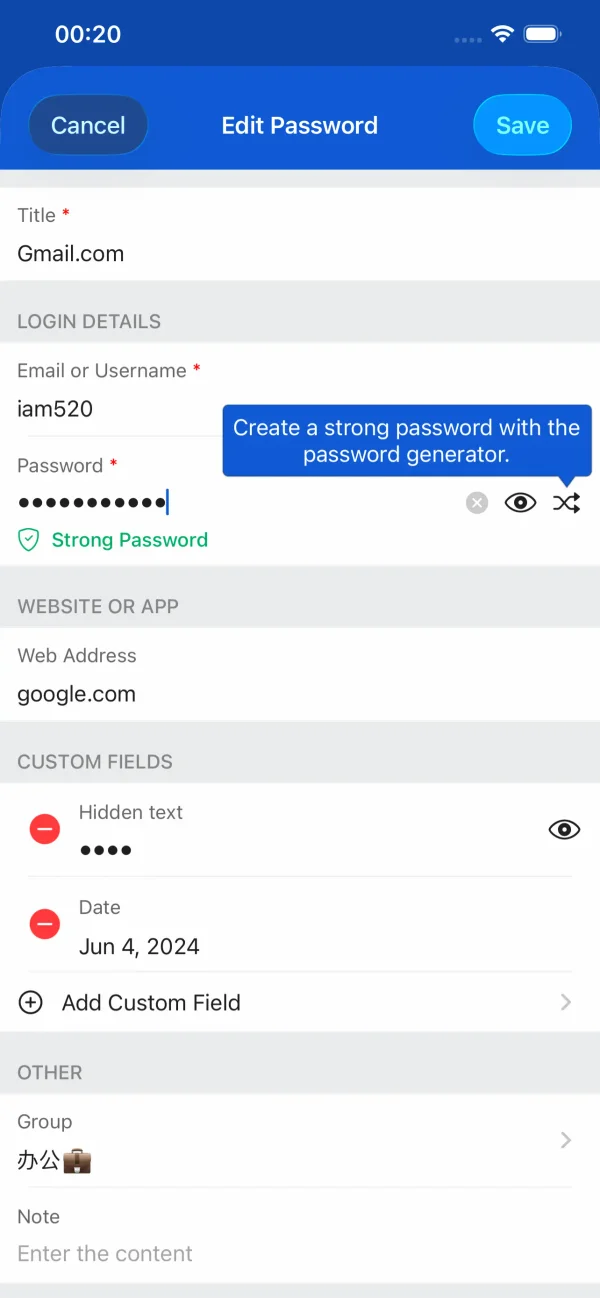
The PassVault app helps you securely and easily manage your passwords in your iPhone/iPad, with all data stored locally on your device..
Password Security
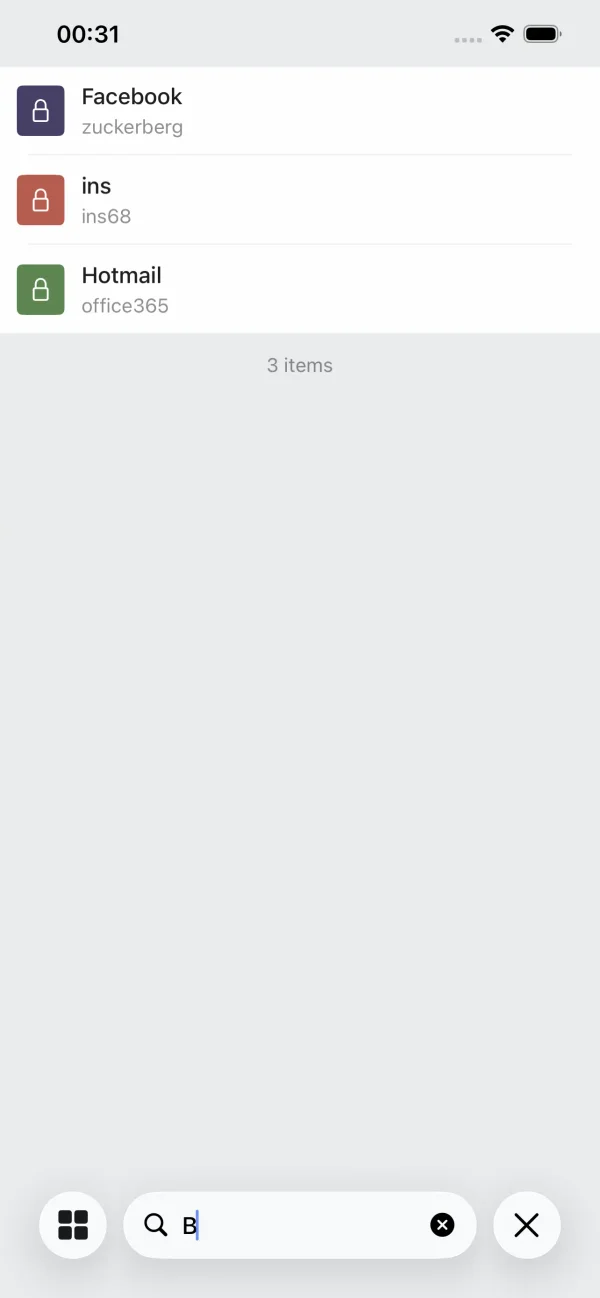
・ Account password keeper (easily create, search, and copy).
・ Password generator (support customizable length, characters, digits, case).
・ Data is locally stored and secured with AES-256 encryption and SHA salting.
・ Authentication (including passwords and Face ID).
Efficiency and Convenience
・AutoFill Passwords (automatically fill passwords when logging in to websites and apps).
・Easily organize your passwords (categorize into folders, modify, delete, move).
・Tailor your password records with Custom Fields(support text, hidden text, date, ...).
・iCloud synchronization (multi-device data sharing).
Supports the following Record Types:
• Login & password credentials
• Secure notes
More
・We're constantly adding new features.
・Support us with a kind feedback to msoftstudio6x@gmail.com.
Subscription Information
Upon purchase confirmation, the payment will be charged to your Apple account. The subscription will automatically renew unless auto-renew is turned off or the subscription is canceled in settings at least one day (24 hours) before the subscription period ends. You can manage your subscription and turn off auto-renewal in your Apple account Settings > Account (Apple ID) > Subscriptions.
Terms of Use
https://www.apple.com/legal/internet-services/itunes/dev/stdeula
Privacy Policy
https://w8ksdhi7x5.feishu.cn/docx/NVV7dltNsoHclZx0iwAcUP1MnNh
What’s new
Version 1.5.0 · Jul 9, 2026
1. New Feature: Secure Notes.
2. Minor bug fixes and performance improvements.
App privacy
What 晖明 甘 declares on the App Store about how this app handles data.
-
Data used to track you
May be used to track you across apps and websites owned by other companies.
- Usage data
-
Data not linked to you
May be collected but is not linked to your identity.
- Identifiers
- Usage data
- Other data
Privacy practices may vary, for example with the features you use or your age.
Information
- Seller
- 晖明 甘
- Category
- Productivity
- Version
- 1.5.0
- Updated
- Jul 9, 2026
- Released
- Oct 18, 2024
- Size
- 28.9 MB
- Requires
- iOS 14.0 or later
- Age rating
- 4+
- Price
- Free
- In-app purchases
- Yes
- Languages
- English, Japanese, Korean, Simplified Chinese, Traditional Chinese
- Copyright
- ©huiming
You might also like
-
 Password Manager - SafeBoxPasswords Vault & Lock Safe
-
 Easy Password Manager:EasyPasswordManager
-
 HeatTreat StudioDigital Twin & Calibration
-
 Pensieve - Voice ThoughtsVoice capture, AI organized
-
 PassGraph-PocketPassword Management Expert
-
 ACTIS: AI To-Do List PlannerVoice Tasks & Calendar
-
 好记喵 - 语音日程与纪念日Productivity
-
 快碼輸入法Productivity
-
 TeampelIM and Project Management
-
 HourStamp: Work Hours & PayLog hours, estimate overtime