
- Age rating4+
- CategoryProductivity
- DeveloperSHOJI NOGUCHI
- LanguagesEnglish+ 1 more
- Size3.0 MB
Links to the official App Store page
Download.org hosts no file of passwd-sso. The button opens its official App Store page, published by SHOJI NOGUCHI. Listing last checked on Nov 23, 2026.
Screenshots
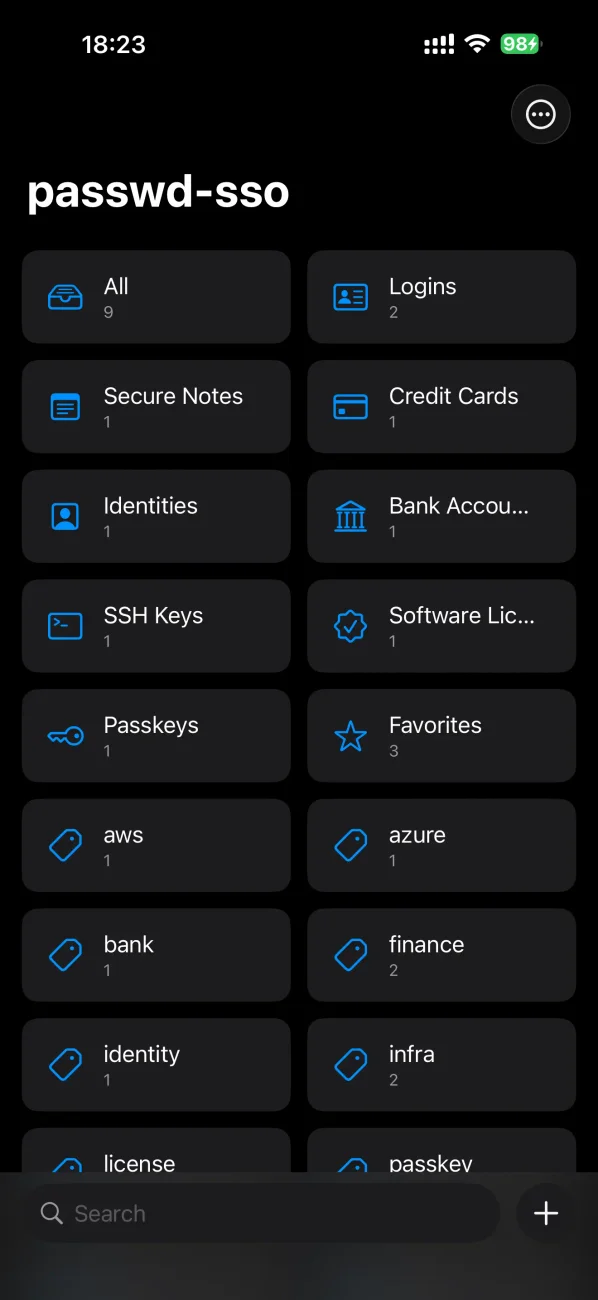

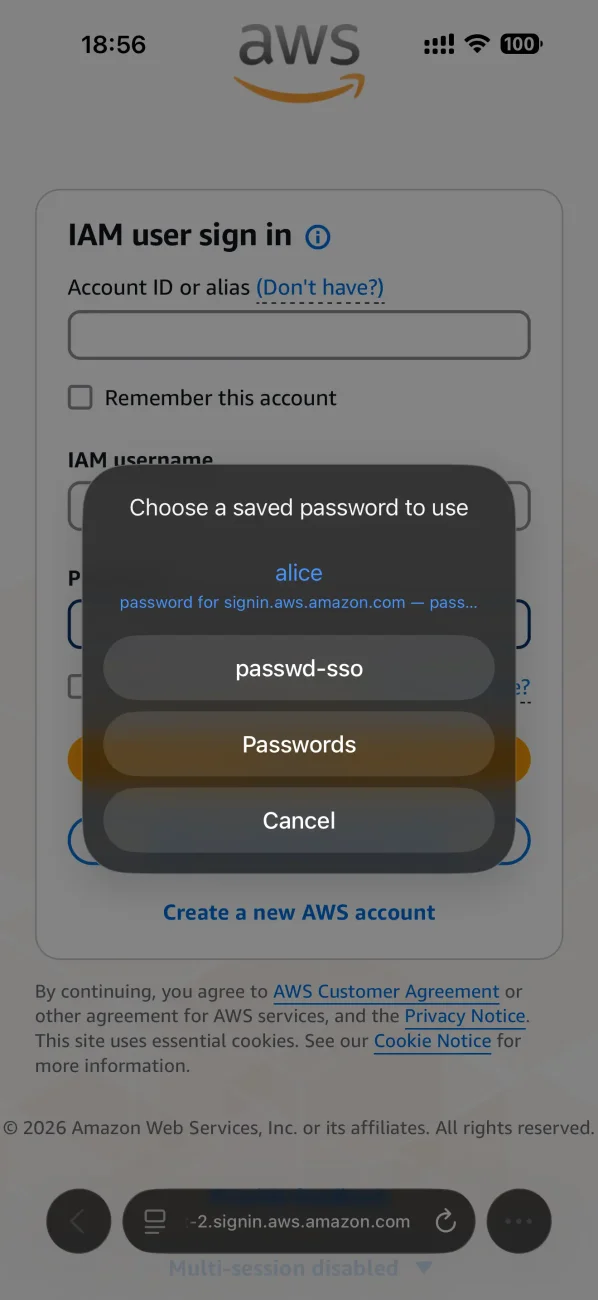
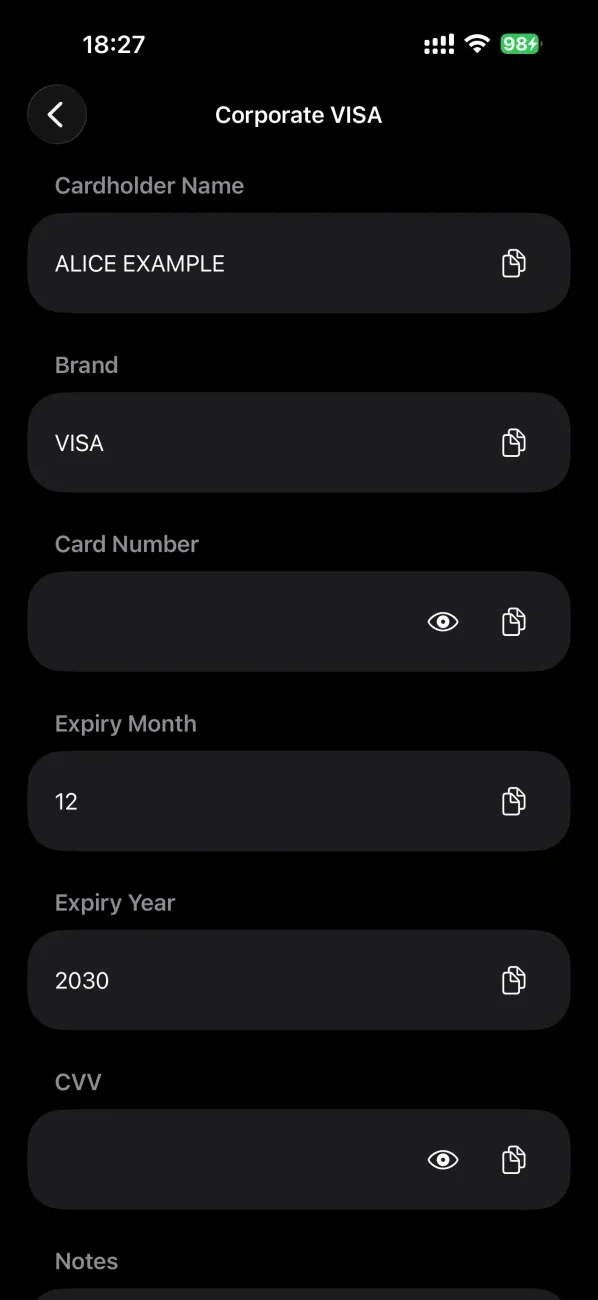
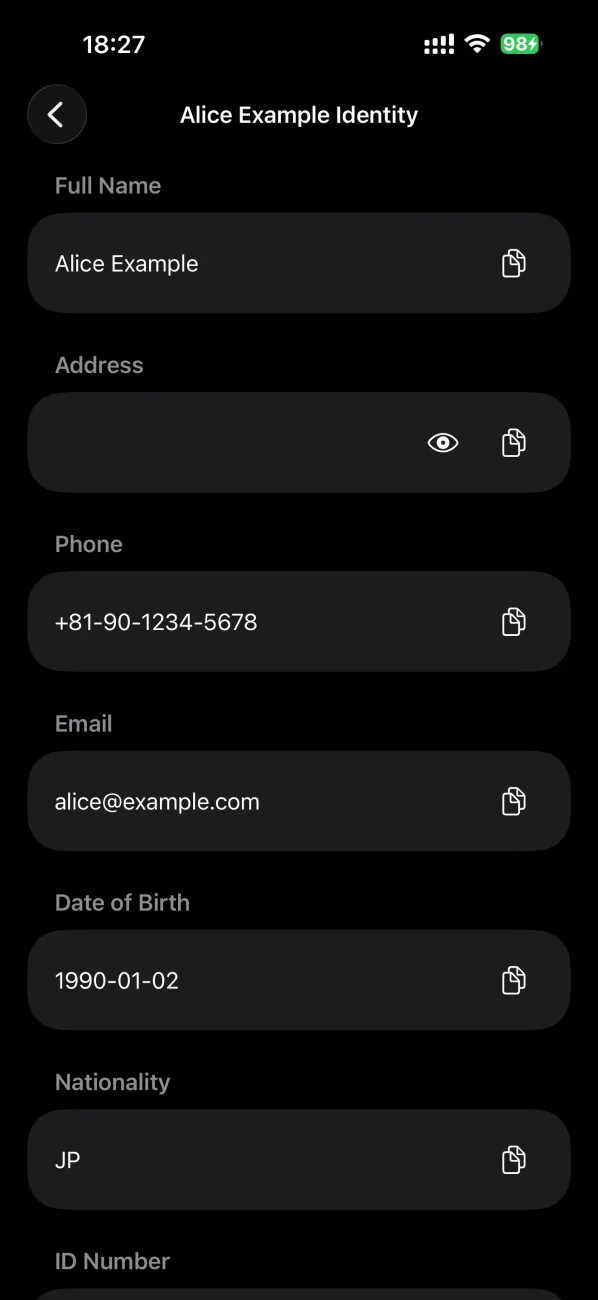
About
passwd-sso is the iOS companion to your self-hosted passwd-sso vault. It brings your credentials to your iPhone with native iOS AutoFill — log in to apps and websites without ever typing a password.
This app requires your own passwd-sso server. It is not a cloud service. You point the app at the passwd-sso instance you operate, and it connects only there.
Why passwd-sso for iOS?
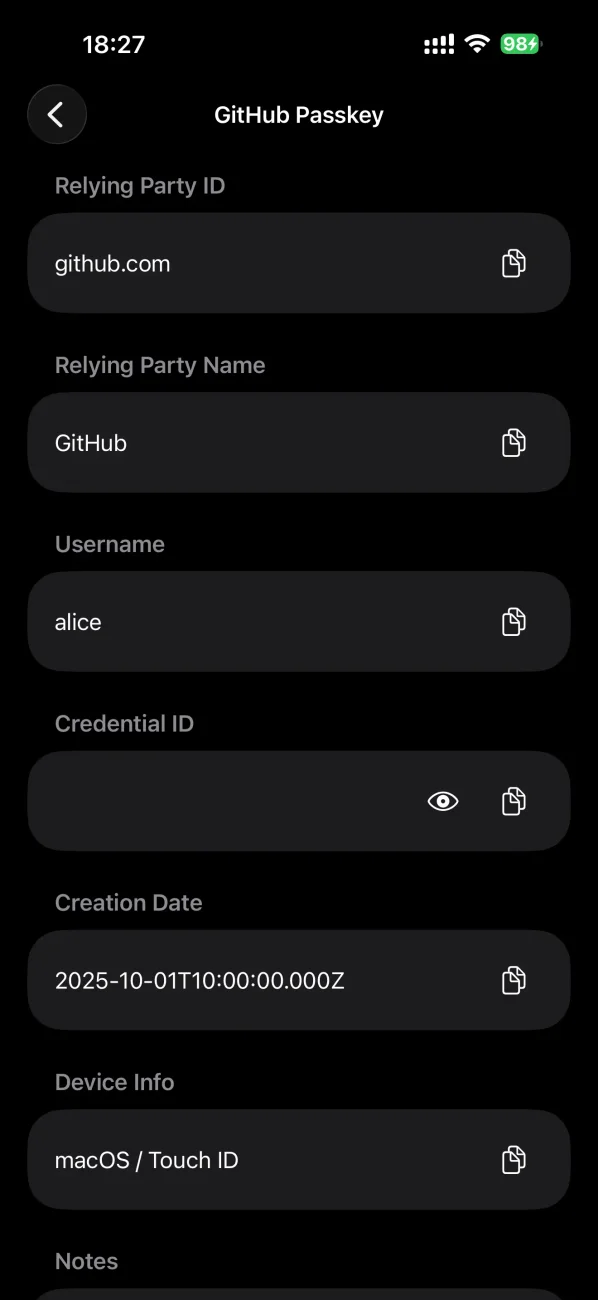
- Native AutoFill — Fill passwords, one-time codes (TOTP), and passkeys directly from iOS's AutoFill picker in Safari and any app. QuickType suggestions surface the right credential above the keyboard.
- Zero-knowledge encryption — Your master passphrase never leaves your device. Everything is encrypted with AES-256-GCM before it touches the network. The server stores only ciphertext.
- Face ID unlock — Unlock your vault and reveal credentials with Face ID. The vault re-locks automatically after a timeout you choose.
- Passkeys — Sign in with WebAuthn passkeys stored in your vault, and create new ones, all from the AutoFill flow.
- Browse and organize — View your full vault by category (logins, cards, identities, passkeys, and more), search within any category, and sort by title, date, or website.
- Your server, your data — No third-party cloud, no analytics, no tracking. The app talks to exactly one host: yours.
- Auto-lock — Configurable timeout, clipboard auto-clear, and a lock-on-exit option keep your vault closed when you step away.
To get started you need a running passwd-sso server (open source — see the project repository). Enter your server URL, sign in, set your master passphrase, and turn on passwd-sso under Settings → General → AutoFill & Passwords.
What’s new
Version 0.5.0 · Nov 20, 2026
• When your organization requires a passkey, the app and AutoFill now tell you and offer a link to the passkey settings page.
• A failure to fetch one team's data no longer stops the sync of your personal vault or other teams.
• Supports the updated encryption of team entries and attachments after a team key rotation.
• Credentials from the previous server are now discarded when you change servers.
• Other stability improvements and bug fixes.
App privacy
What SHOJI NOGUCHI declares on the App Store about how this app handles data.
-
Data not collected
The developer does not collect any data from this app.
Privacy practices may vary, for example with the features you use or your age.
Information
- Seller
- SHOJI NOGUCHI
- Category
- Productivity
- Version
- 0.5.0
- Updated
- Nov 20, 2026
- Released
- Jun 28, 2026
- Size
- 3.0 MB
- Requires
- iOS 17.0 or later
- Age rating
- 4+
- Price
- Free
- Languages
- English, Japanese
- Copyright
- © 2026 NOGUCHI Shoji
You might also like
-
 BeanLoginManage digital life easier
-
 Routra Planner & AI AssistantTo-Do List & Habit Tracker
-
 Escape - Mind Map & OutlineVisualize, Organize & Do
-
 MyGlueProductivity
-
 IT GlueProductivity
-
 Outline: Notes and MorePersonal Knowledge Base
-
 Almanac Chinese Lunar CalendarTraditional Chinese Almanac
-
 Simple Notepad -BestNote-Notes with password and photos
-
 OneService-Serving Your EstateFor neighbourhood needs
-
 PDF Reader - PDF Viewer, EditAll File Reader - Doc Reader